
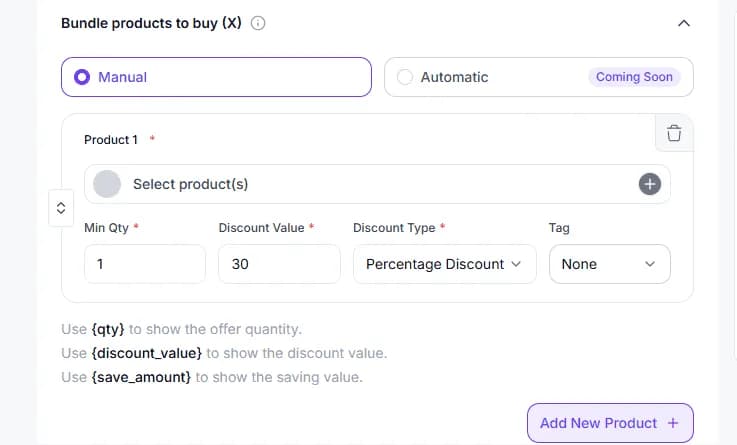
Set Products and Quantities for the Buy Side (X)
Add the products shoppers must buy, then set the minimum quantity and optional discount for each item that qualifies the bundle.
Easily create custom BOGO bundles with flexible buy X get Y rules, guide shoppers through a step-by-step builder on product and cart pages.
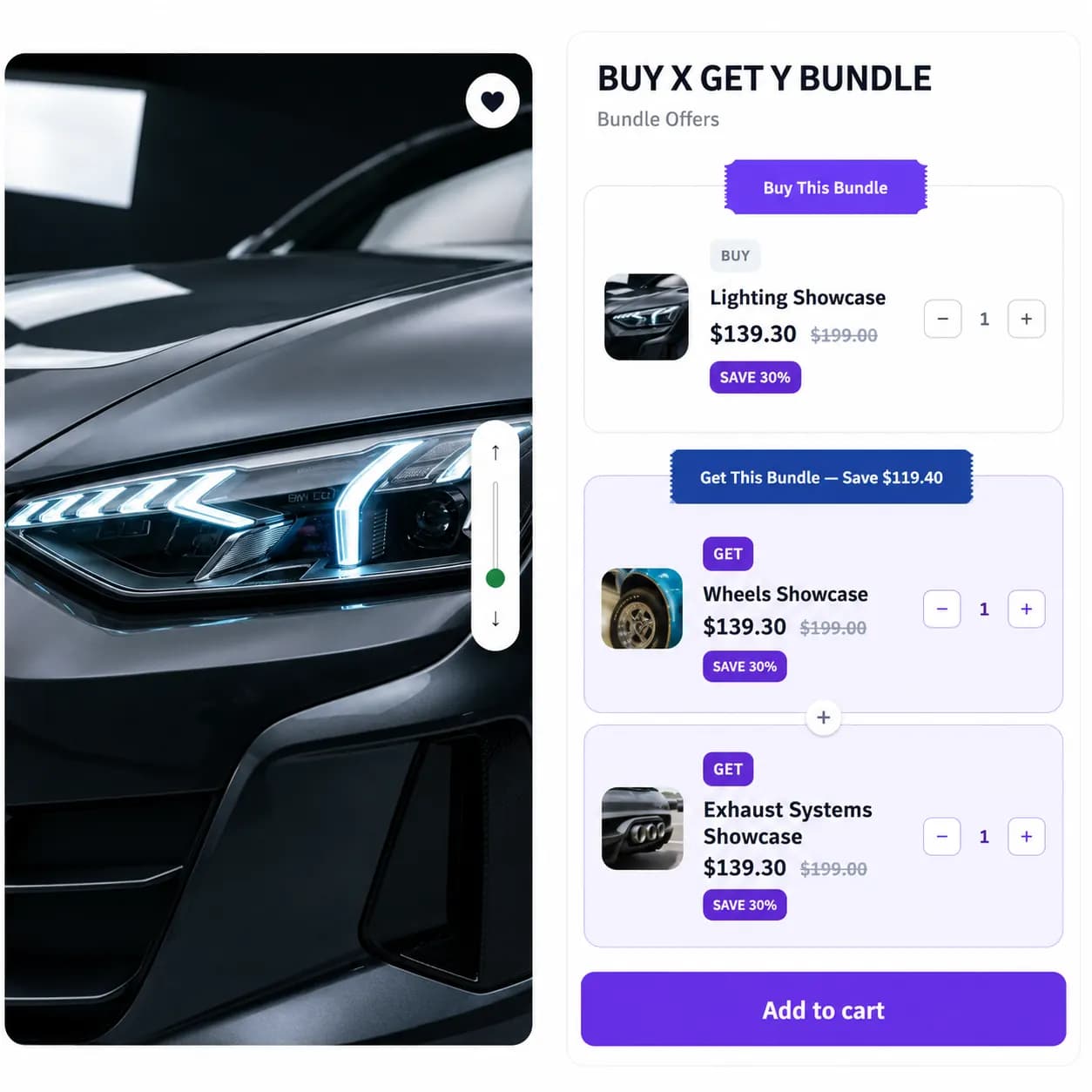
Easily create custom BOGO bundles with flexible buy X get Y offers for customers.
Place your Buy X Get Y bundle builder on product and cart pages to maximize visibility and guide more shoppers into completing a bundle
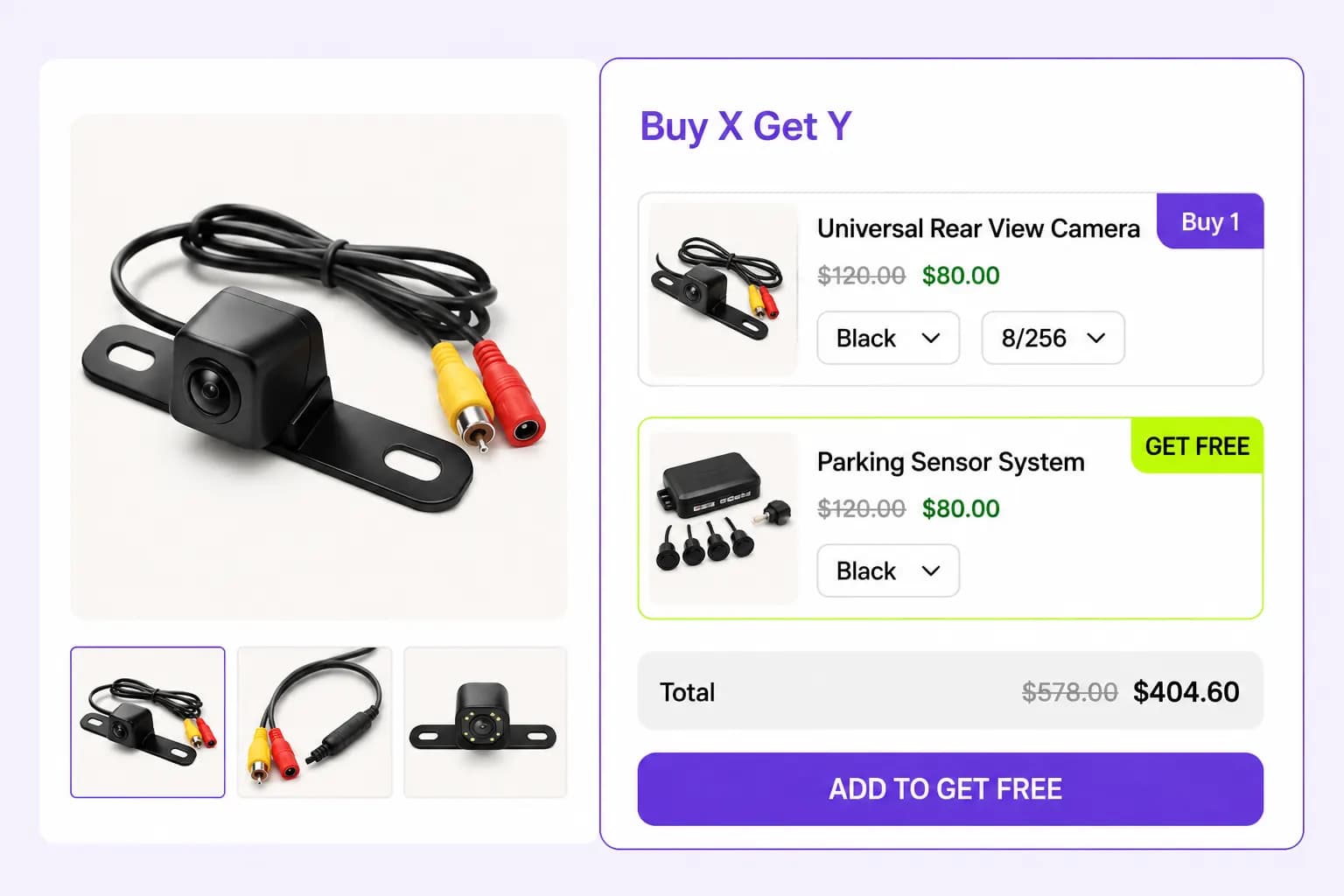
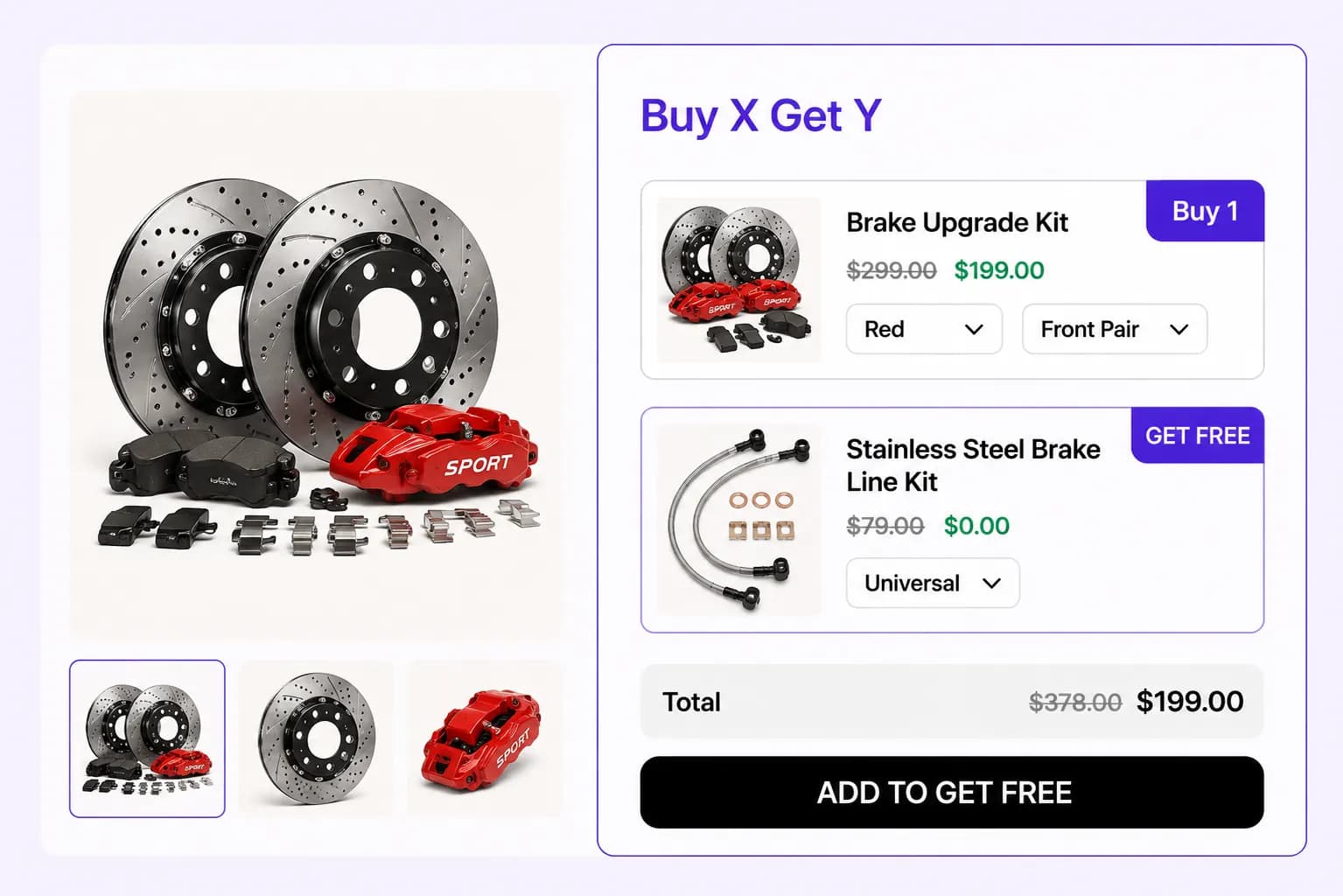
Surface the bundle builder right on the product page so shoppers can start picking required items and unlock their free gift without leaving the page.
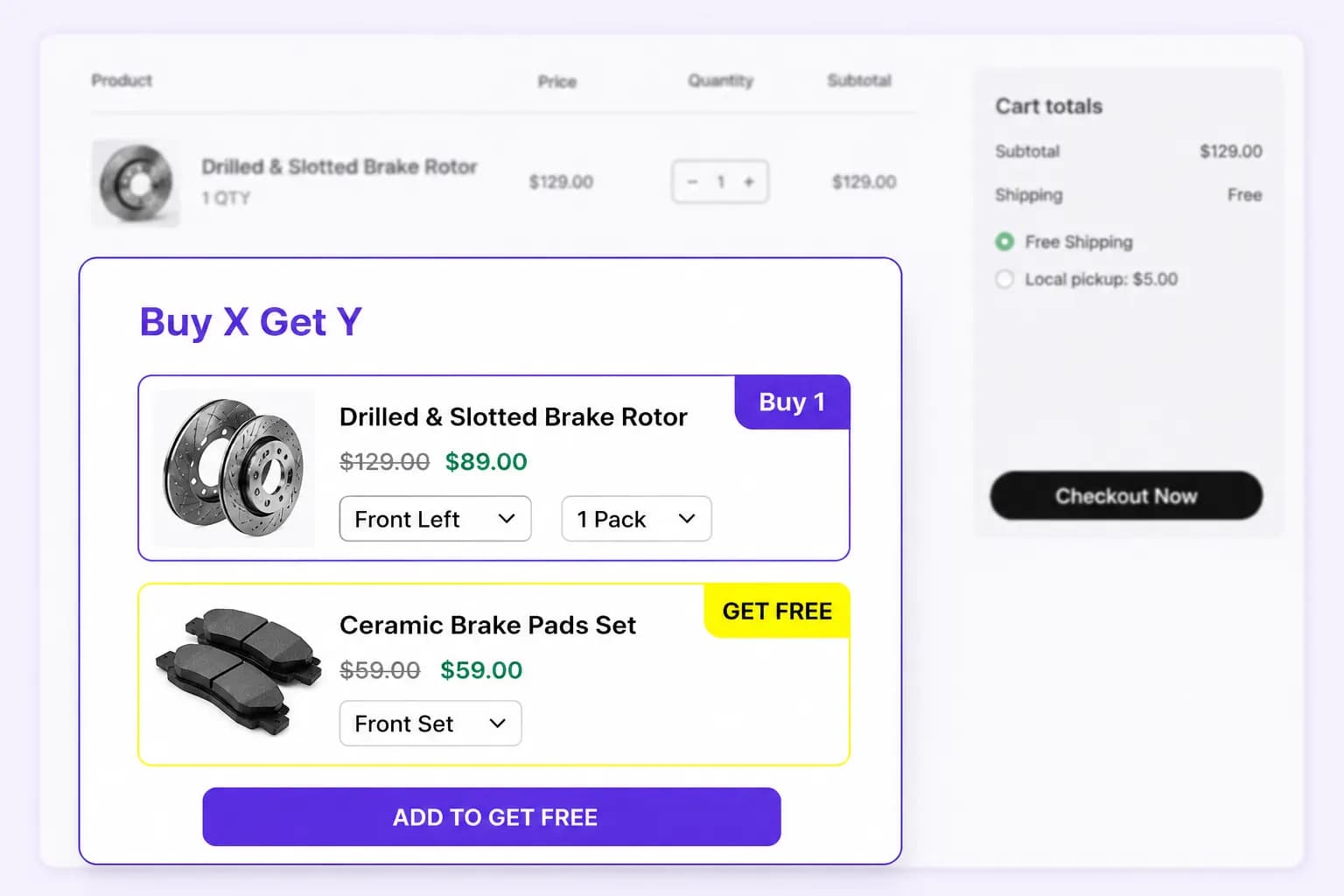
Remind shoppers in the cart that they're a few products away from completing a bundle and claiming their free or discounted gift before checkout.
Display Styles
Show the bundle builder where it converts best, embedded in the page, as a popup, or as a floating widget that follows shoppers as they browse
Embed the bundle builder natively inside product or collection pages for a seamless, guided buying experience.
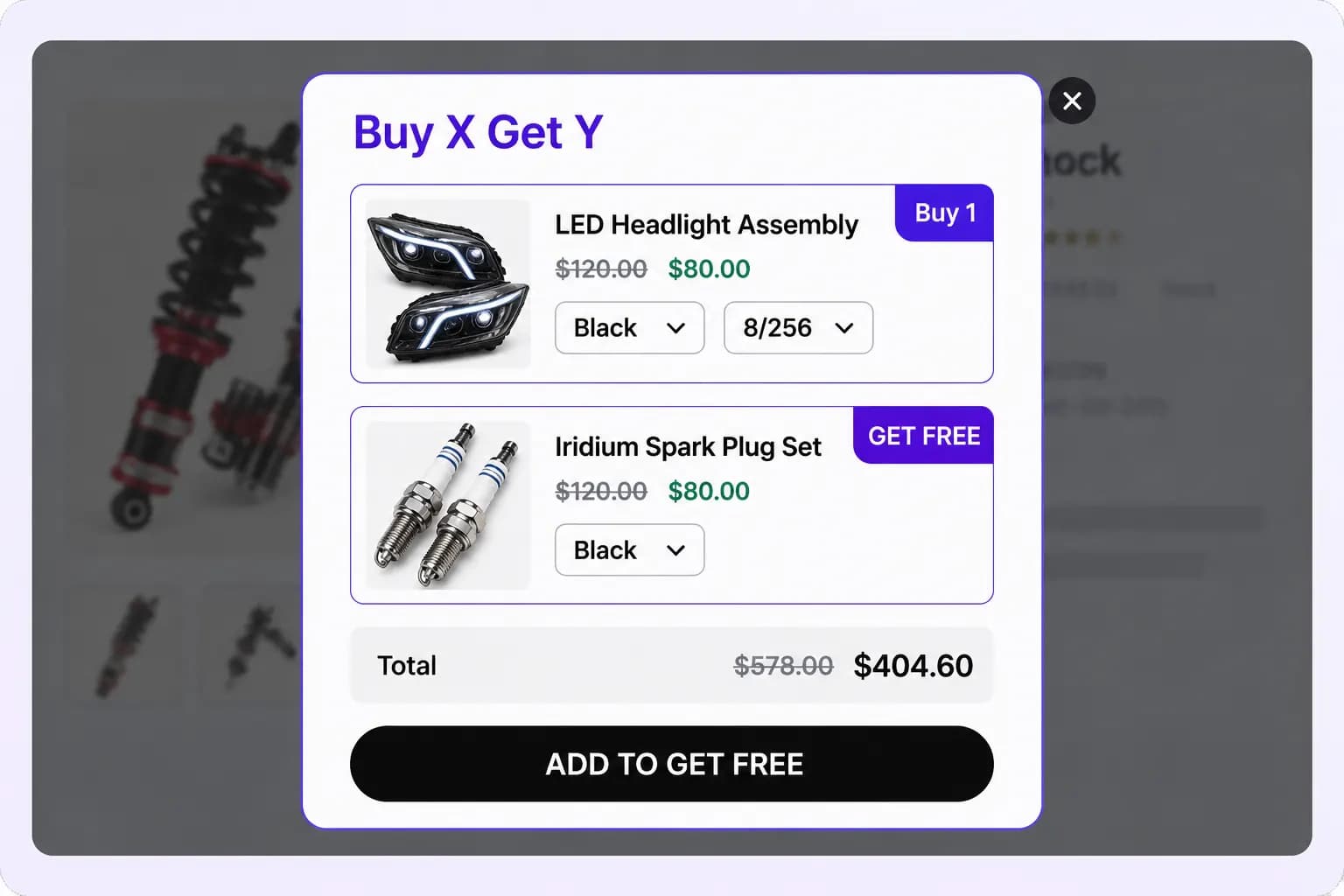
Trigger a centered popup that walks shoppers through building their bundle the moment they're ready to convert.
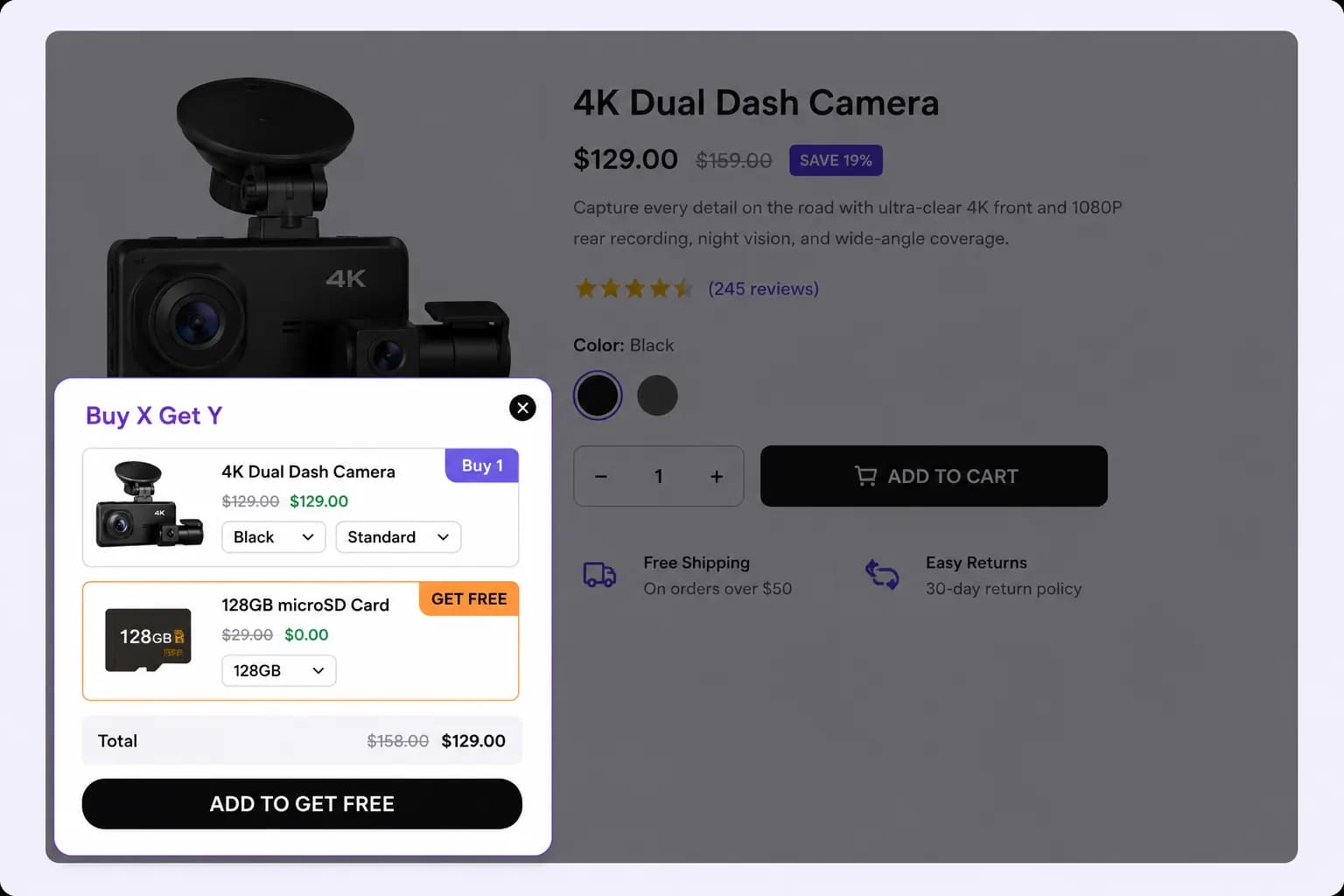
Pin the bundle builder as a sticky floating widget so the offer stays one click away anywhere on the storefront.
Add the products shoppers must buy, then set the minimum quantity and optional discount for each item that qualifies the bundle.
Add the products customers receive once they complete the Buy side, with a minimum quantity and discount set per reward.
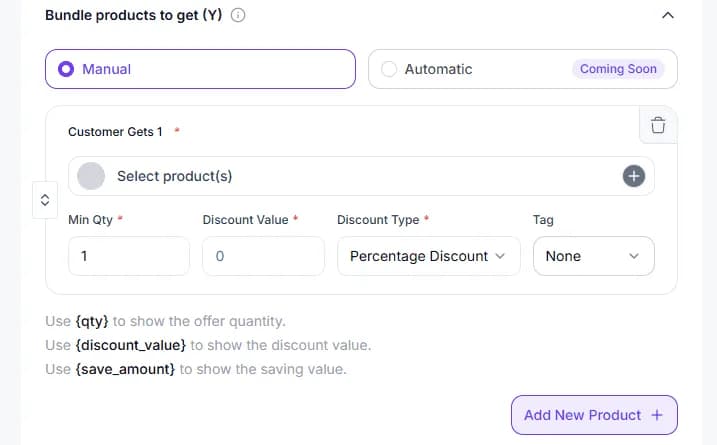
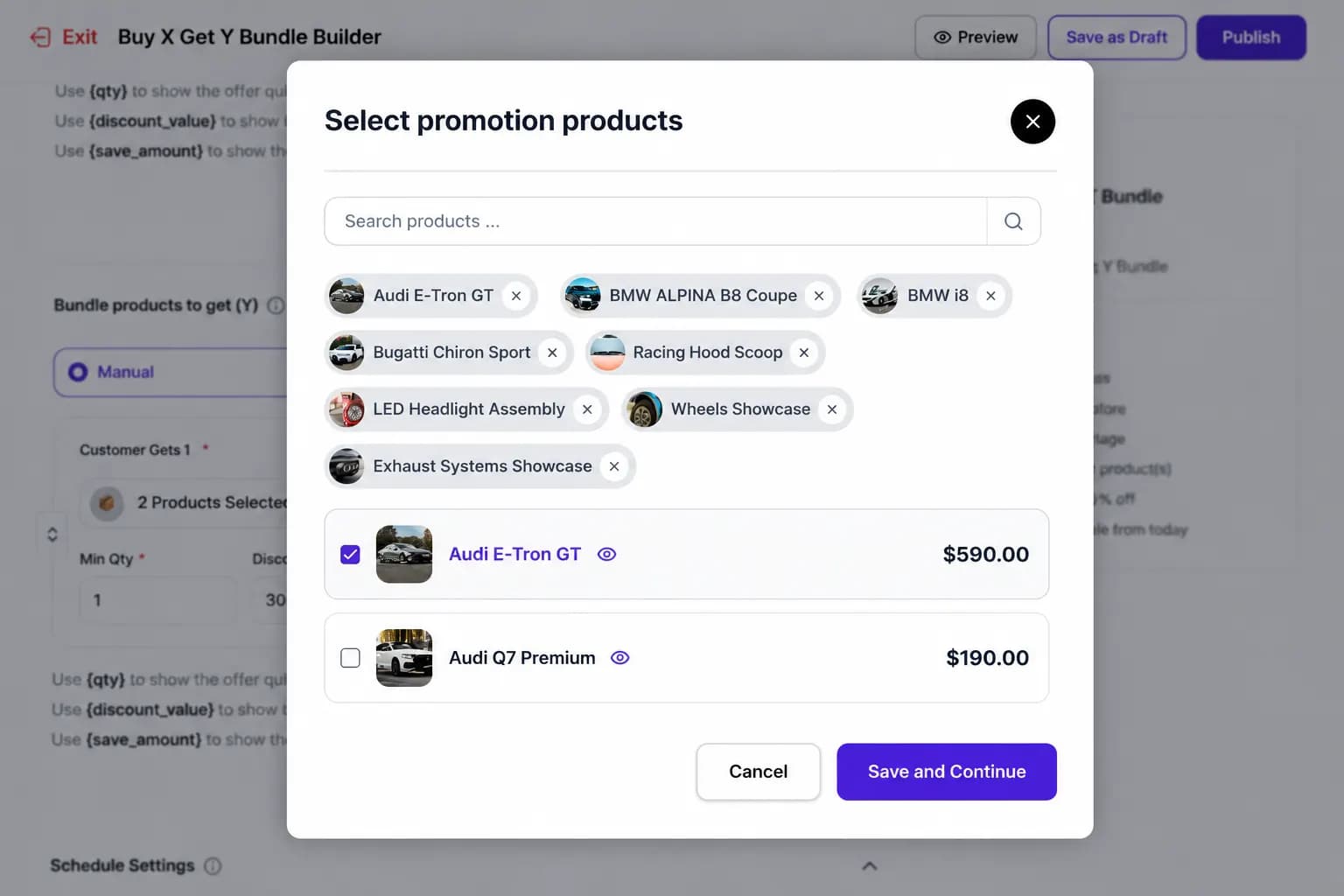
Search and multi-select the exact SKUs to offer on the Get side using the built-in product picker.
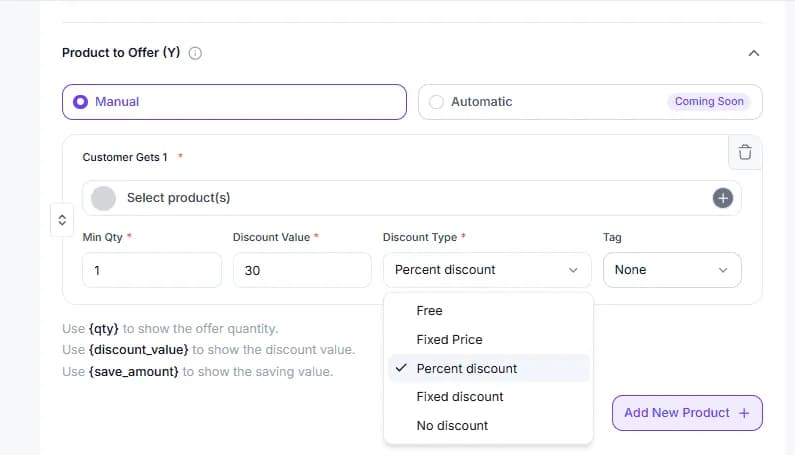
Set each reward as free, percent off, fixed price, fixed discount, or no discount to shape the exact offer you want.
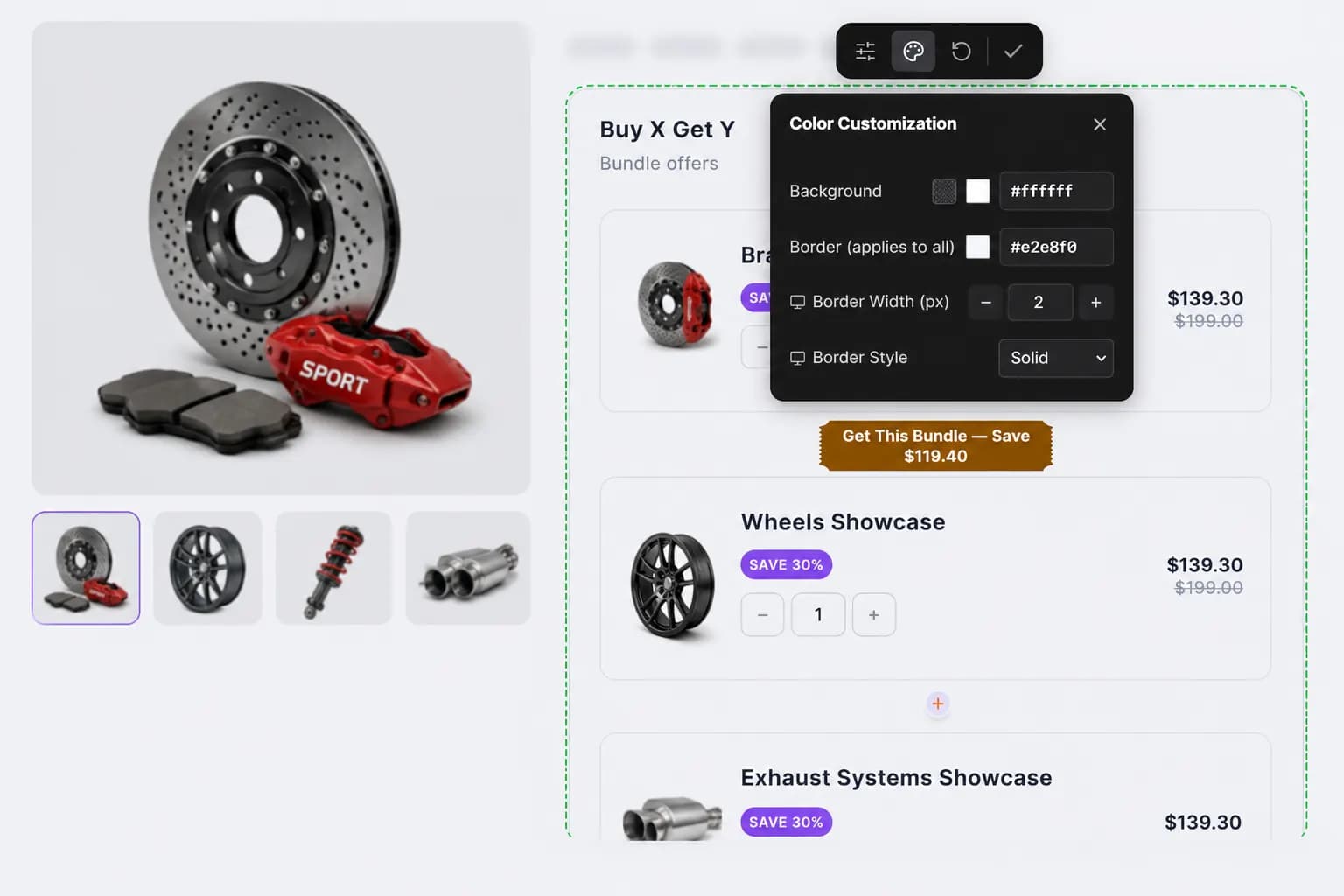
Click any element in the live preview to adjust colors, borders, and styling, and see the Buy and Get sections exactly as shoppers will.
Setup guide
Step-by-step instructions live in the documentation: build Buy and Get groups, set discounts, place the builder, and publish.
Explore these frequently asked questions about Buy X Get Y bundle builder campaigns, so you can quickly decide if it's the right fit for your store.
Feel free to contact our support team in case you have questions.
Ask Your Questions