
Set Trigger Products for Scarcity Alerts
Select specific products, categories, or all your products to display scarcity messages, giving you full control over where urgency appears.
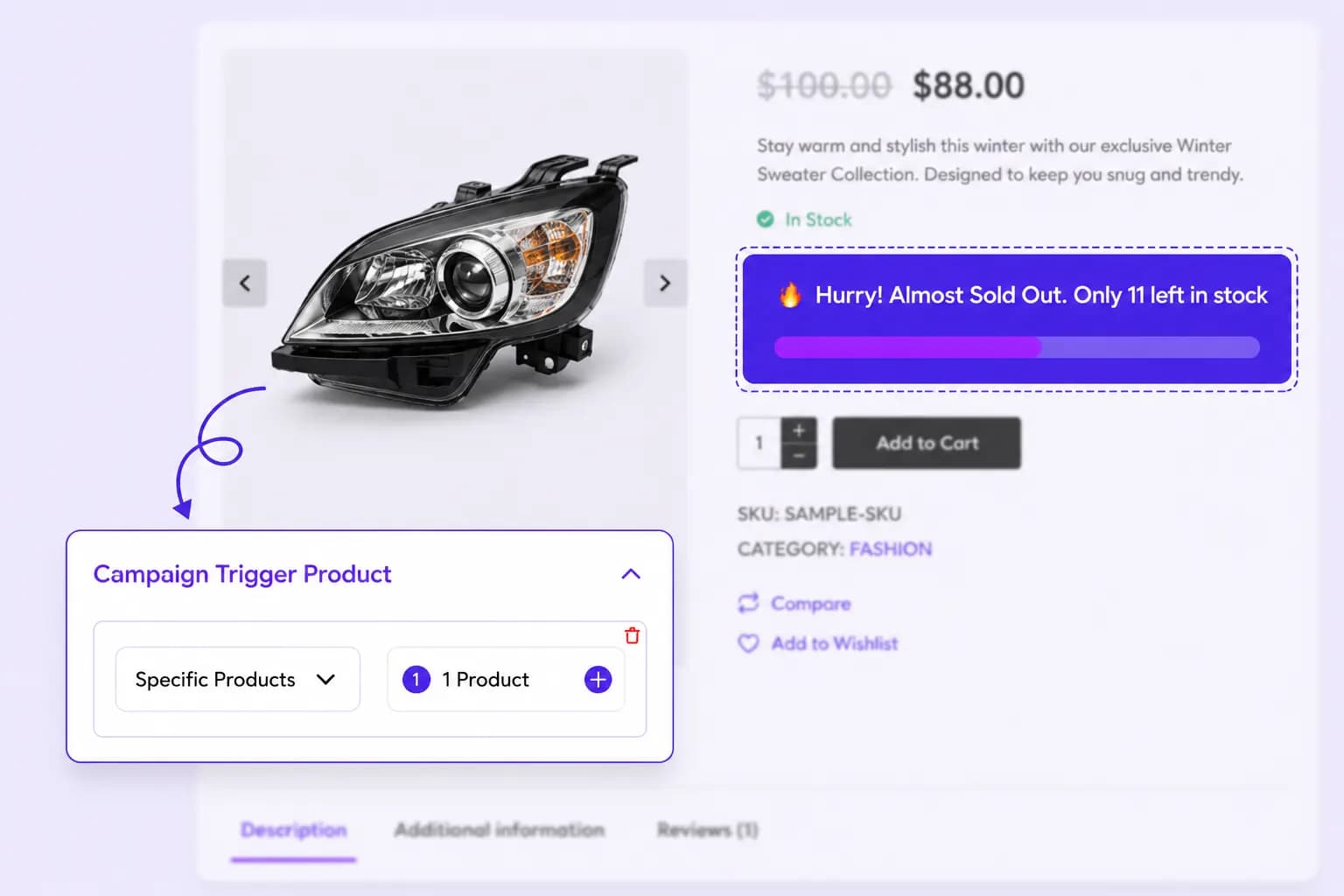
Show low-stock alerts or dynamic scarcity messages on key pages to trigger urgency, increase FOMO, and drive faster buying decisions.
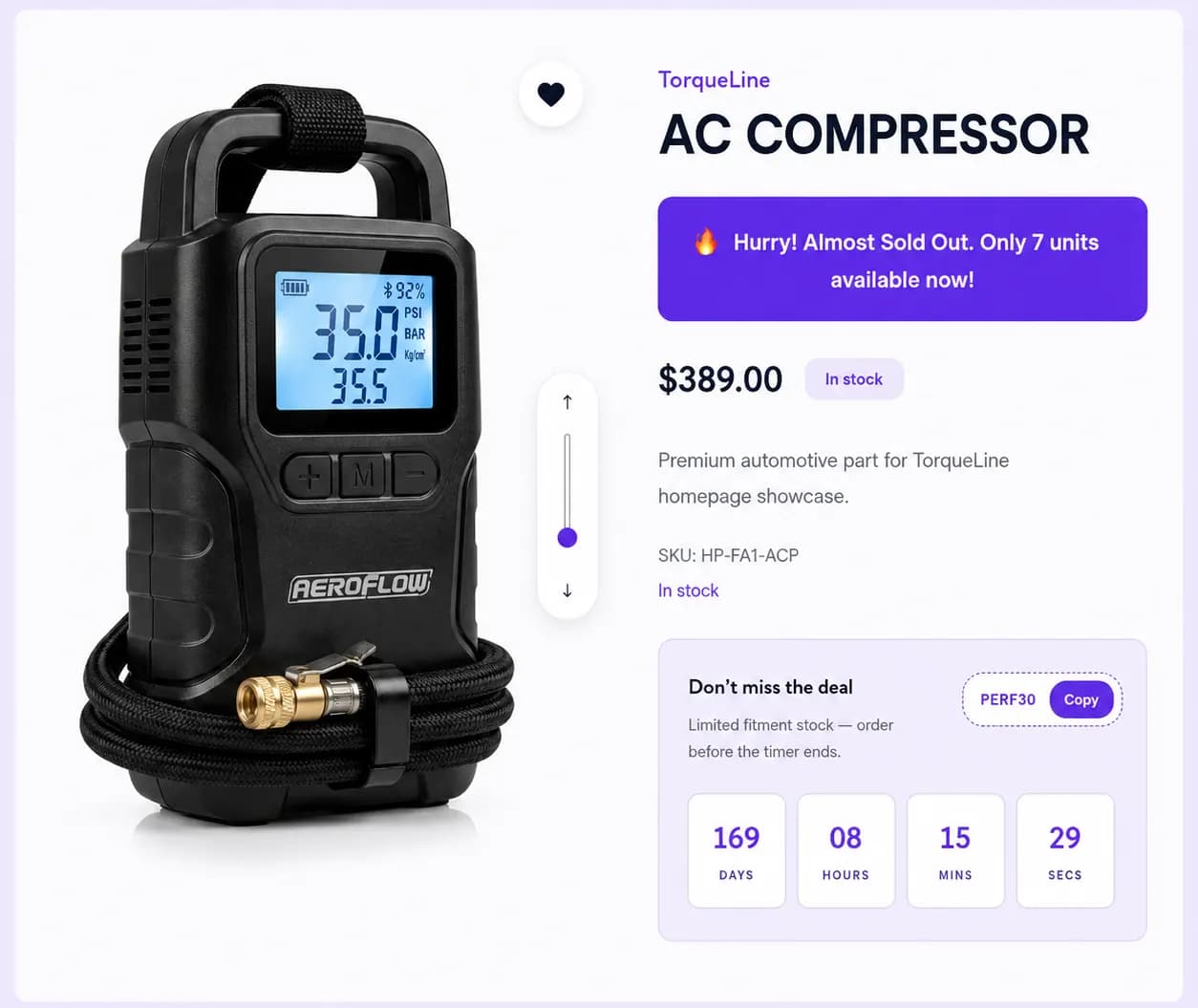
Improve sales by showcasing scarcity to incentivize purchases.
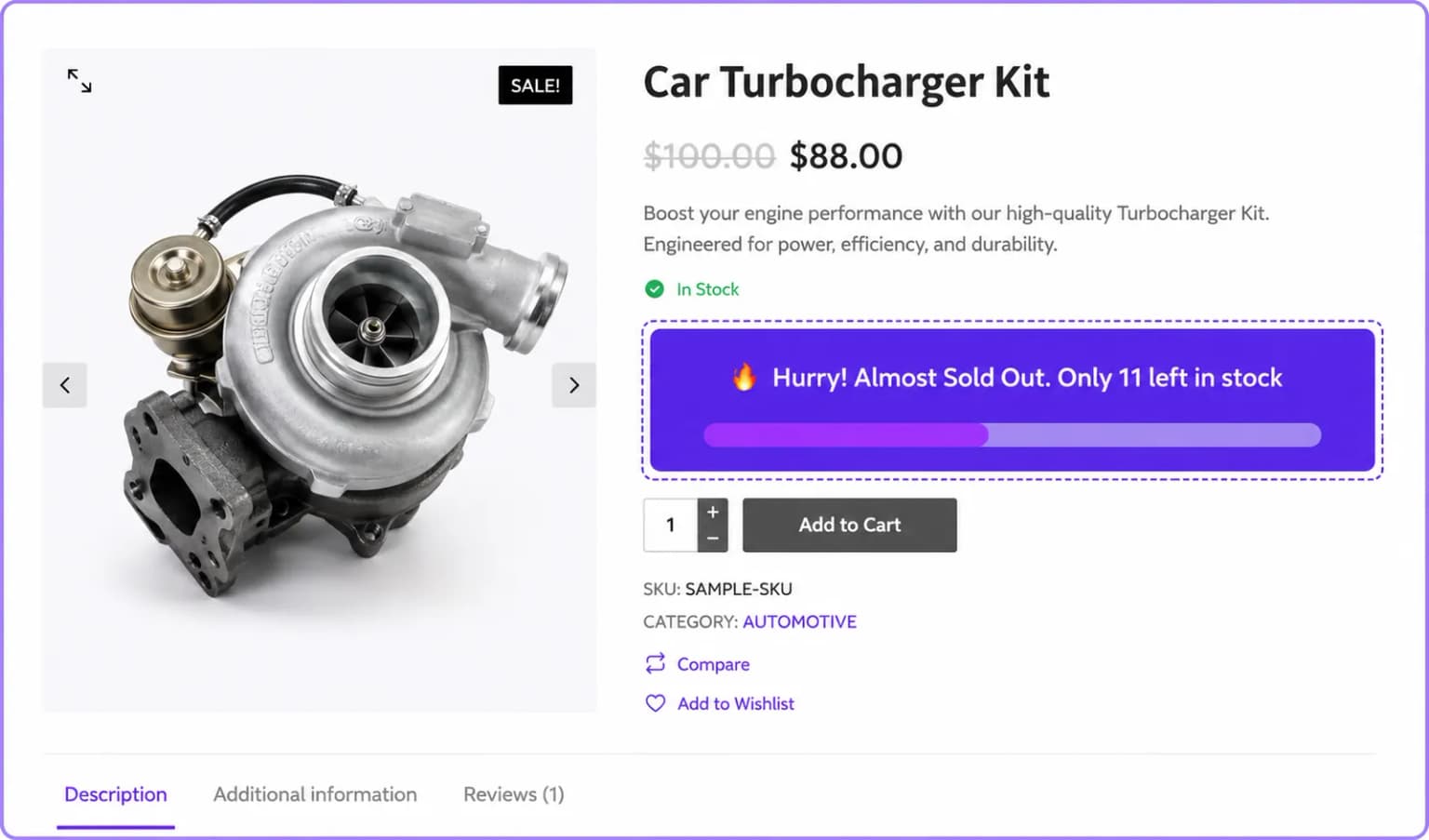
Place your scarcity alerts on product and cart pages to maximize visibility and create urgency
Highlight low stock directly on product pages to create urgency and motivate customers to buy before items sell out.
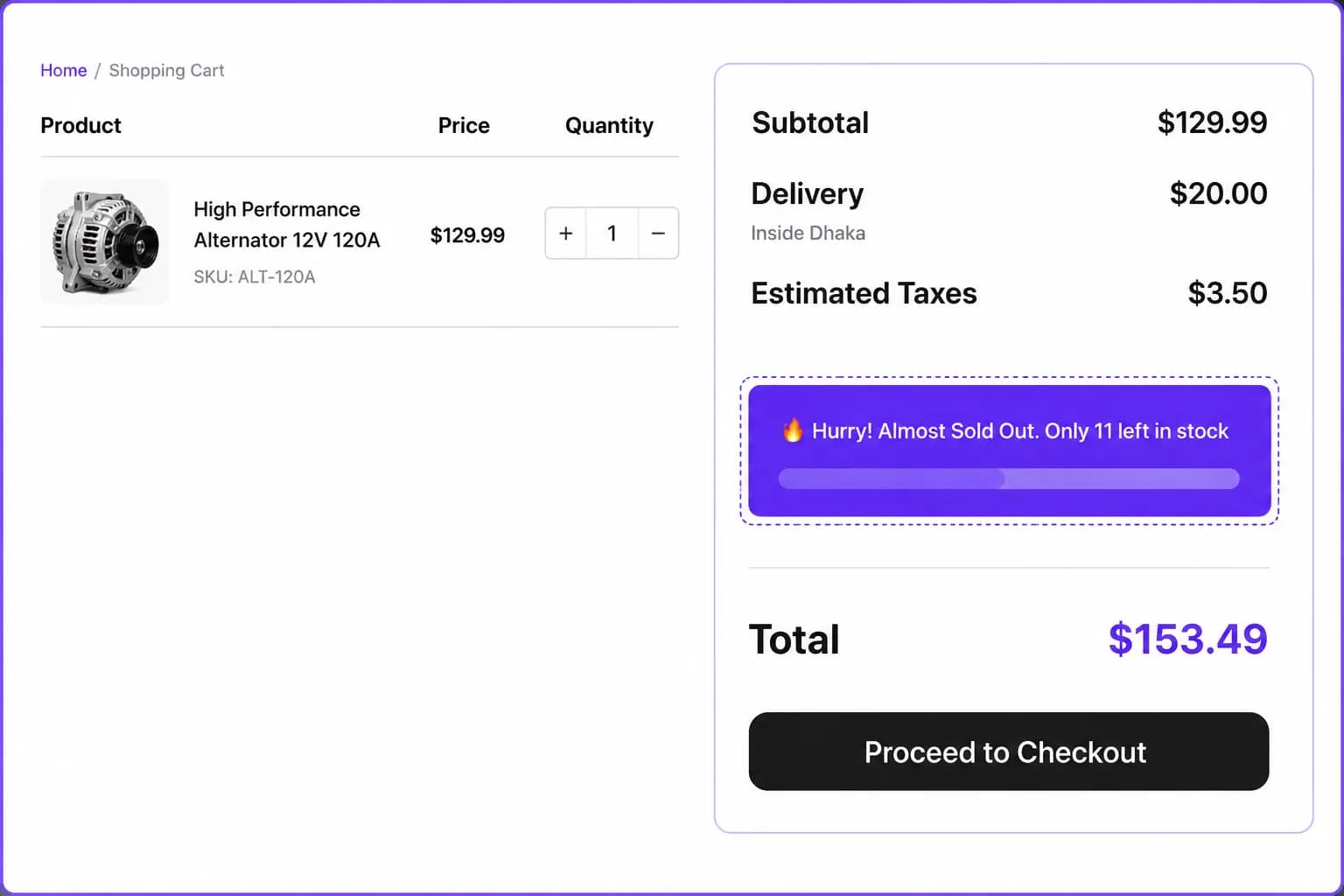
Reinforce urgency at checkout by showing low-stock messages on the cart page to reduce abandonment.
Stock Messaging
Display real or simulated stock levels with customizable alerts, flip messages, and urgency cues that motivate shoppers to buy faster
Rotate between scarcity messages, stock levels, viewer counts, and urgency cues, to keep alerts fresh without feeling repetitive.
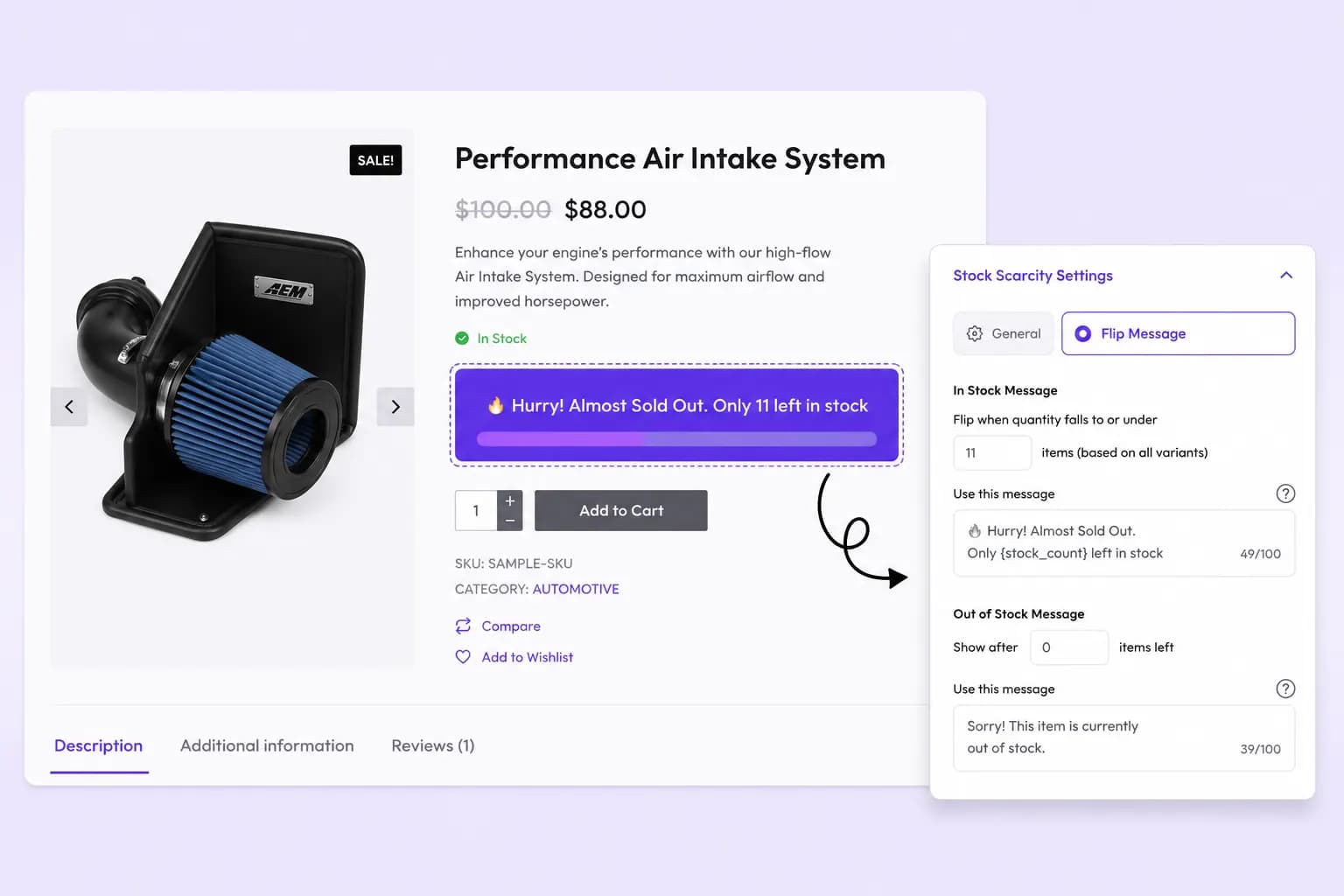
Simulate stock levels with dynamic fake-stock counts to drive FOMO and accelerate purchase decisions.
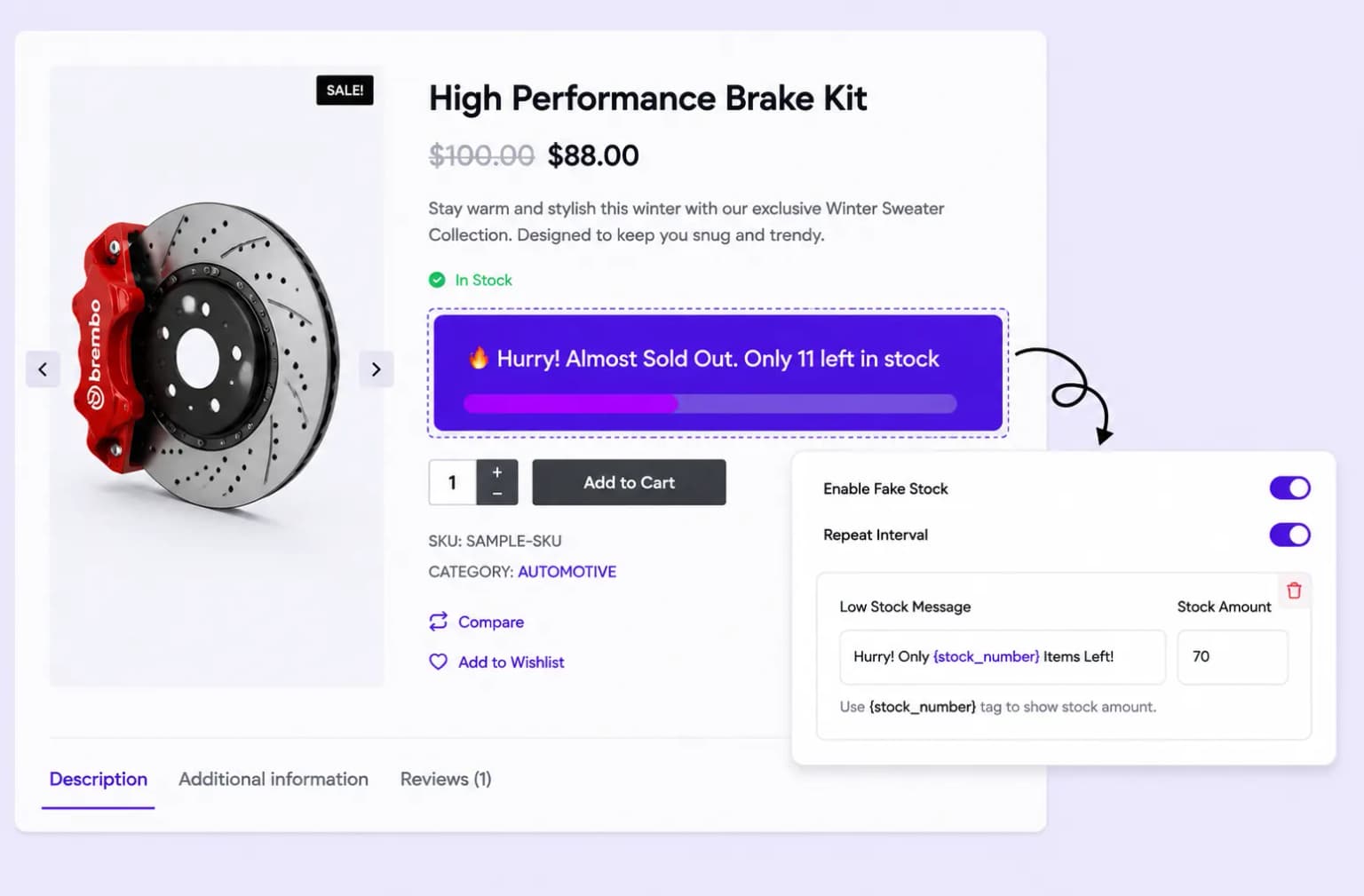
Select specific products, categories, or all your products to display scarcity messages, giving you full control over where urgency appears.
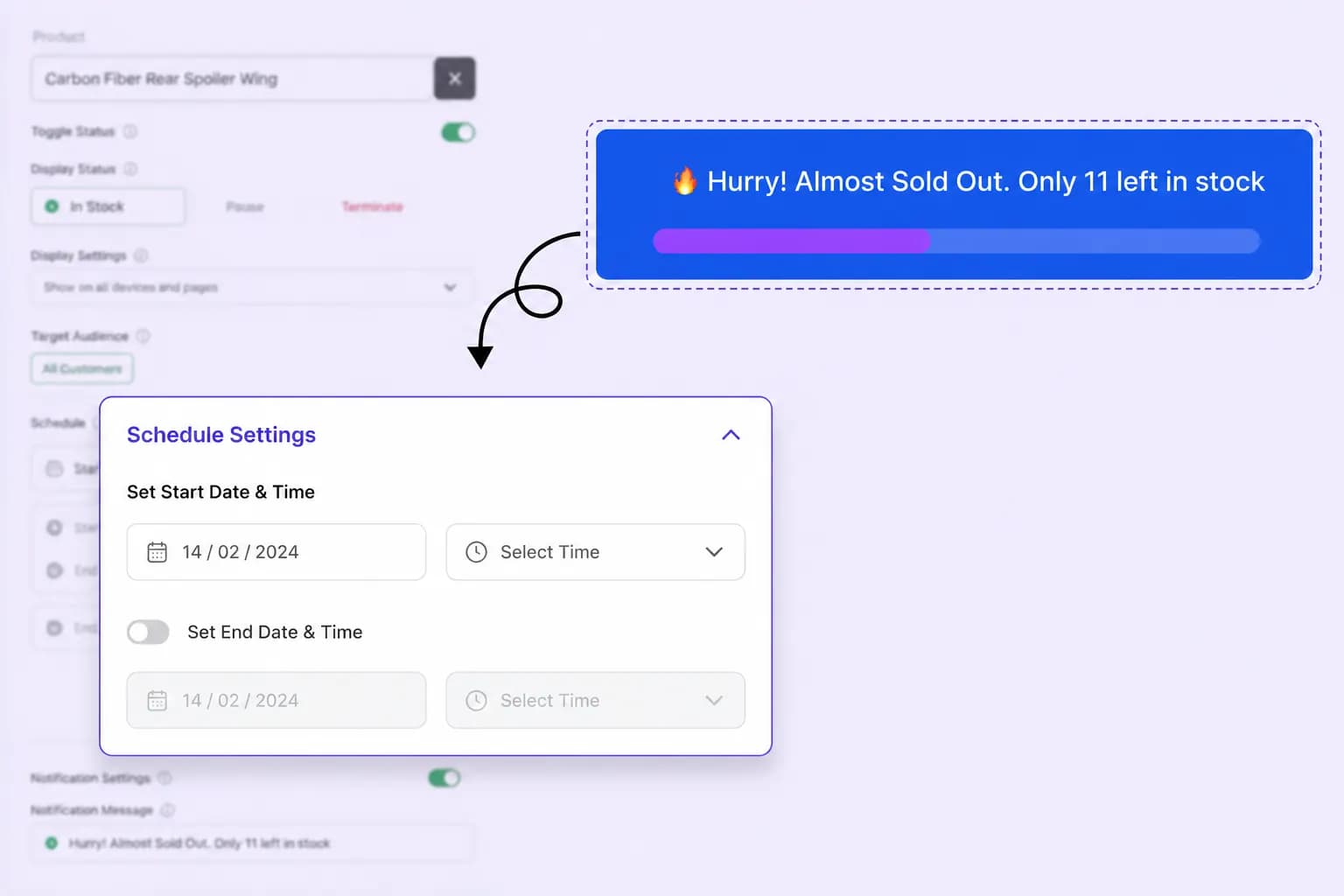
Set start and end times for your stock messages to align with flash sales, seasonal offers, or limited-time promotions that drive urgency.
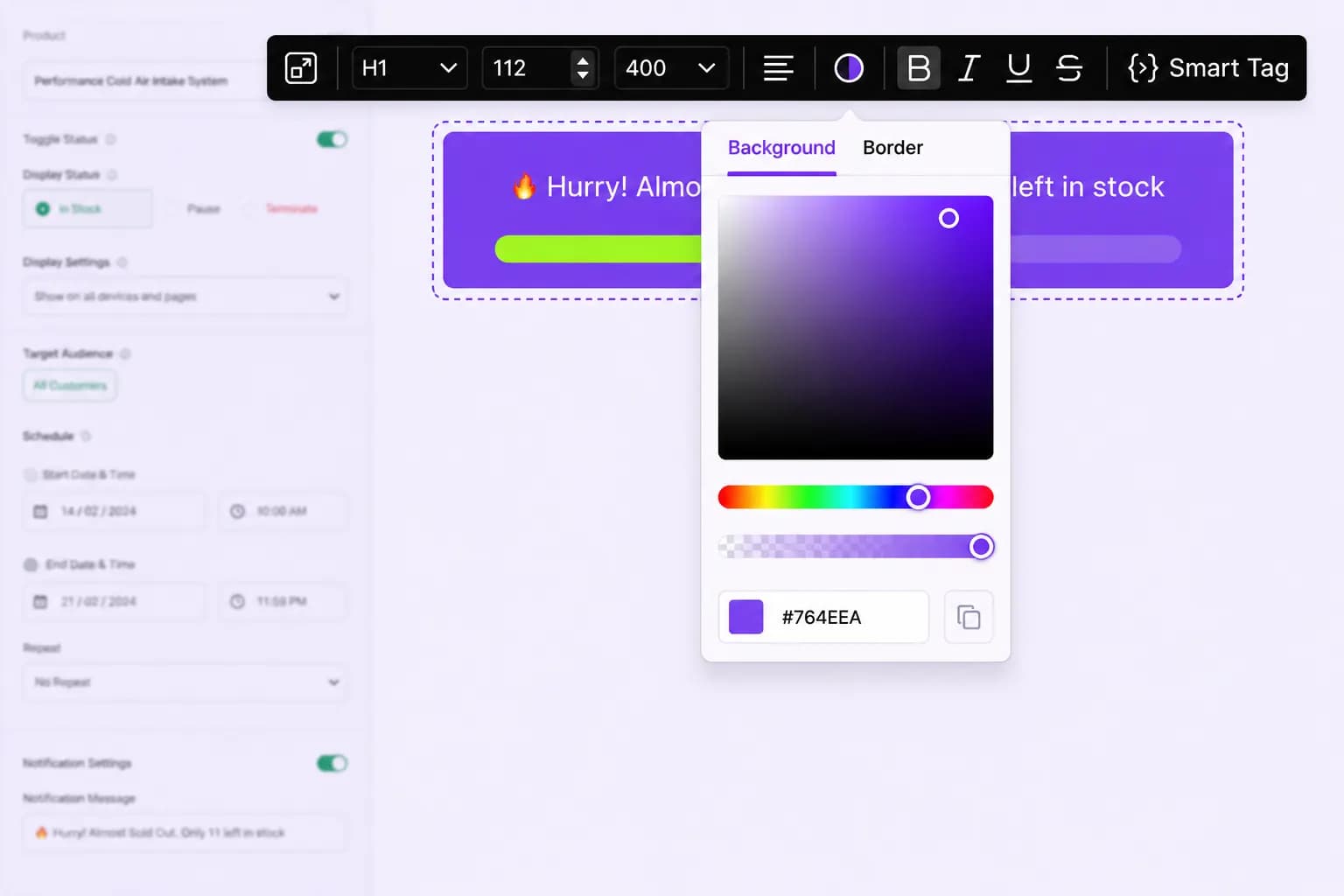
Adjust colors, fonts, and layouts of your scarcity messages to match your store's branding and create visually consistent, high-impact alerts.
Setup guide
Step-by-step instructions live in the documentation: set triggers, choose stock messaging, place the alert, and publish.
Explore these frequently asked questions about stock scarcity alerts, so you can quickly decide if it's the right fit for your store.
Feel free to contact our support team in case you have questions.
Ask Your Questions