
Set Trigger Products for Discounts
Choose specific products or categories to activate normal discount campaigns, ensuring your offers appear only when they're most relevant and impactful.
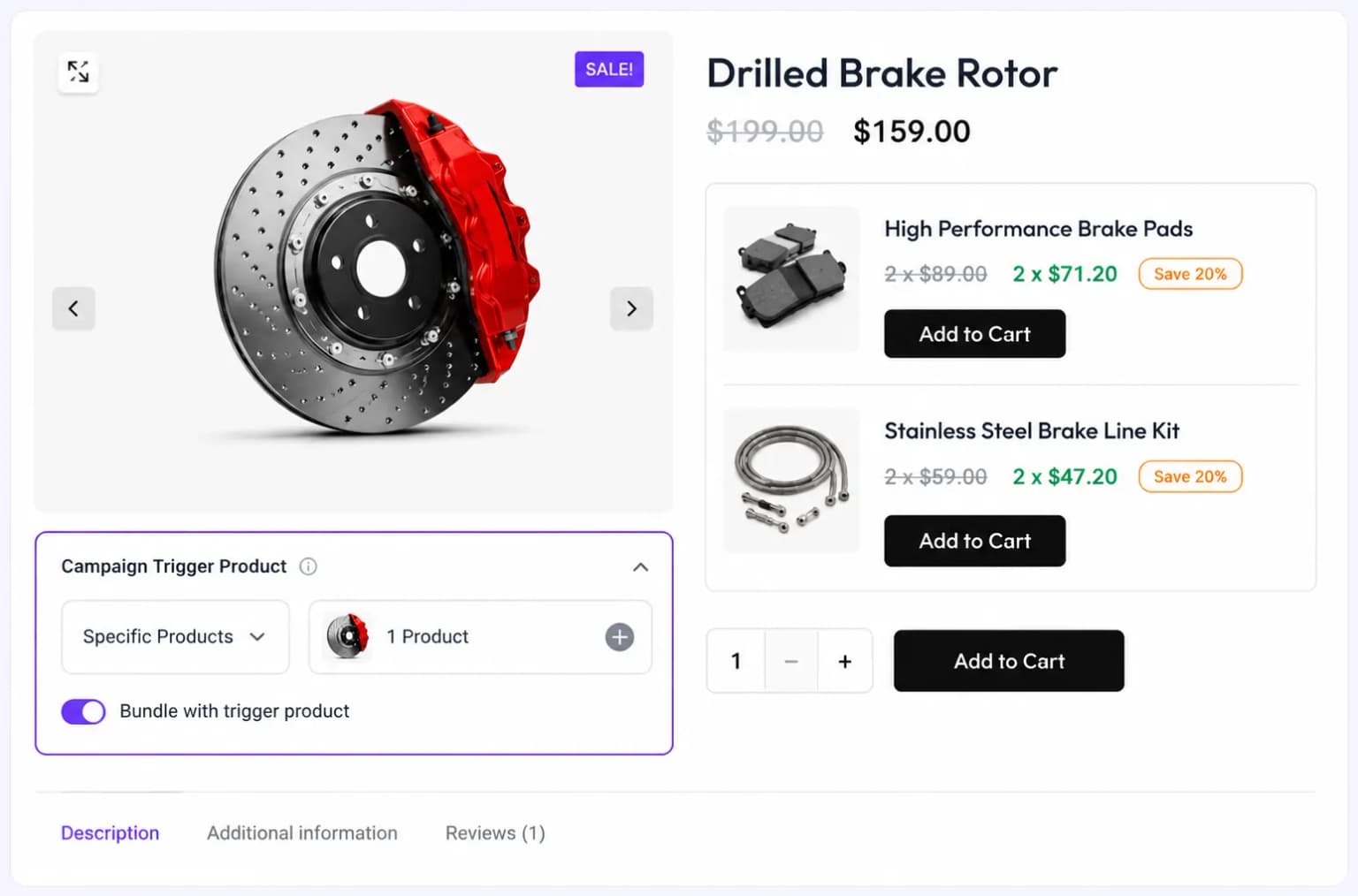
Boost sales with targeted discounts on high-demand products, show the right offer on product and cart pages, with real savings applied at checkout.
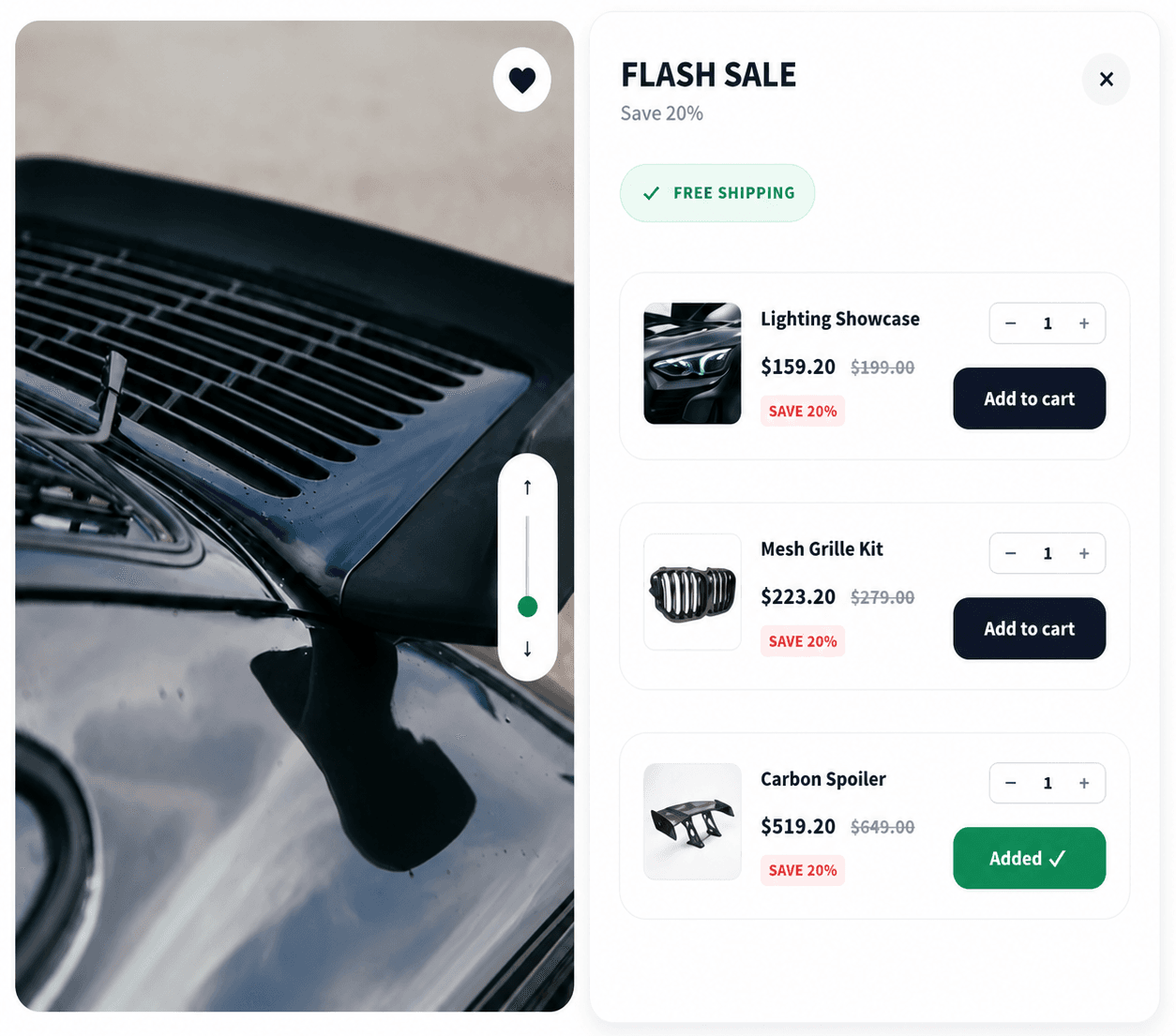
Boost sales and increase revenue by offering discounts on high-demand products.
Place your normal discount campaign on product and cart pages to maximize visibility and encourage more purchases
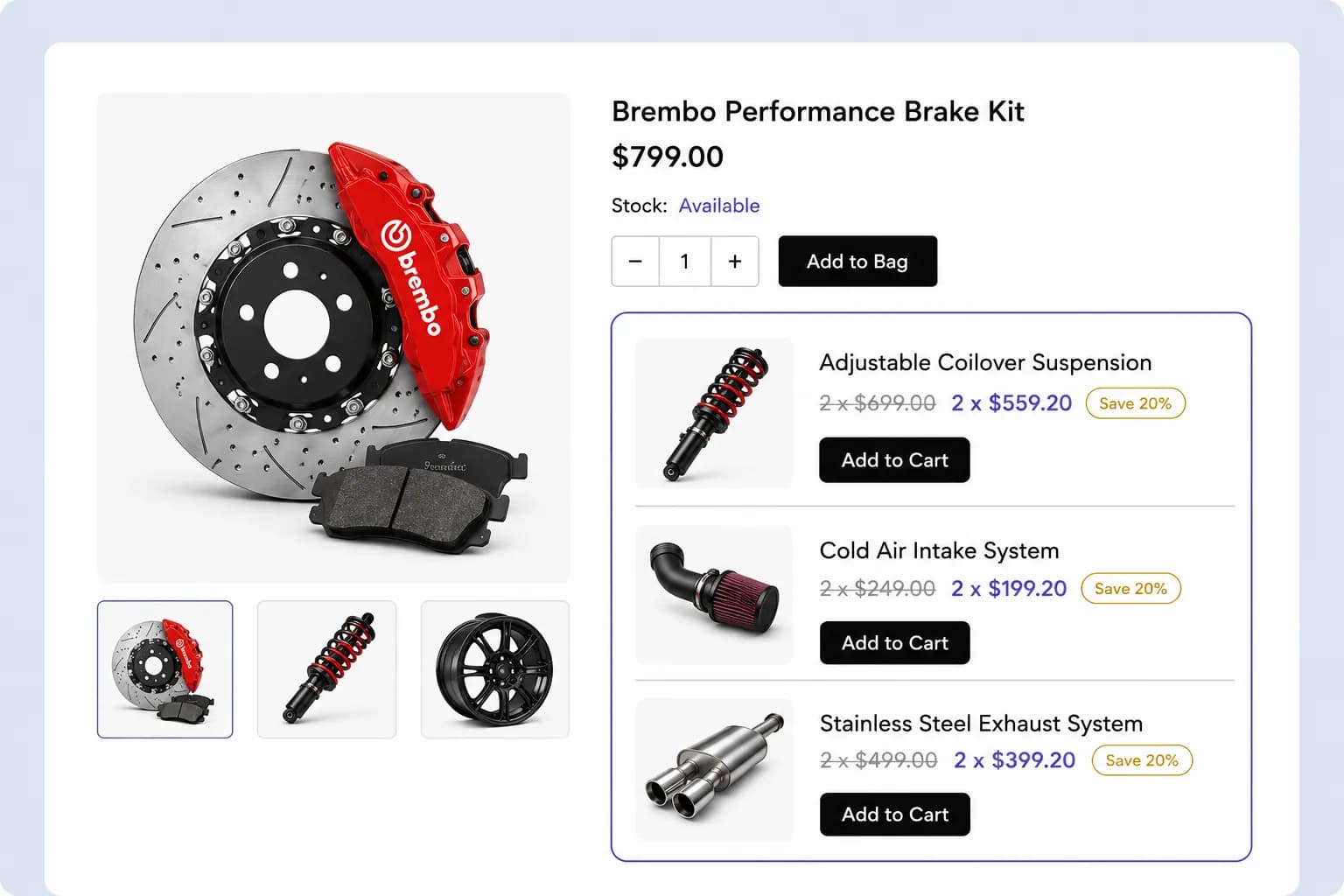
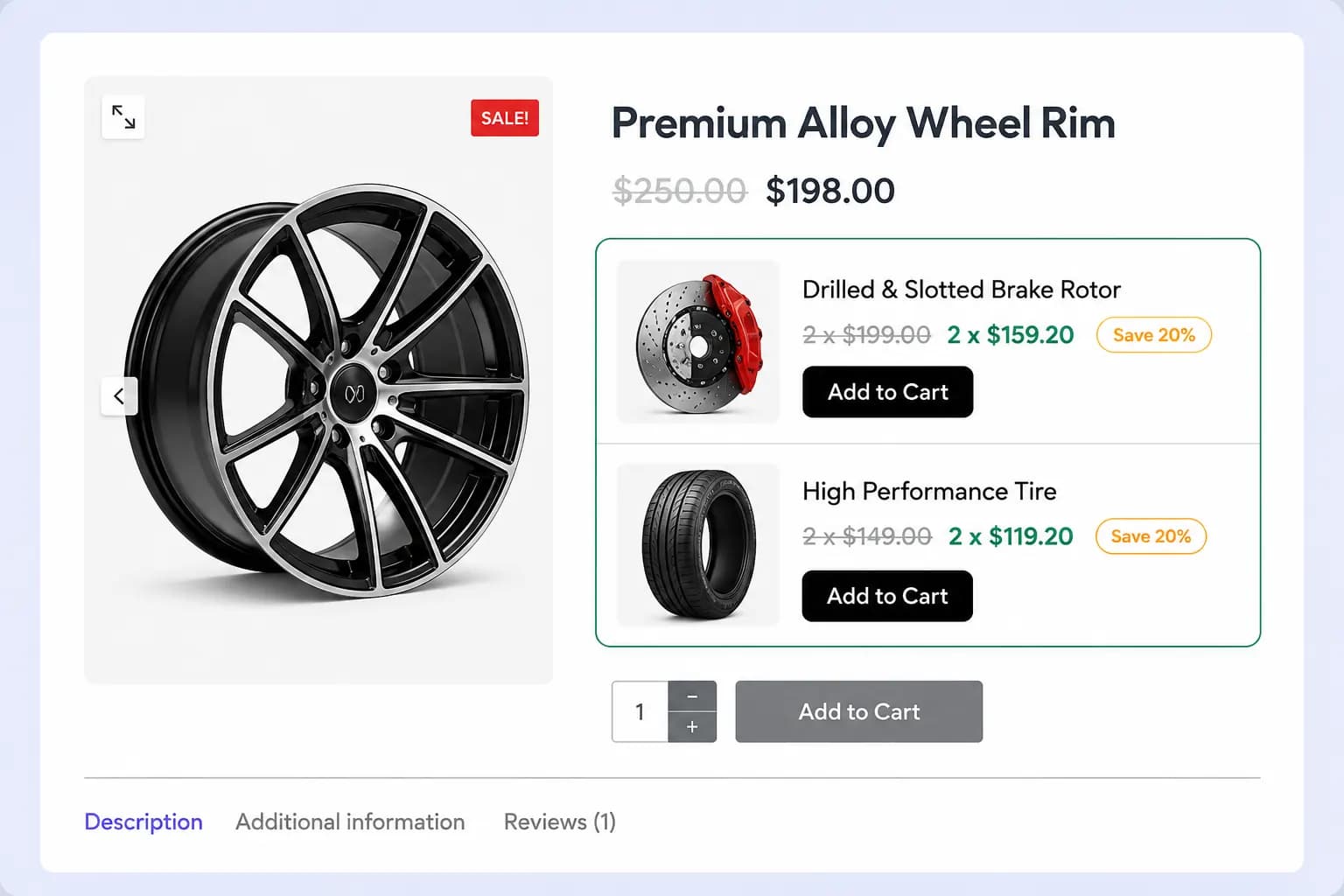
Highlight active discounts directly on product pages so shoppers see the savings the moment they're considering a purchase.
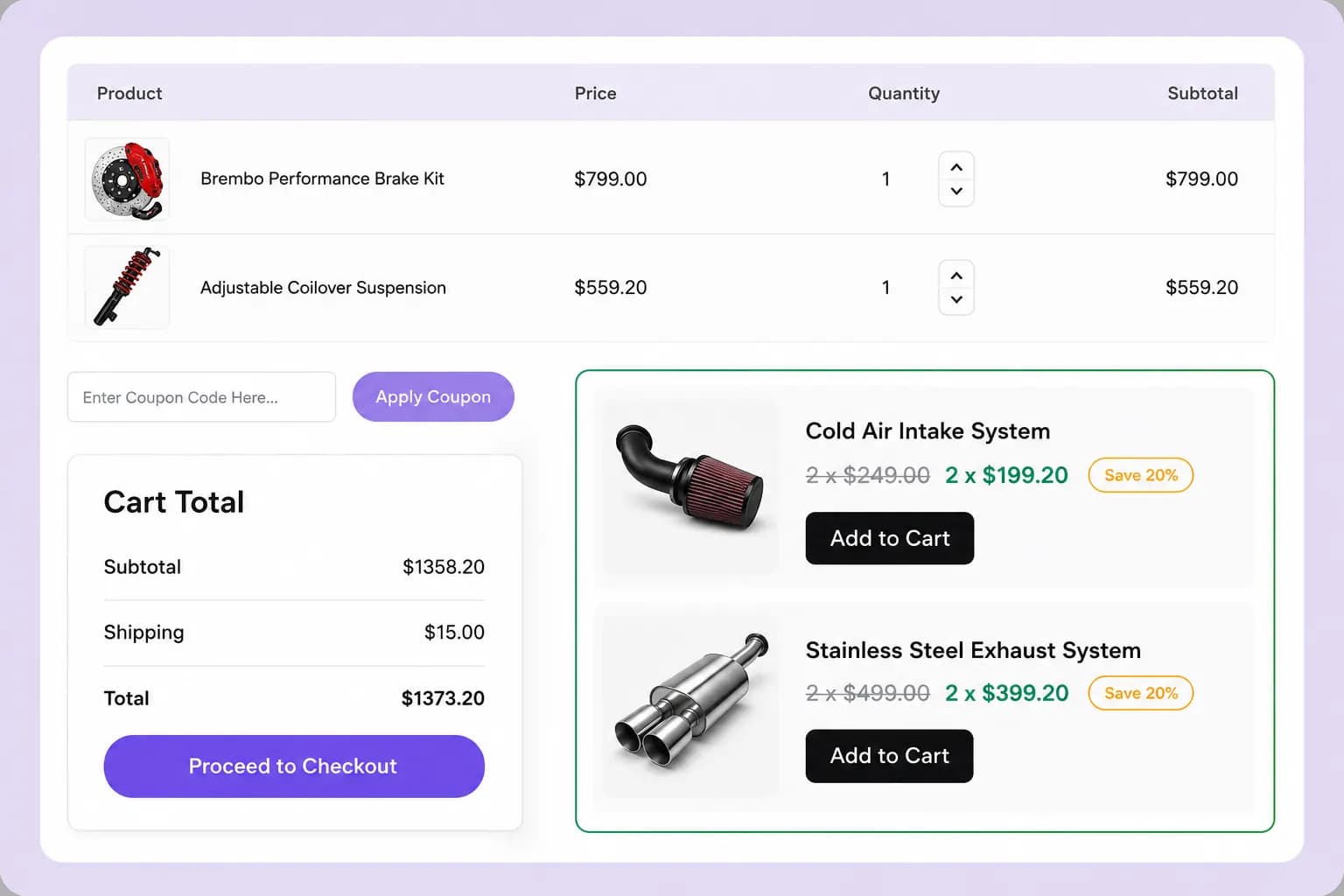
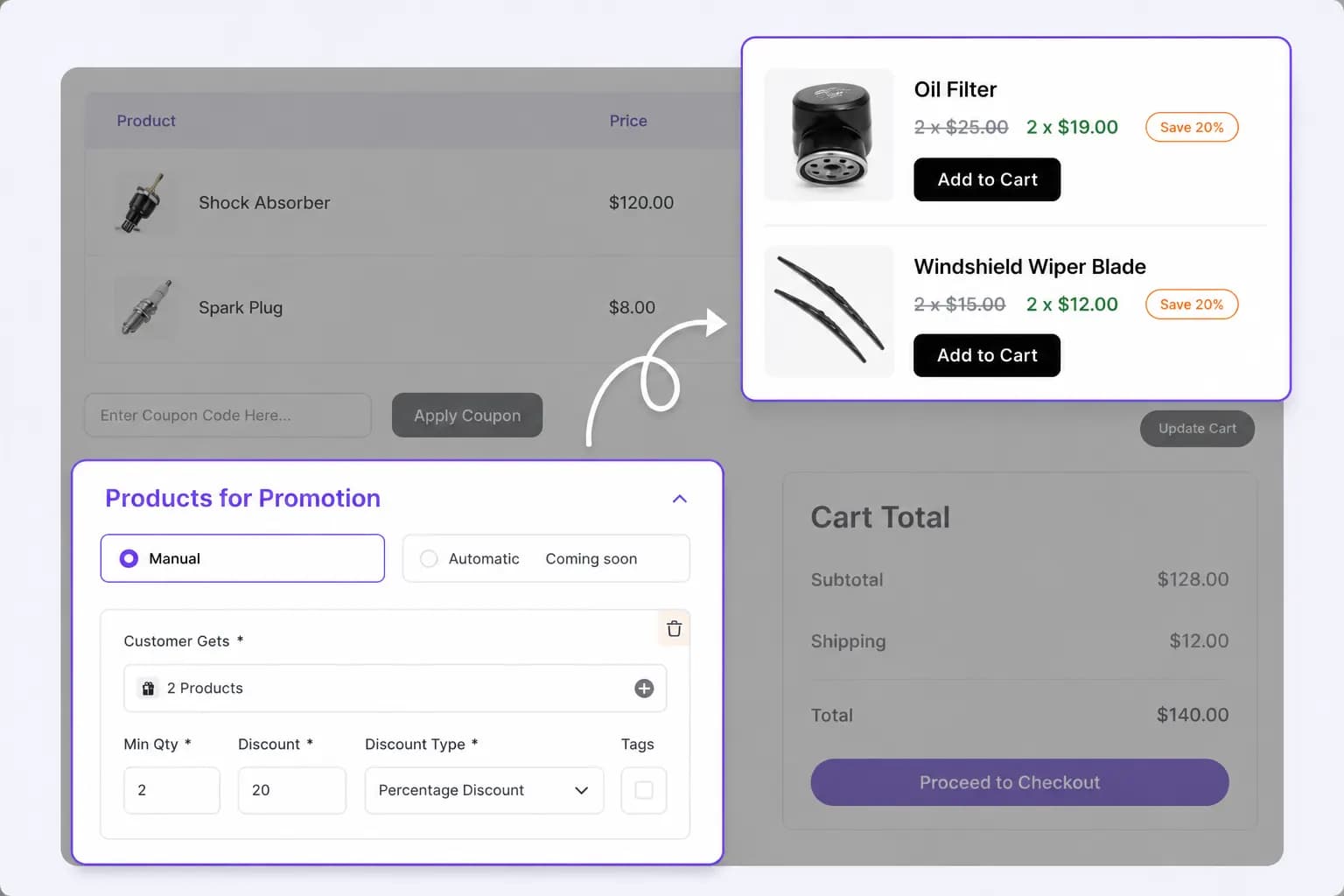
Remind customers of available discounts on the cart page, increasing their motivation to finalize the purchase before checkout.
Display Styles
Customize the placement of your discount messages to maximize impact, ensuring they catch attention and drive conversions
Embed discount messages directly on product pages to highlight savings and encourage immediate purchases.
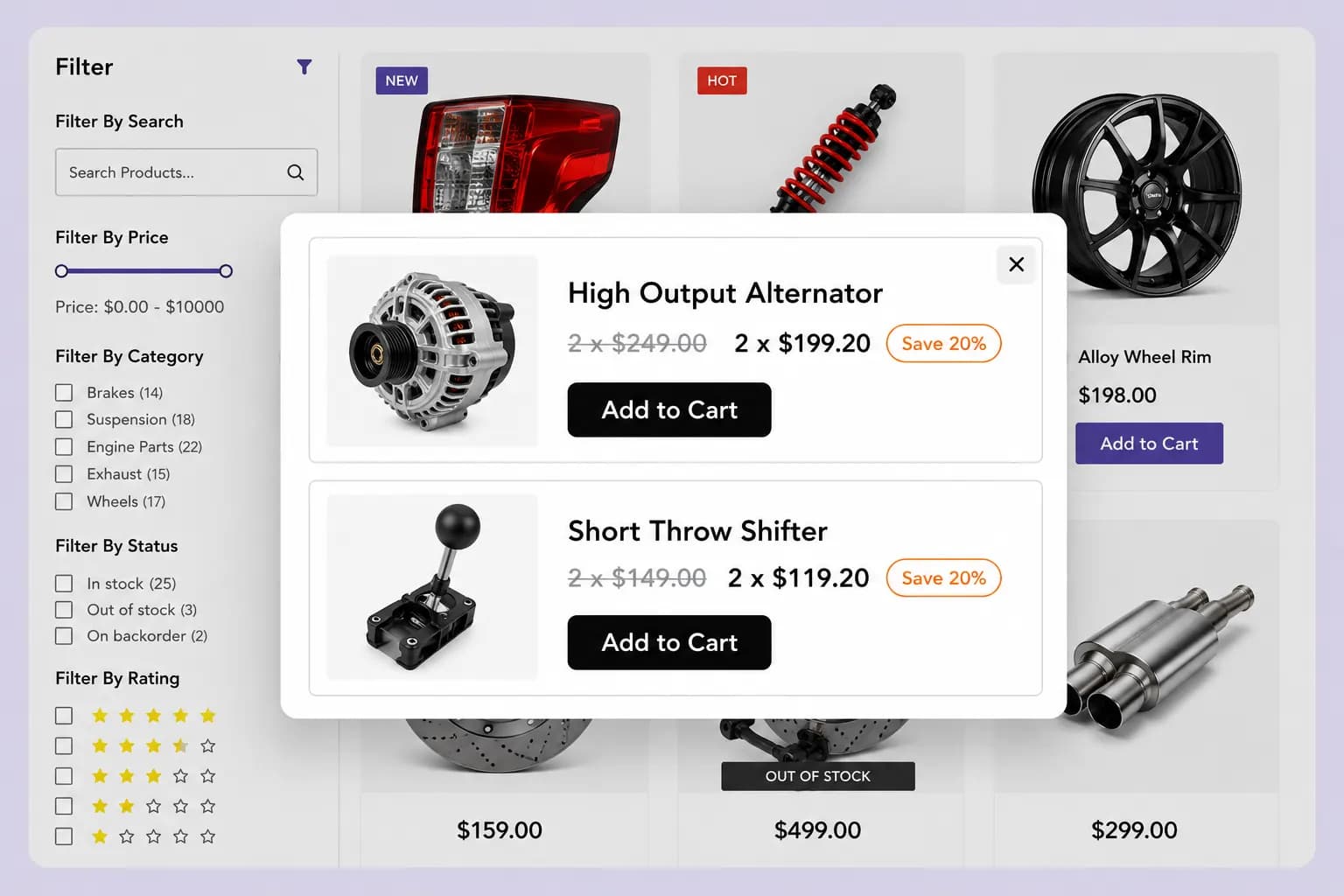
Grab attention with a centered popup that surfaces your discount offers right when shoppers are browsing.
Keep a sticky floating discount widget visible as customers scroll, so the offer stays one click away.
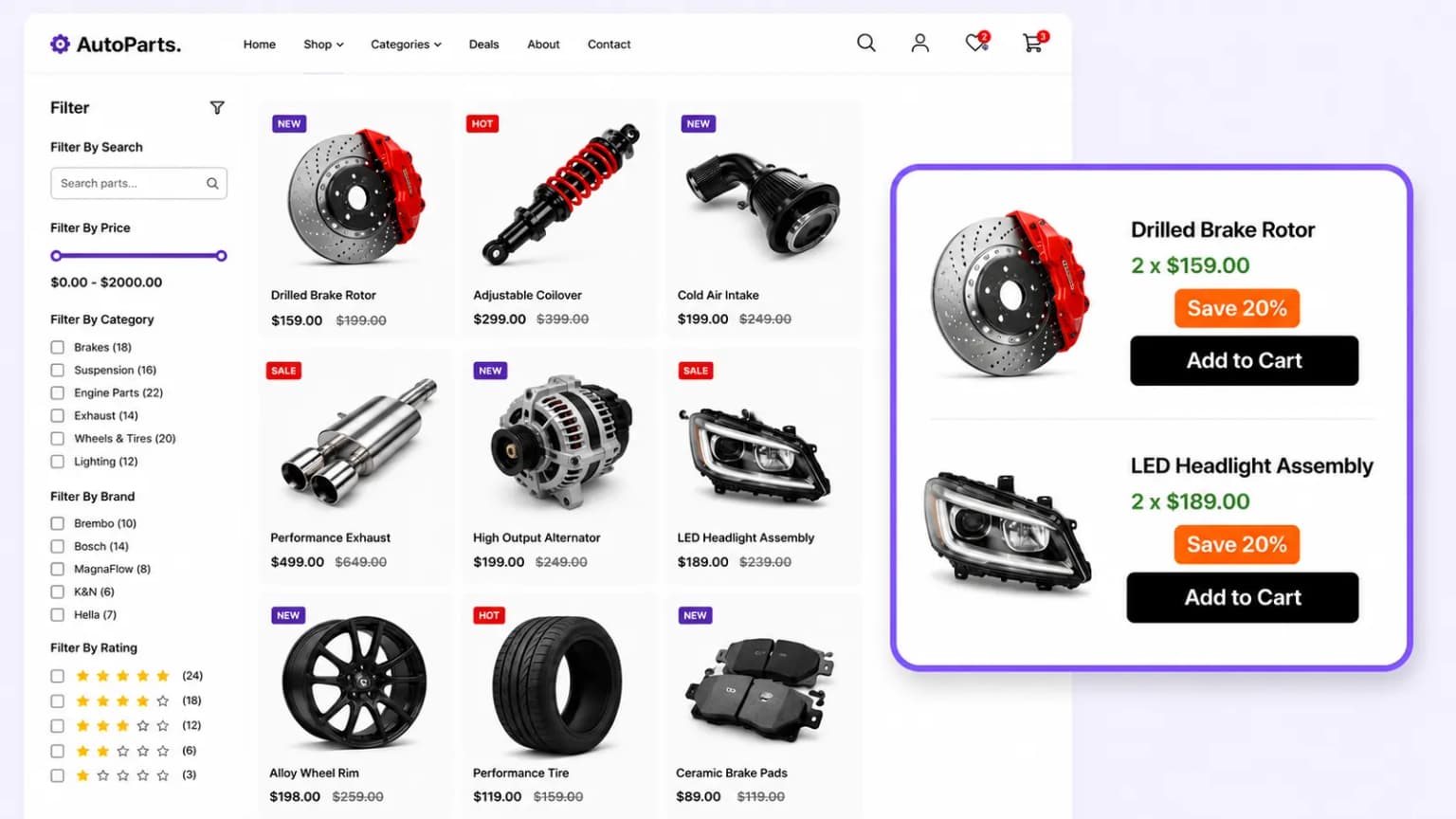
Choose specific products or categories to activate normal discount campaigns, ensuring your offers appear only when they're most relevant and impactful.
Select products or categories for discounts, then set criteria like minimum quantity, discount value, and type (percentage, fixed, or free) to customize your promotion.
Adjust colors, layouts, and display styles to make your discount campaigns blend seamlessly with your store's branding, enhancing the customer experience.
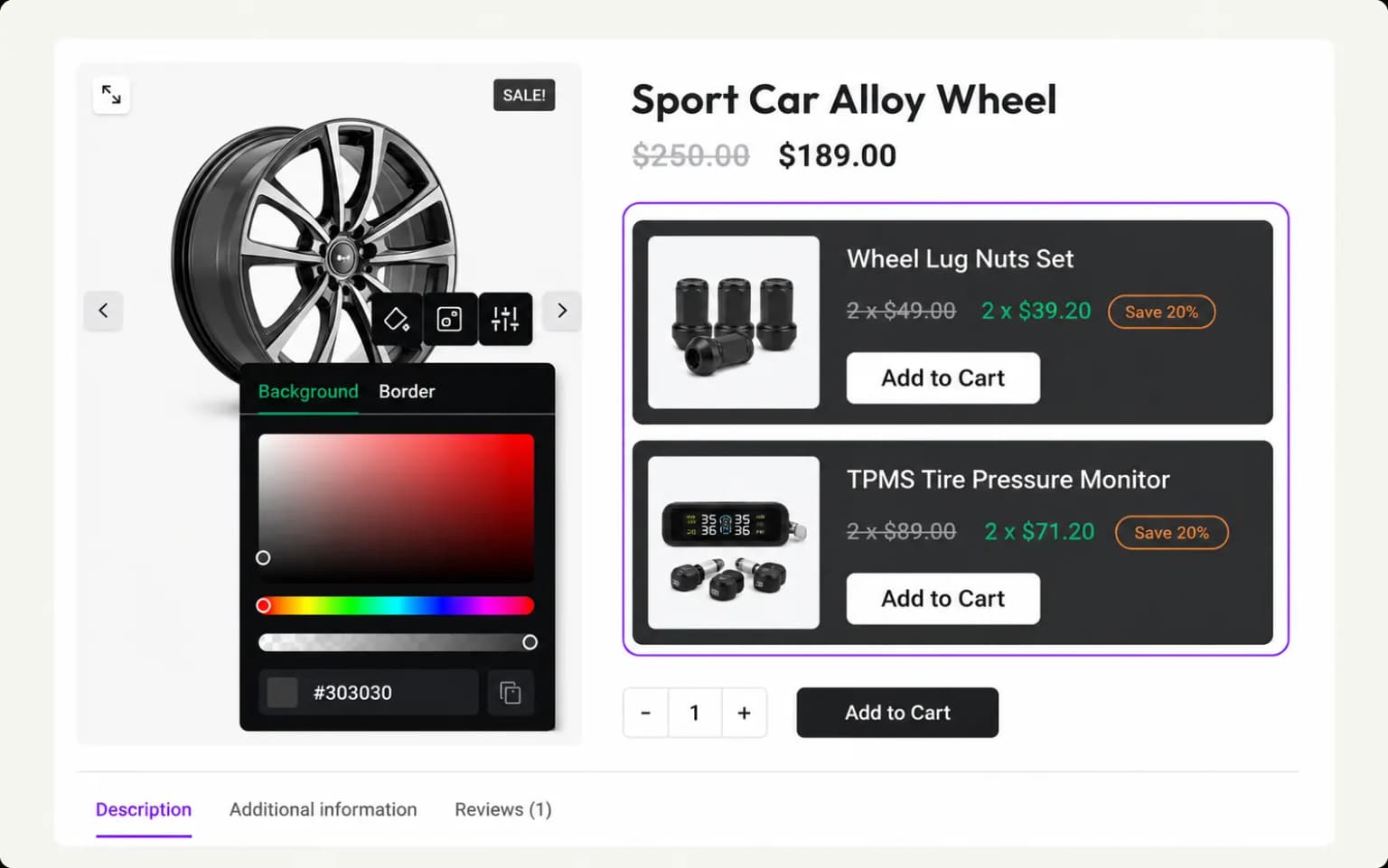
Set start and end dates for your discount campaigns, automating promotions for holidays, seasonal offers, and time-limited deals.
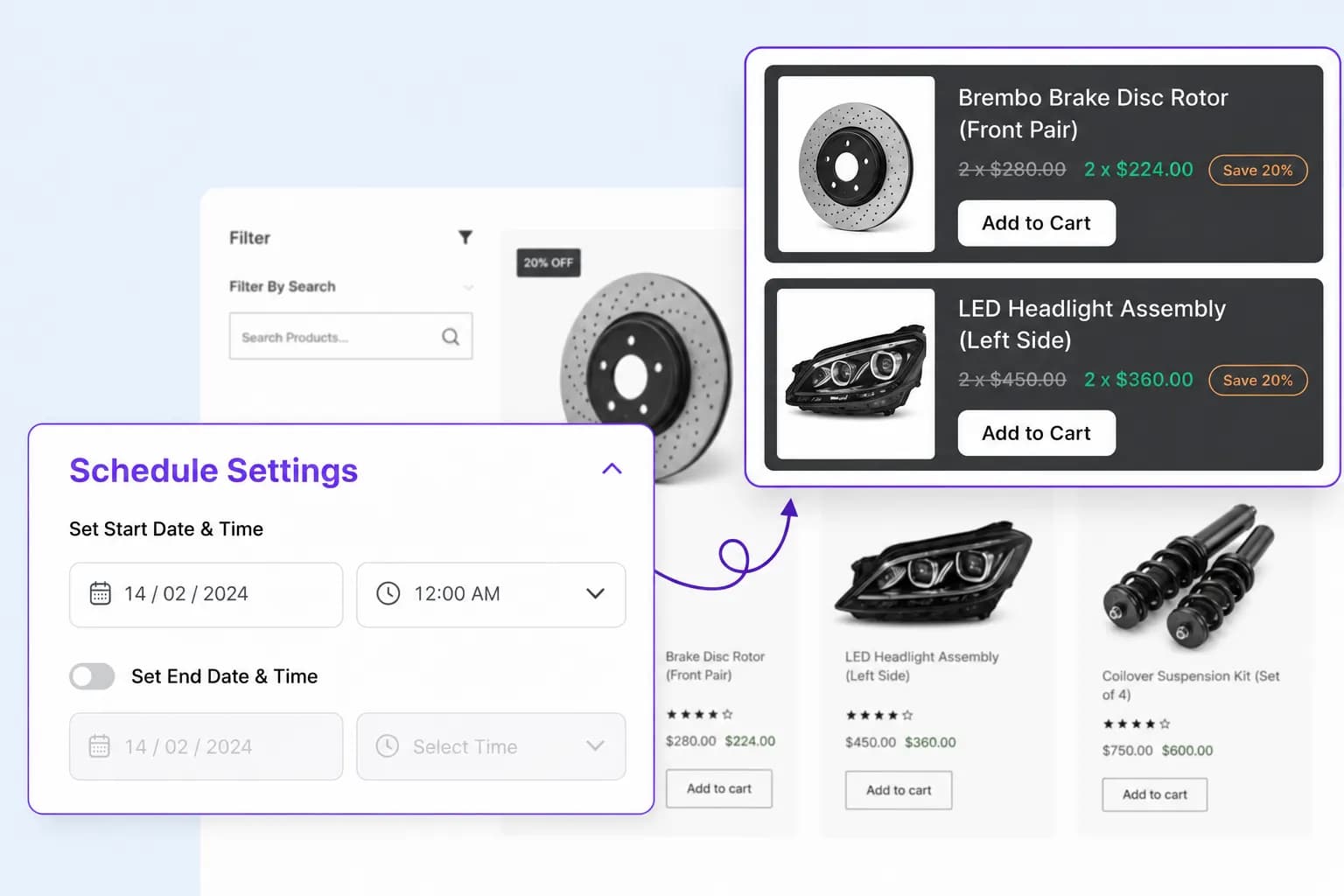
Setup guide
Step-by-step instructions live in the documentation: create the campaign, configure offers, place the widget, and publish.
Explore these frequently asked questions about normal discount campaigns, so you can quickly decide if it's the right fit for your store.
Feel free to contact our support team in case you have questions.
Ask Your Questions