
Select Trigger Products for Timers
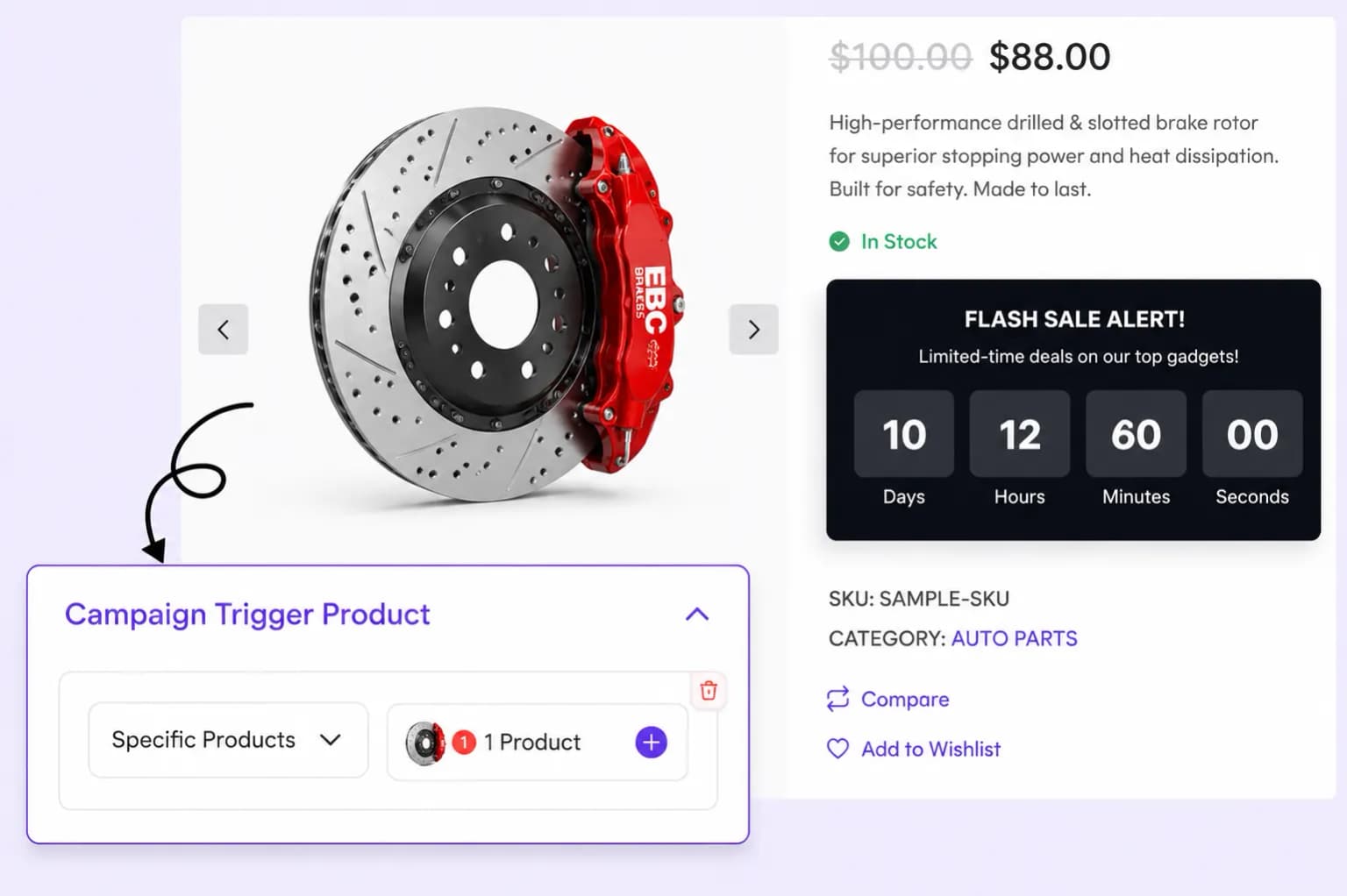
Choose whether countdown timers apply to all products, specific items, or entire categories to effectively target urgency and boost conversions.
Run flash sales, evergreen offers, or daily deals with countdown timers that create real urgency, on product, shop, cart, or across your entire store.
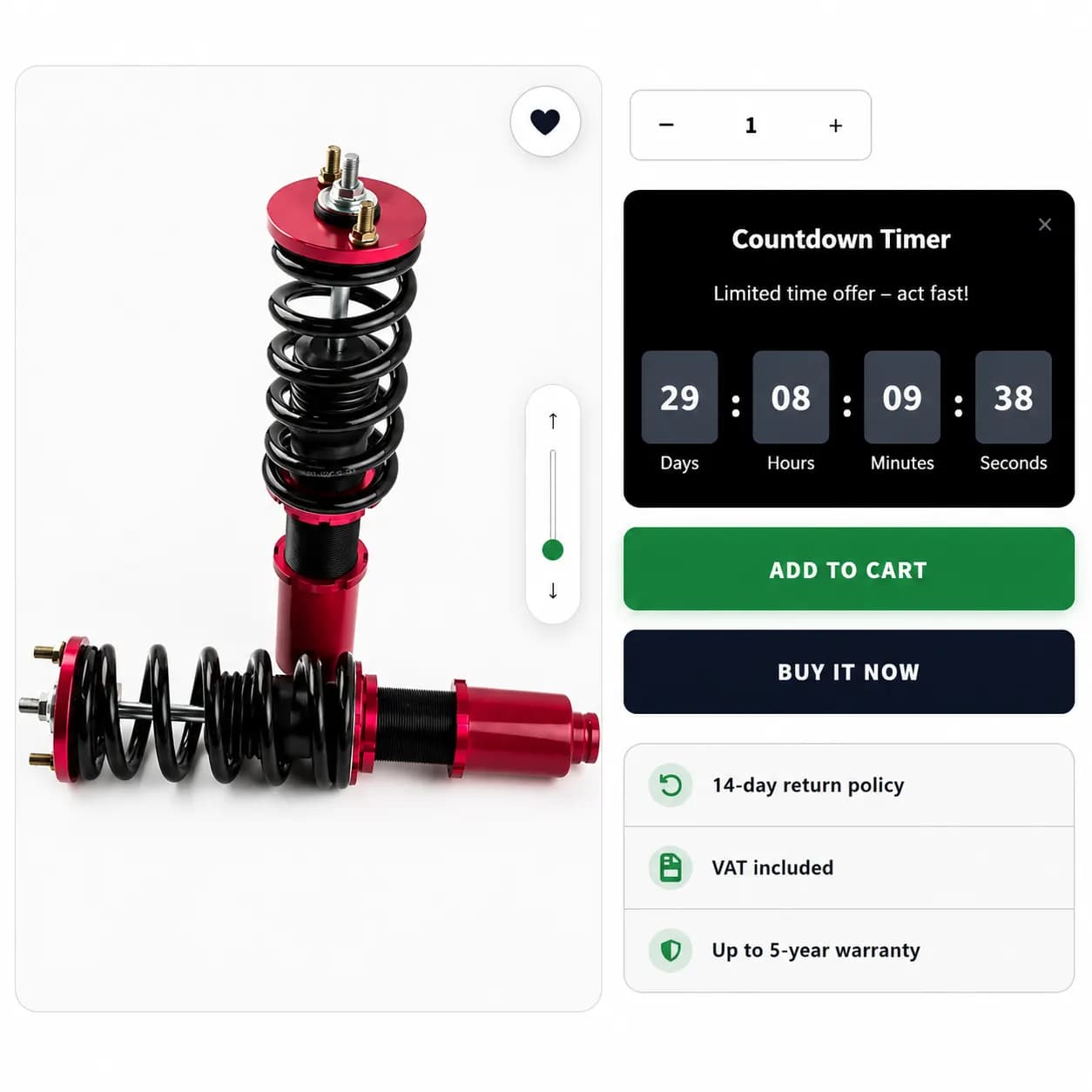
Create limited-time offers on popular store items without coding.
Place your countdown timers on product, shop, or cart pages to maximize urgency and encourage more purchases
Show countdown timers across your entire store to highlight ongoing promotions and create a sense of urgency for shoppers.
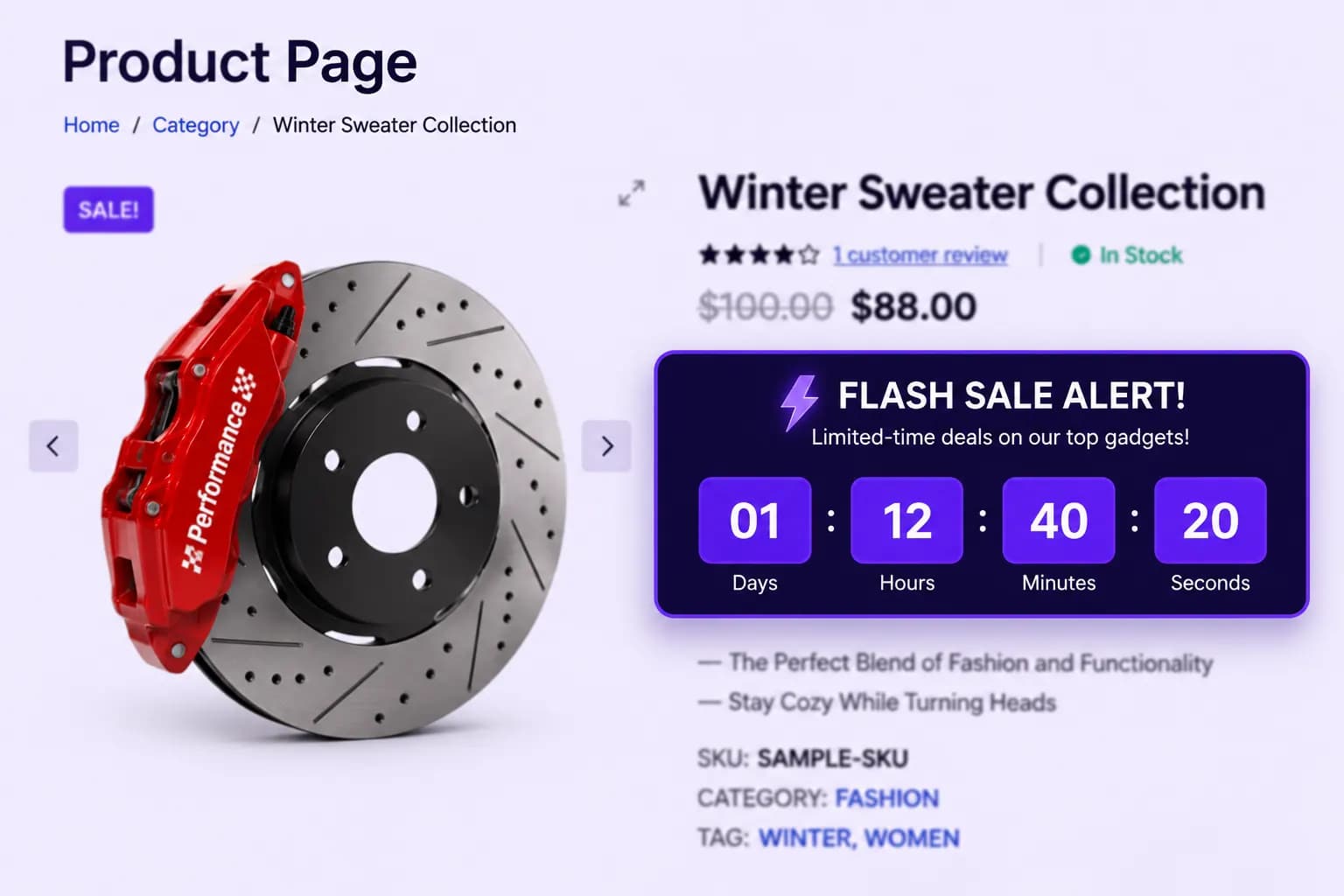
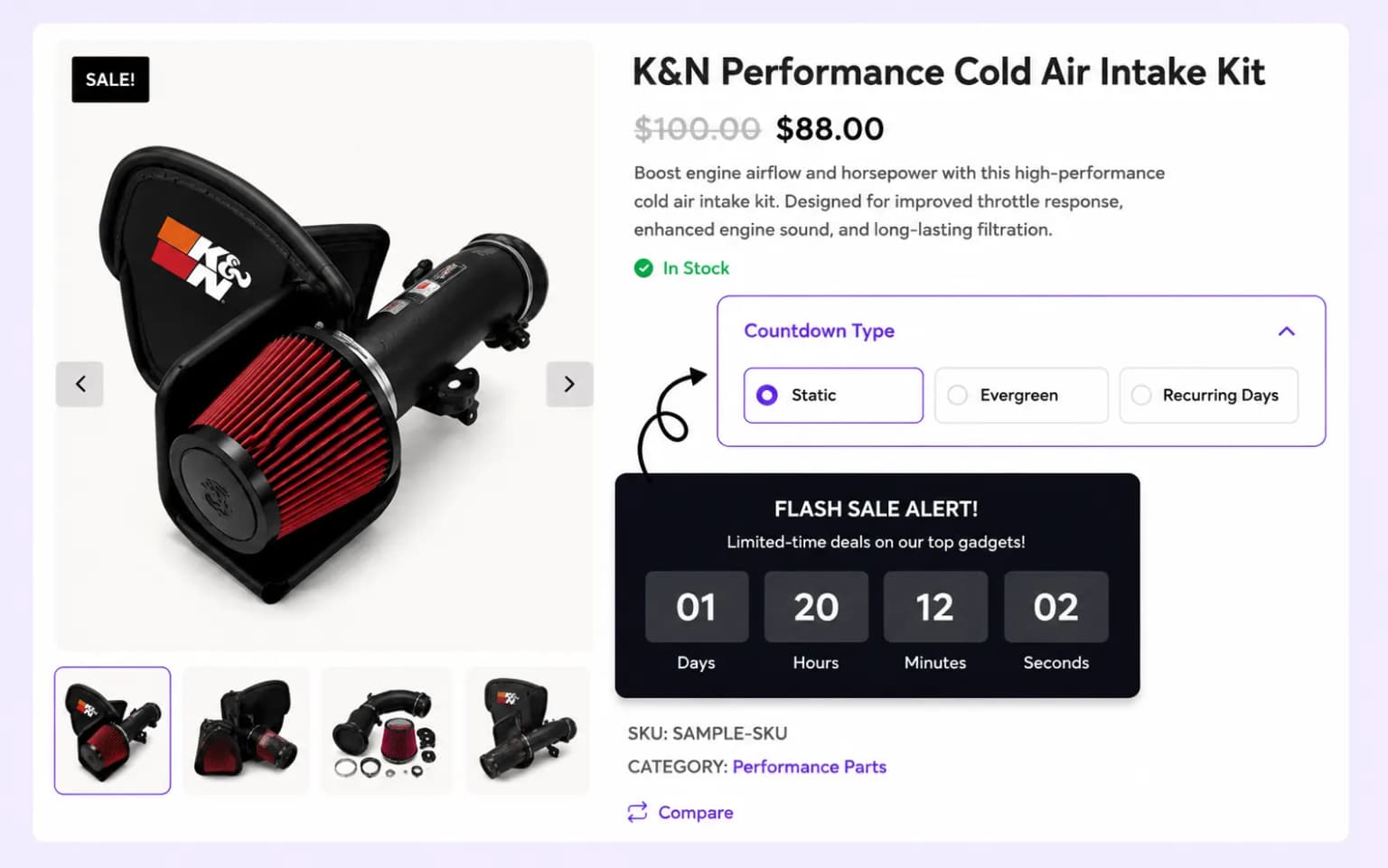
Display countdown timers on product pages to drive urgency on individual items and accelerate purchase decisions.
Add countdown timers on the shop page to push shoppers to act before time-limited collections expire.
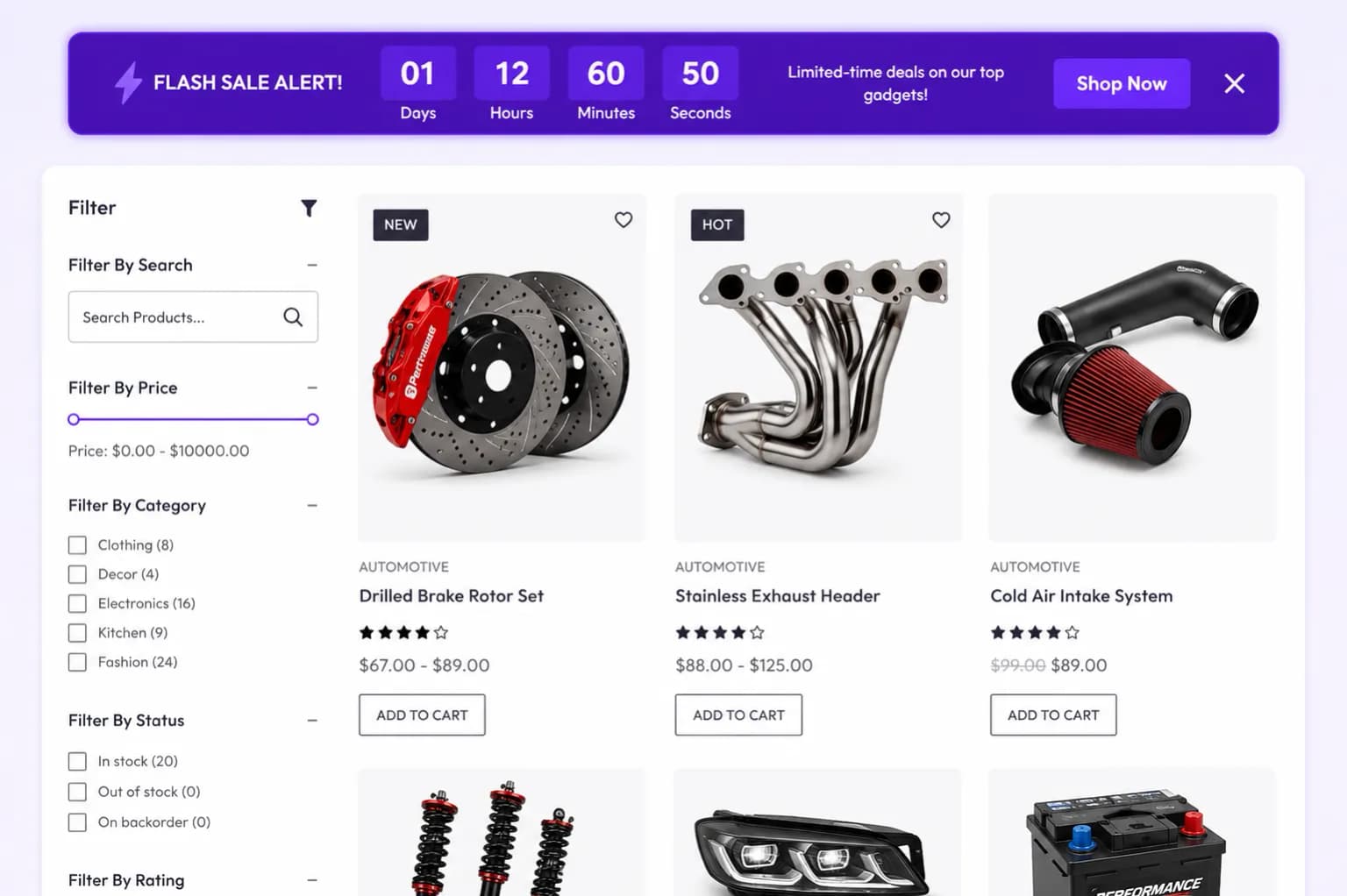
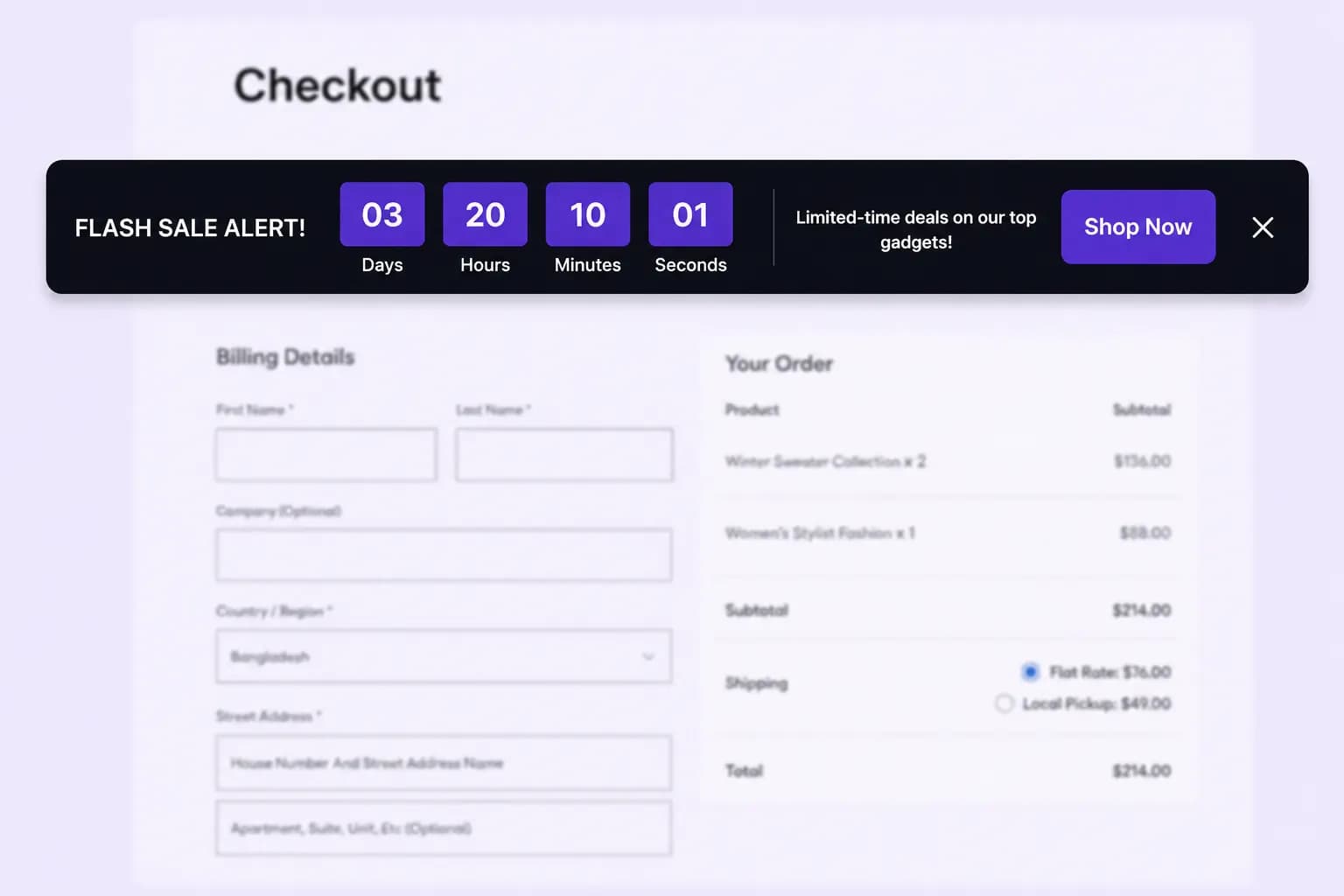
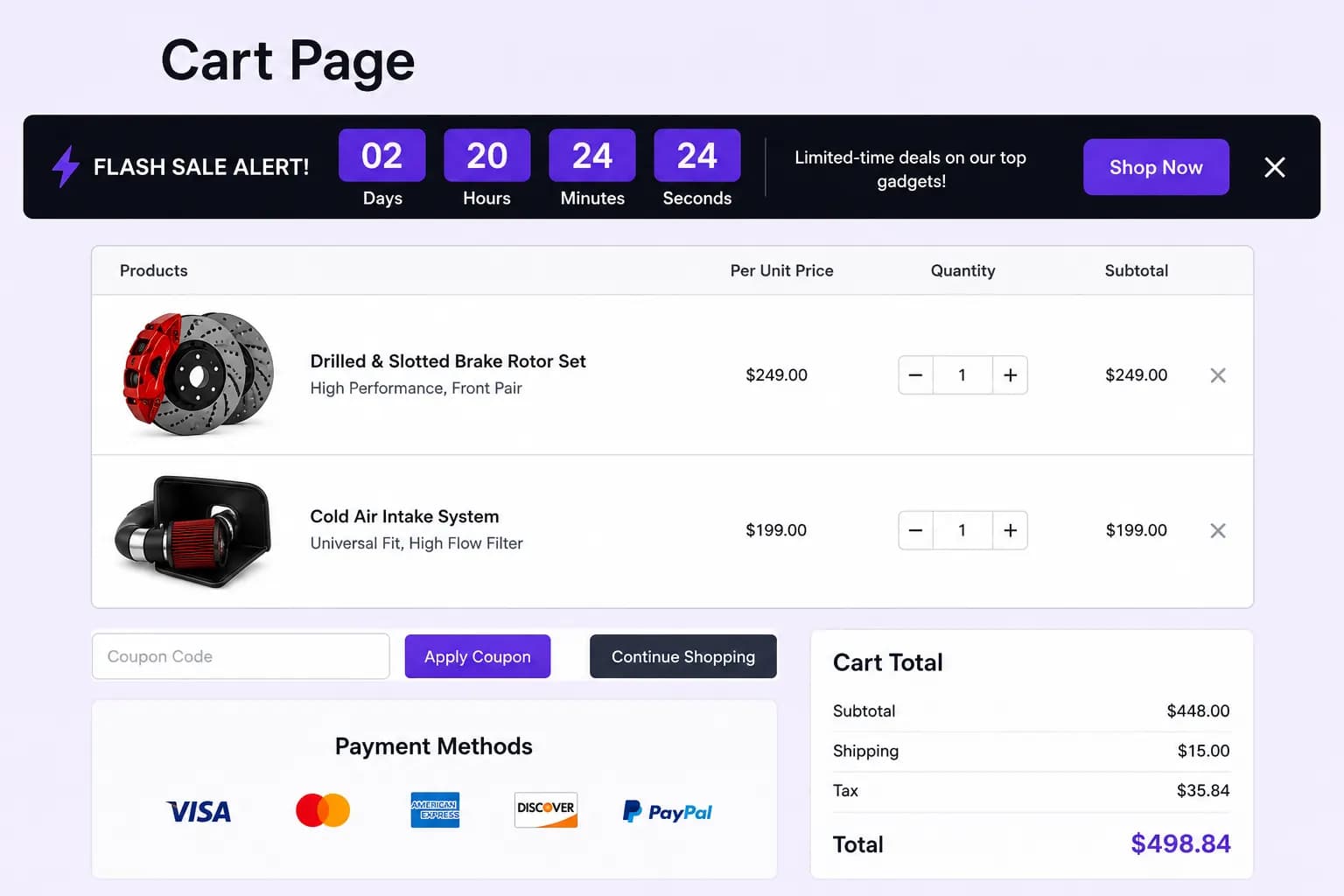
Reinforce urgency at checkout by surfacing countdown timers on the cart page to reduce abandonment.
Choose whether countdown timers apply to all products, specific items, or entire categories to effectively target urgency and boost conversions.
Select the type of countdown timer that best fits your promotion, static, evergreen, or daily recurring, to create urgency in different ways.
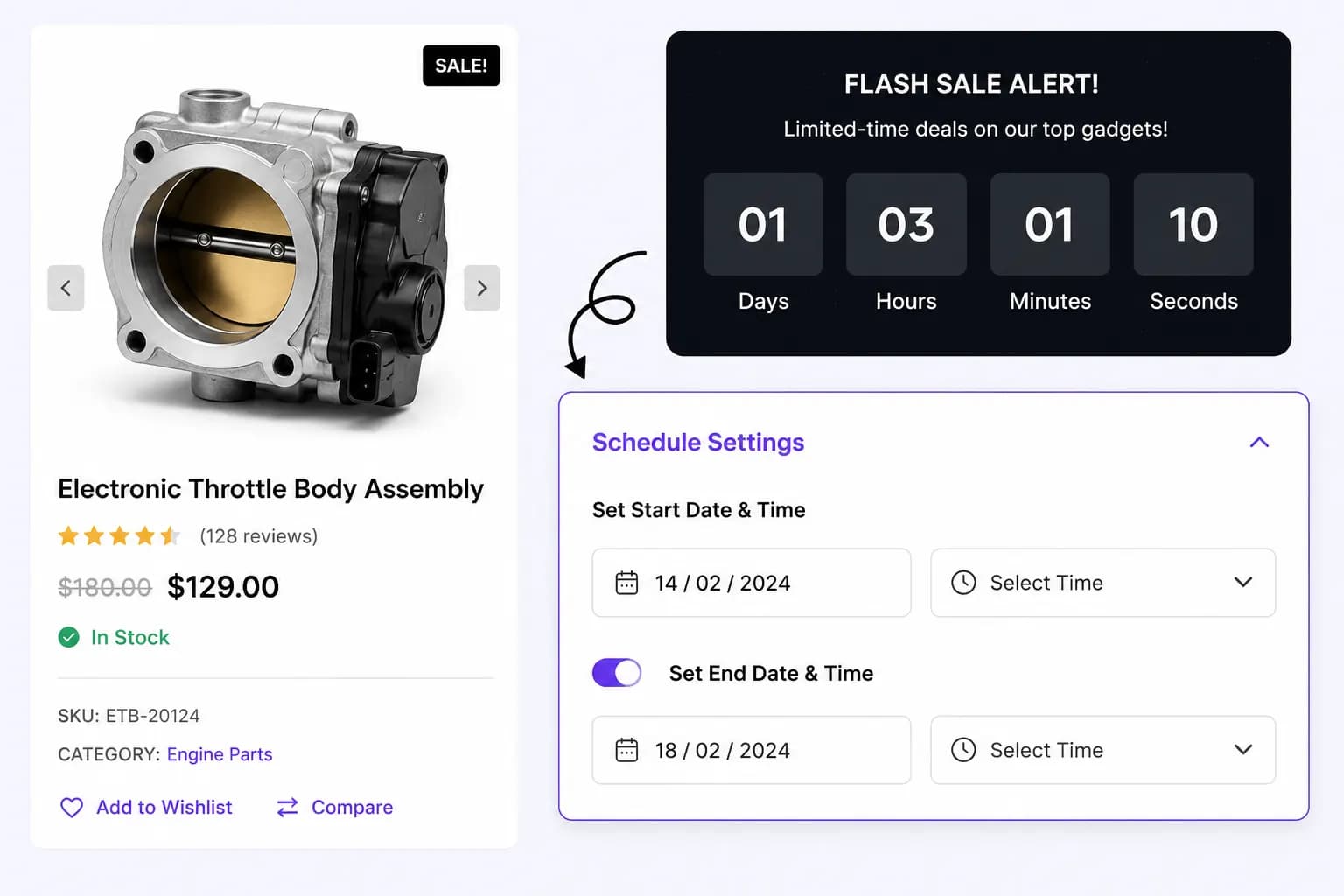
Plan your countdown timer campaigns in advance by setting start and end dates, ensuring your promotions run exactly when you want them.
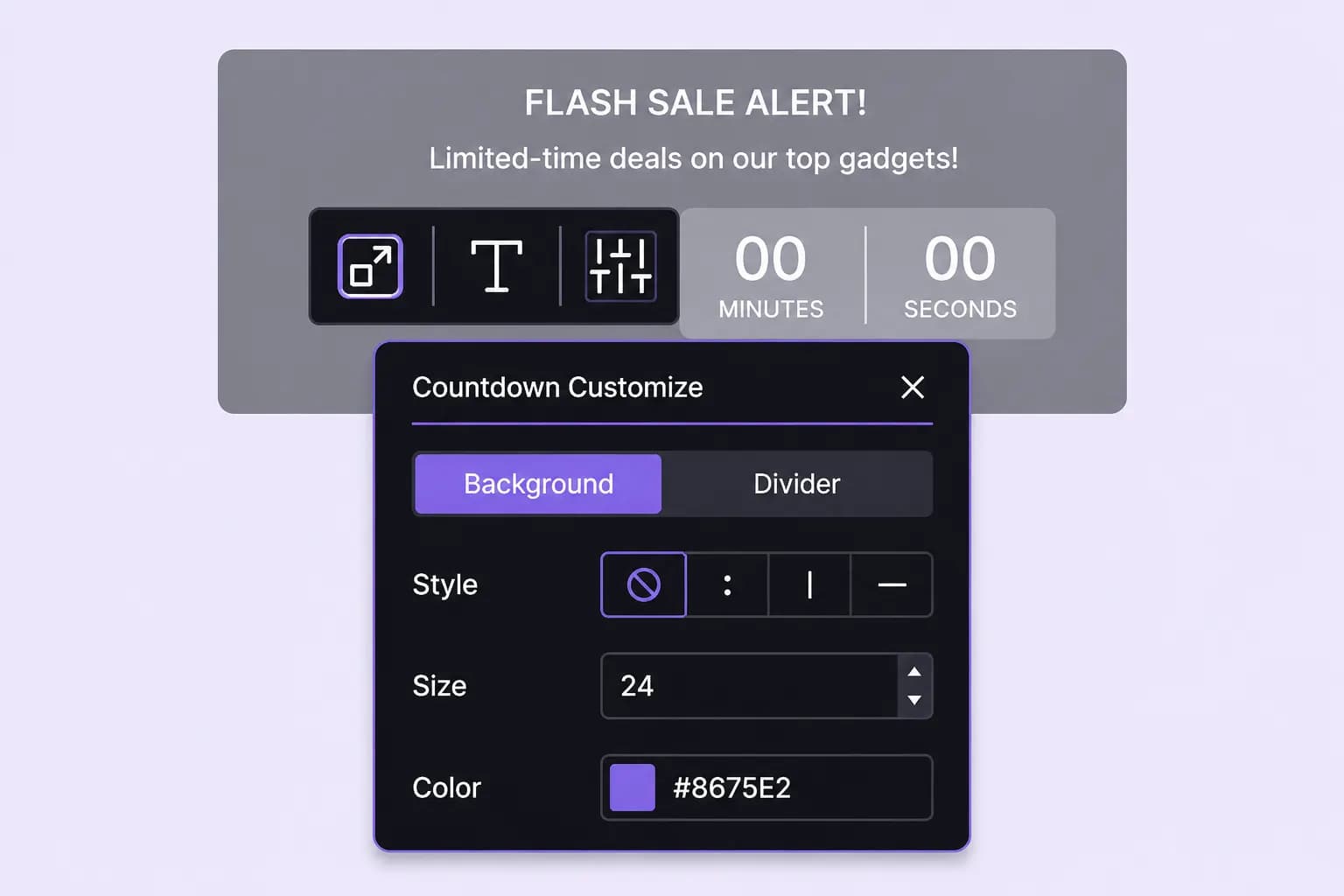
Customize the colors, fonts, layout, and positioning of your countdown timers to make them visually appealing and consistent with your brand.
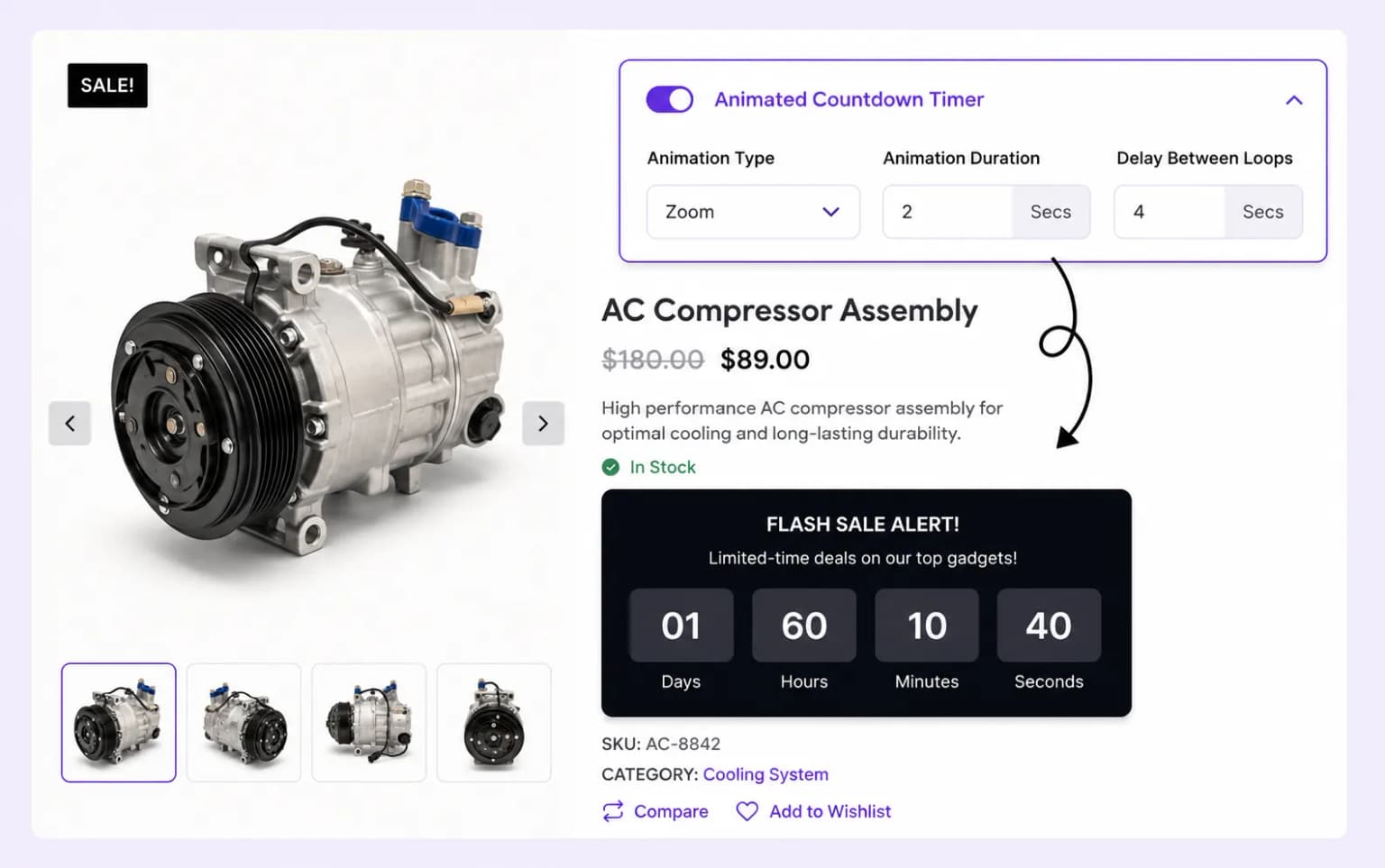
Use animations to make countdown timers stand out, drawing customer attention and increasing urgency to complete the purchase.
Setup guide
Step-by-step instructions live in the documentation: choose Static, Evergreen, or Daily Recurring, set placements, and publish.
Explore these frequently asked questions about countdown timers, so you can quickly decide if it's the right fit for your store.
Feel free to contact our support team in case you have questions.
Ask Your Questions