
Set the Minimum Spend for Free Shipping
Define the minimum spend required for free shipping, motivating customers to add more items to their cart and increase their order value.
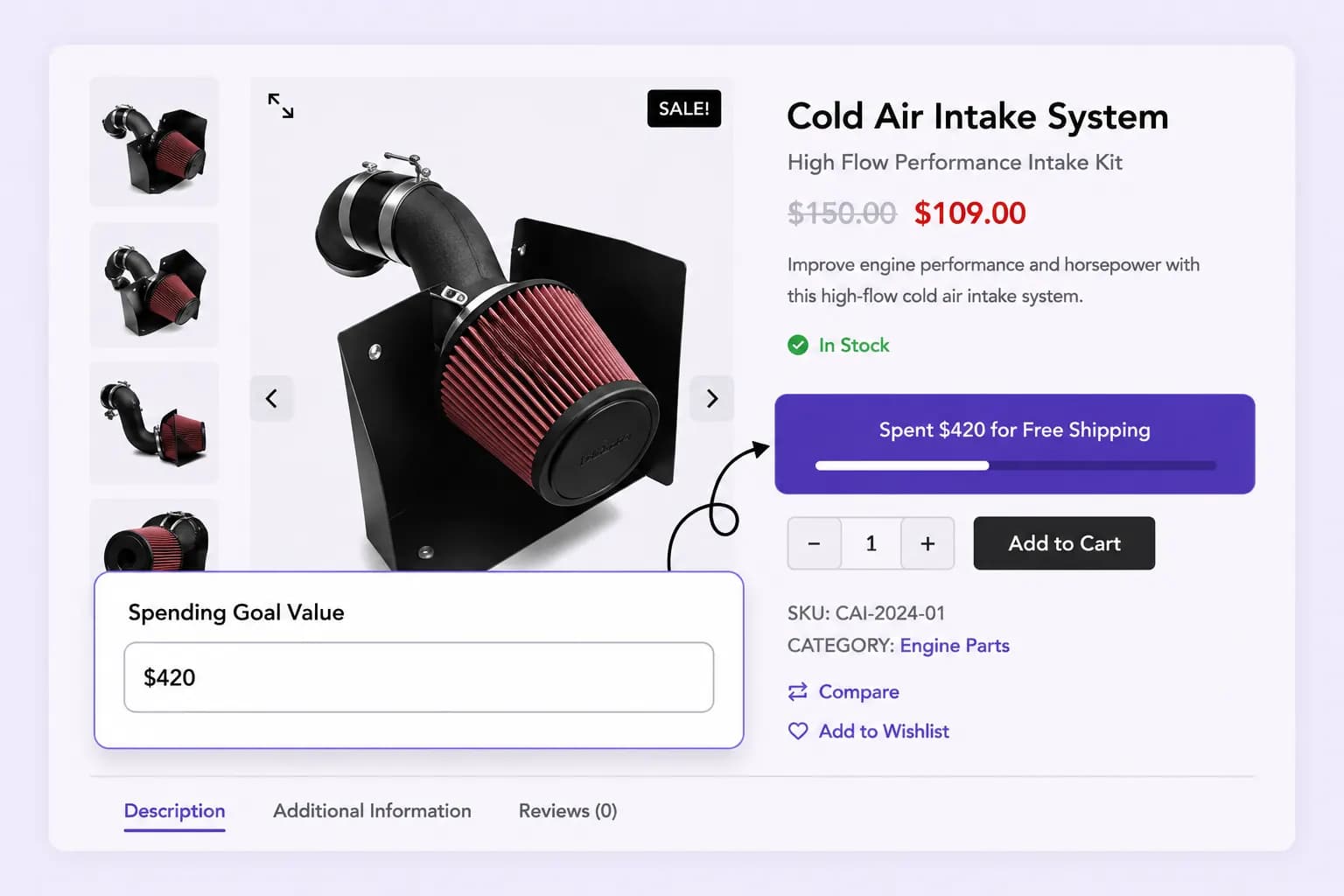
Let customers unlock free shipping and track progress with a visual bar, optionally highlight upsell products along the way to reach the threshold faster.
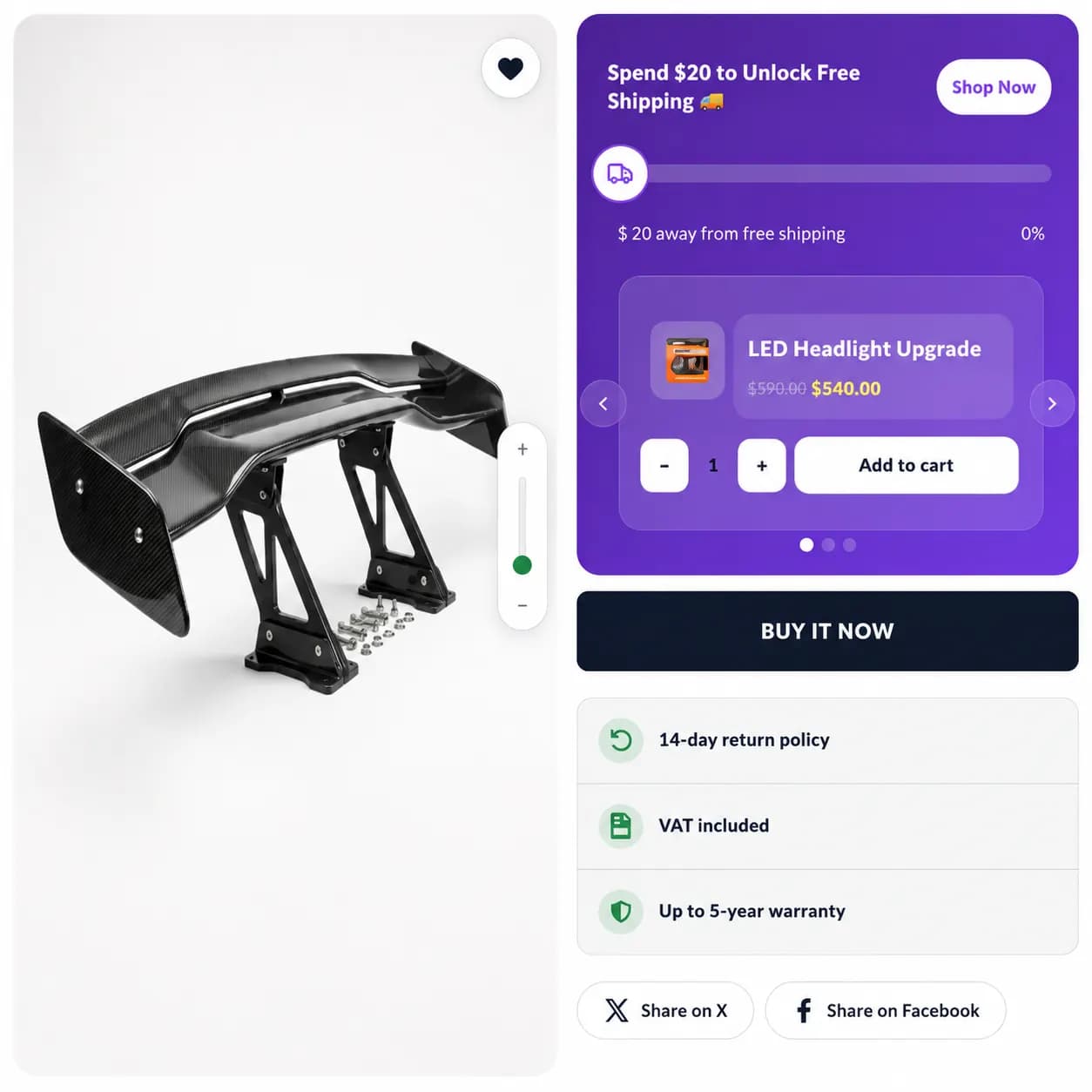
Let customers unlock free shipping and track progress with a visual bar.
Place your free shipping bar on product and cart pages to maximize visibility and encourage more purchases
Show the free shipping progress bar across all pages for consistent visibility and continuous encouragement.
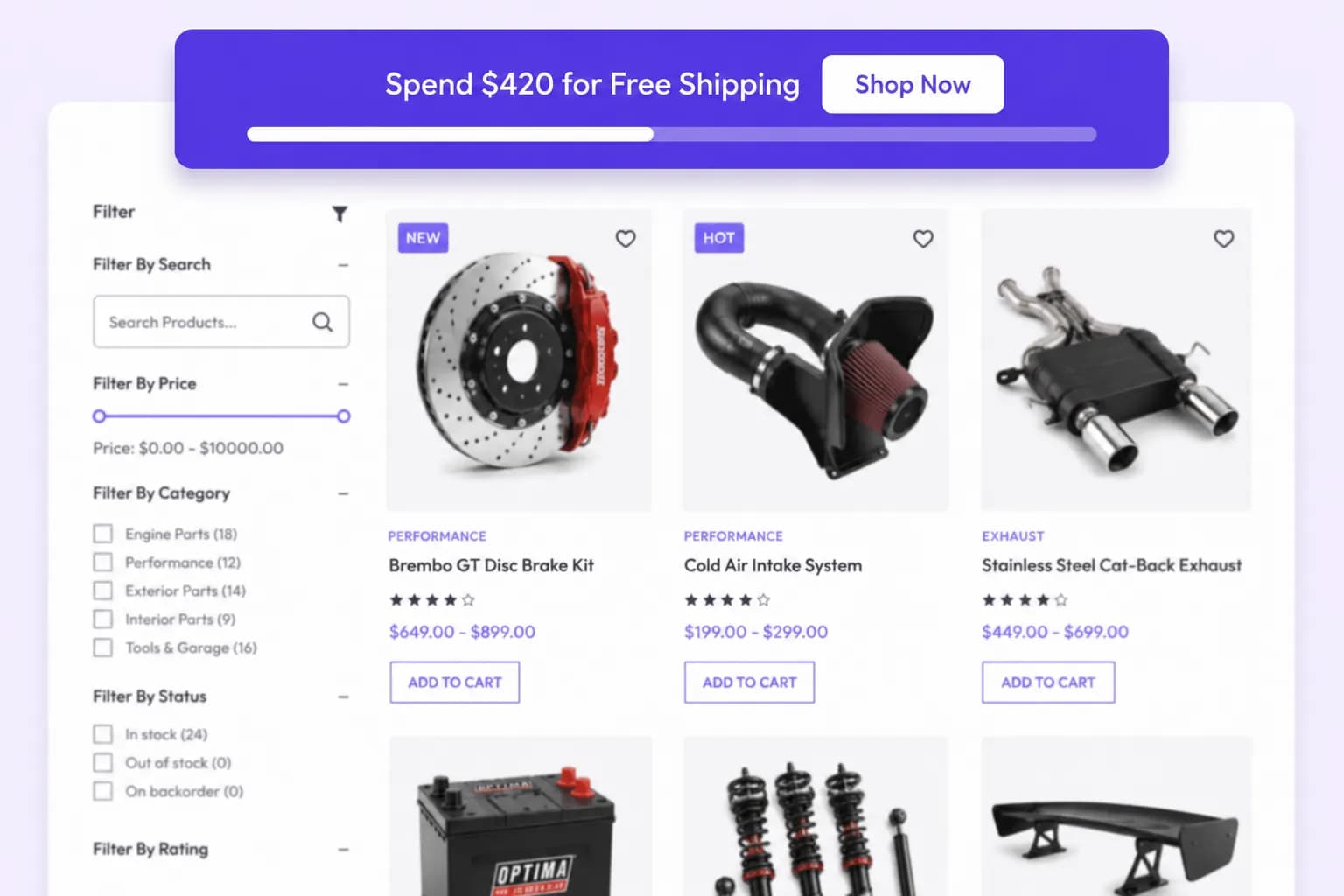
Display the free shipping progress on product pages to nudge shoppers to add more and qualify for free shipping.
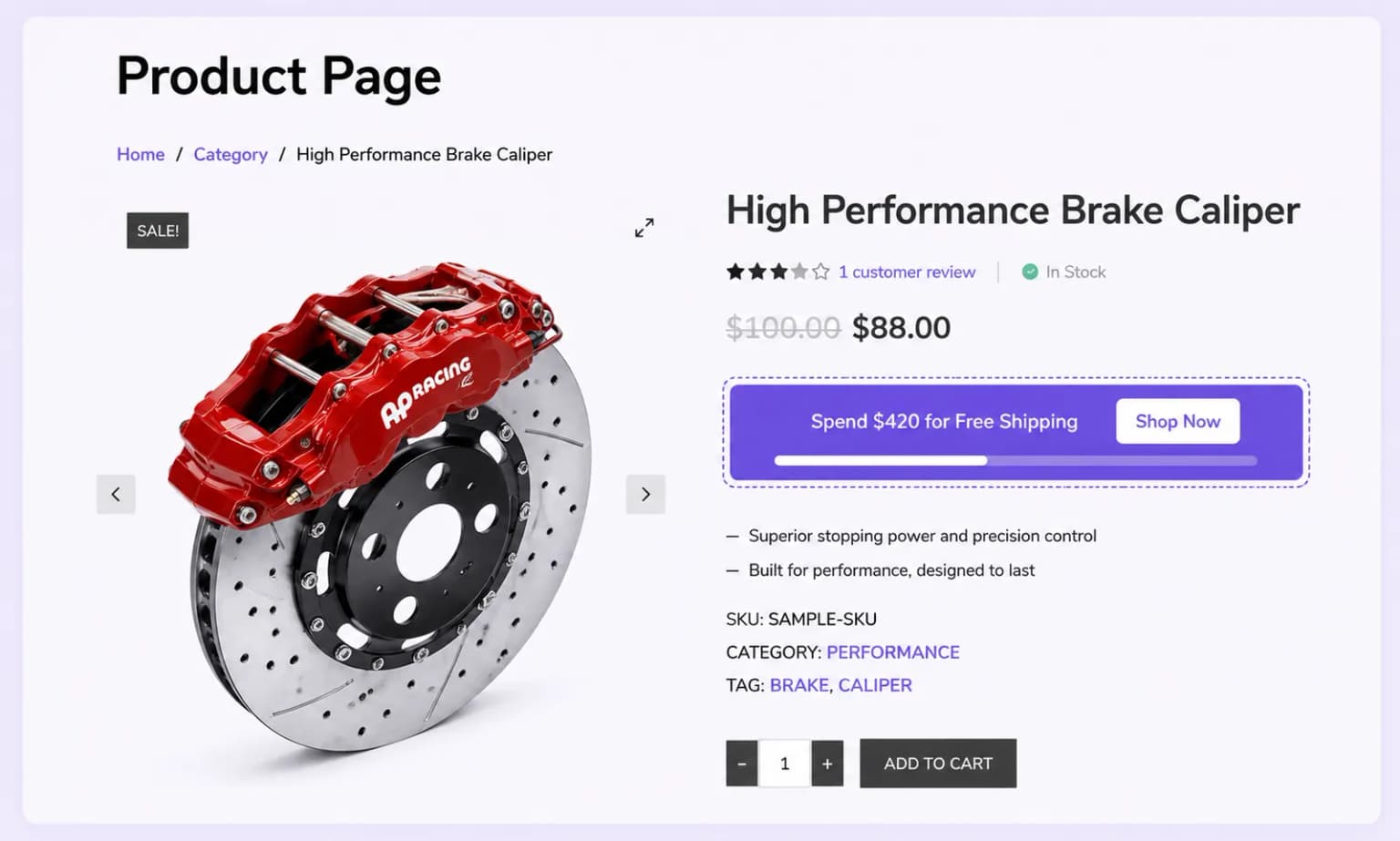
Reinforce the free shipping goal at checkout intent by surfacing the progress bar on the cart page.
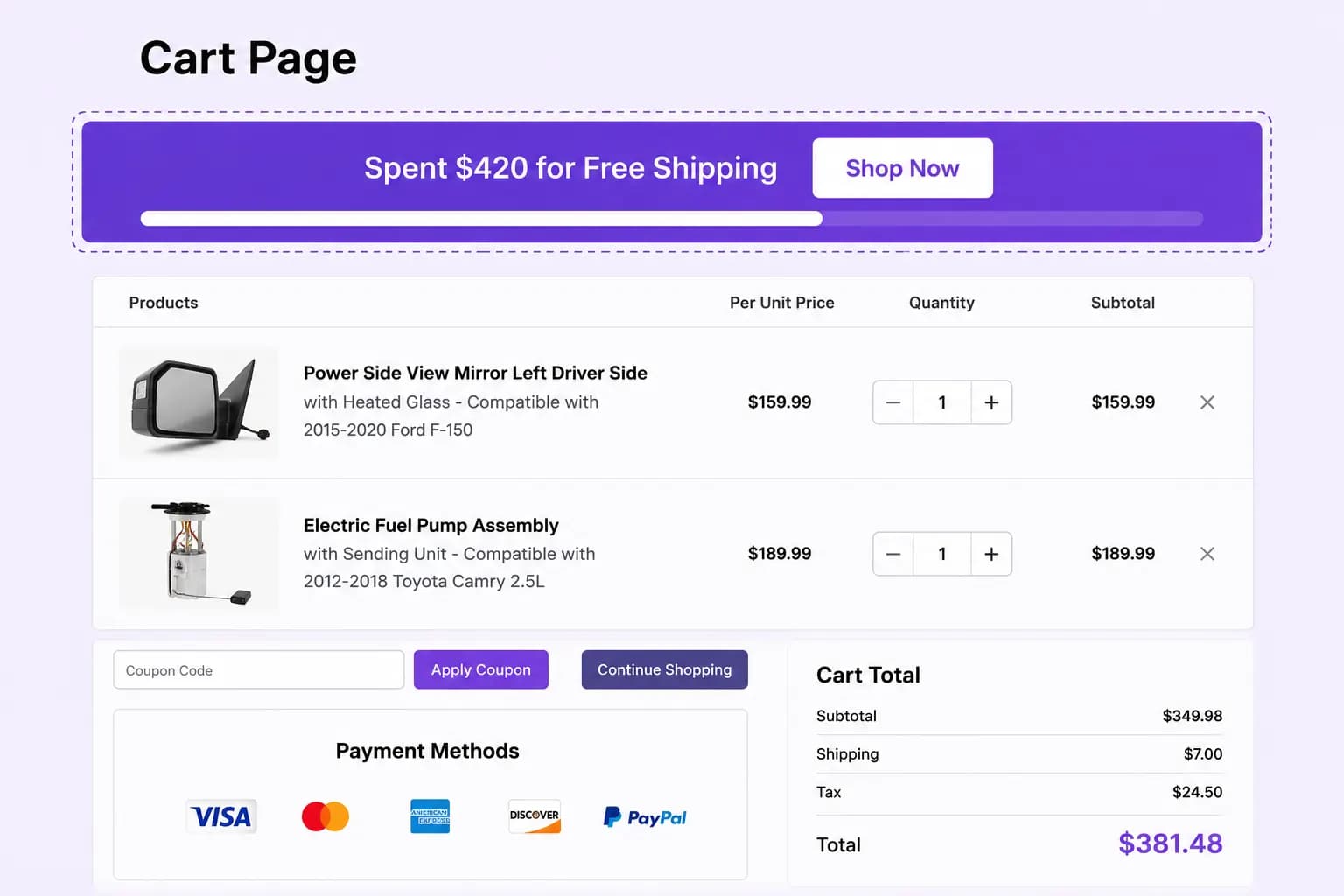
Display Modes
Choose the display mode for your free shipping progress bar: popup, in-page, or floating, to ensure maximum visibility and engagement.
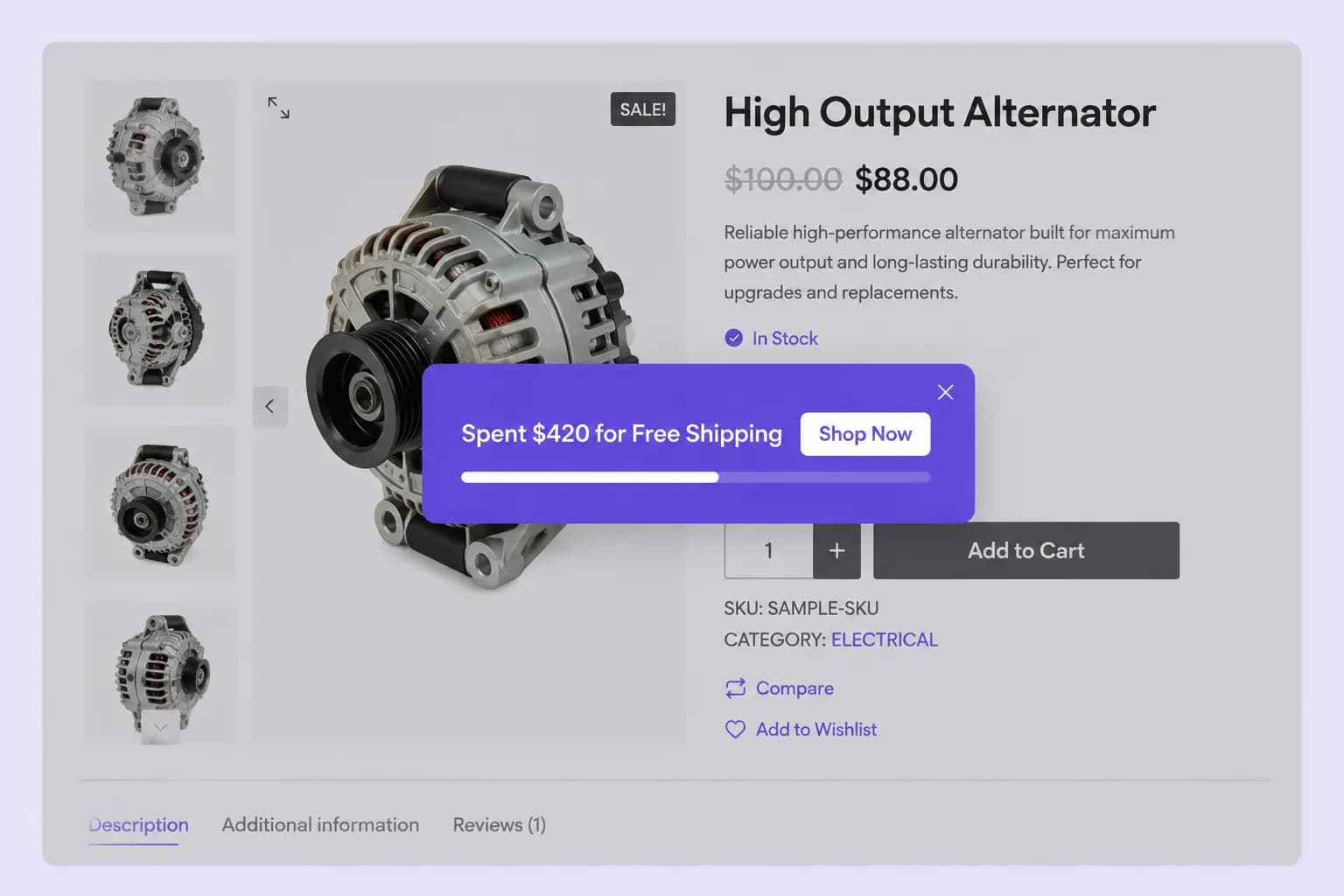
Show the free shipping progress as an attention-grabbing popup to maximize visibility and engagement.
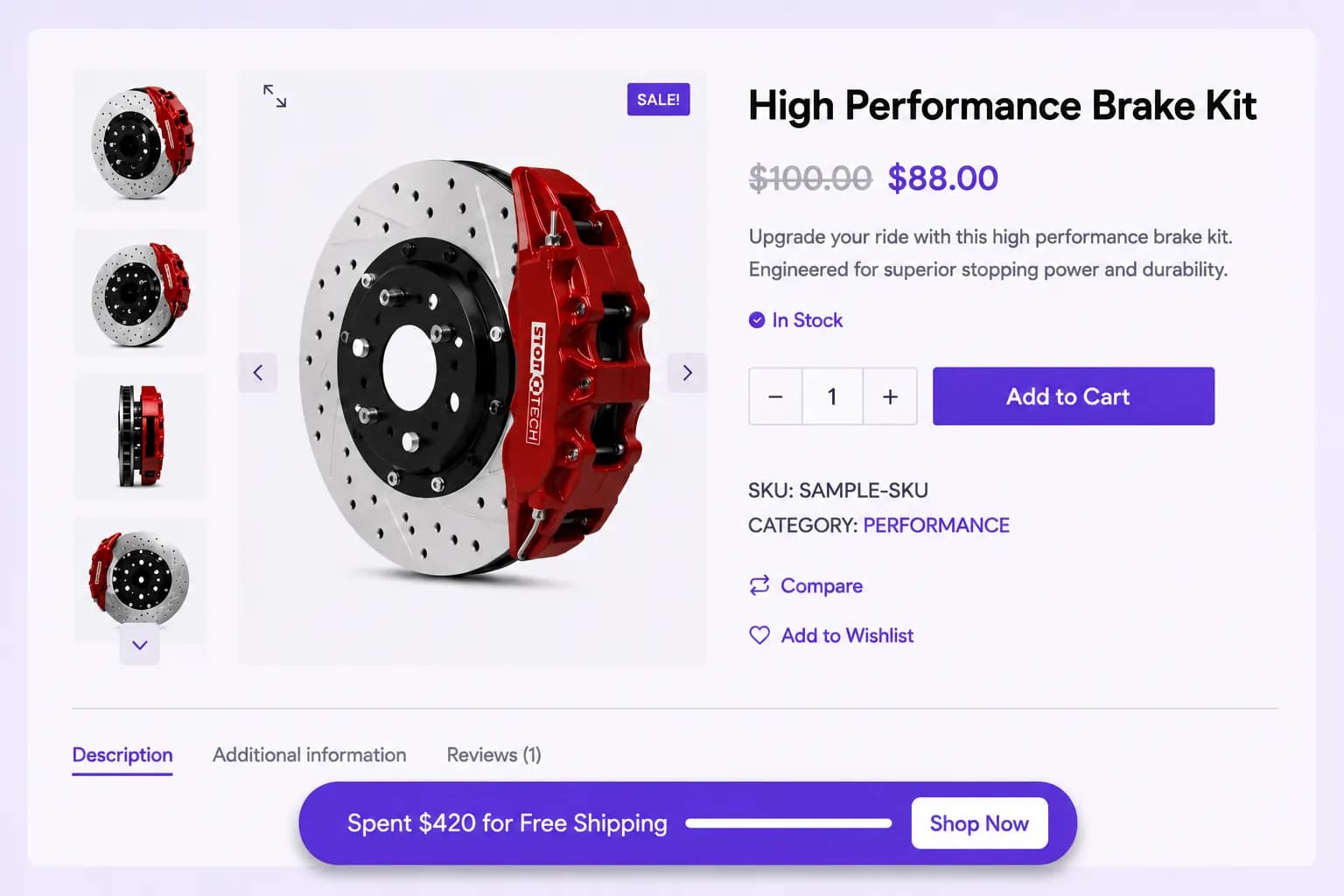
Integrate the free shipping progress bar seamlessly within the page content for a smooth and natural shopping experience.
Keep the free shipping progress bar floating on the screen so it stays visible as customers browse.
Define the minimum spend required for free shipping, motivating customers to add more items to their cart and increase their order value.
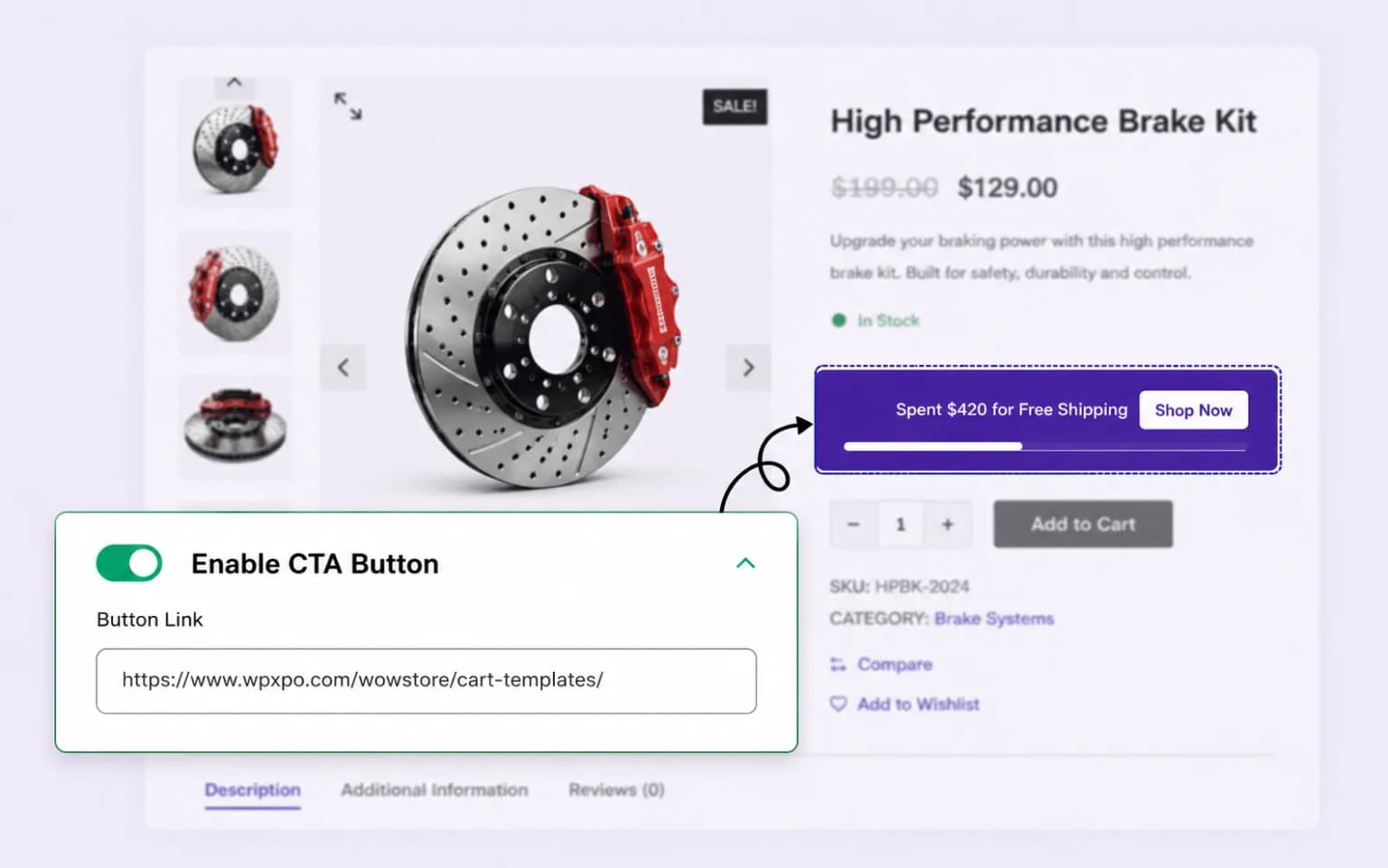
Encourage customers to take action with a strategically placed CTA button, driving them to add more items to their cart.
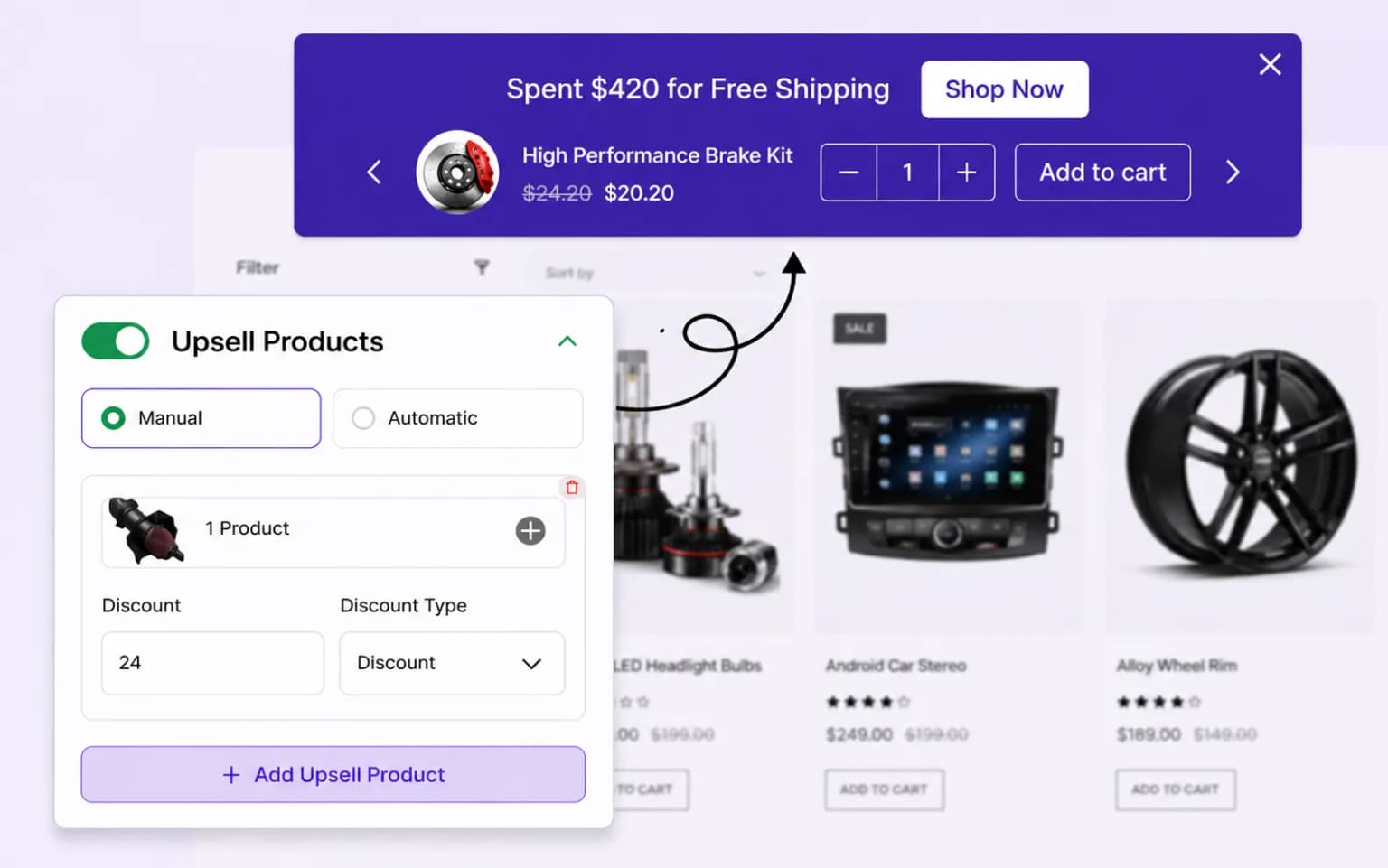
Display related products with discounts to encourage customers to add more items to their cart, helping them qualify for free shipping and increase sales.
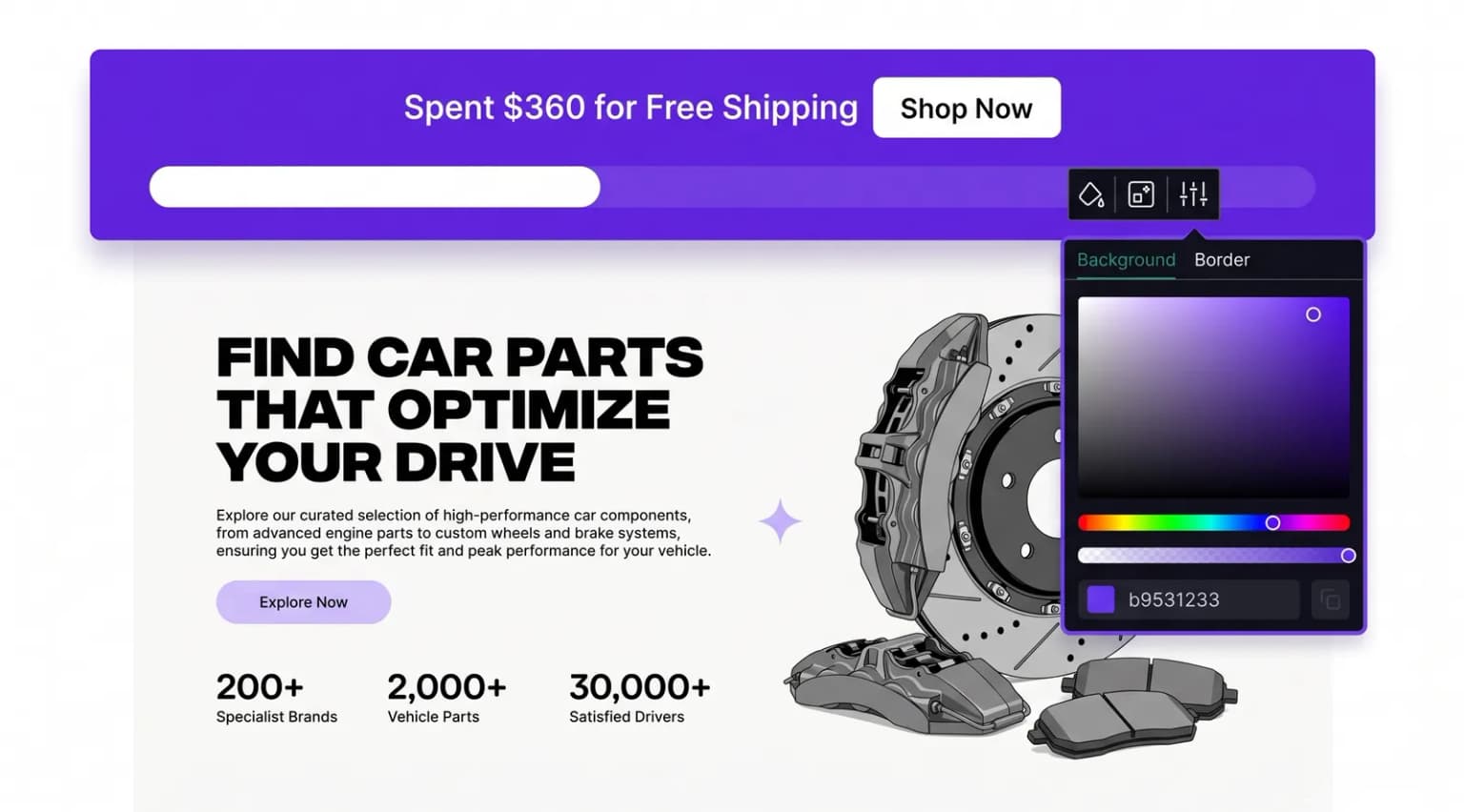
Adjust the design of your free shipping progress bar to match your store's branding, ensuring a cohesive and visually appealing shopping experience.
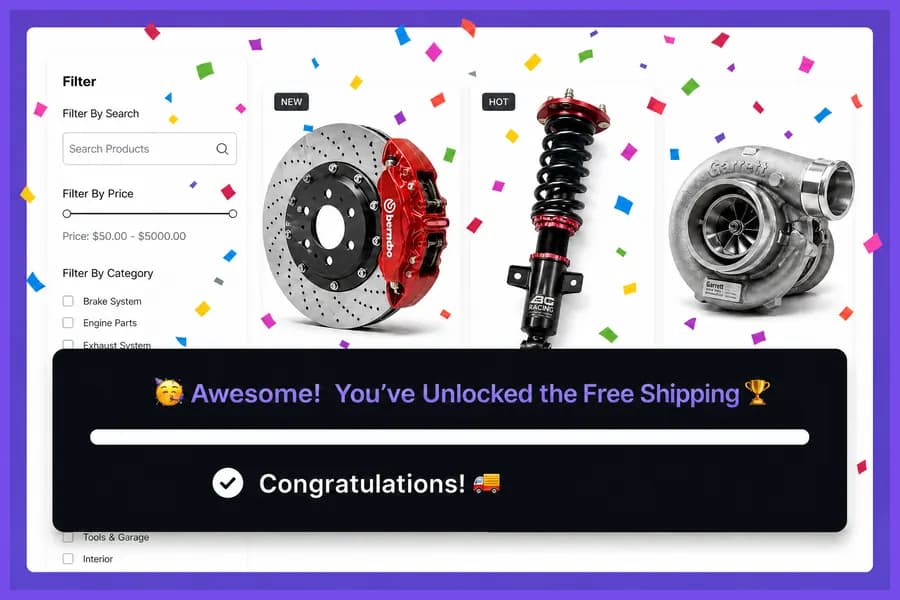
Add a celebratory touch with confetti animations when customers qualify for free shipping, making their shopping experience more rewarding and fun.
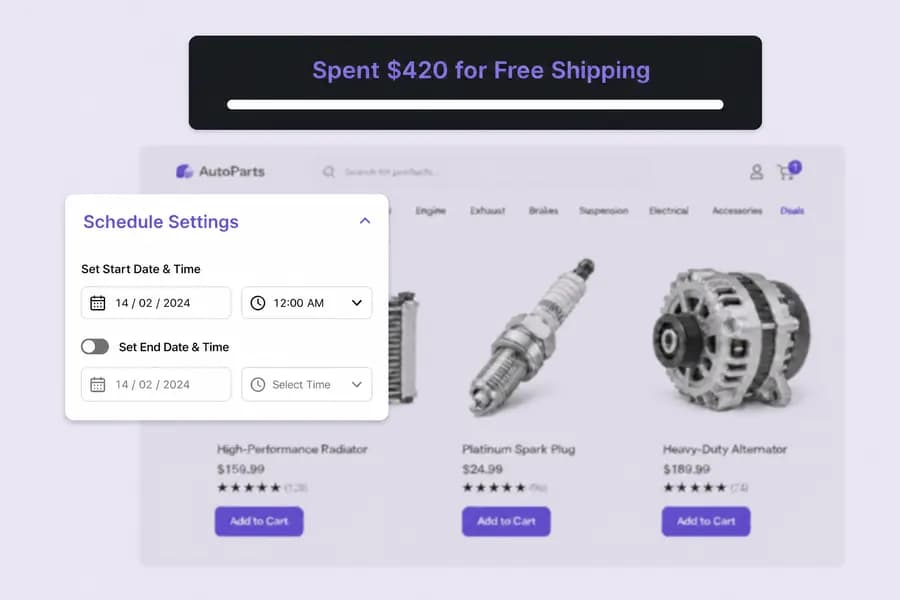
Schedule the free shipping bar to appear during specific dates or times, aligning with promotions or sales events to maximize its impact.
Setup guide
Step-by-step instructions live in the documentation: set the shipping threshold, optional upsells, place the progress bar, and publish.
Explore these frequently asked questions about free shipping progress bars, so you can quickly decide if it's the right fit for your store.
Feel free to contact our support team in case you have questions.
Ask Your Questions