
Set Trigger Products for Bulk Discounts
Choose which products activate bulk discounts, ensuring promotions apply only to the items you want to incentivize and increase sales.
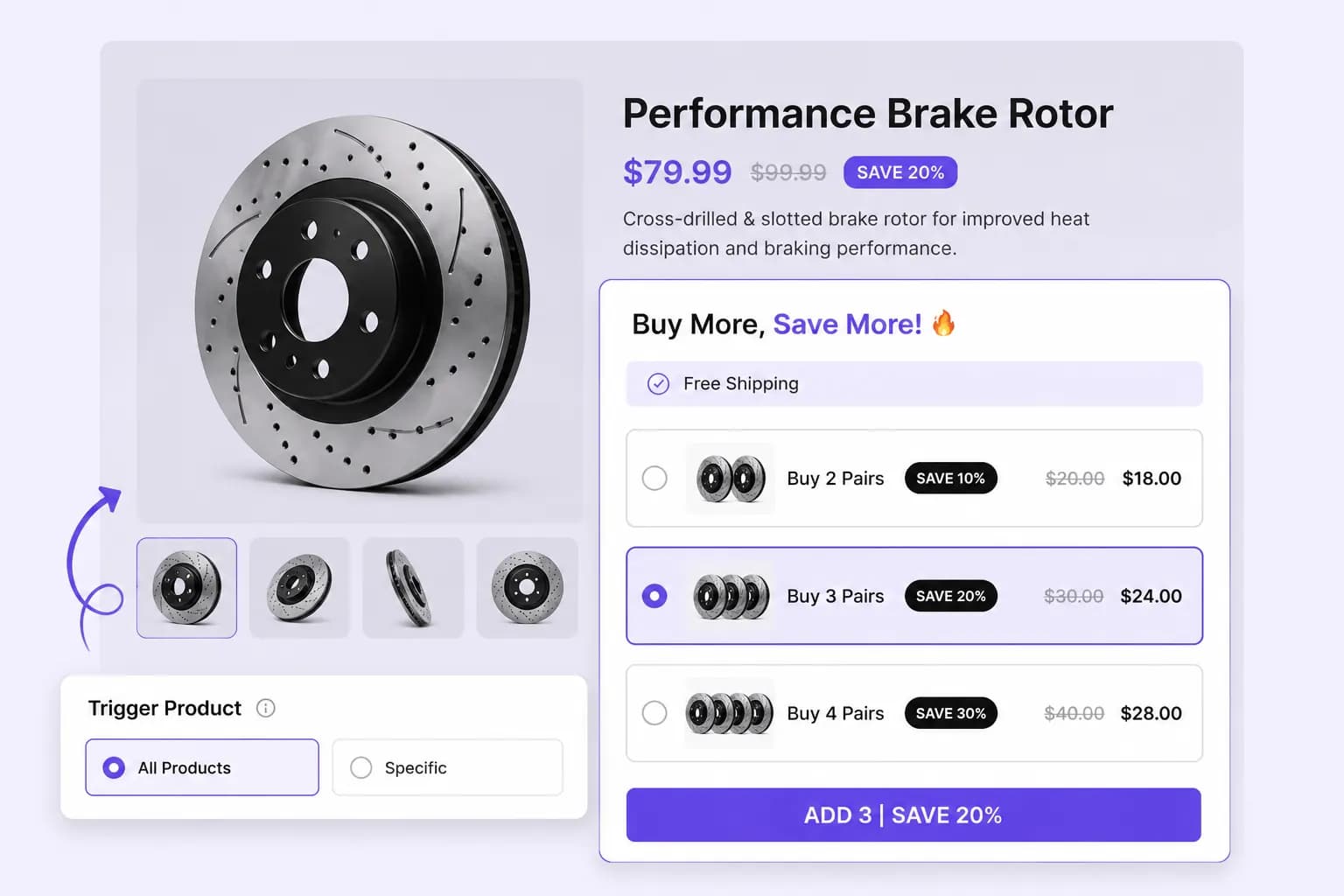
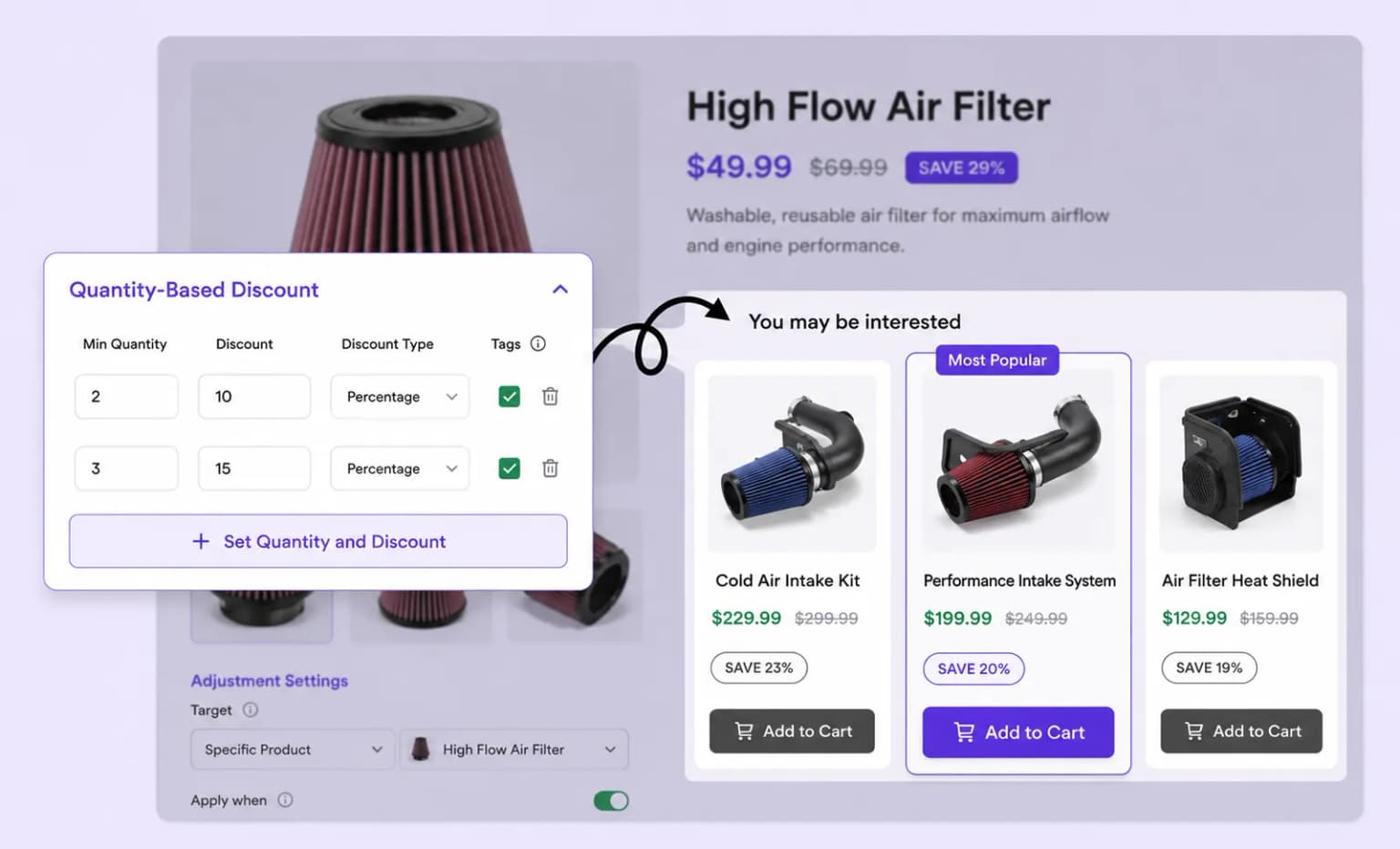
Motivate bigger orders with quantity discounts, set tiers like Buy 2 Save 10% or Buy 5 Save 20% and watch cart sizes grow.
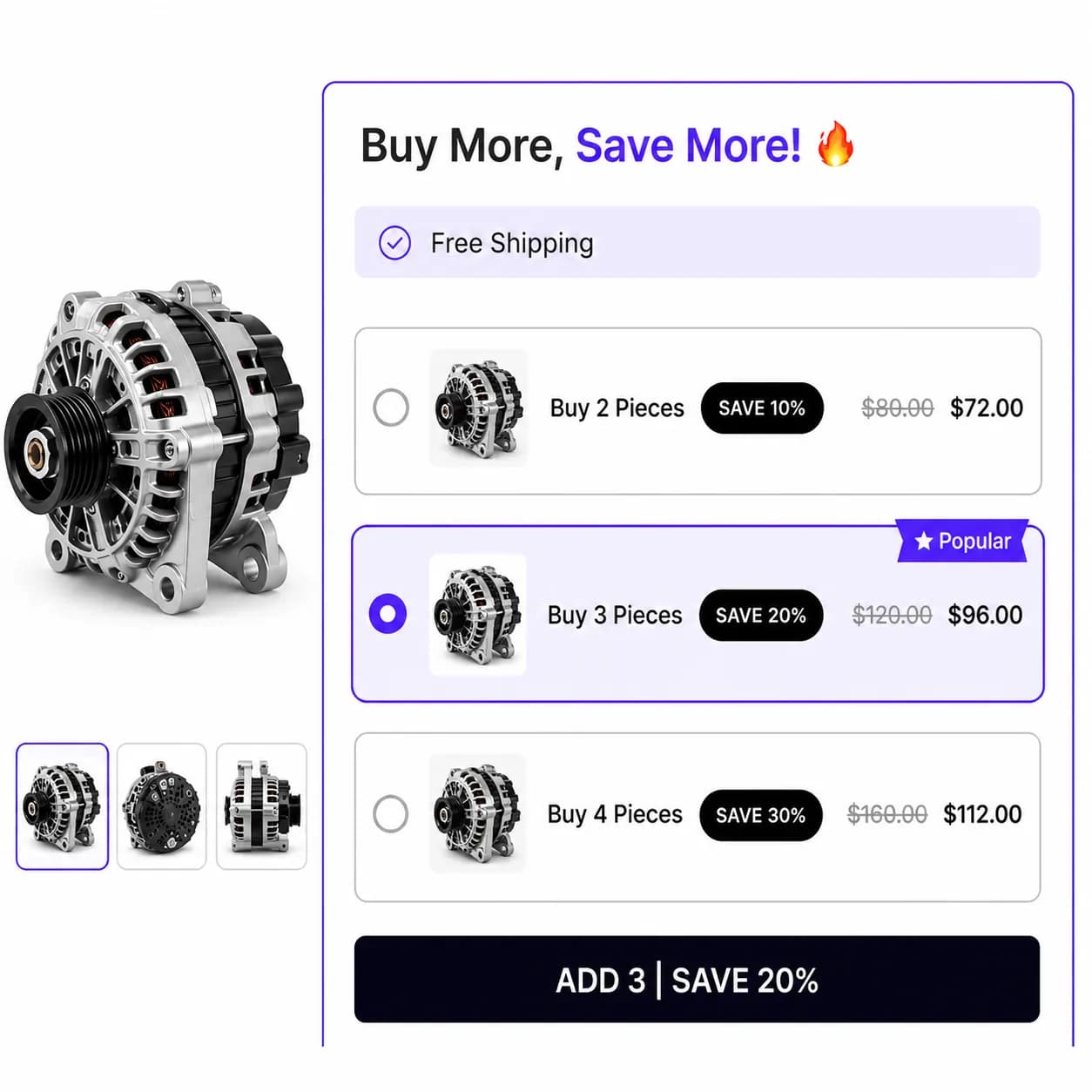
Offer quantity discounts to encourage larger purchases and boost sales.
Place your bulk discount campaign on product and cart pages to maximize visibility and encourage more purchases
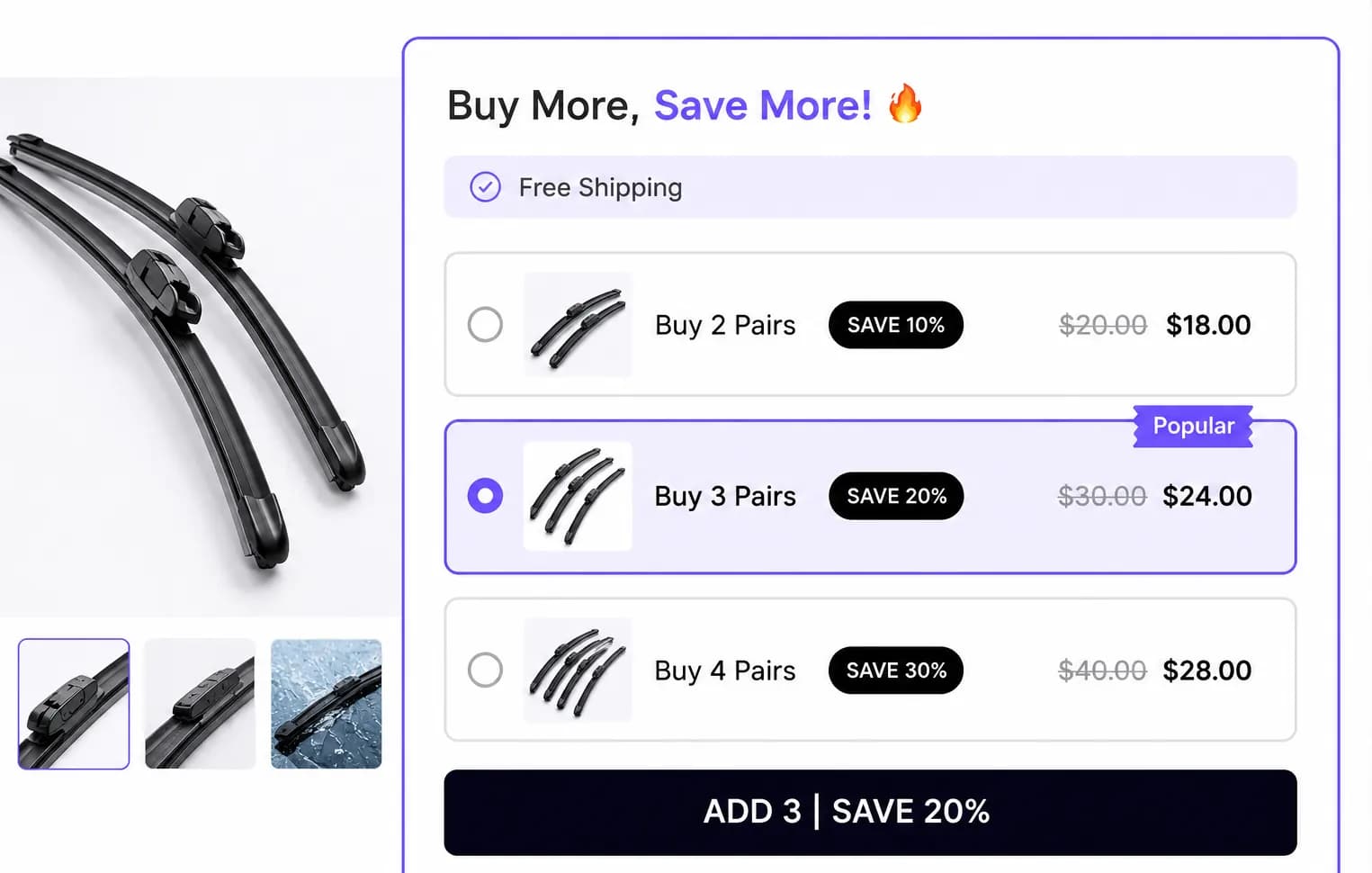
Highlight active bulk discounts directly on product pages so shoppers see the tiered savings the moment they're considering a purchase.
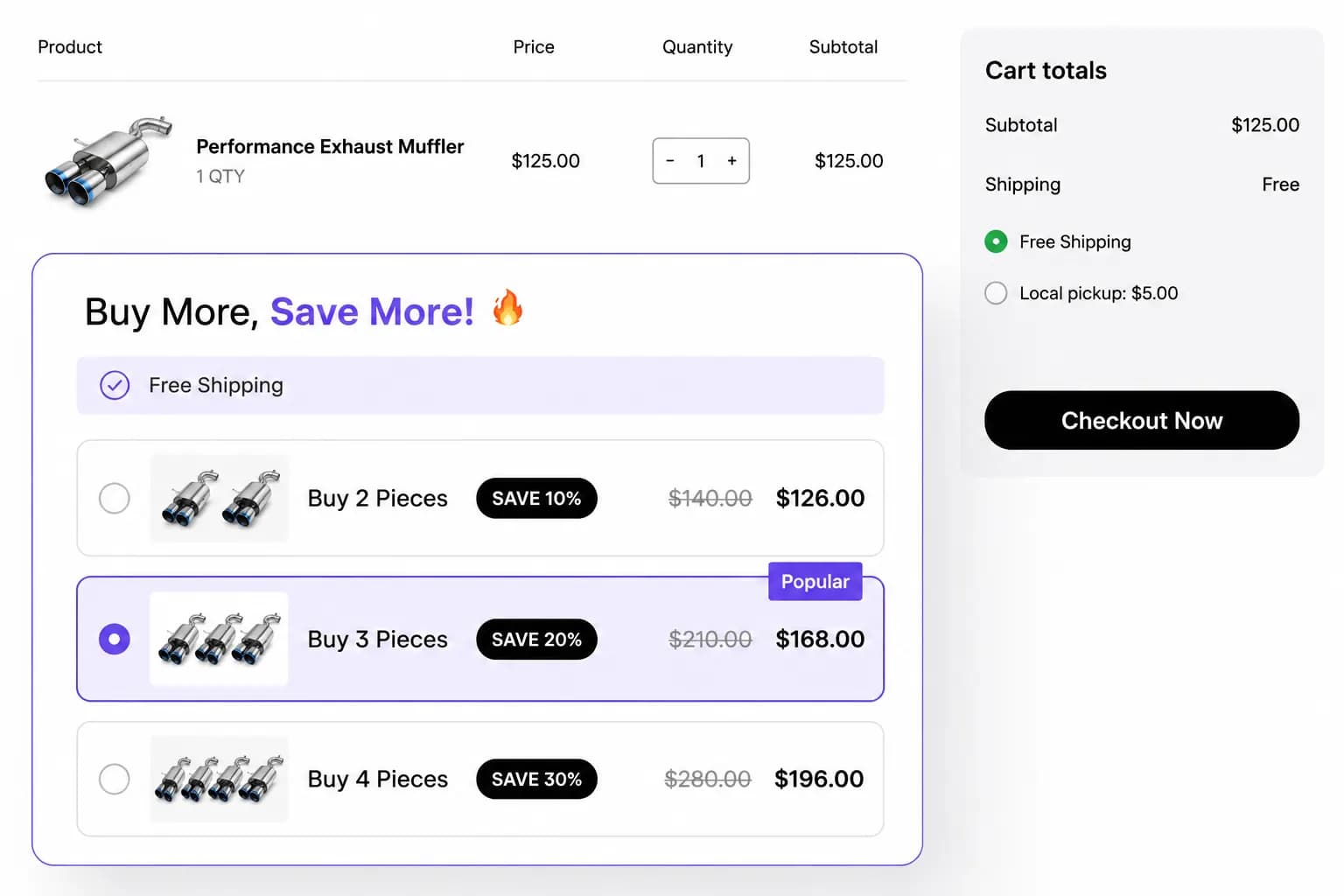
Remind shoppers of available bulk discounts on the cart page, encouraging them to increase their order value before checkout.
Display Styles
Customize the placement of your bulk discount offers to maximize impact, ensuring they catch attention and drive larger orders
Embed bulk discount tiers directly on product pages so shoppers see the buy-more-save-more offer right where they decide.
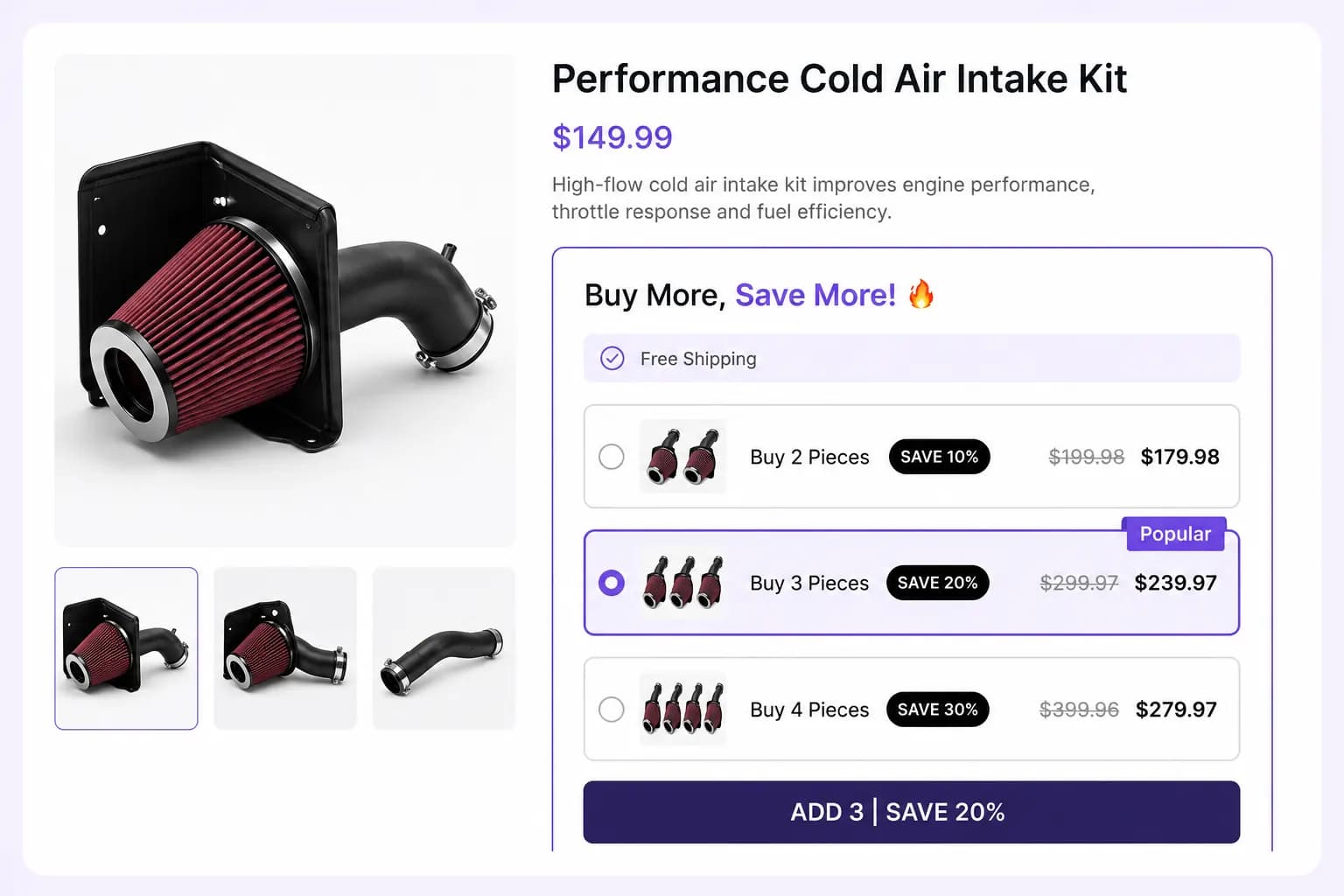
Grab attention with a centered popup that surfaces your bulk discount tiers the moment shoppers are ready to buy.
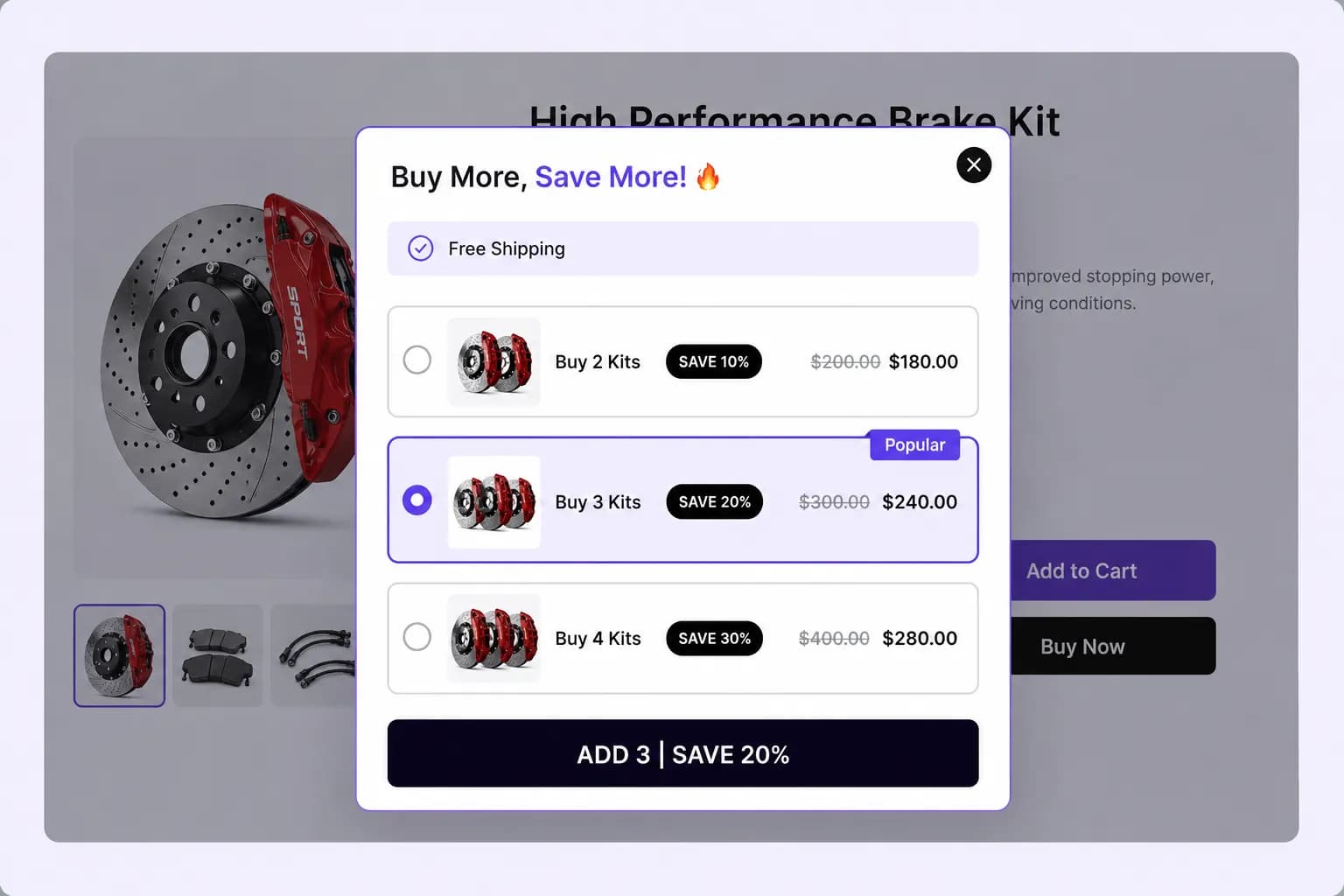
Keep your bulk discount offer visible with a sticky floating widget so the deal is always one click away.
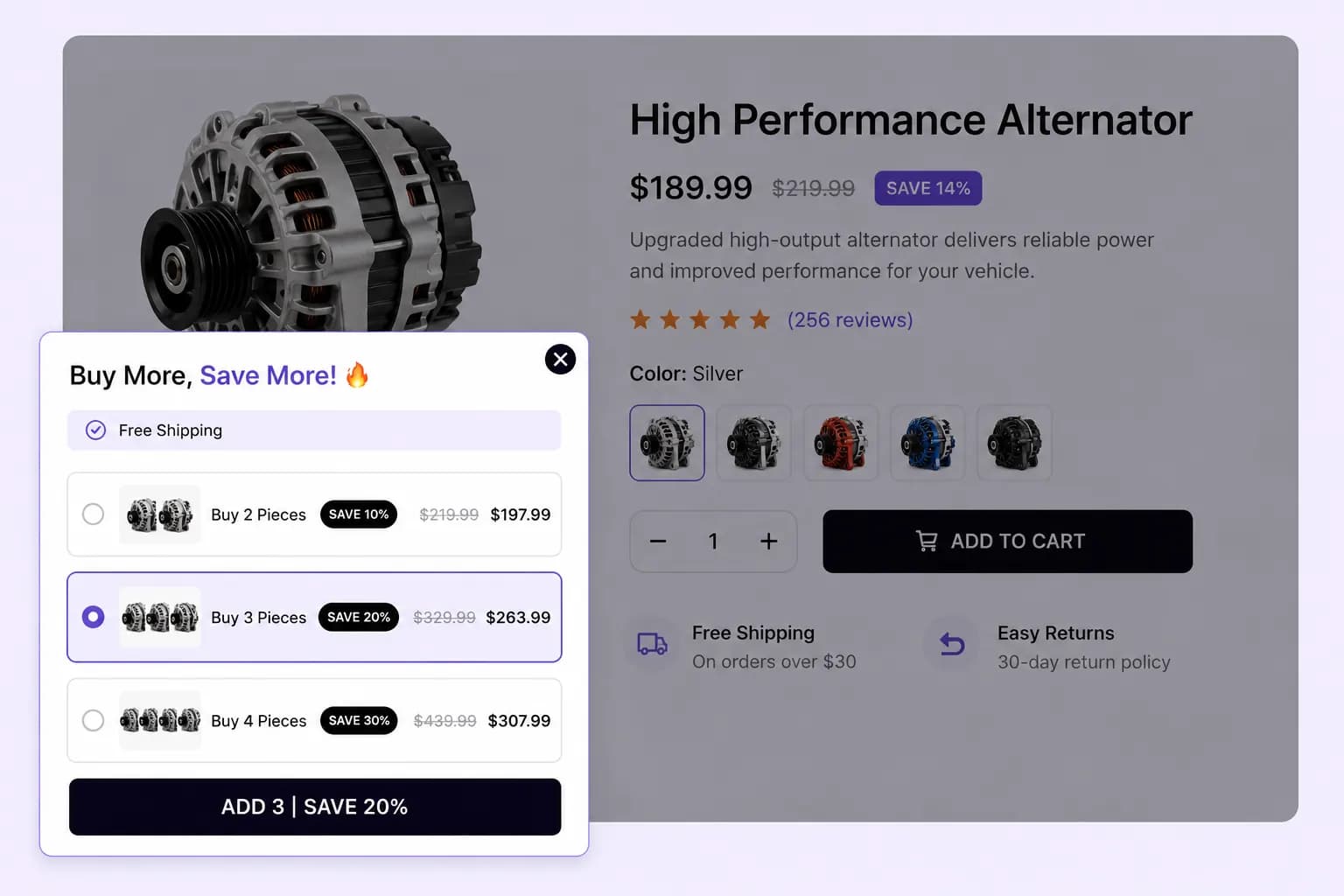
Choose which products activate bulk discounts, ensuring promotions apply only to the items you want to incentivize and increase sales.
Set multiple discount levels based on quantity purchased, like 'Buy 2, Get 10% Off' or 'Buy 5, Get 20% Off,' to encourage larger orders and increase sales.
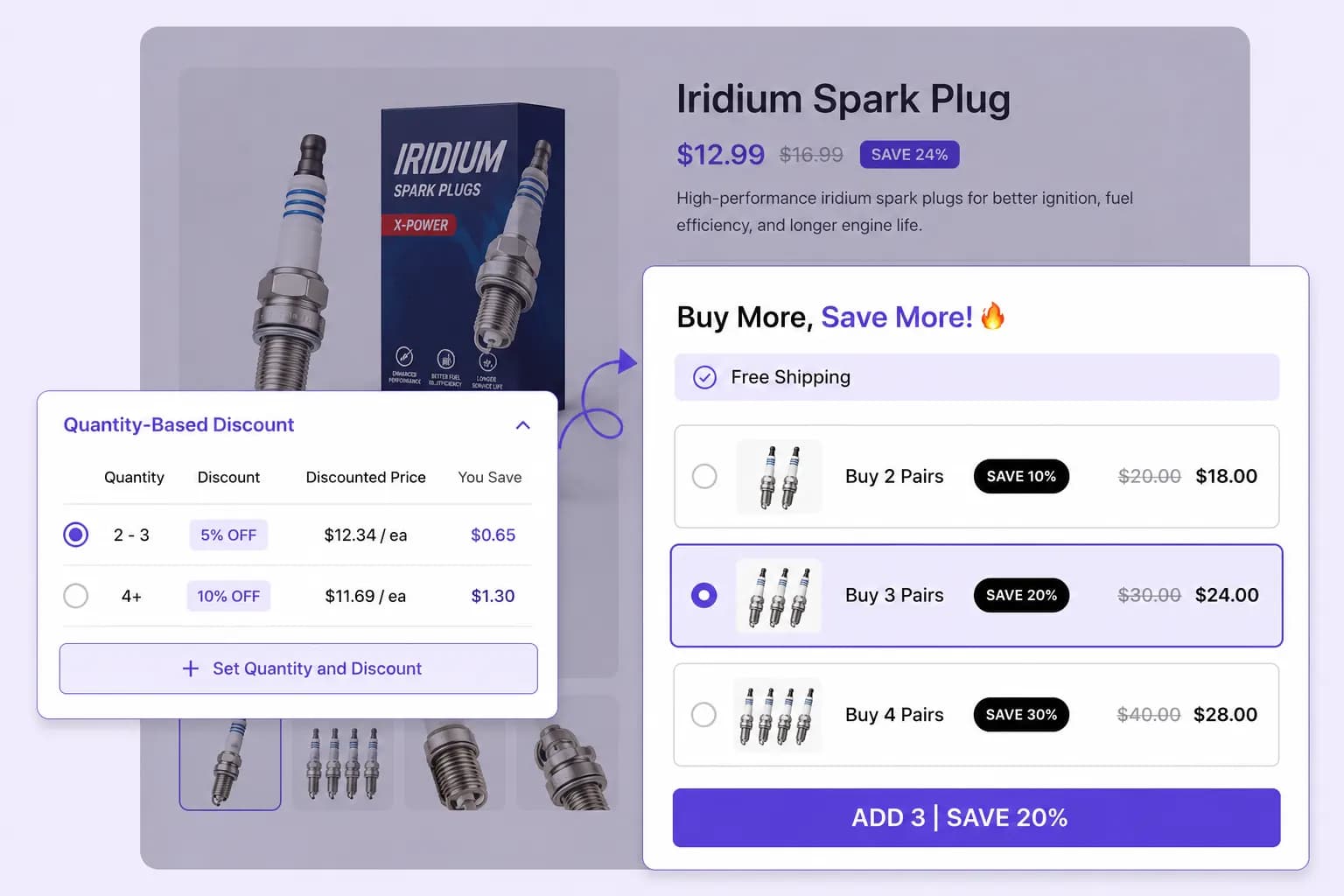
Draw attention to your top discount tiers by labeling them with 'Most Popular' or 'Most Valued' tags, helping customers make quicker purchasing decisions.
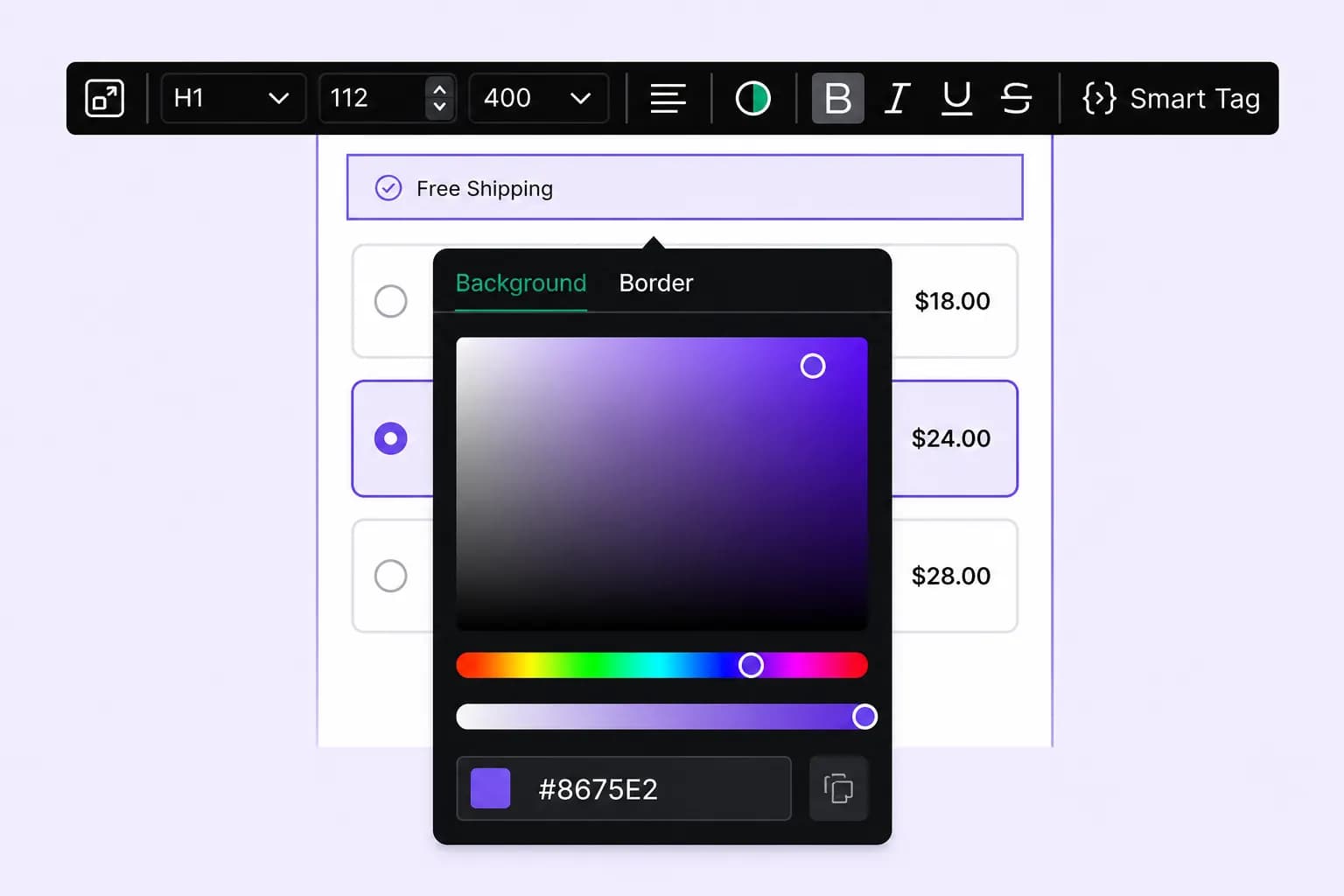
Tailor the look and feel of your bulk discount offers to match your store's branding, ensuring a seamless and engaging shopping experience.
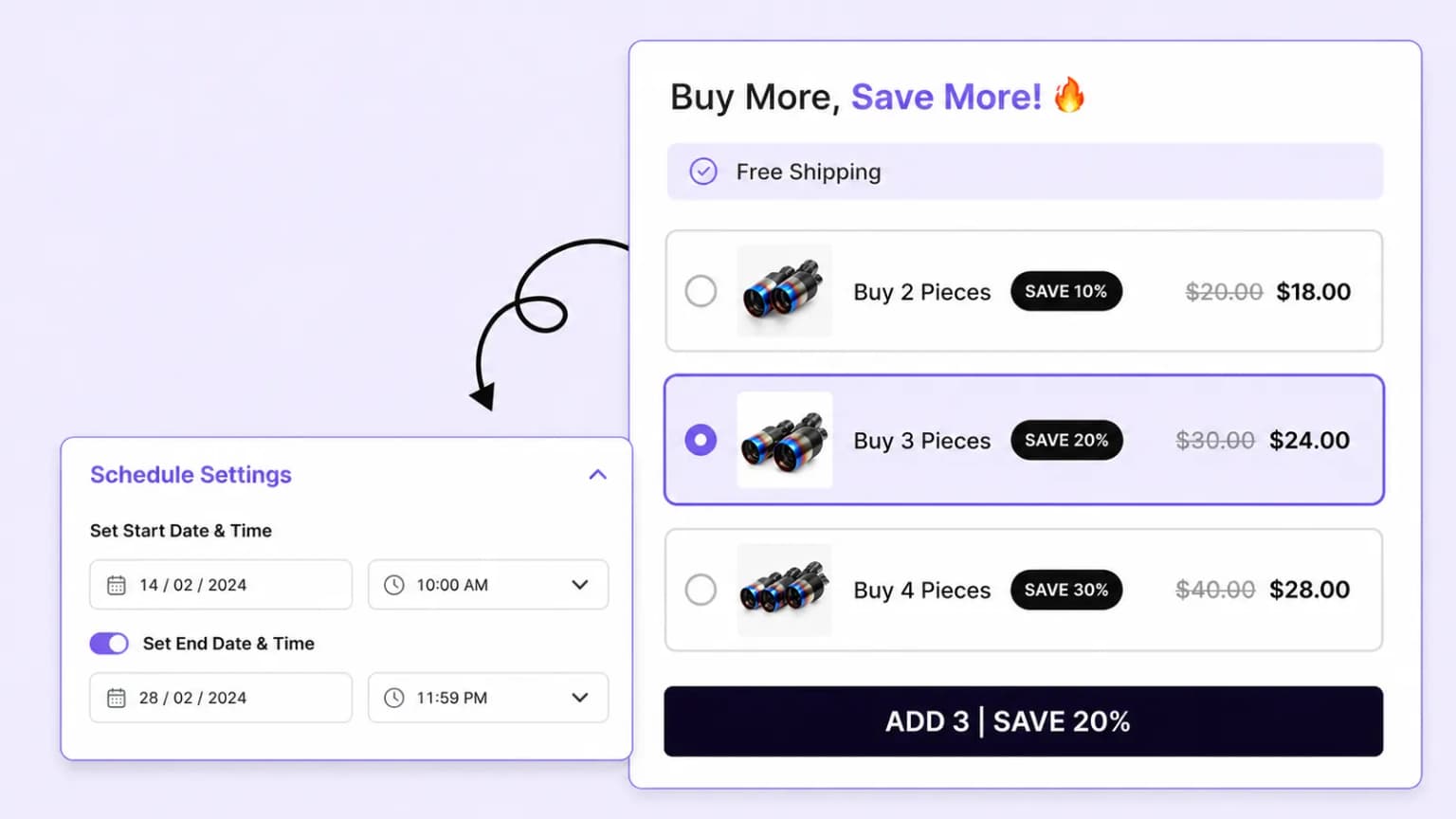
Plan your bulk discount campaigns by setting start and end dates, ensuring your promotions go live at the perfect time to maximize sales.
Setup guide
Step-by-step instructions live in the documentation: create quantity tiers, set discount types, place the widget, and publish.
Explore these frequently asked questions about volume and quantity discounts, so you can quickly decide if it's the right fit for your store.
Feel free to contact our support team in case you have questions.
Ask Your Questions