
Choose Products for Your Mix & Match Bundles
Select the products customers can mix and match to create personalized bundles, offering flexibility and boosting your average order value.
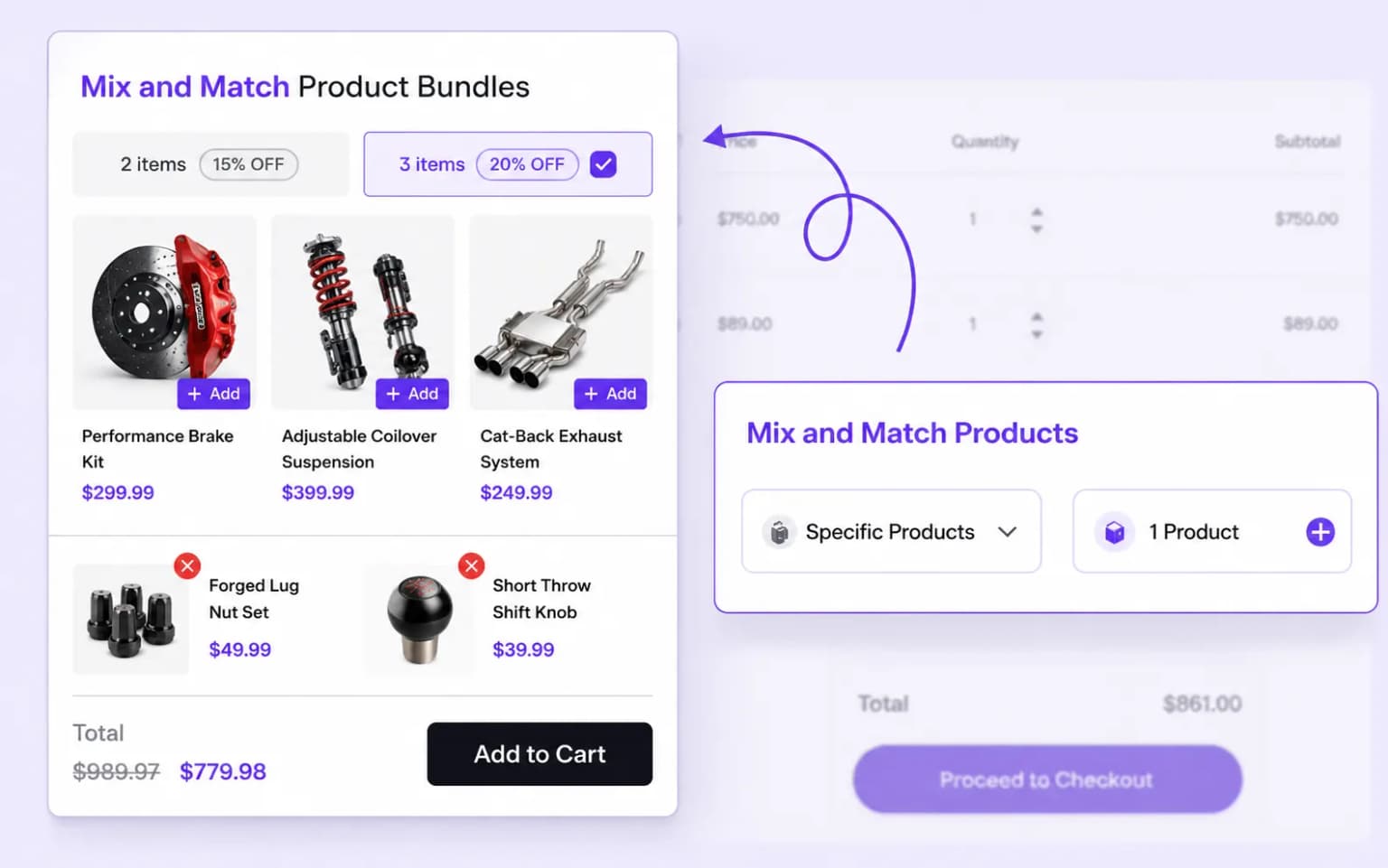
Let customers mix and match products for a hassle-free bundle experience, unlock tiered discounts as they build their cart.
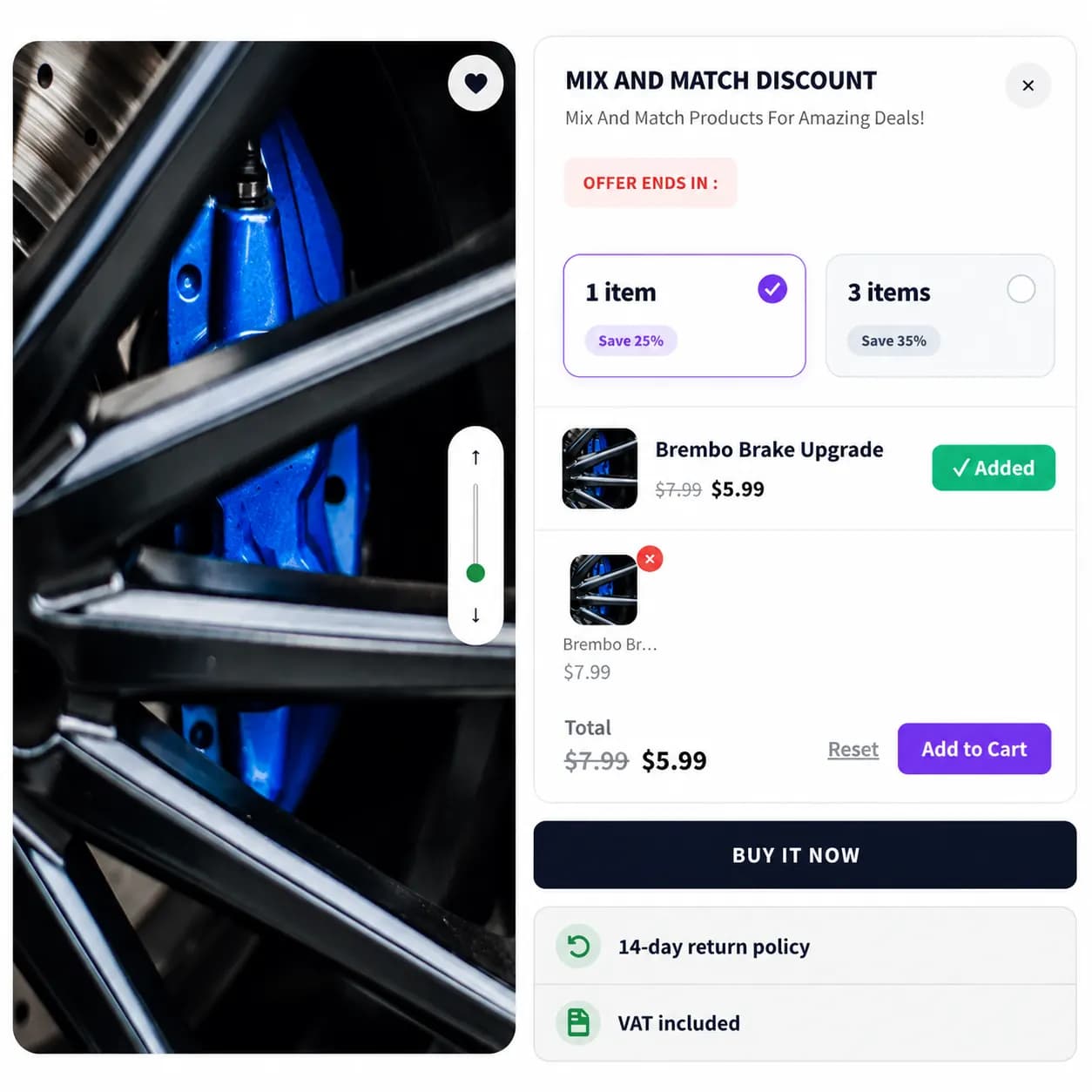
Allow shoppers to mix and match products for a hassle-free shopping experience.
Place your Mix and Match bundle on product and cart pages to maximize visibility and encourage more purchases
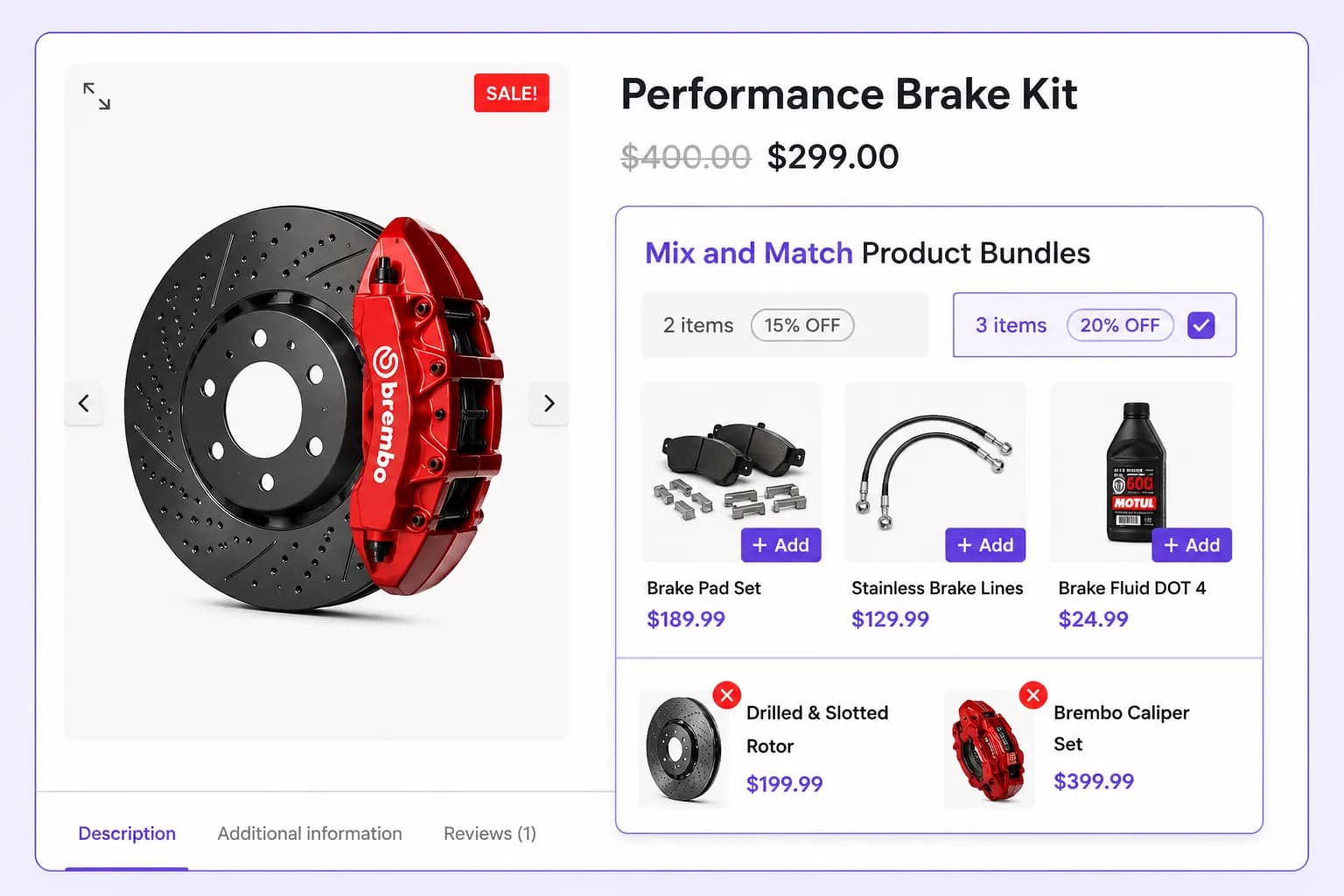
Show Mix & Match offers directly on product pages, encouraging customers to add more items to their cart and increase order value.
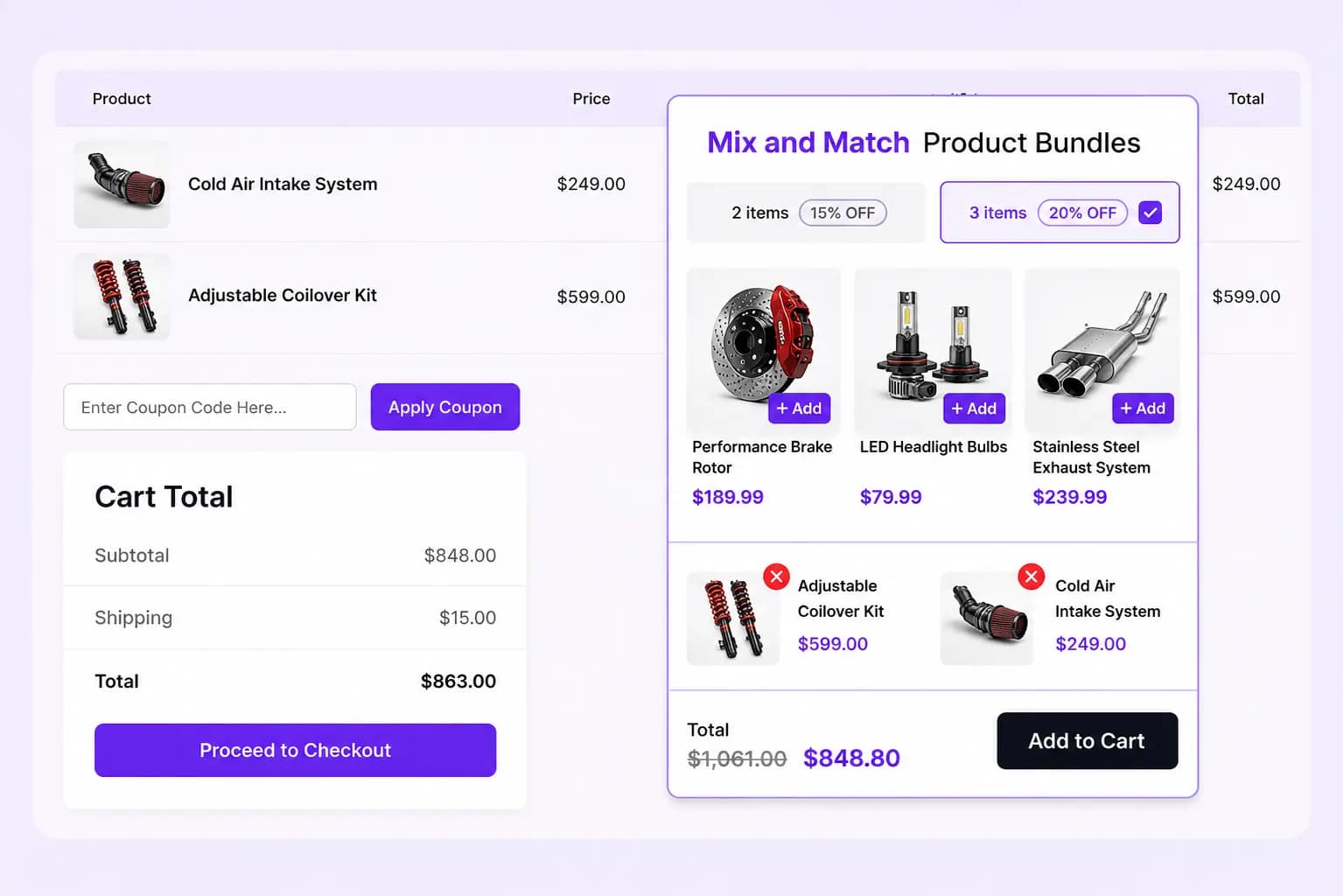
Remind shoppers of available Mix & Match bundles on the cart page, encouraging them to complete a qualifying combination before checkout.
Display Styles
Show Mix & Match bundle offers directly on product pages, grab attention with pop-ups, or keep them visible with floating displays to boost engagement
Integrate Mix & Match bundles directly within the page for a seamless, natural shopping experience that encourages more purchases.
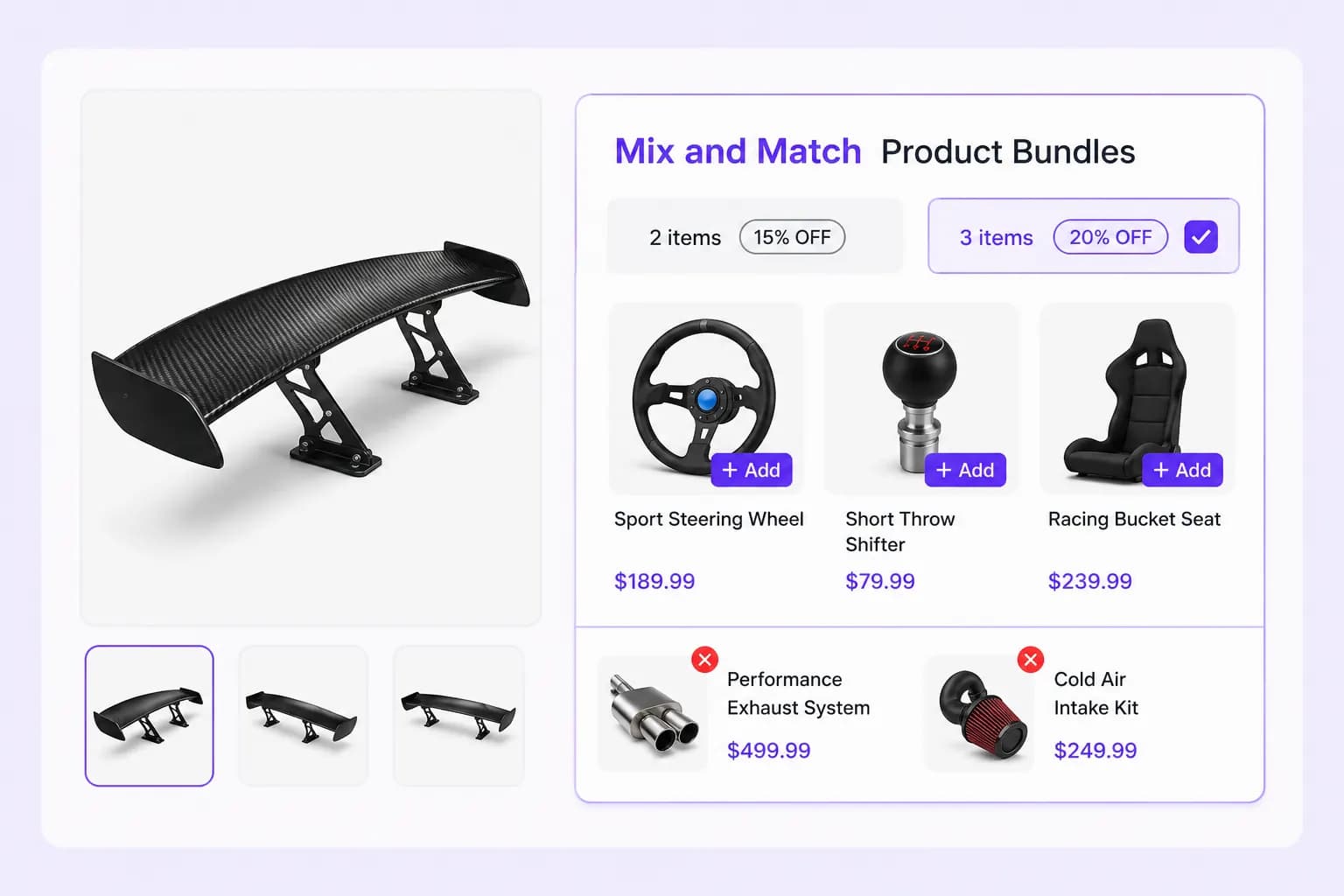
Grab shopper attention with a popup that surfaces Mix & Match bundles at the right moment to drive conversions.
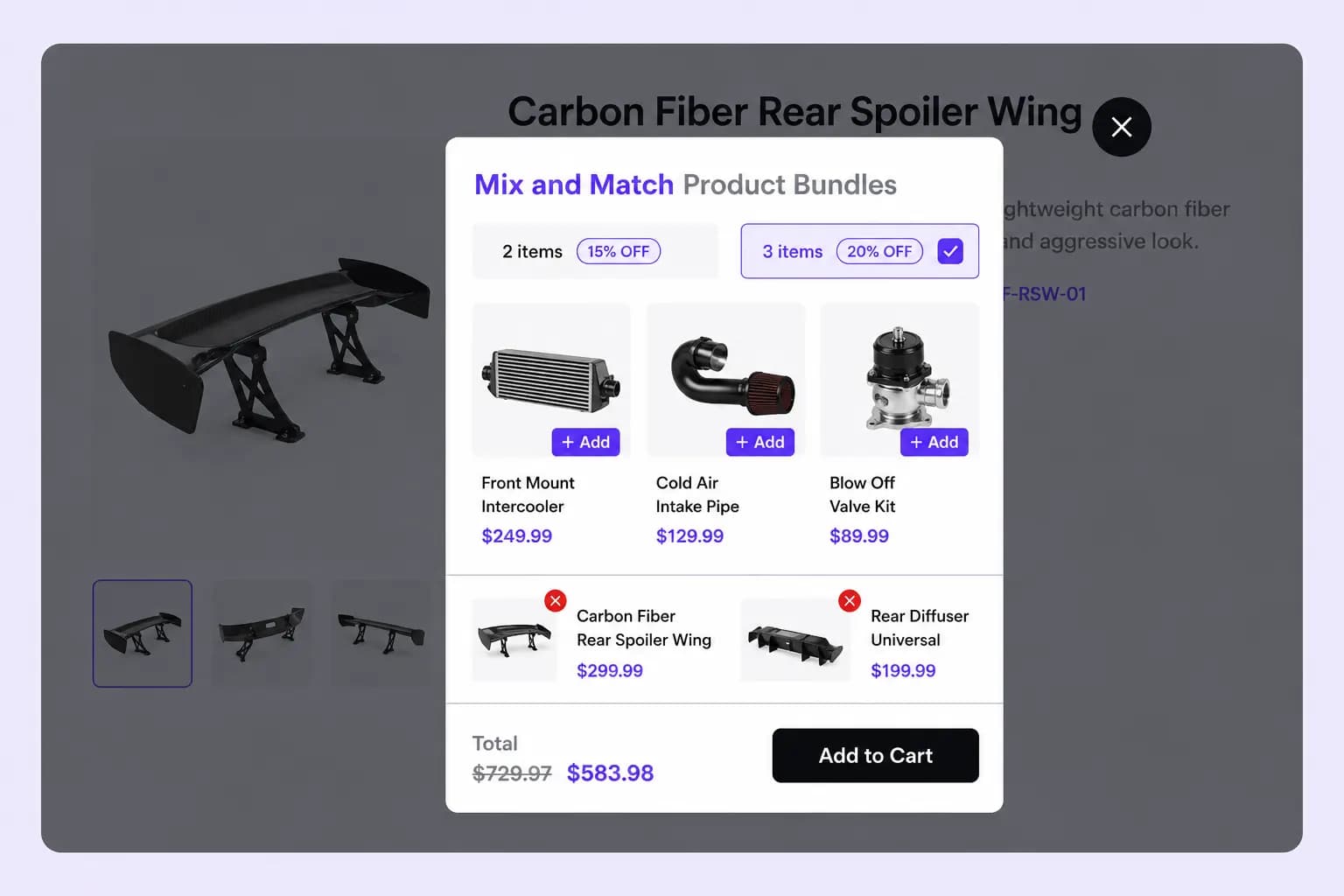
Keep Mix & Match bundles visible with a floating widget that follows shoppers as they browse, boosting engagement.
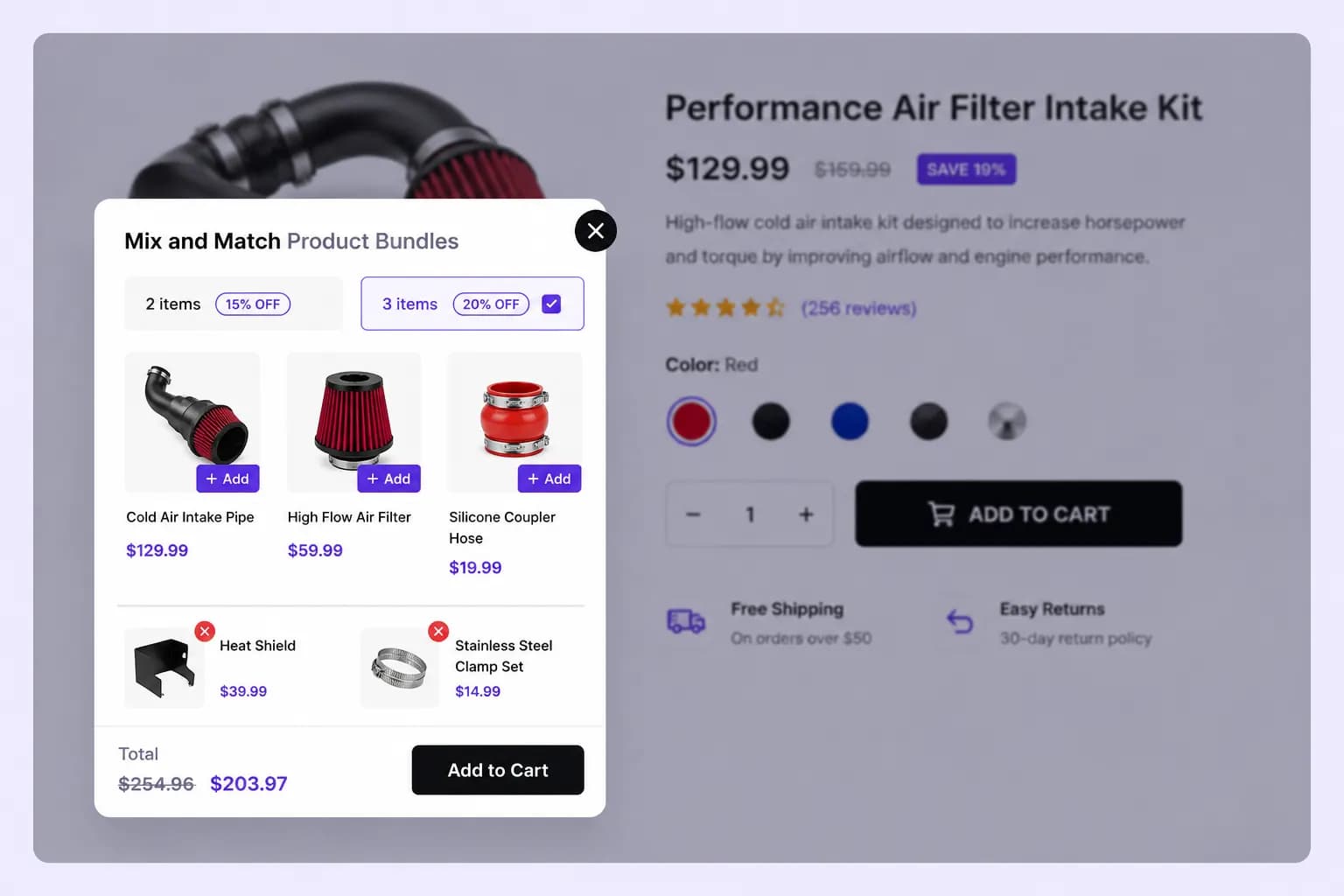
Select the products customers can mix and match to create personalized bundles, offering flexibility and boosting your average order value.
Ensure key products are always included in a Mix & Match bundle, guiding customer choices while offering flexibility in other selections.
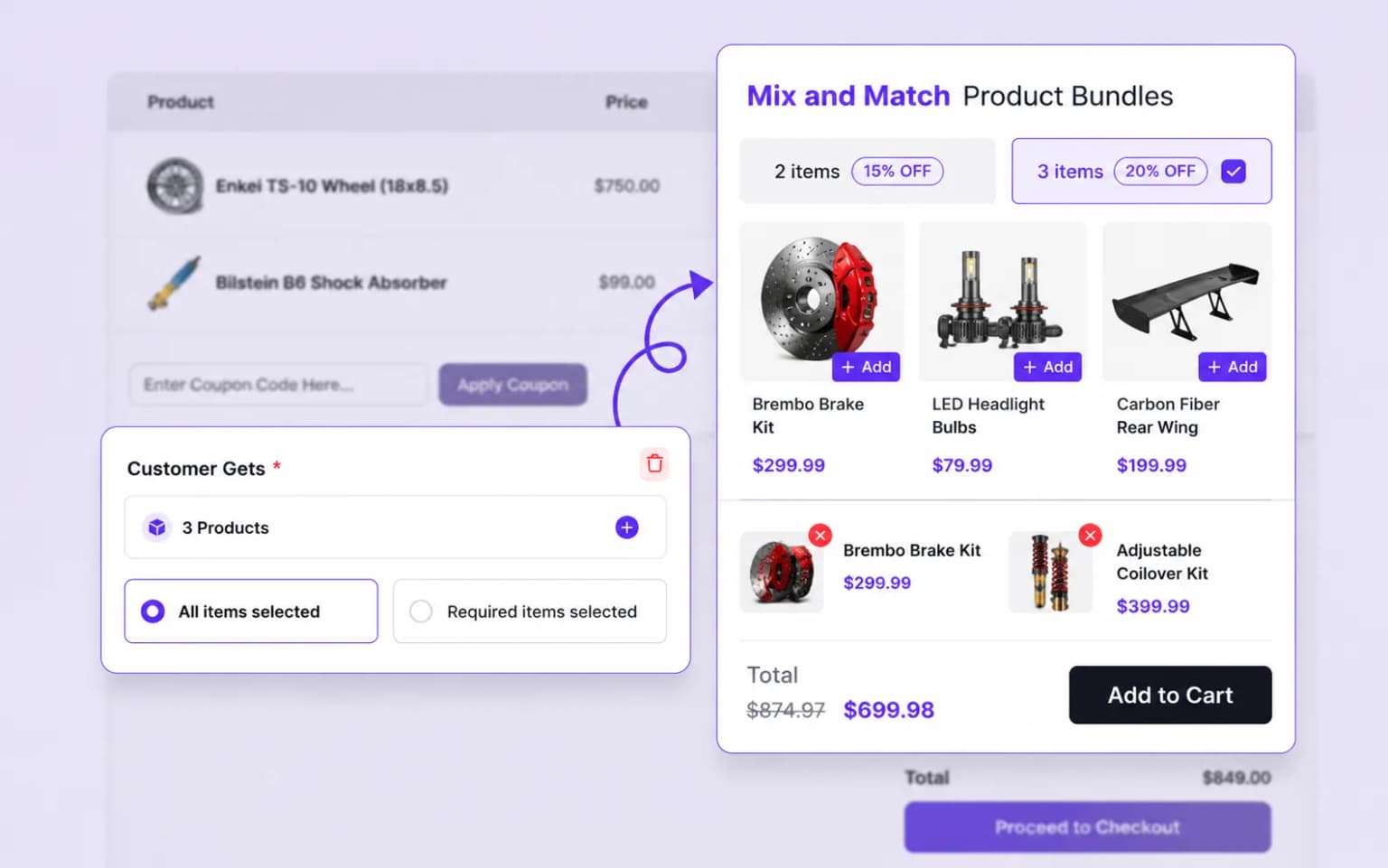
Highlight specific products in your Mix & Match bundles by pre-selecting them, guiding customers while maintaining flexibility for customization.
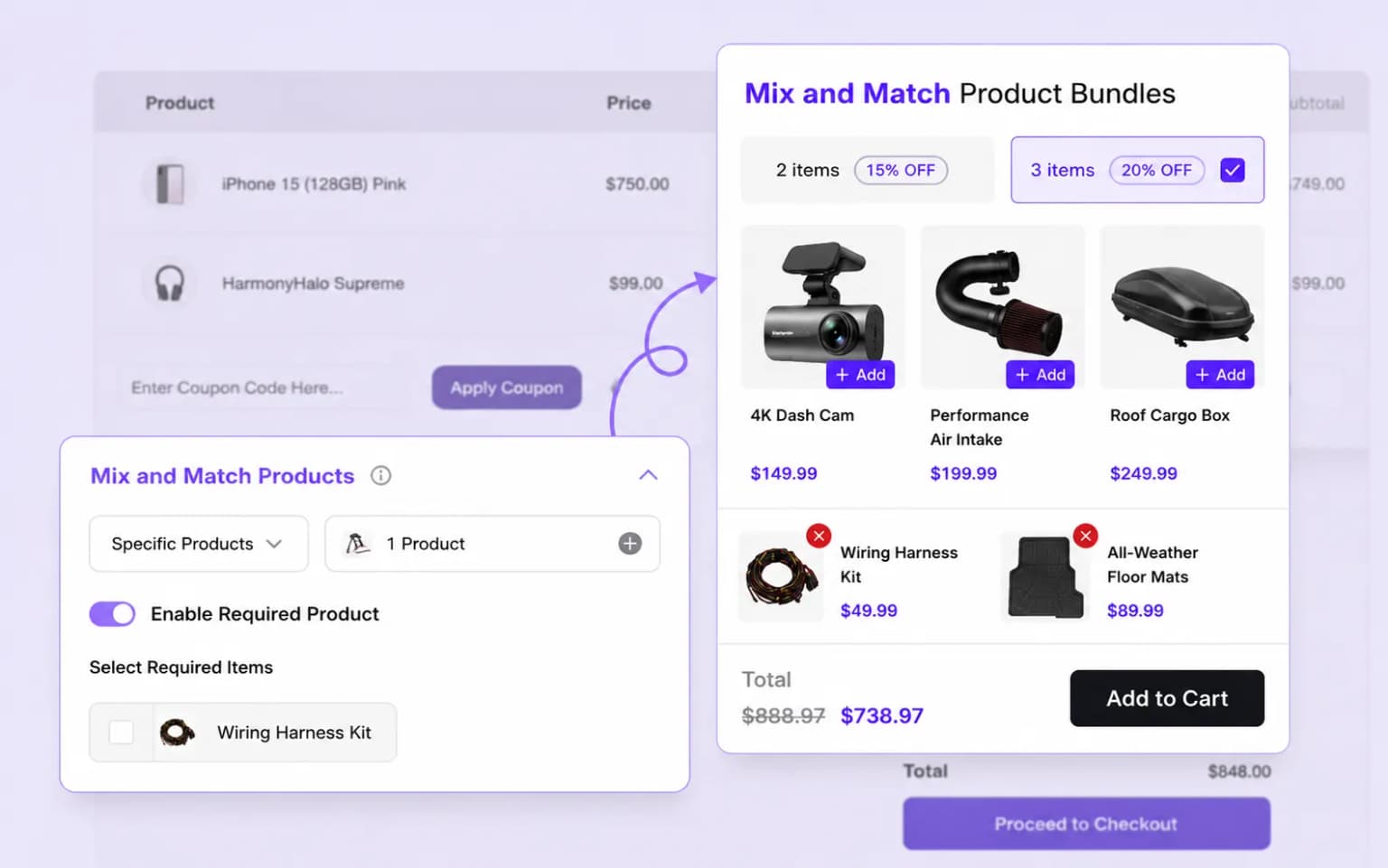
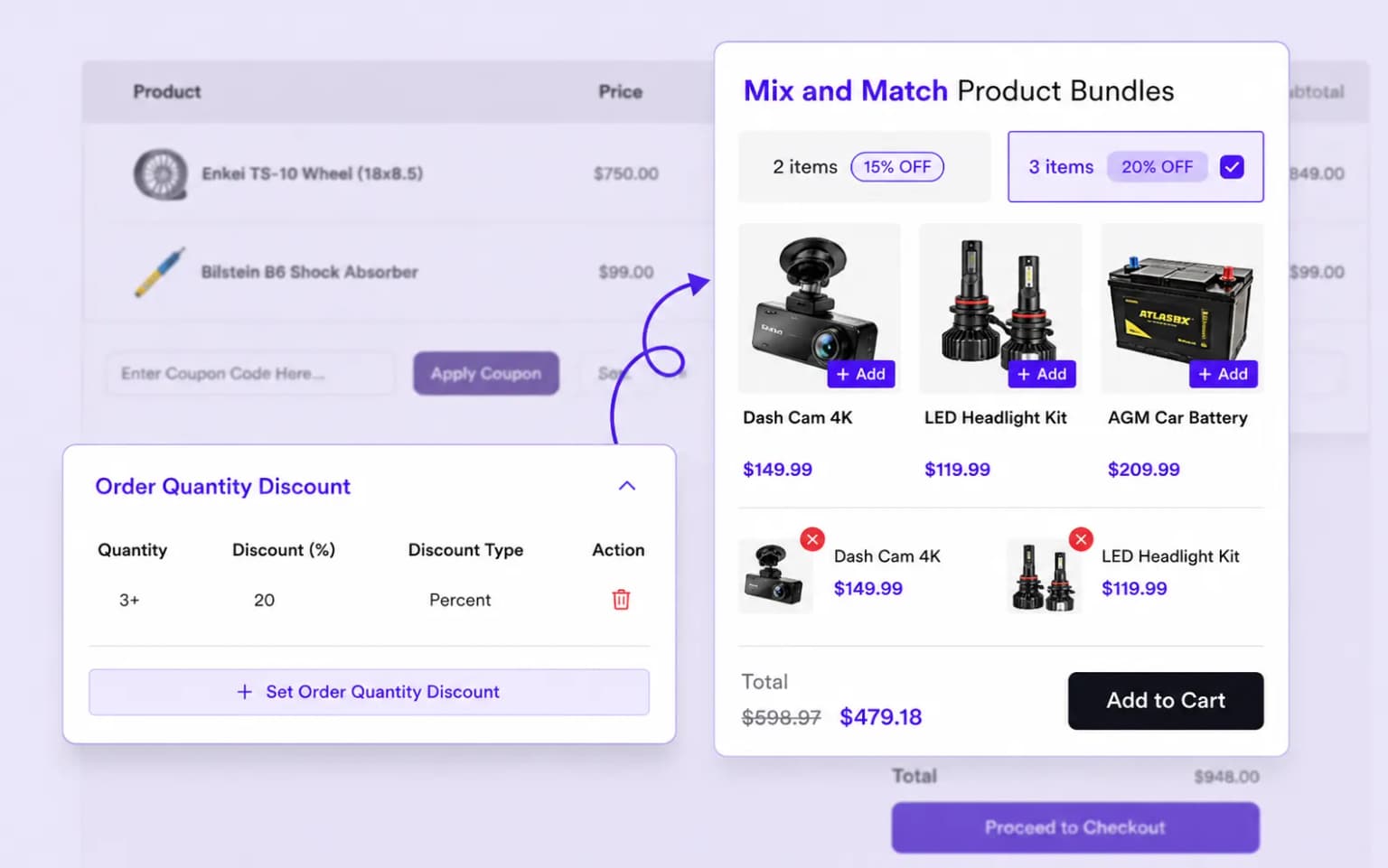
Create tiered discount levels like 'Buy 2, Get 30% Off' or 'Buy 3, Get 40% Off' to encourage larger orders and drive higher sales.
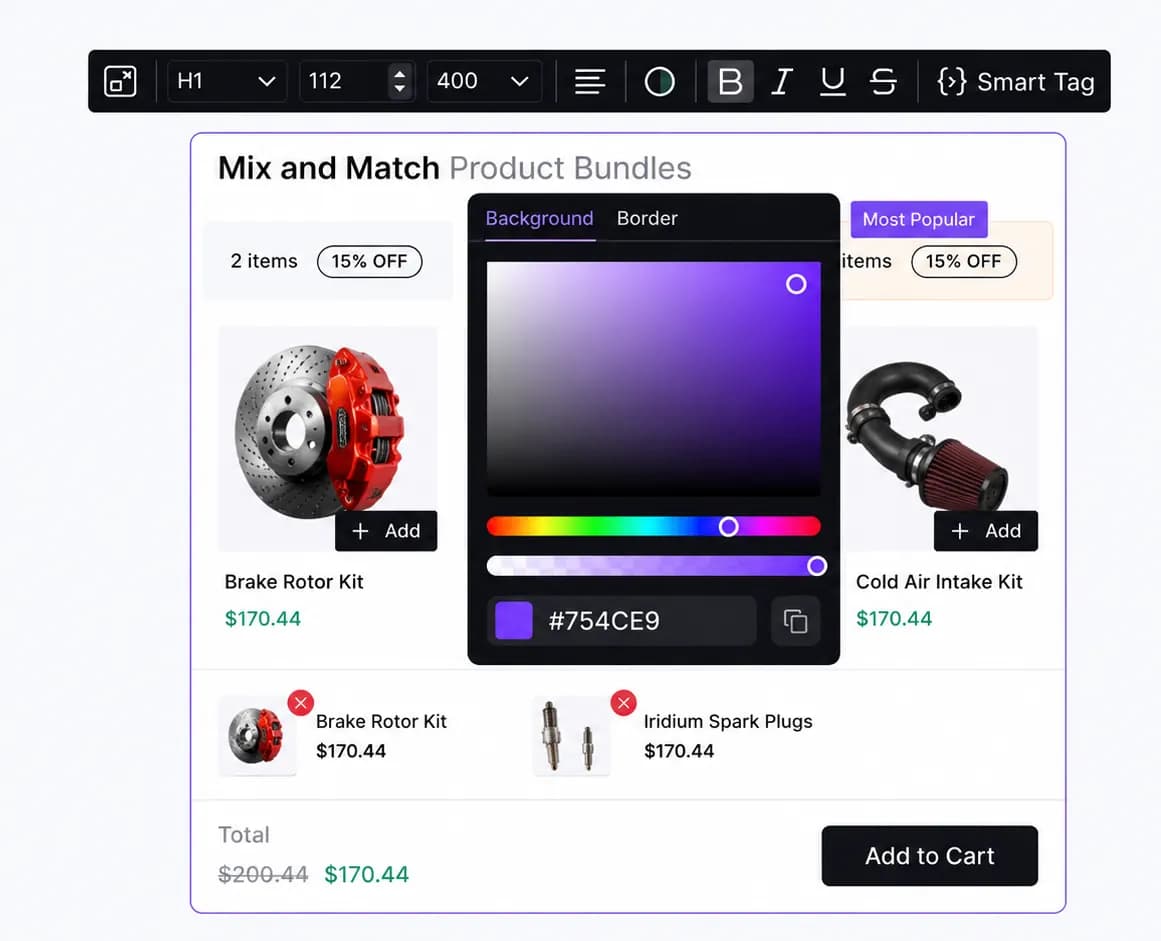
Customize the layout and style of your Mix & Match bundles to align with your store's branding, offering a seamless and attractive shopping experience.
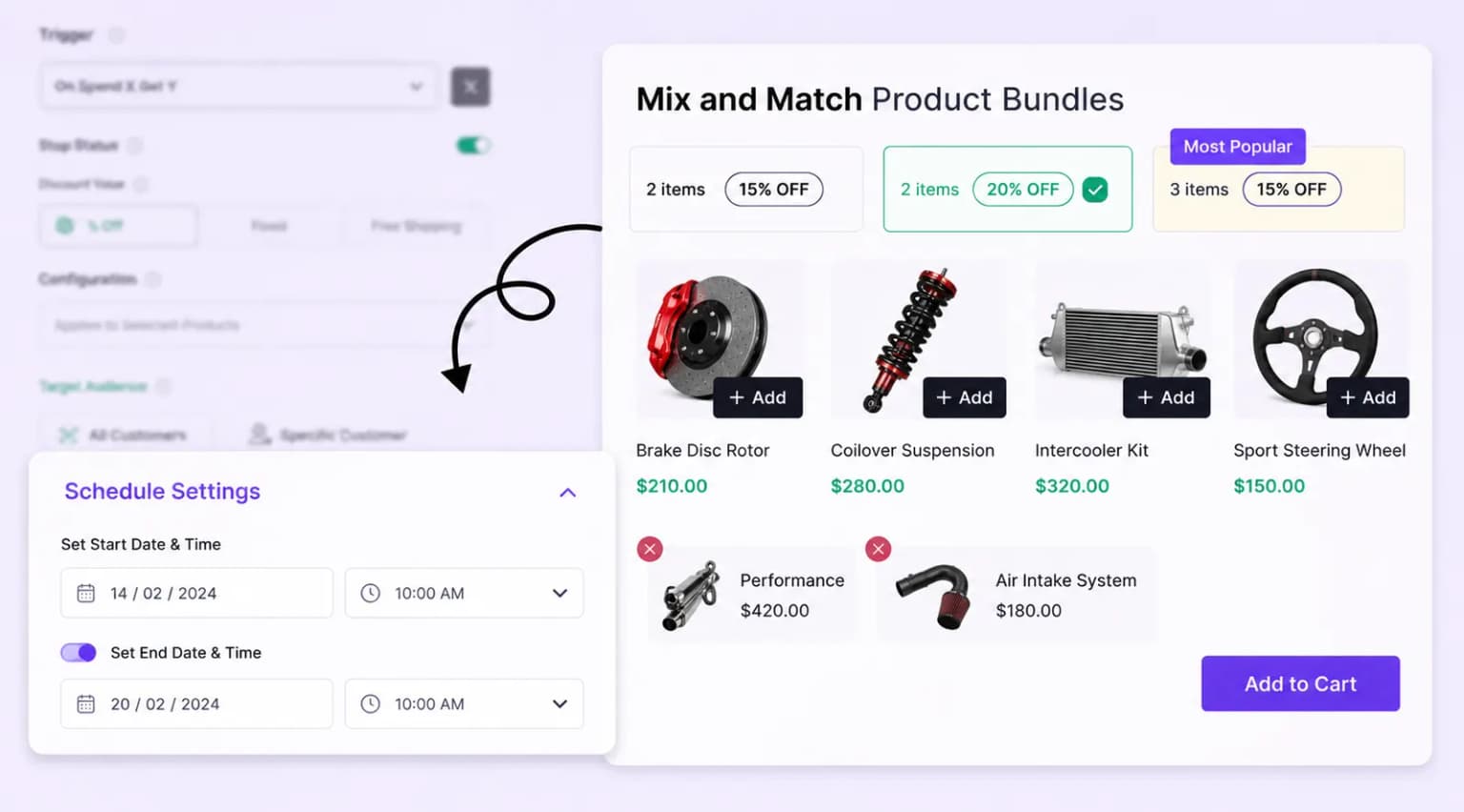
Plan and automate your Mix & Match bundle promotions by setting start and end dates, ideal for seasonal sales, holidays, or limited-time campaigns.
Setup guide
Step-by-step instructions live in the documentation: build the product pool, set tiered discounts, place the widget, and publish.
Explore these frequently asked questions about Mix & Match bundles, so you can quickly decide if it's the right fit for your store.
Feel free to contact our support team in case you have questions.
Ask Your Questions