
Set Spending Thresholds for Each Reward Tier
Define the spending thresholds required to unlock each reward tier, motivating customers to increase their cart value and reach higher goals.
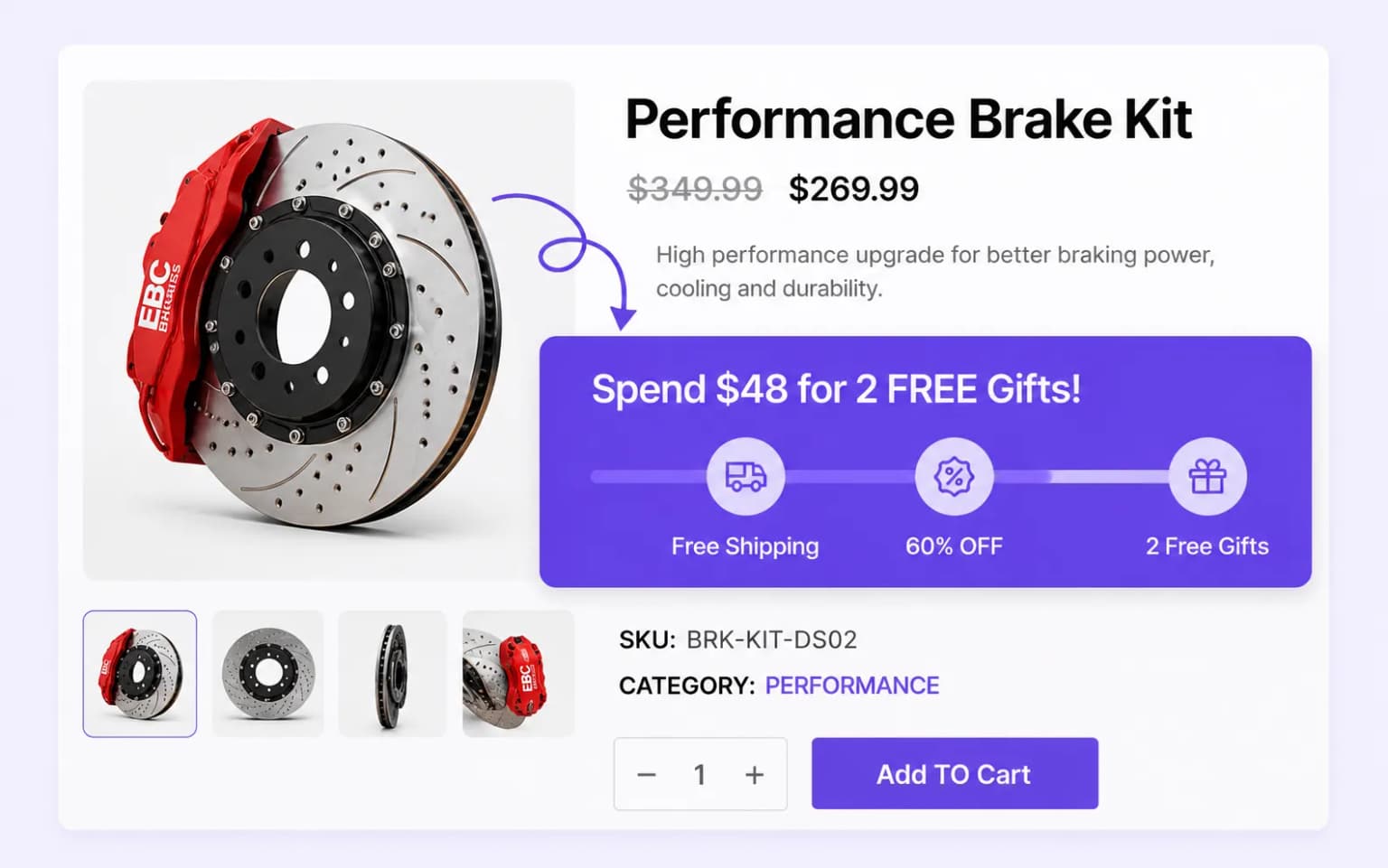
Grow revenue with tiered spending goals that unlock free shipping, percentage or fixed discounts, or gift products as shoppers add more to cart.
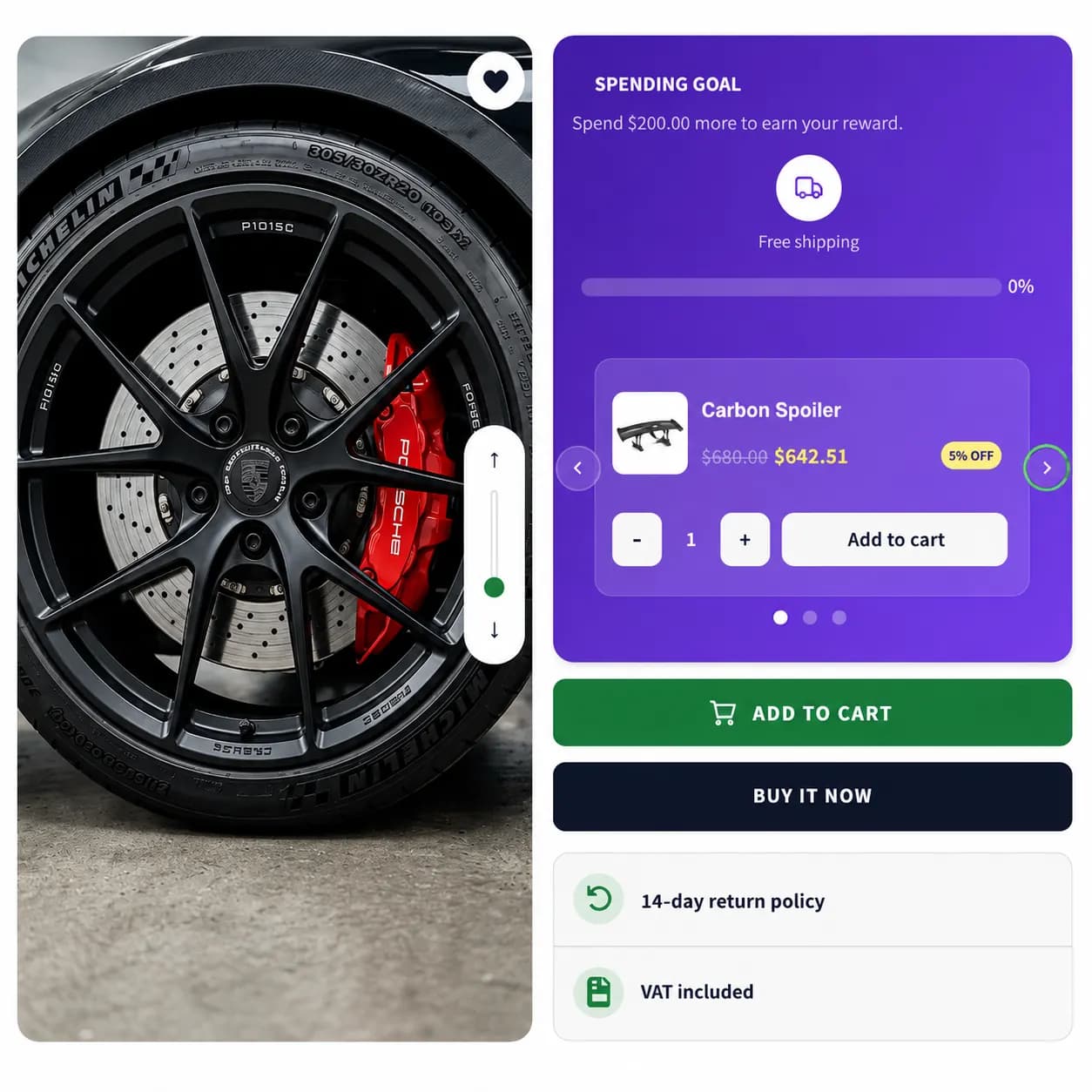
Grow revenue by letting shoppers complete spending goals for rewards.
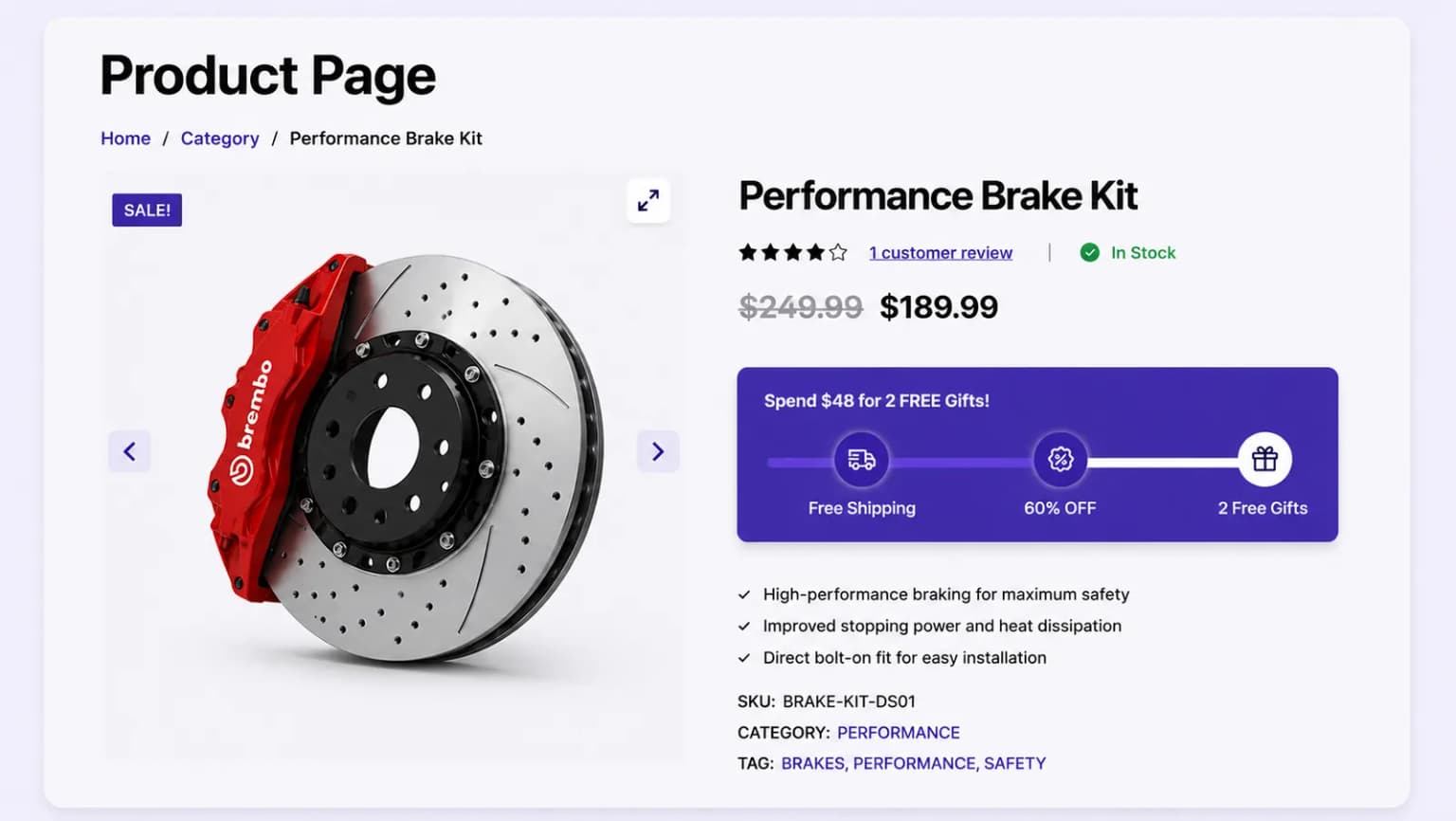
Place your spending goal progress bar on product and cart pages to maximize visibility and encourage more purchases
Show the spending goal progress bar across your entire store to motivate customers to reach their reward thresholds.
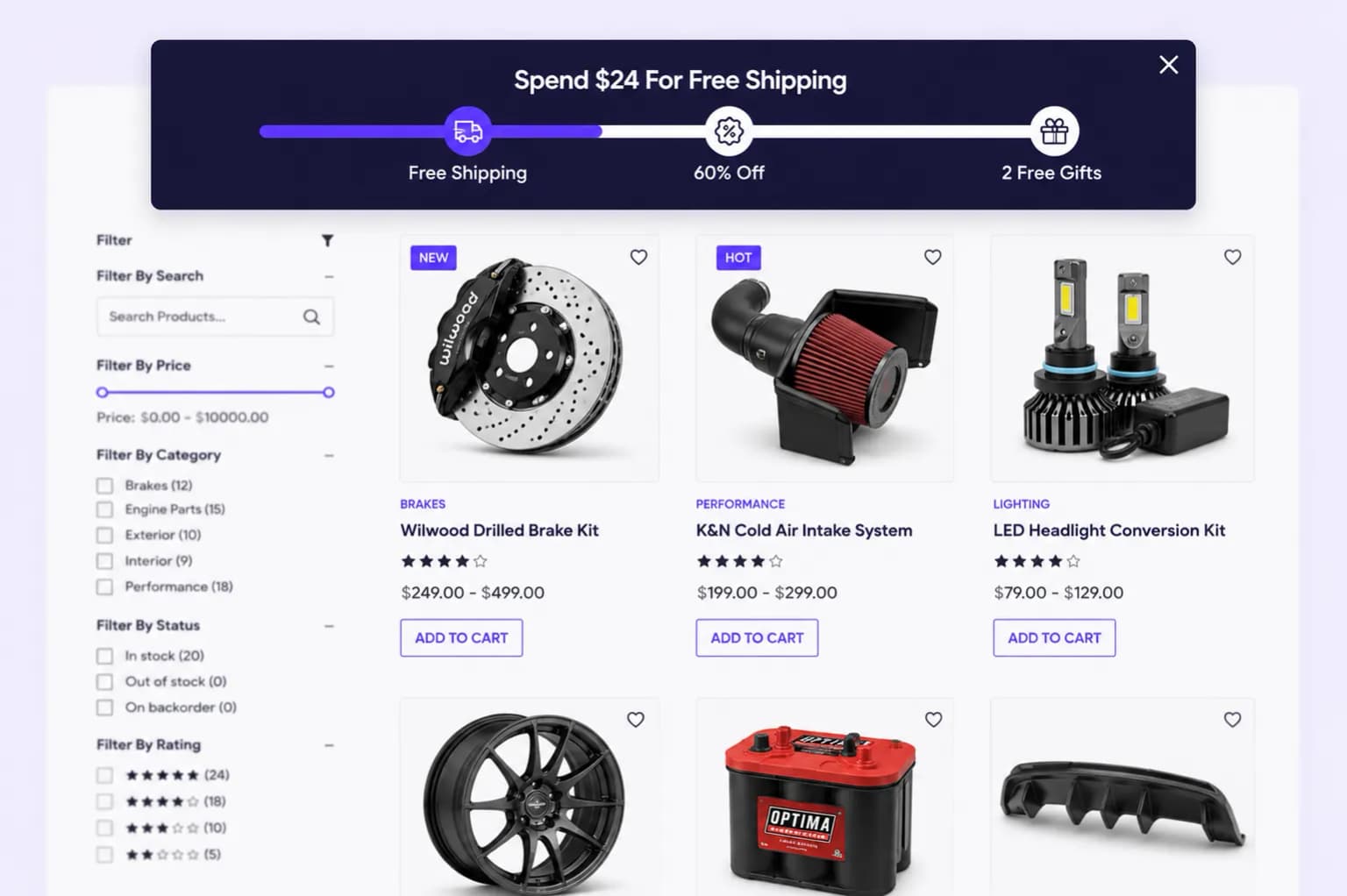
Display the spending goal bar on product pages to nudge shoppers to add more before checkout.
Highlight remaining spend on the cart page to push customers across reward thresholds.
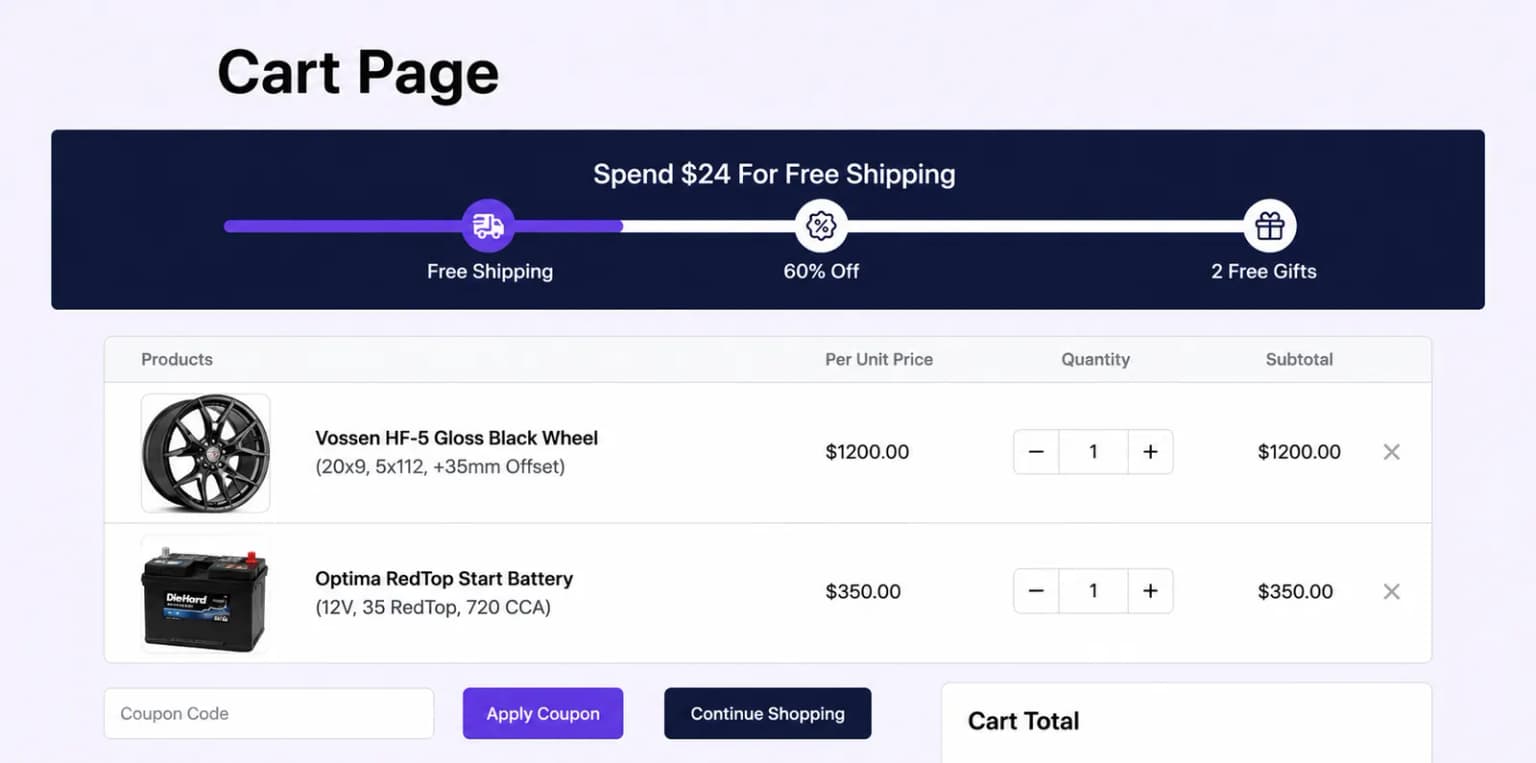
Customize the placement of your spending goal progress bars to maximize impact, ensuring they catch attention and drive larger orders
Embed the spending goal progress bar directly within page content for a seamless and integrated shopping experience.
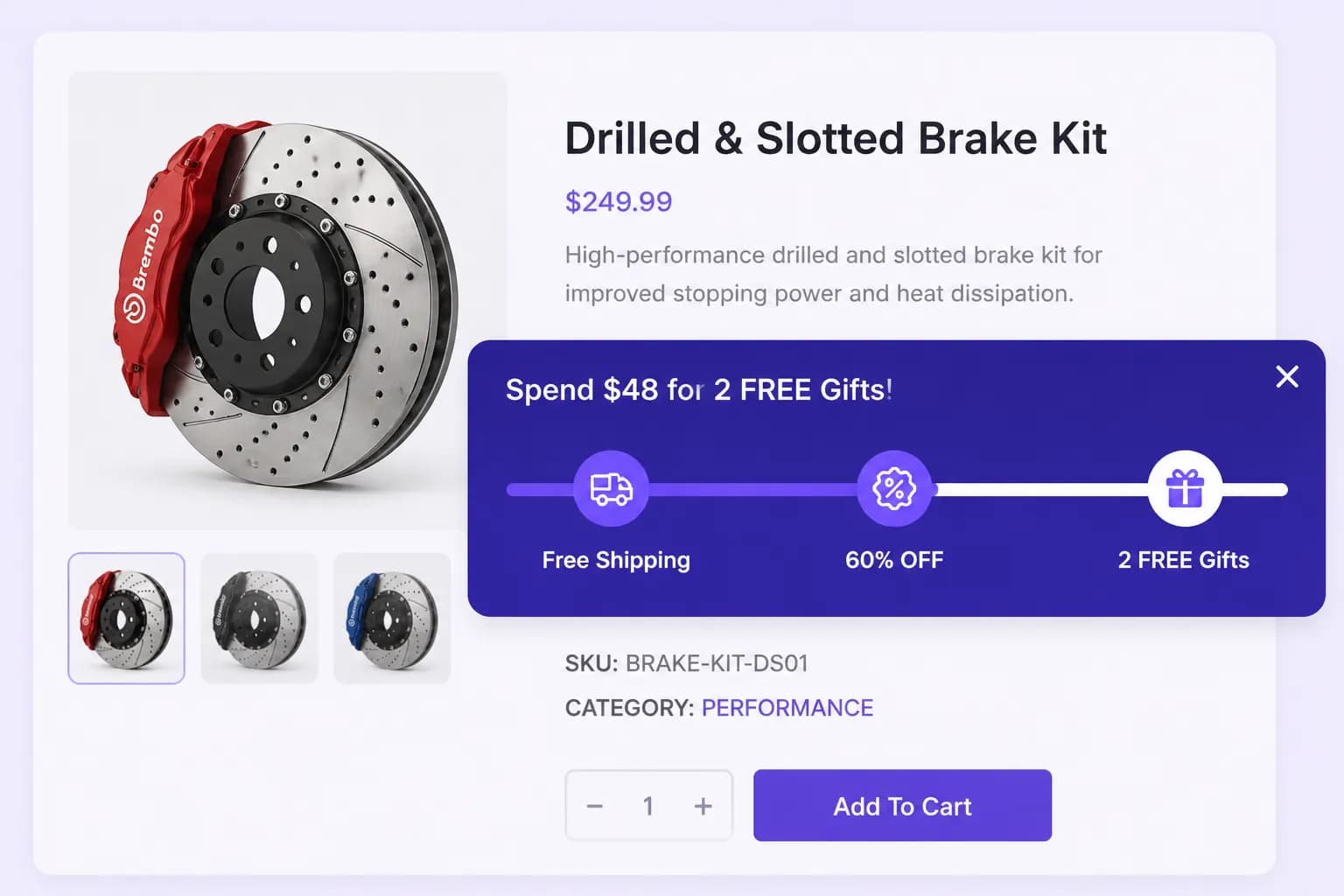
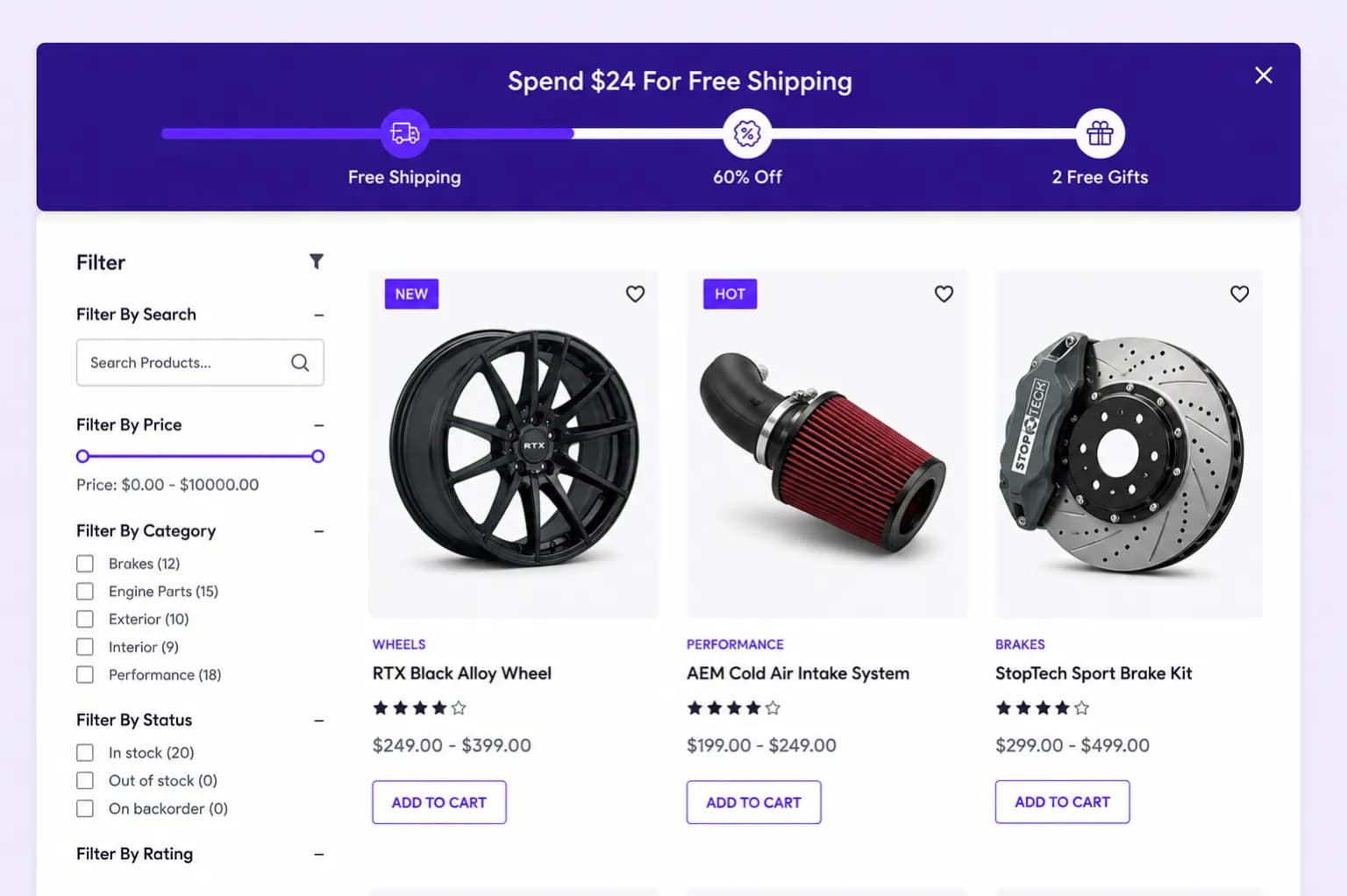
Pin the spending goal progress bar to the top of the page so shoppers always see how close they are to the next reward.
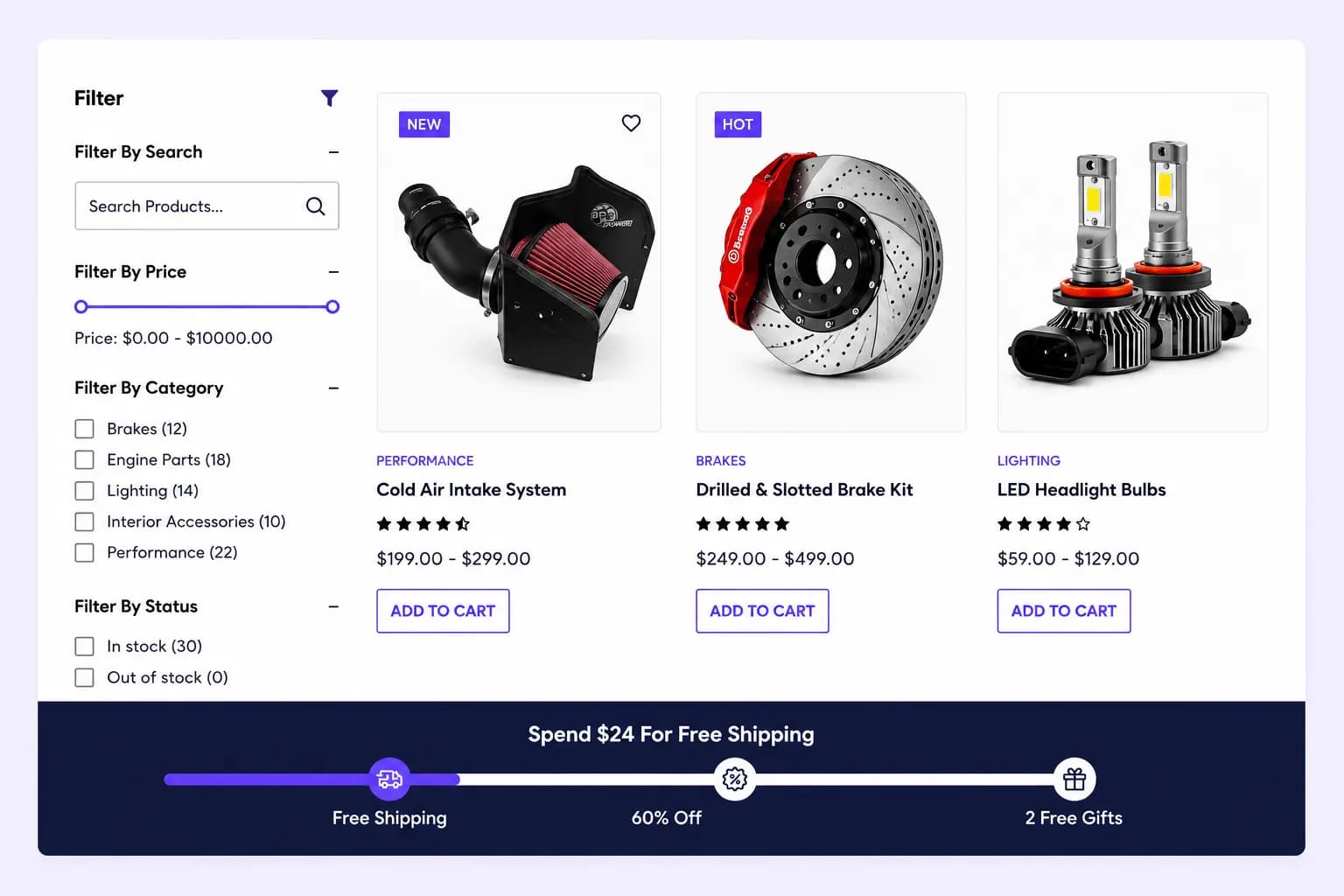
Anchor the spending goal progress bar at the bottom of the screen for a persistent, low-friction nudge as customers browse.
Surface the spending goal inside a slide-out drawer that opens alongside the cart to encourage customers to add more.
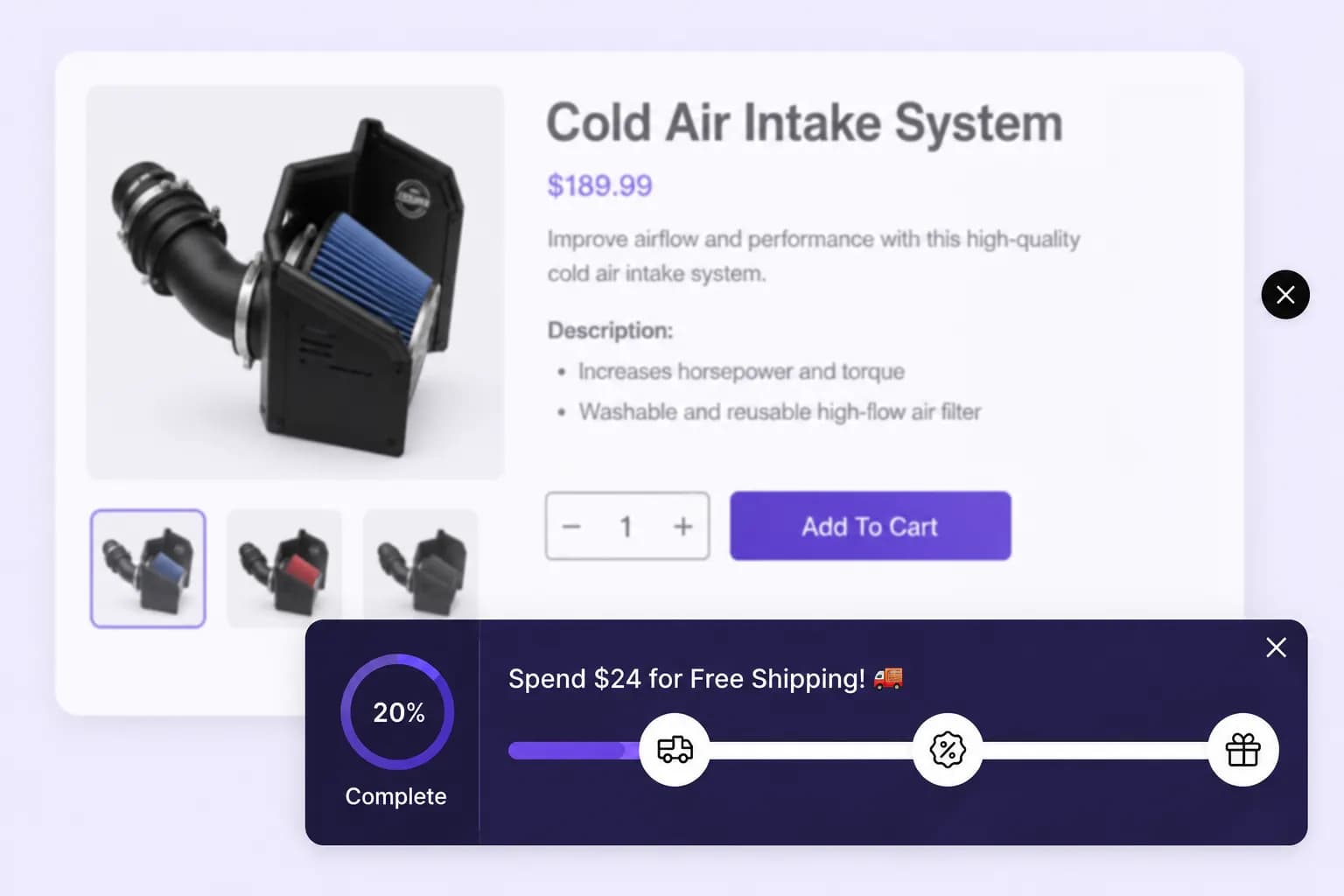
Define the spending thresholds required to unlock each reward tier, motivating customers to increase their cart value and reach higher goals.
Offer discounts, free shipping, or complimentary products as incentives for each spending tier, encouraging shoppers to get the reward.
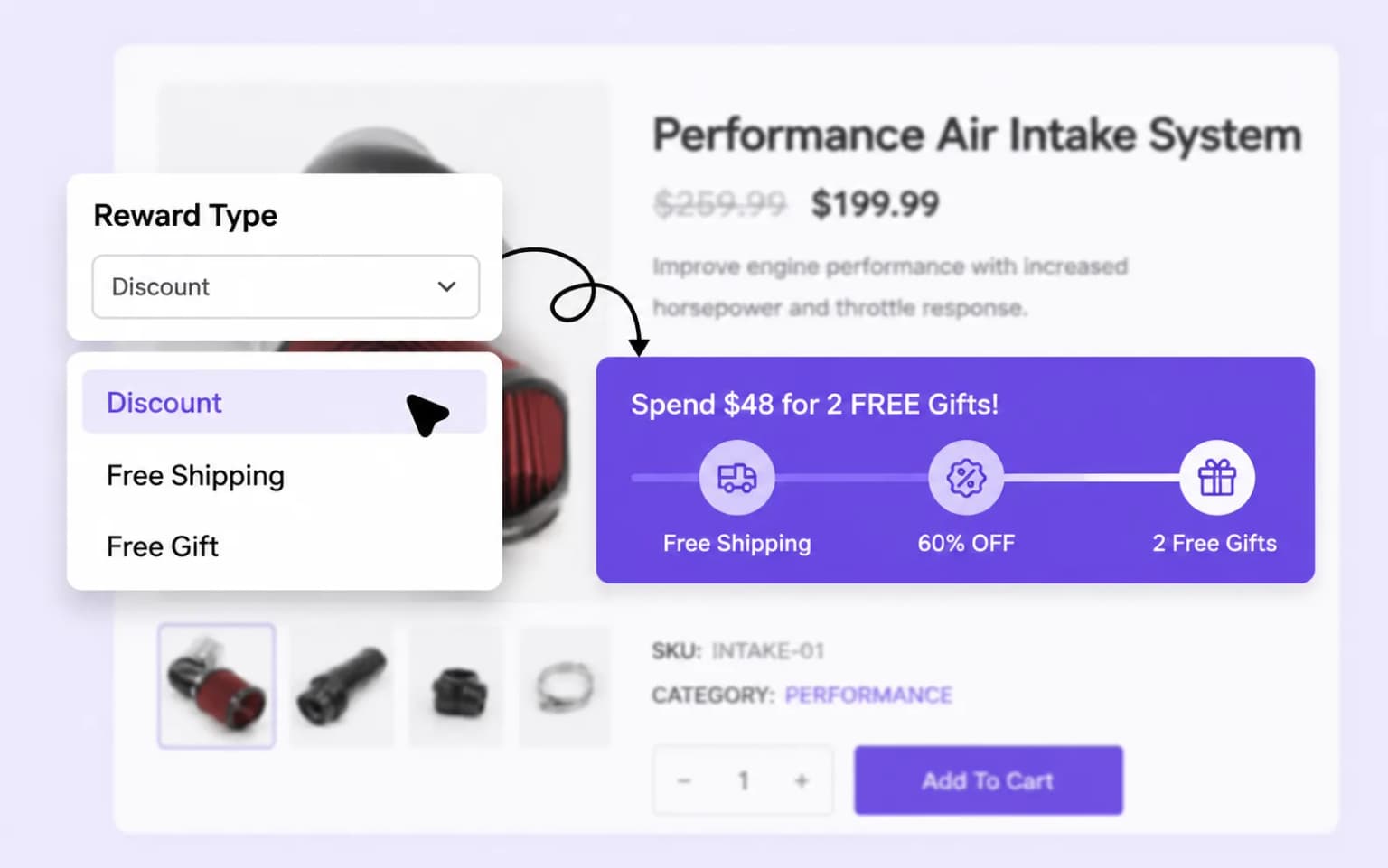
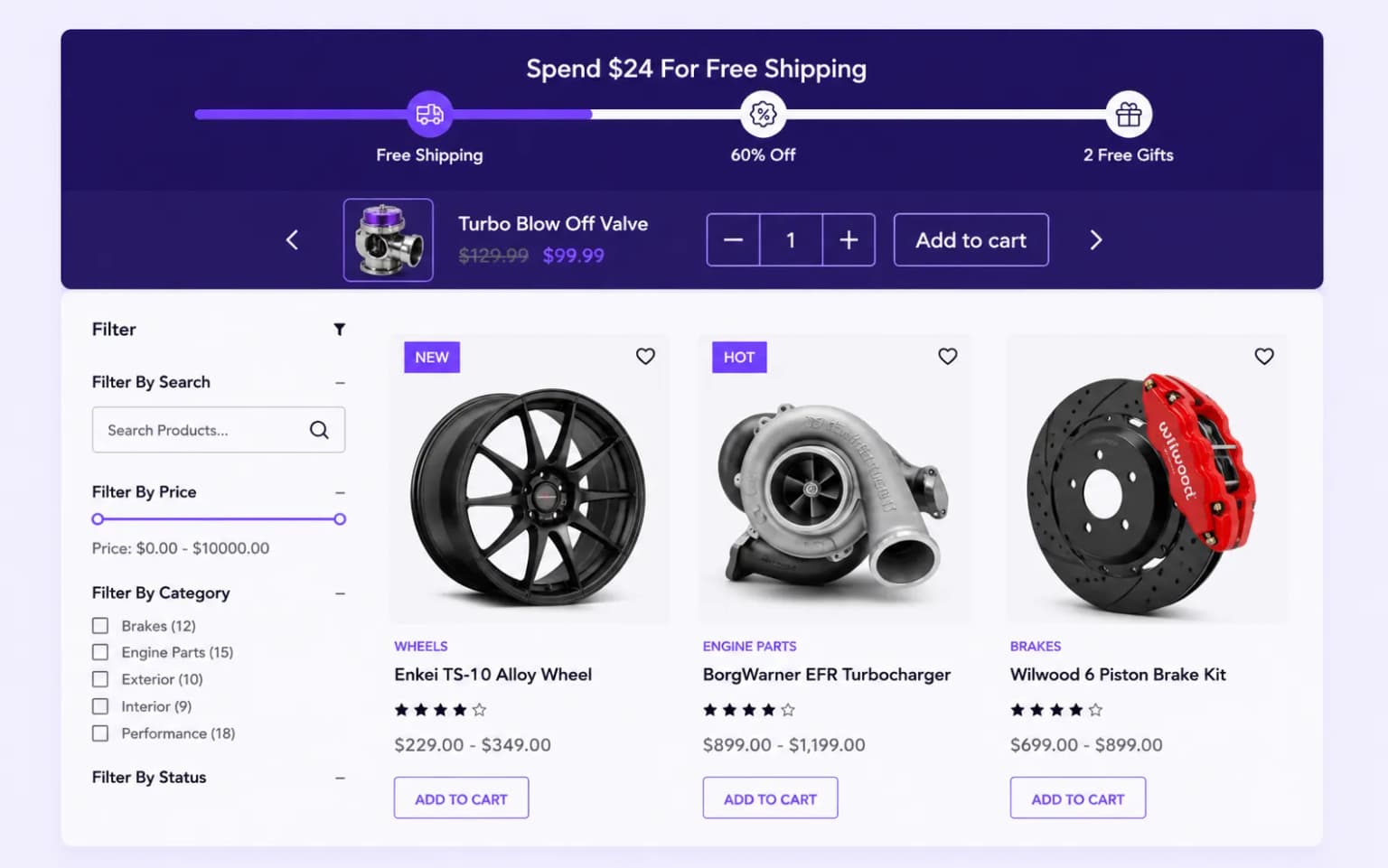
Suggest related or complementary products to help customers reach their spending goals faster, boosting average order value through upselling.
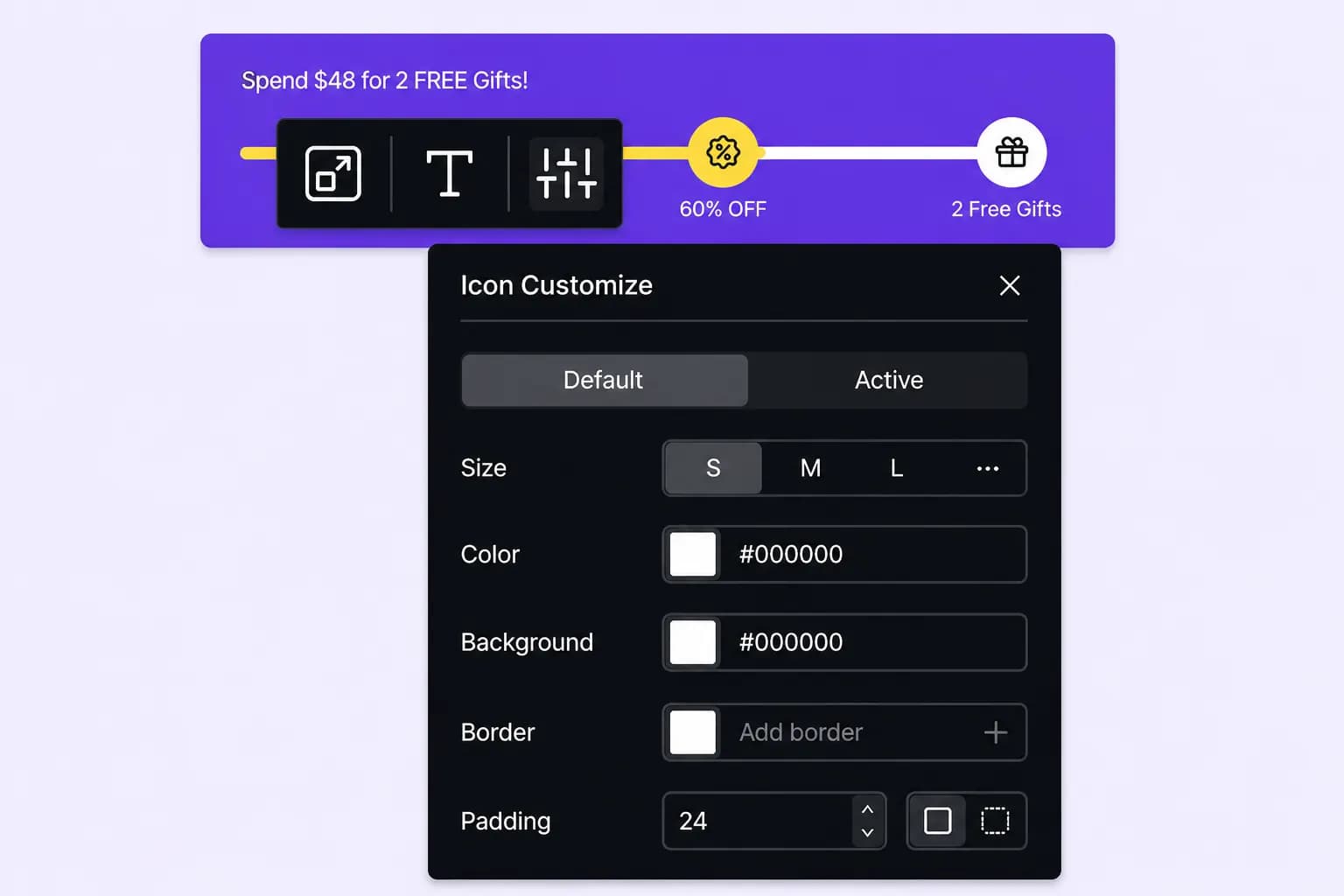
Adjust colors, text, layout, and positioning of your spending goal bars to make them visually appealing and consistent with your store's branding.
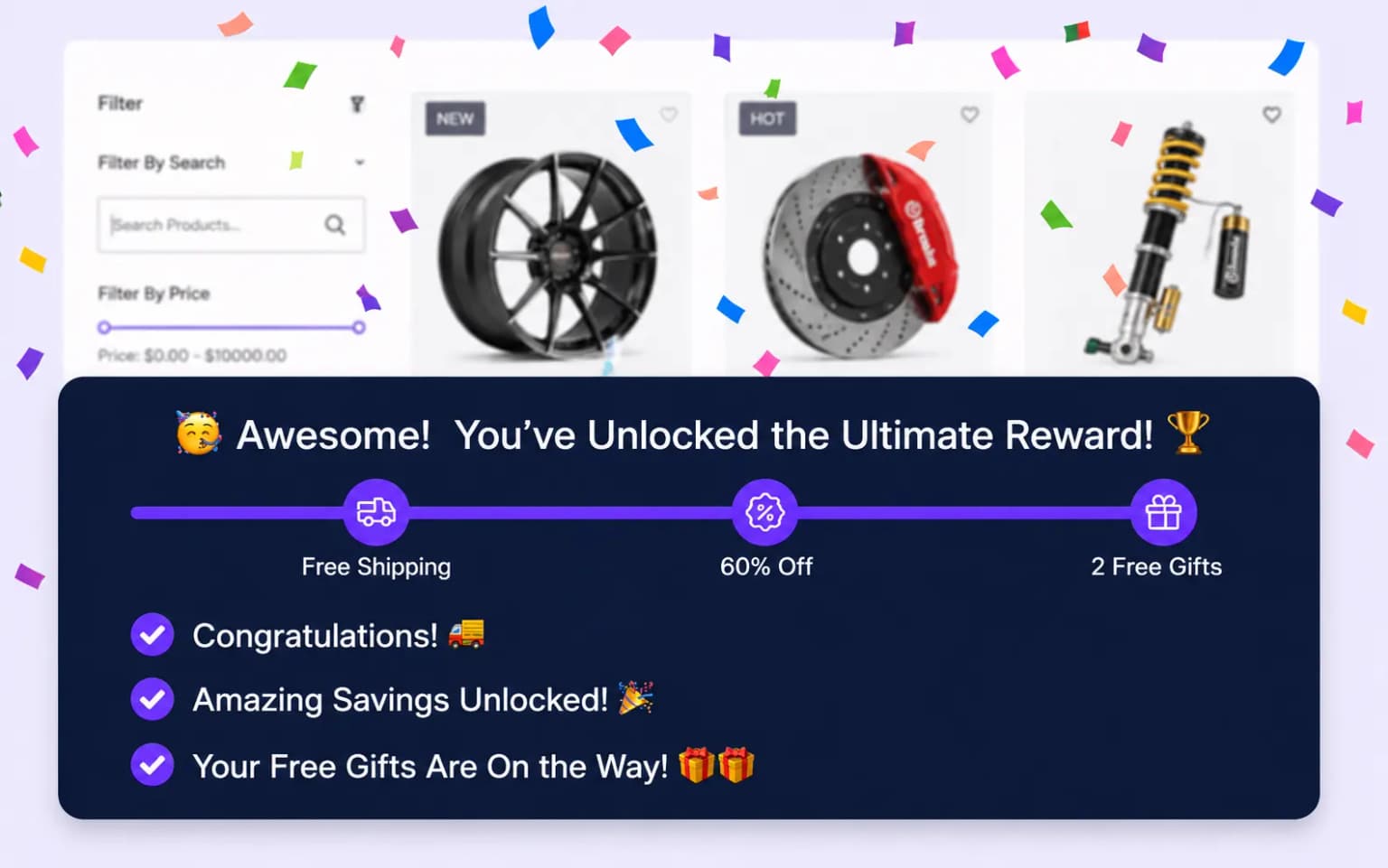
Add confetti animations to celebrate when customers reach their spending goals, creating a fun and memorable shopping experience.
Setup guide
Step-by-step instructions live in the documentation: create milestone rewards, add upsells, choose bar or drawer display, and publish.
Explore these frequently asked questions about spending goal campaigns, so you can quickly decide if it's the right fit for your store.
Feel free to contact our support team in case you have questions.
Ask Your Questions