
Set Trigger Products for Your Offers
Define which products activate the frequently bought together offers, ensuring promotions appear at the right time and for the right items.
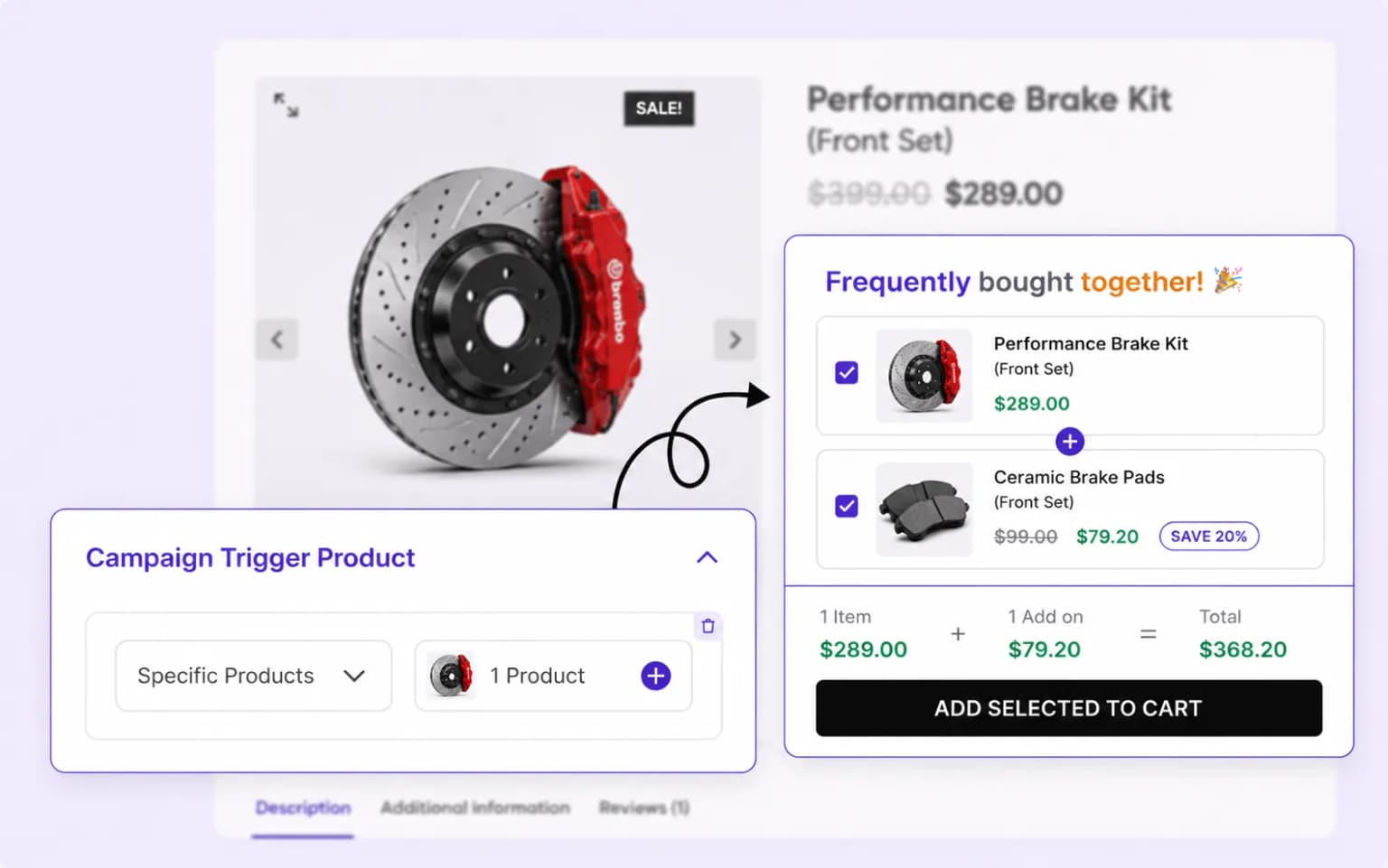
Turn product pages into revenue machines with frequently bought together offers, percentage or fixed discounts with one-click add to cart.
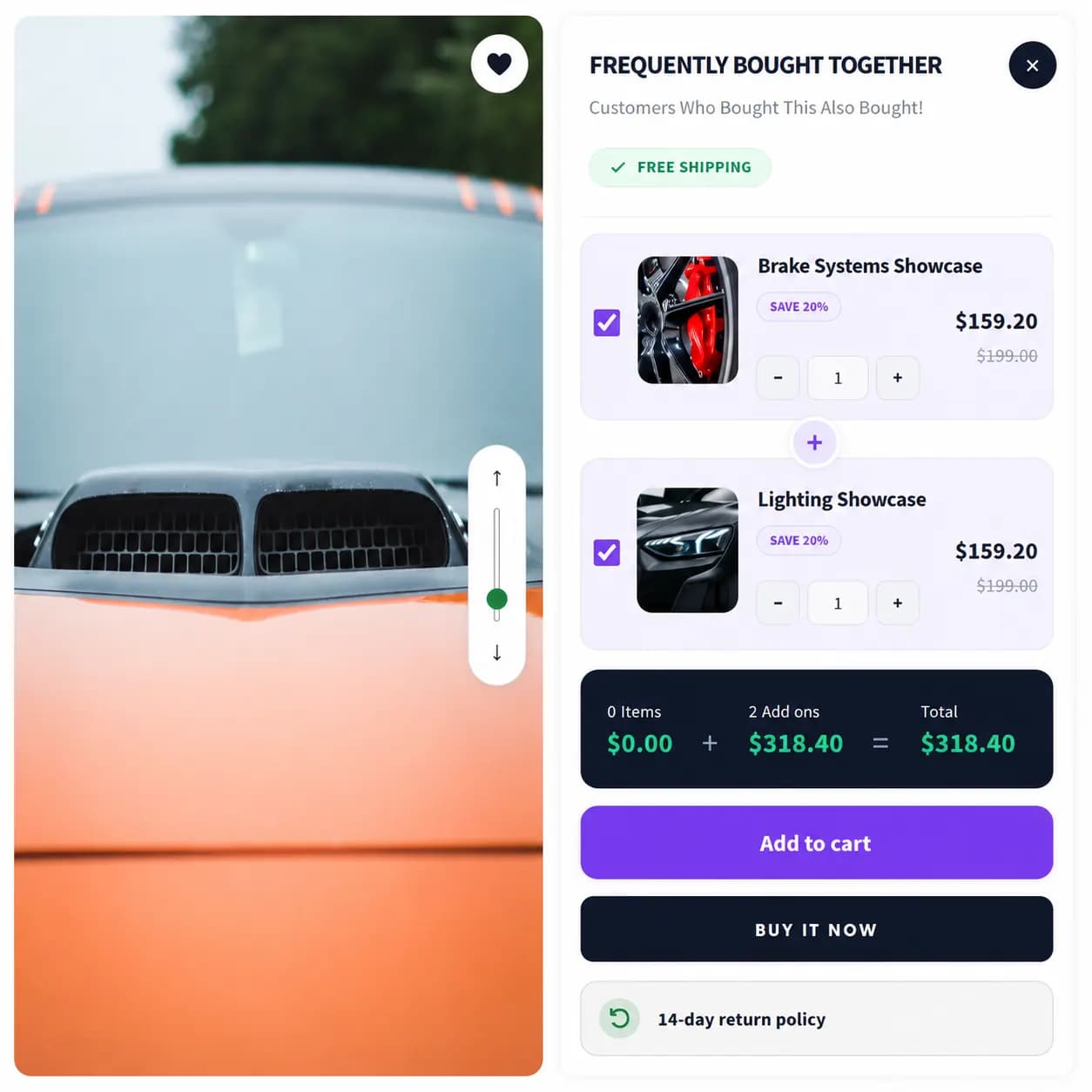
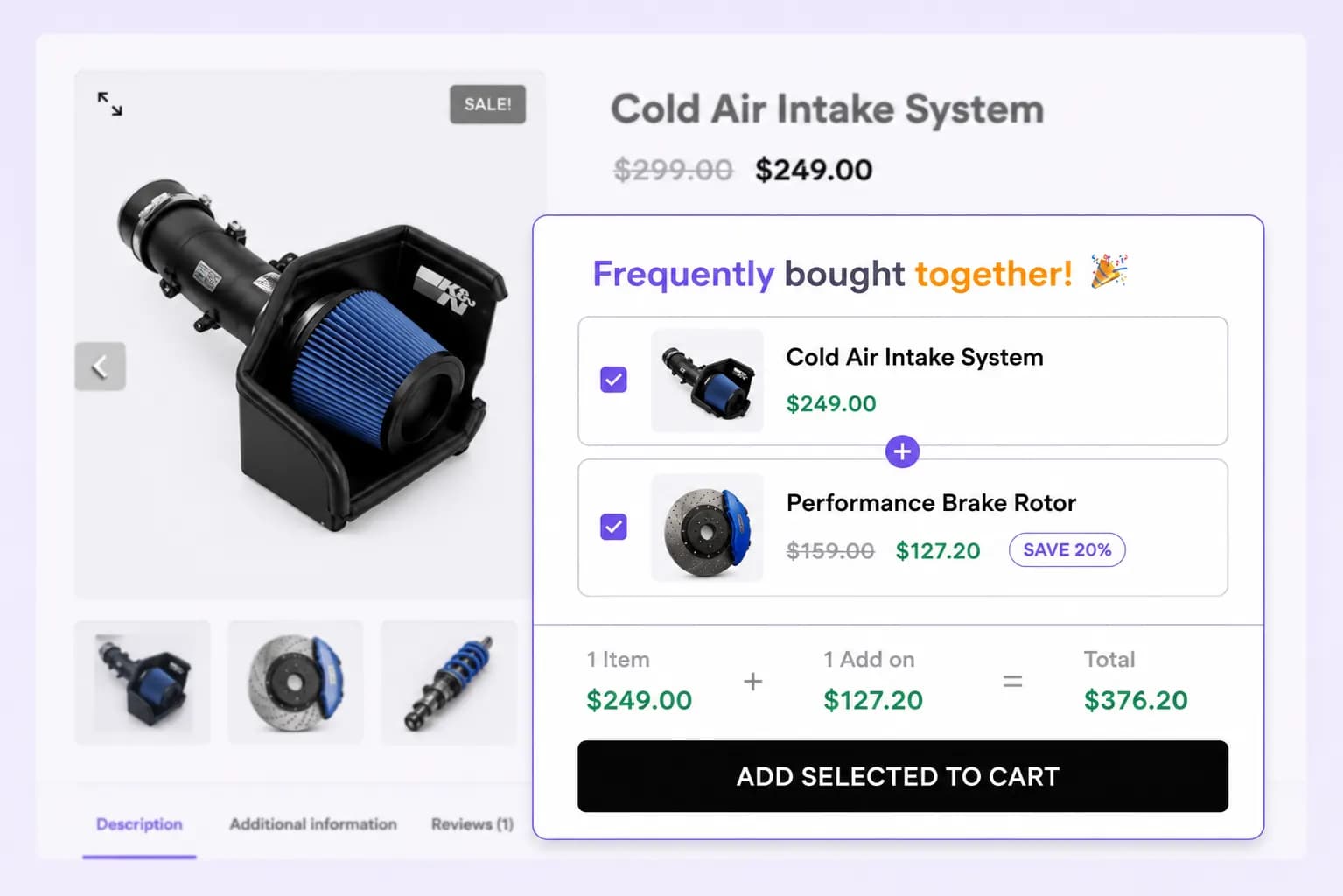
Display frequently bought together items to encourage more purchases.
Place your Frequently Bought Together offer on product and cart pages to maximize visibility and boost cross-sells
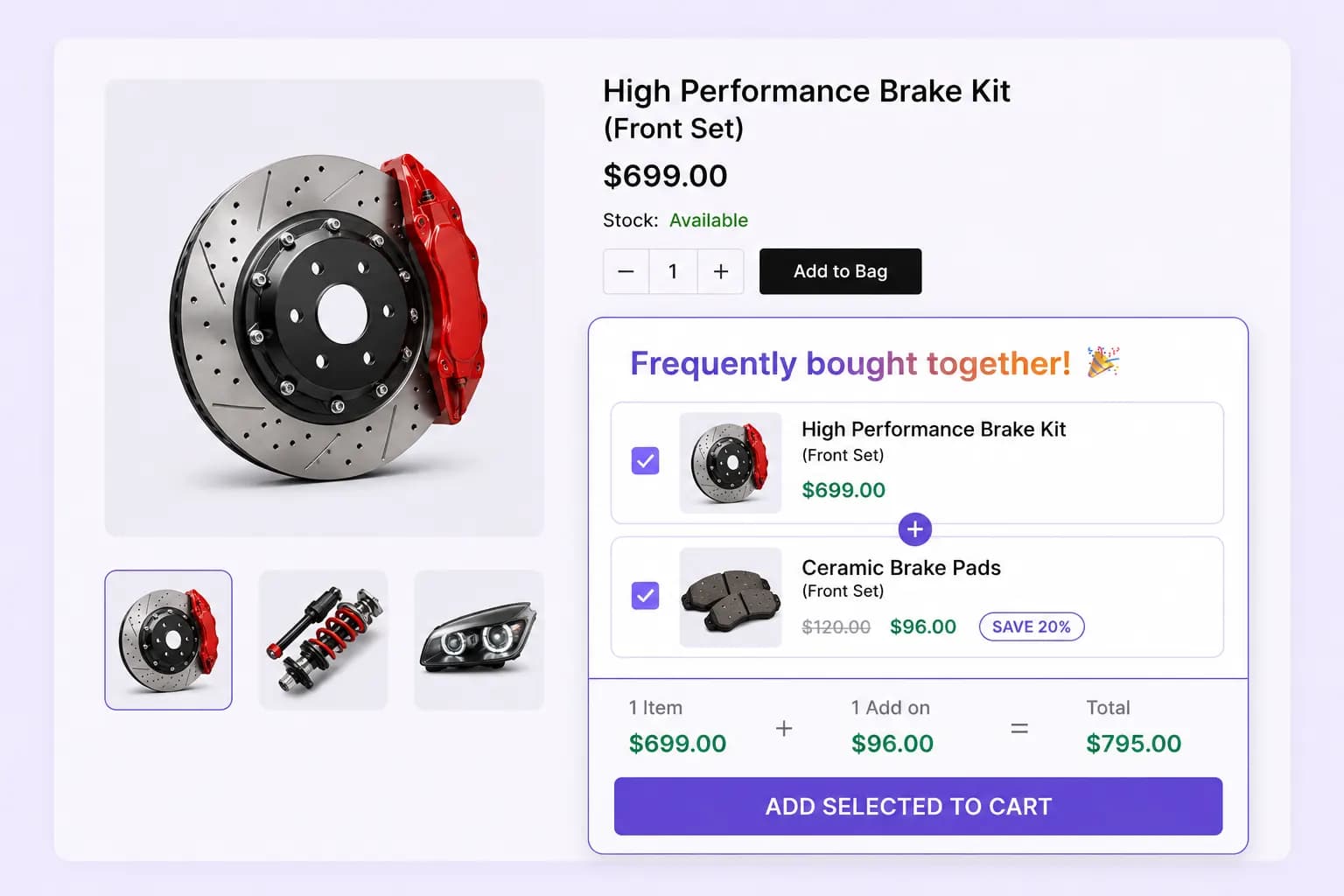
Display frequently bought together products directly on product pages to encourage customers to add more items to their cart before completing the purchase.
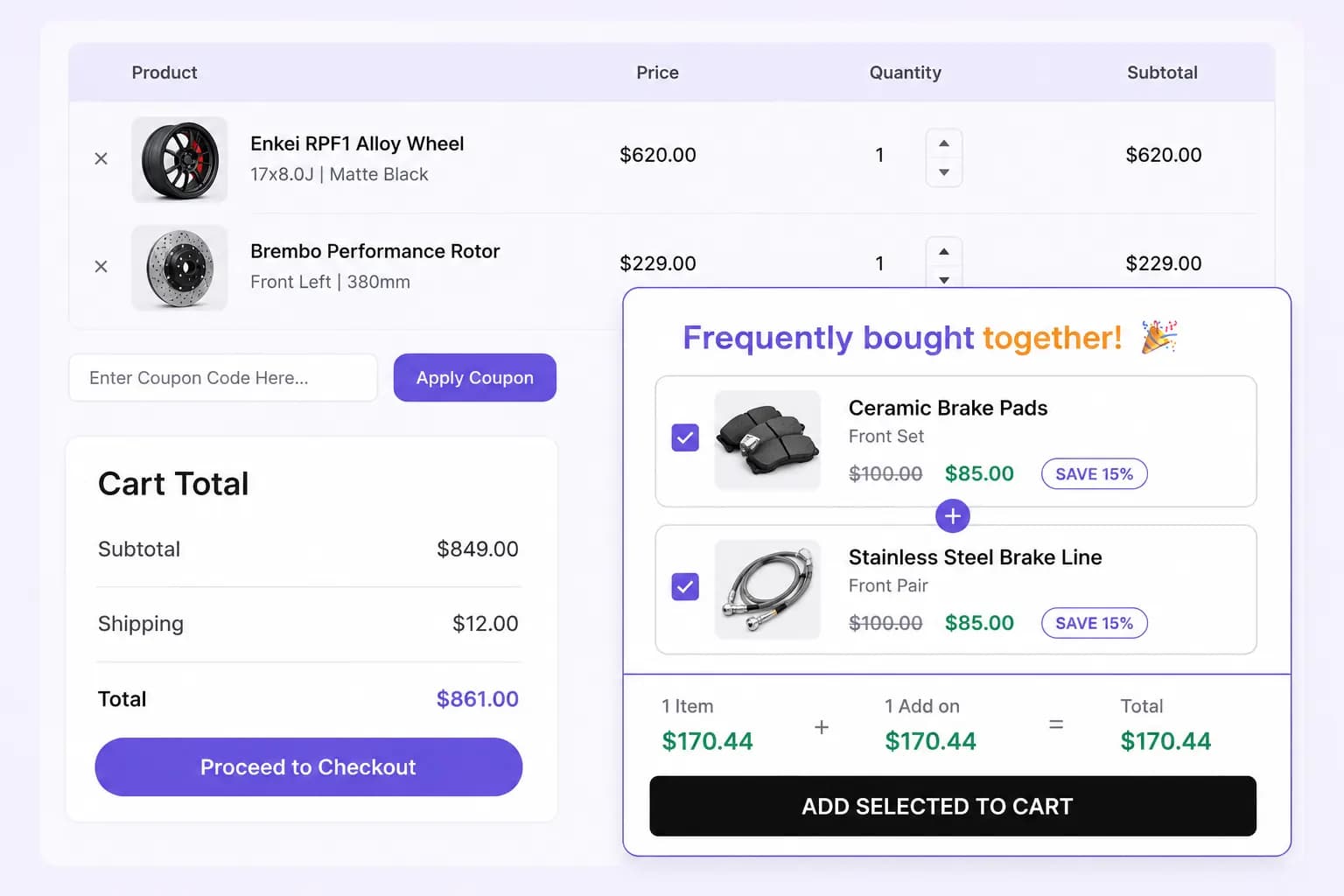
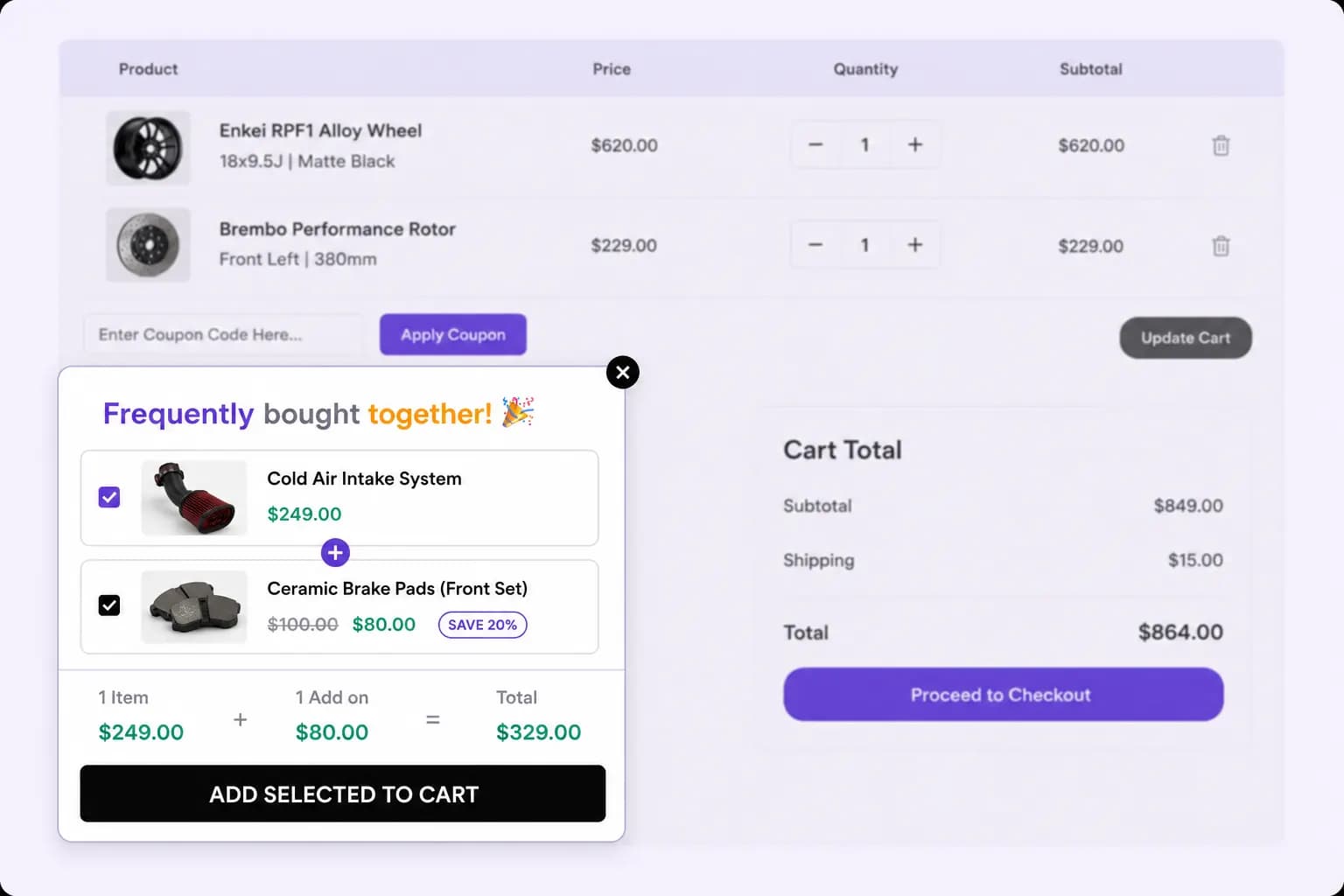
Remind shoppers of related frequently bought together items on the cart page, encouraging them to increase order value before checkout.
Display Styles
Show your frequently bought together offers exactly how you want – embed them in-page, grab attention with pop-ups, or keep them visible with floating displays
Blend 'Frequently Bought Together' offers naturally into your store pages for a seamless and smooth shopping experience.
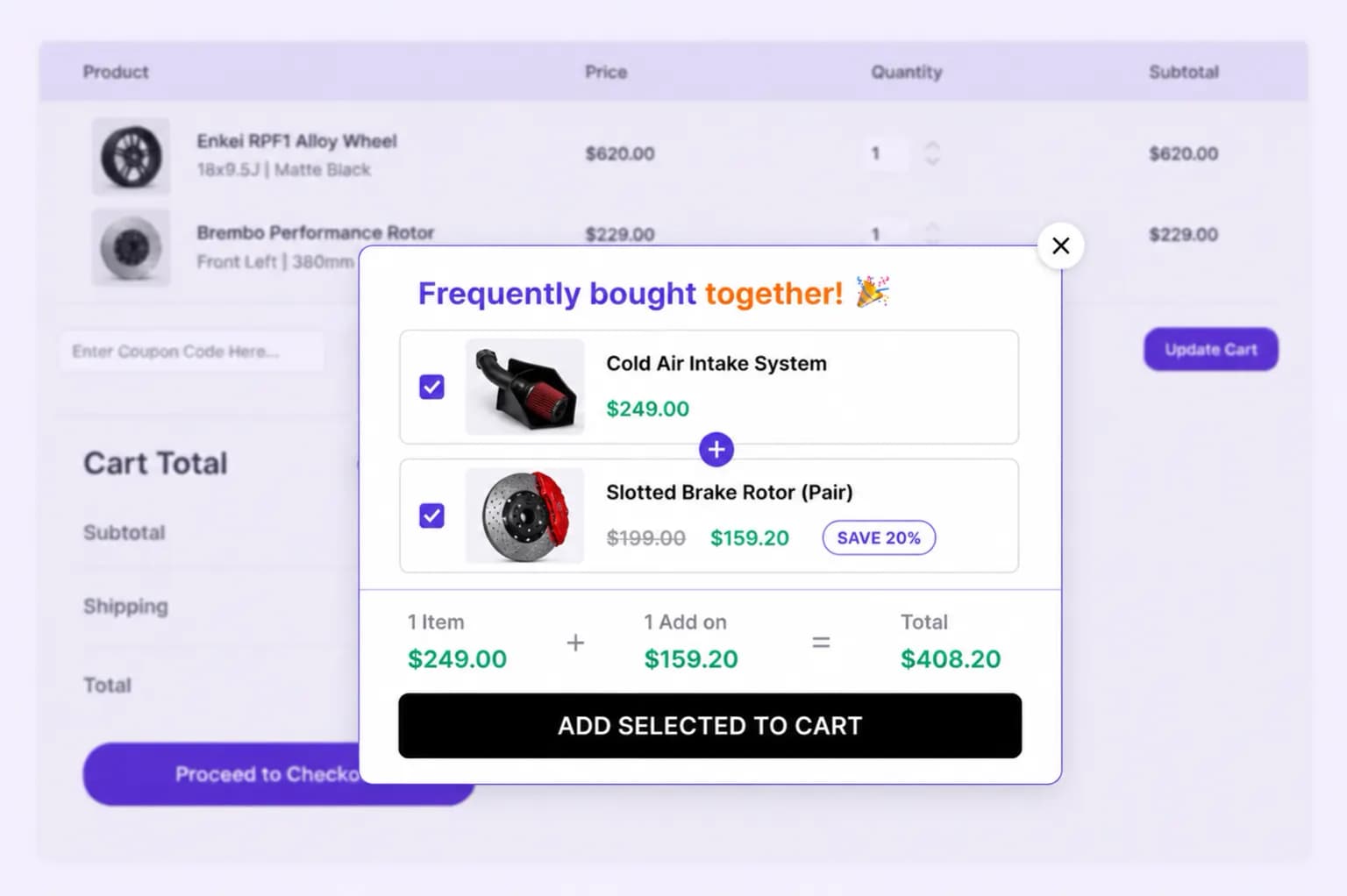
Grab attention with a centered popup that surfaces your Frequently Bought Together offer the moment shoppers are ready to buy.
Keep your Frequently Bought Together offer visible with a sticky floating widget so the deal is always one click away.
Define which products activate the frequently bought together offers, ensuring promotions appear at the right time and for the right items.
Select which related products will be shown as offered together, giving you complete control over cross-sells and upsells to boost sales.
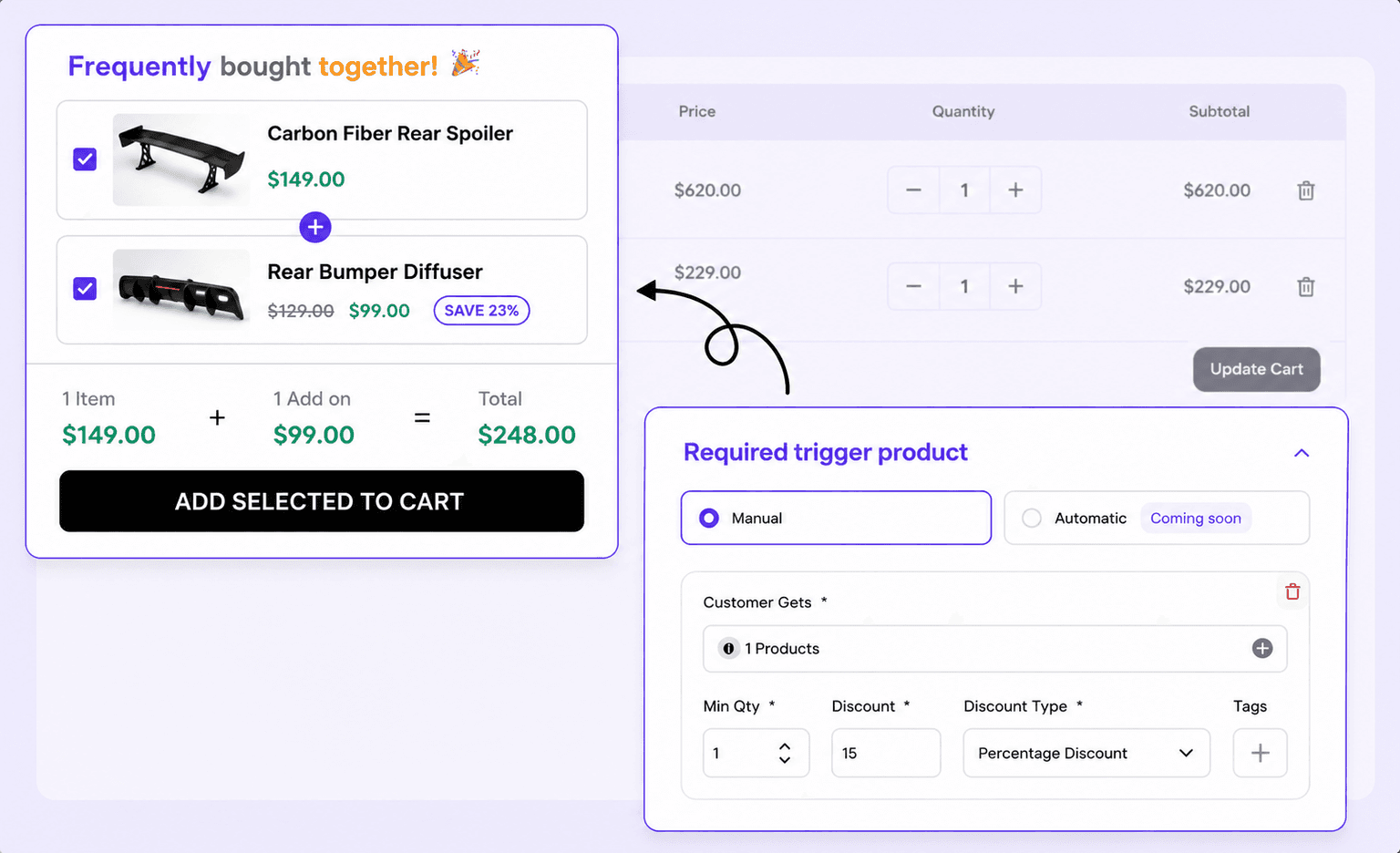
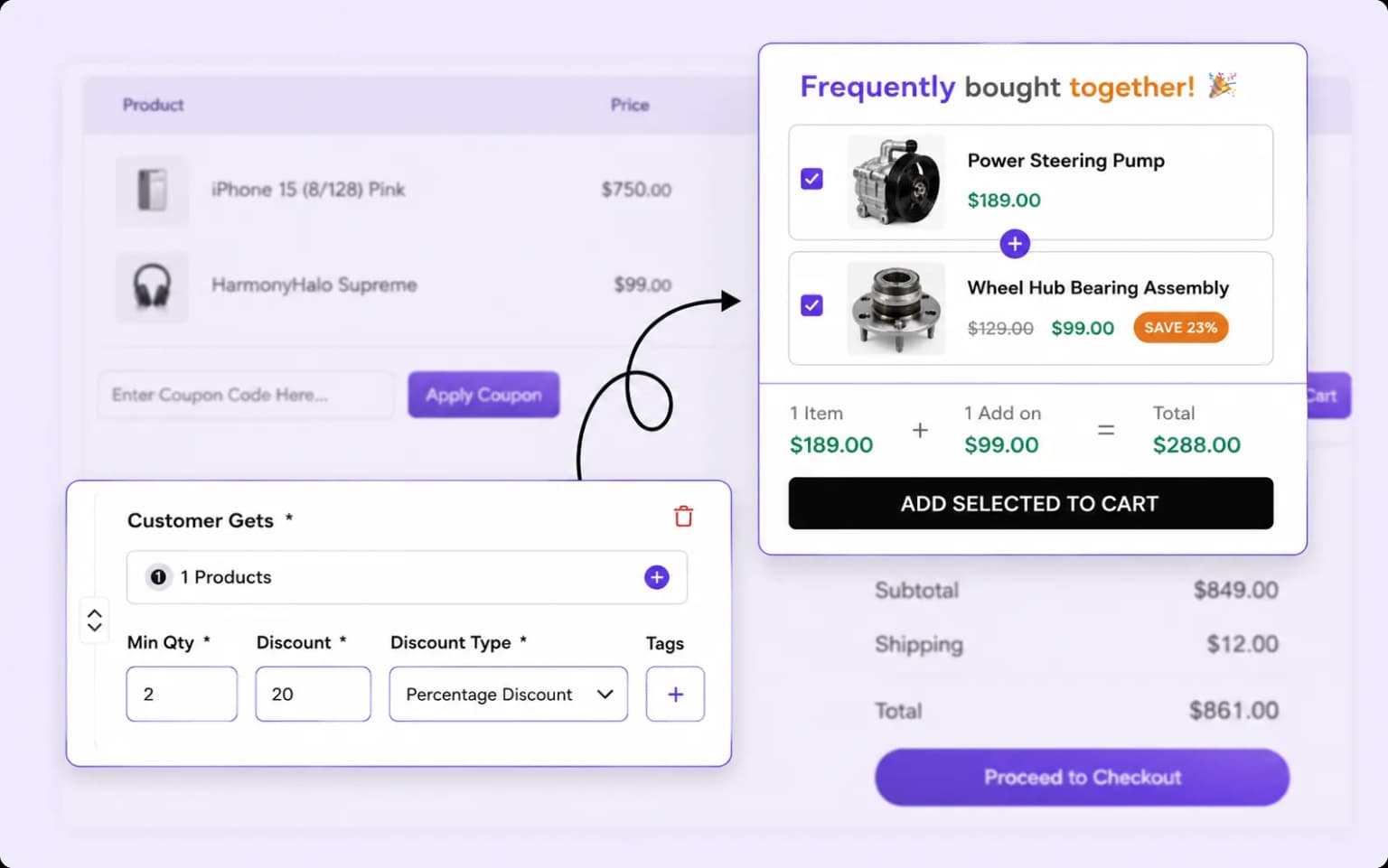
Offer percentage-based or fixed-price discounts on bundles and products to incentivize purchases and increase your average order value.
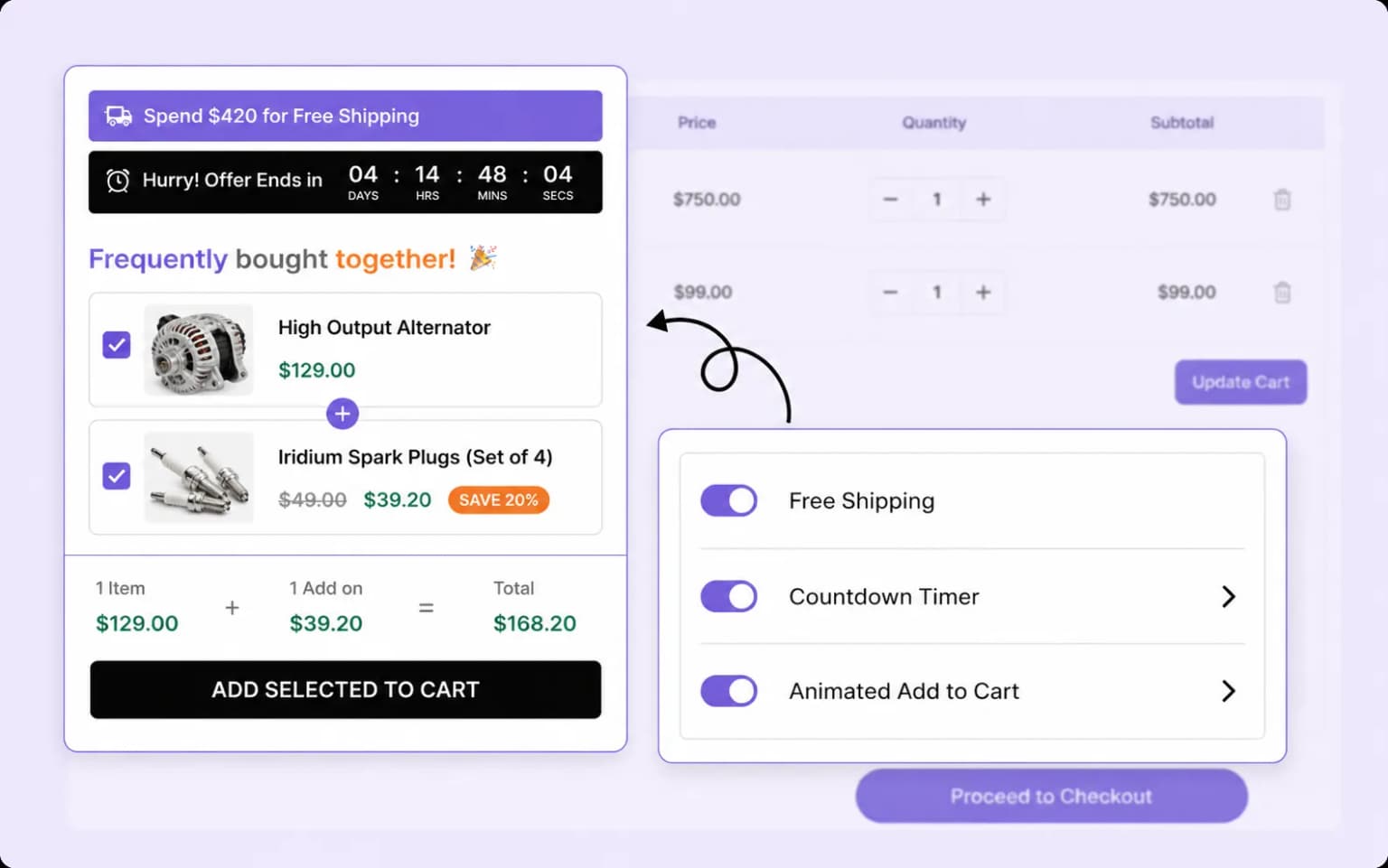
Create urgency with free shipping, countdown timers, and animated add-to-cart effects that grab attention and encourage faster purchases.
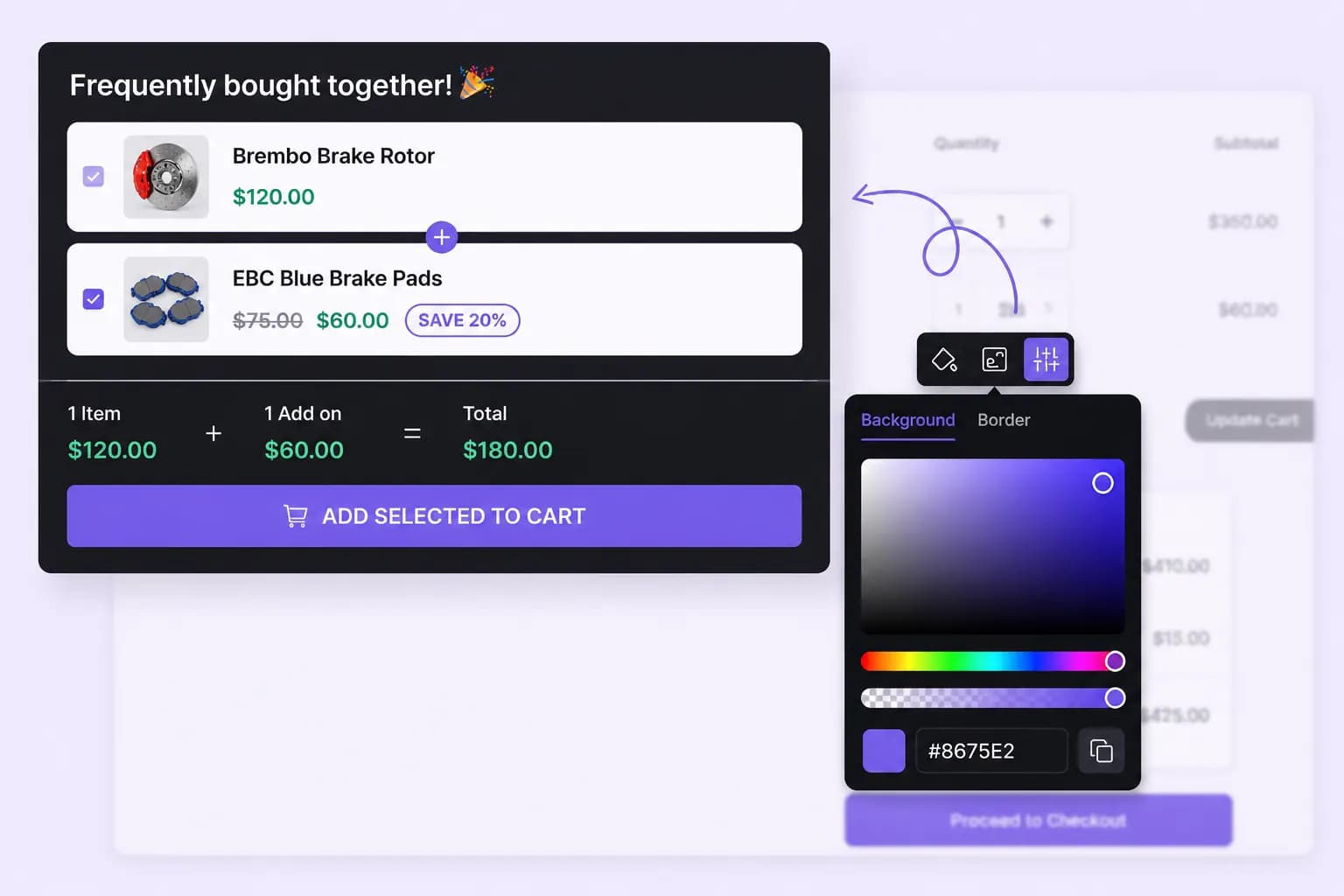
Customize the appearance, layout, and style of your FBT offers to align with your store's branding, creating a seamless shopping experience that boosts conversions.
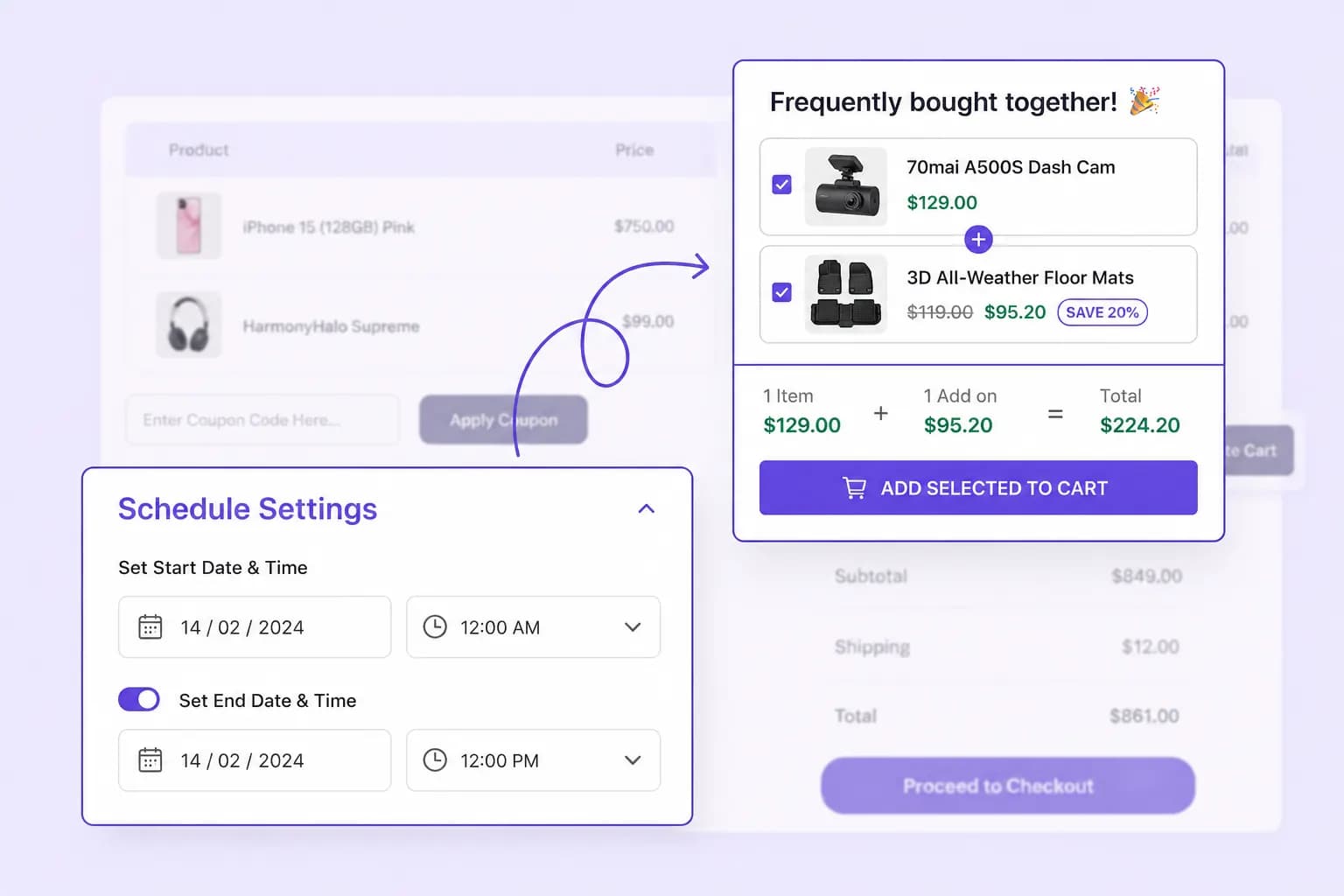
Plan your FBT campaigns by setting start and end dates, ensuring your promotions go live at the right time without manual intervention.
Setup guide
Step-by-step instructions live in the documentation: create the campaign, set triggers, add complementary products, and choose discounts.
Explore these frequently asked questions about Frequently Bought Together campaigns, so you can quickly decide if it's the right fit for your store.
Feel free to contact our support team in case you have questions.
Ask Your Questions