Skip to content
Log inGet started free
Website chat with AI answers

Answer visitors while they're still on your site.

Add a branded chat widget to your website and reply from one inbox. AI answers from your knowledge base, and visitors become leads.

kestrel.studio
Kestrel Studio
Ask us anything. We reply fast.
Live chat
Hannah WeissWebsite widget
AI is answering
Saved as lead New
Widget accent
Live demo · take over or replay the chat
Before and after

Answer while they're still on the page. AI first, your team when it counts.

Visitors with a quick question leave if nobody answers. A contact form promises a reply tomorrow.

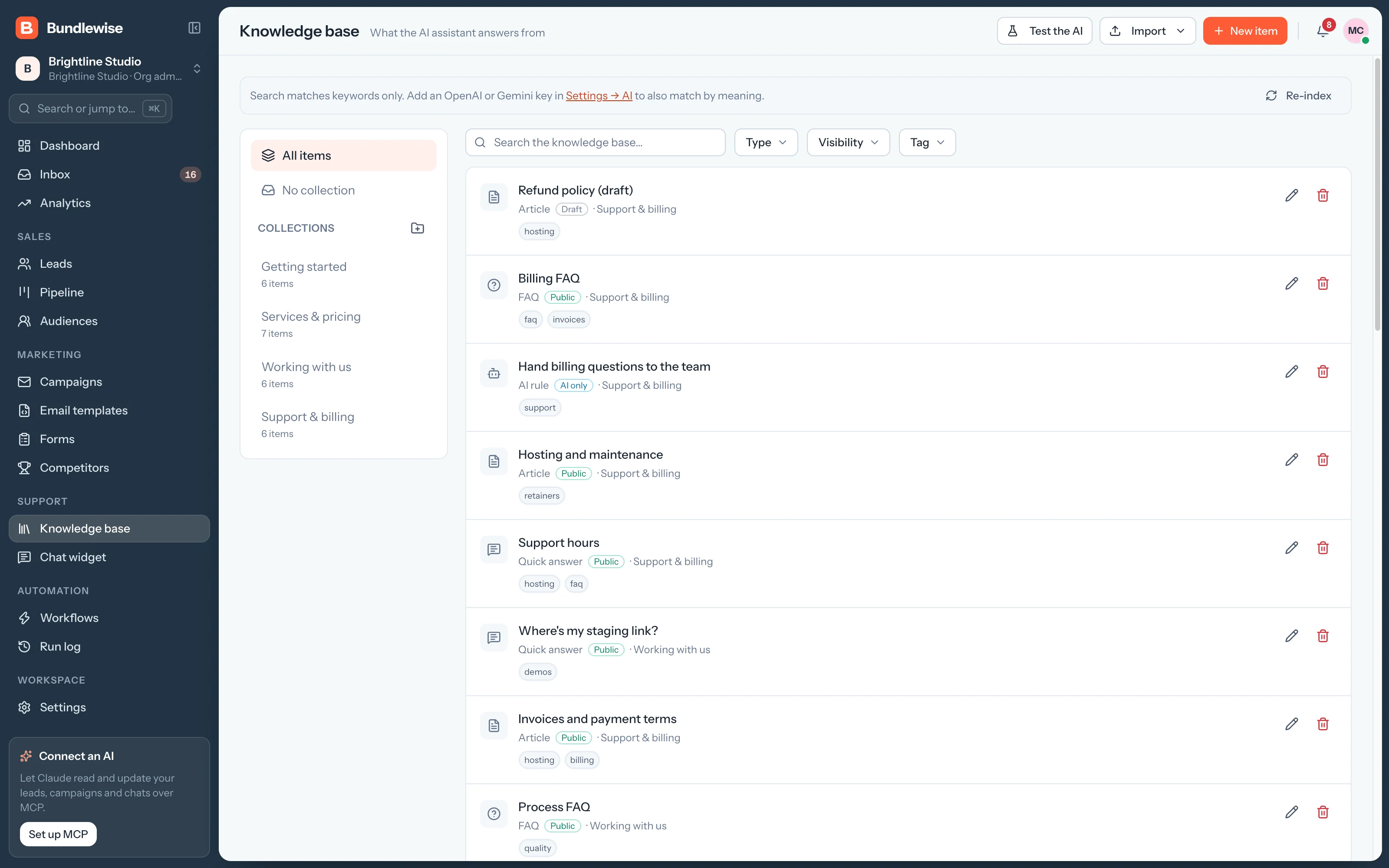
  • Answer a common question
    Contact formreply next day
  • Hand off to a person
    Ask them to email sales
  • Keep the contact
    Chat transcriptcopy into CRM
Chat widget

A widget that looks like your brand.

Set the colors, logo, banner and welcome copy, choose the home-tab sections and paste one install snippet on your site.

  1. Pick an accent and a launcher color, add a logo and banner, and write the greeting visitors see first.
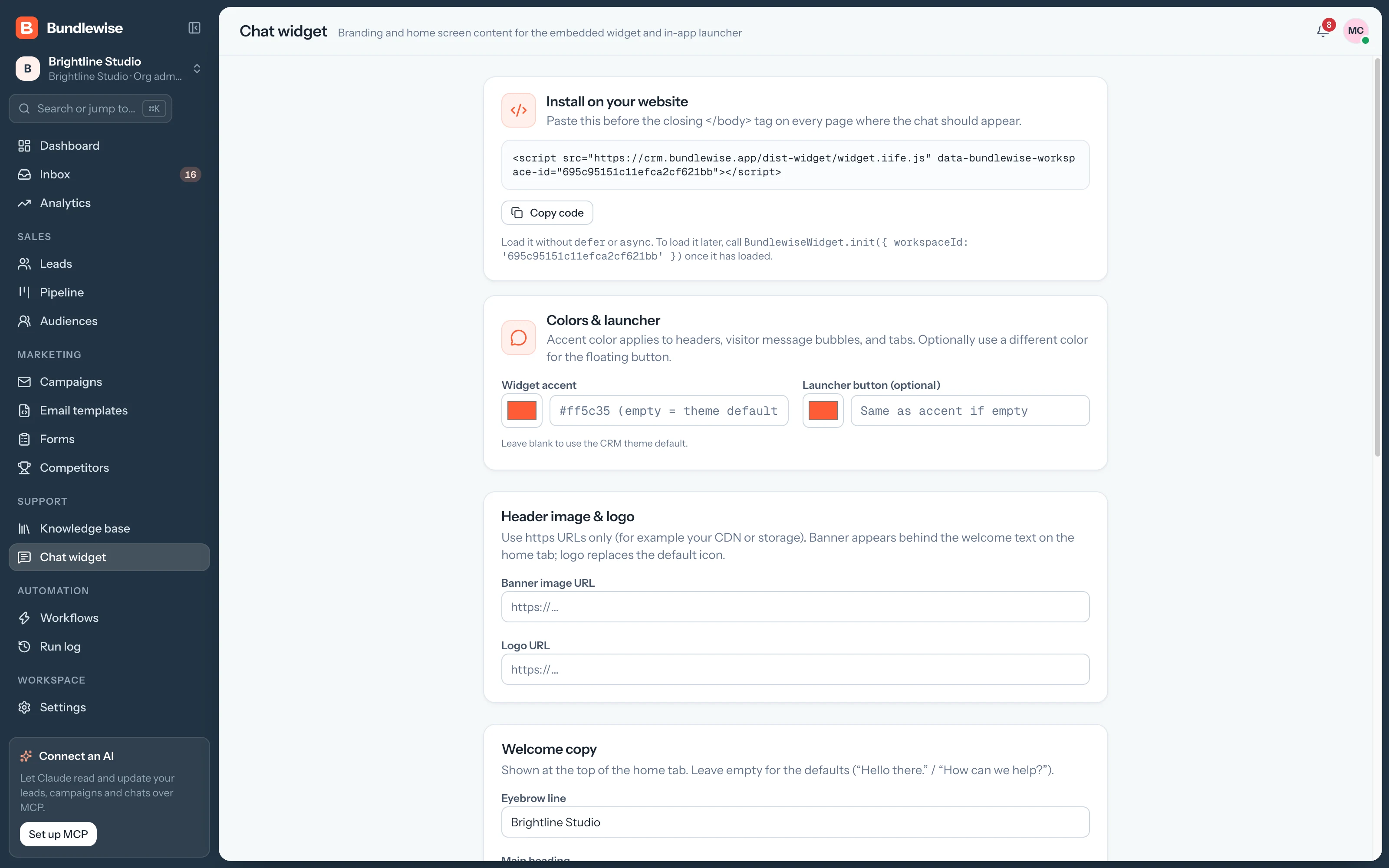
    • Accent and launcher colors
    • Logo, banner and welcome copy
    • One install snippet
    Chat widget branding settings
Capabilities

A widget, an assistant and a team inbox.

Widget

A branded widget

Accent and launcher colors, logo, banner and welcome copy, with one install snippet.

AI

AI from your articles

The assistant answers from your knowledge base, and visitors can browse the help tab.

Inbox

Team inbox

Assign, reply to and close conversations from Live chat.

Capture

Pre-chat forms

Capture a name and email before the chat starts.

Chat widget

Make the widget yours.

Match your brand, pick a corner, paste one snippet. Try the controls.

Brand color
Position
By the numbers

Every chat can become a lead.

install snippet
1
Paste it once and the widget is on your site.
ways to answer
2
The AI from your articles, or your team.
transcripts to copy
0
Visitors who fill in the pre-chat form are saved as leads.
By team

Who answers in the chat.

Support

Answer the same question once.

Write the answer as an article, and the assistant handles it from then on.

Support playbook0/4 done
  1. Write the article
  2. Show it in the widget
  3. Let the AI answer from it
  4. Take over when needed
What your agent can do

Read and act across the whole workspace.

Connect Claude, ChatGPT, Cursor, Claude Code, Codex or Antigravity. Sign in with OAuth, then find hot leads, preview campaigns and build workflows in plain language, on live CRM data.

  • Claude Desktop
  • ChatGPT
  • Cursor
  • Claude Code
  • Codex
  • Antigravity
Set up MCP
/api/v1/mcp · OAuth
Summarize unanswered chats from today
Live Chat FAQ

Good questions.

Live Chat guide

Copy the install snippet from Chat widget and paste it into your site. Brand colors, logo and welcome copy are set on the same page.

Yes. It answers from your knowledge base articles using the AI provider you connect in AI settings. Your team can reply in the live chat inbox at any time.

Attach a pre-chat form, and visitors who fill it in are saved as leads with the conversation alongside.

Start talking to your visitors.

Brand the widget, paste the snippet and answer your first chat today.