Knowledge base
Answers that cite your docs.
Write help articles once. The chat AI answers from them, and visitors self-serve.
Write articles once. The chat assistant answers from them, and visitors can read them in the widget's help tab.
The same questions arrive every week, and the answers live in someone's head or an old doc.
Group articles into collections and write them in markdown. Keep them short and scannable, and the assistant quotes them accurately.
Update an article and its widget visibility together, then test the AI to see how it answers before visitors do.
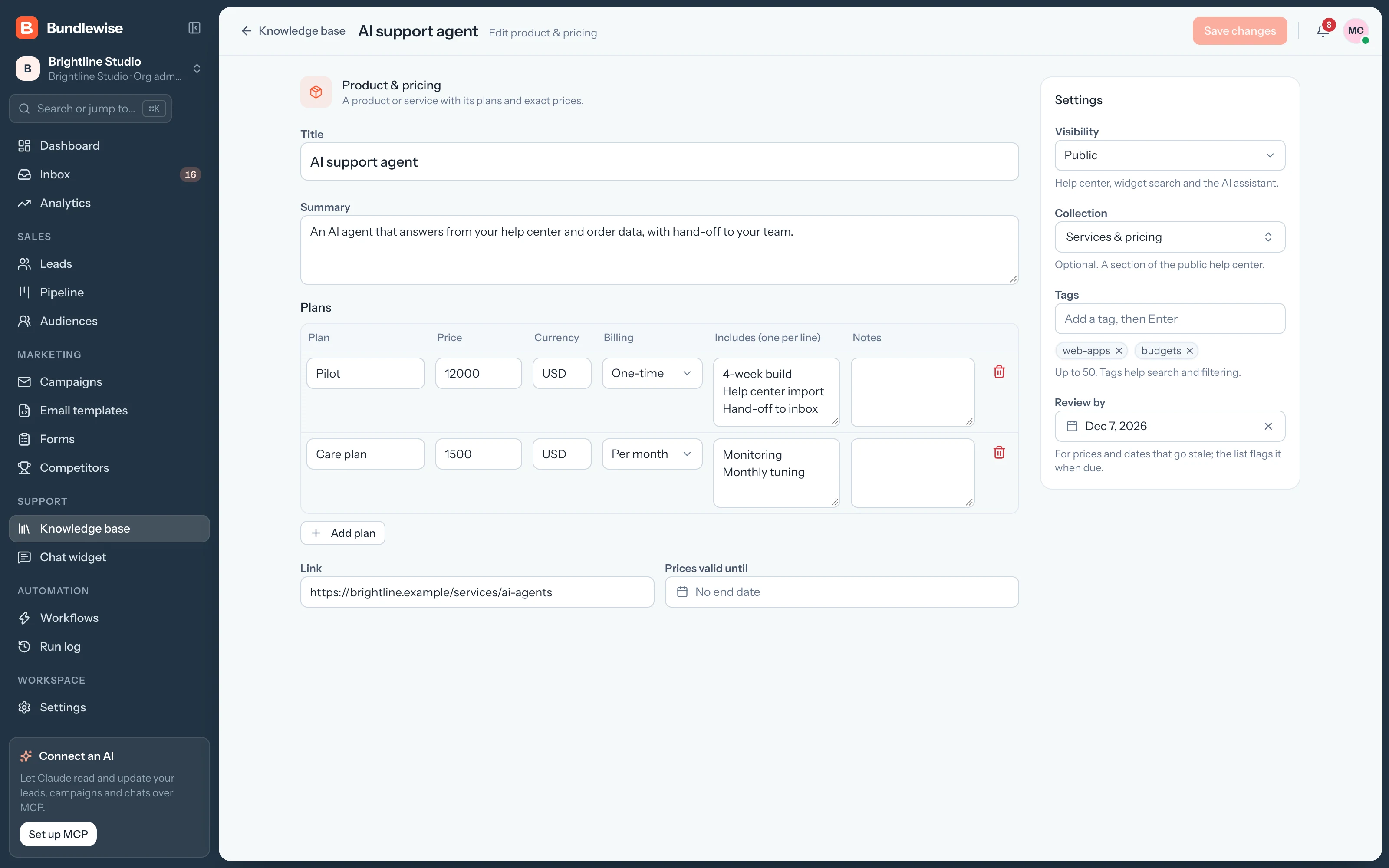
Choose which articles appear in the widget's help tab. The assistant uses them to answer visitor questions as they come in.
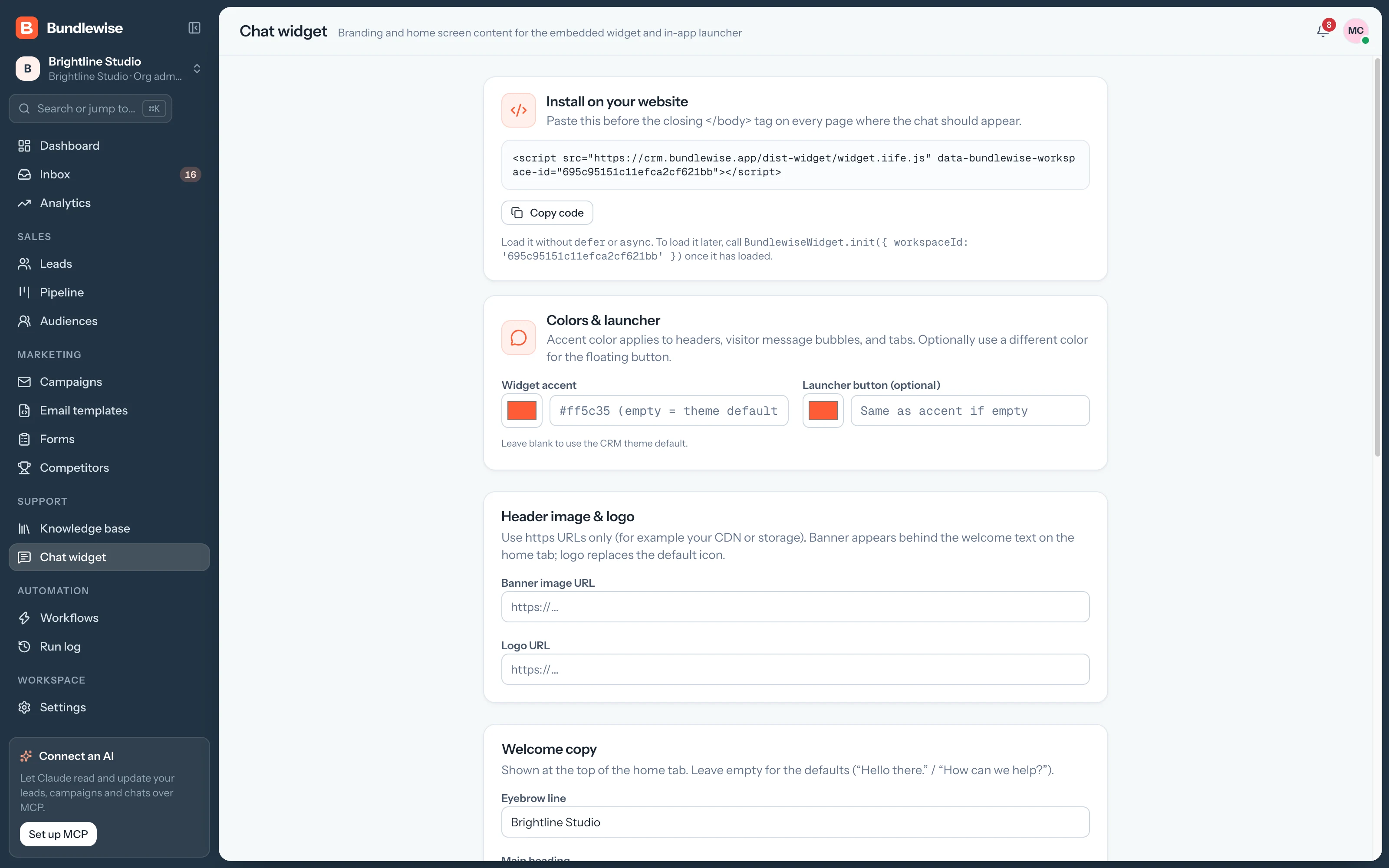
Import collections and articles from JSON. Check the file first: replacing removes the content you already have.
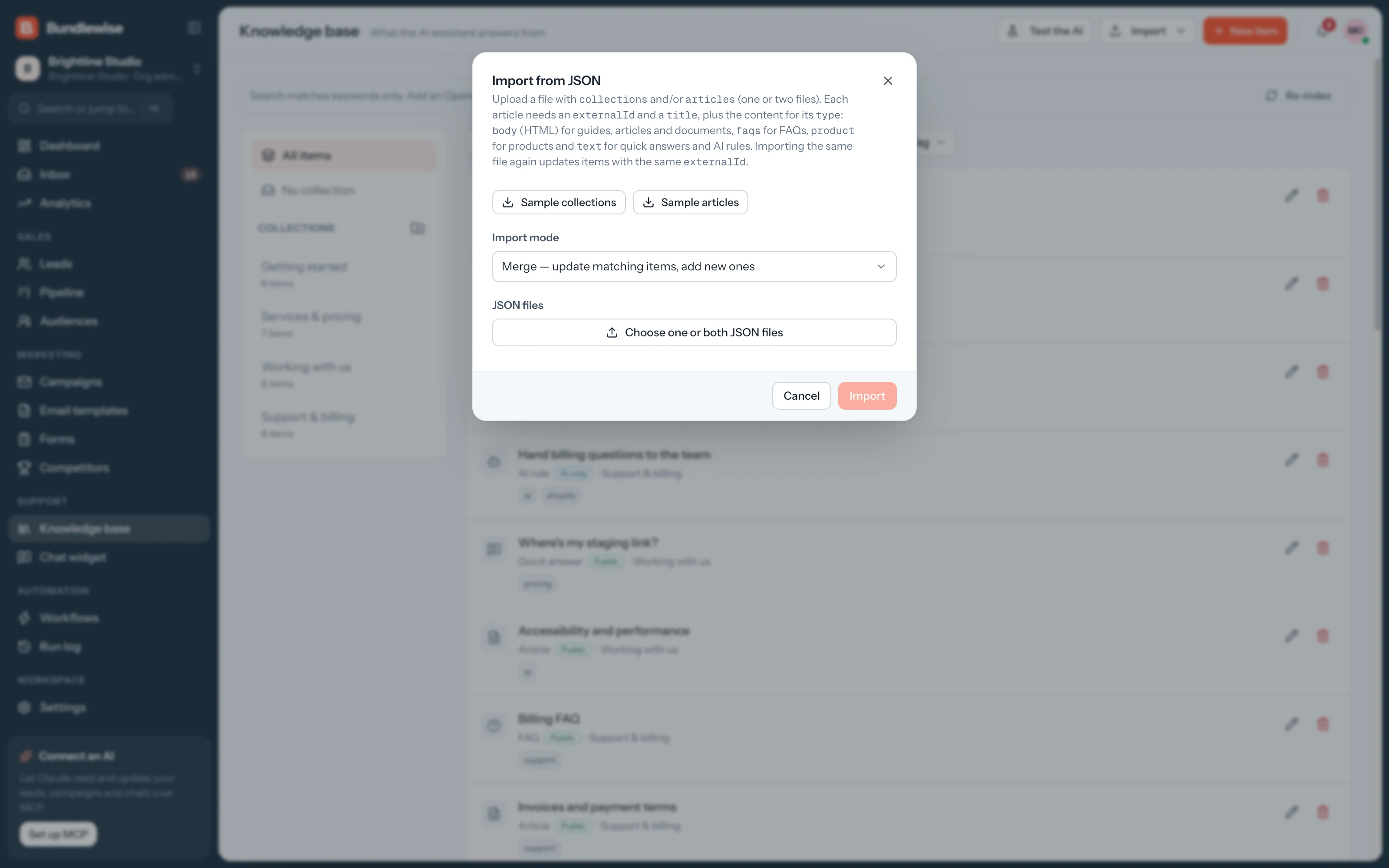
Write help articles once. The chat AI answers from them, and visitors self-serve.
Group short articles by topic so they're easy to keep current.
Write and update articles with headings, lists and links.
Choose which articles visitors can browse in the chat widget.
Ask a question and see how the assistant answers before visitors do.
Turn this week's most-asked question into an article the AI can use.
Connect Claude, ChatGPT, Cursor, Claude Code, Codex or Antigravity. Sign in with OAuth, then find hot leads, preview campaigns and build workflows in plain language, on live CRM data.
Write or import your first articles and test the AI in minutes.