Connect
One server URL
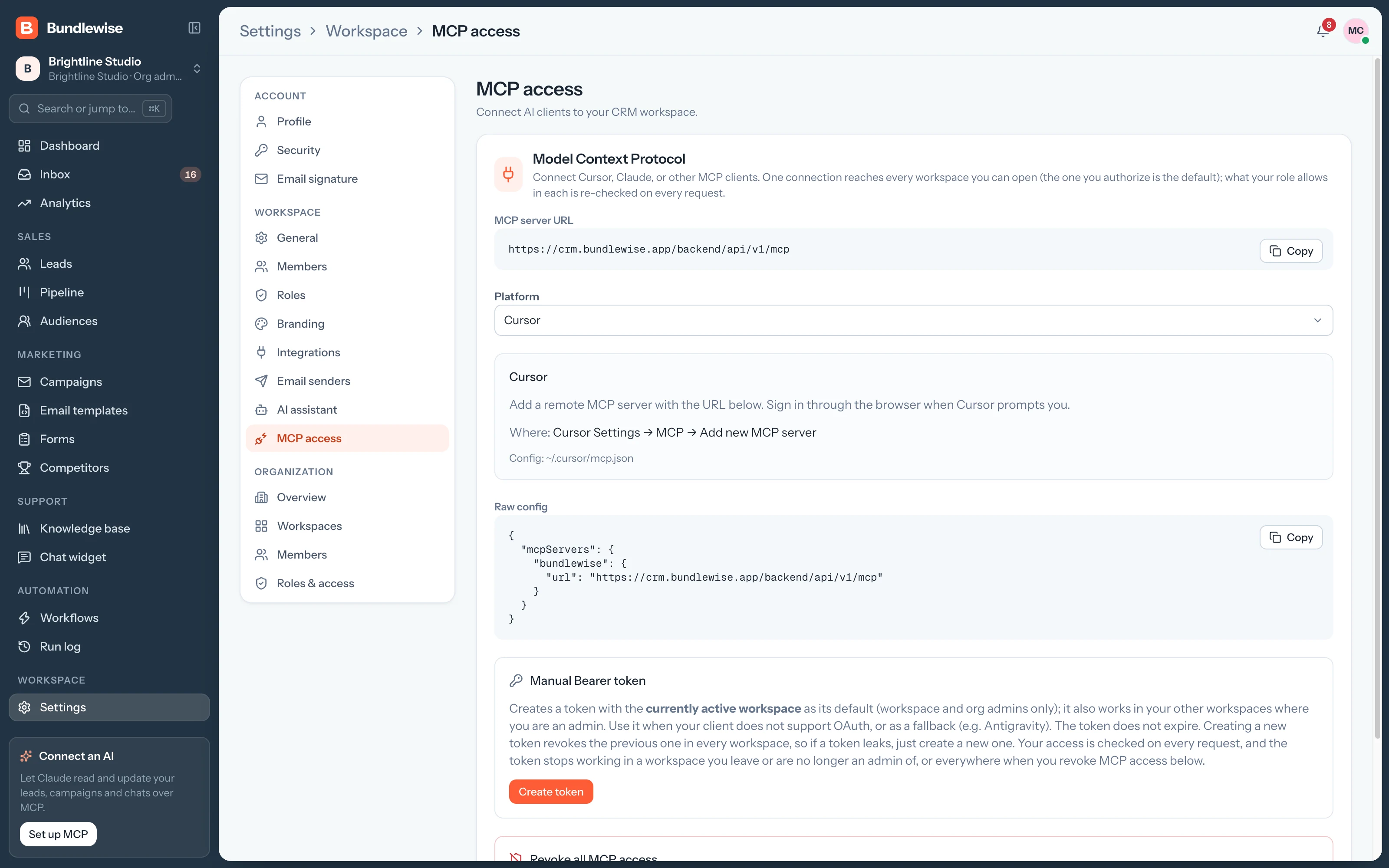
Add it to Claude, ChatGPT, Cursor, Codex or Antigravity, then sign in.
Connect any MCP client to Bundlewise with one server URL. Sign in with OAuth, and your AI tools work on leads, deals and campaigns within your role.
# Customize › Connectors › + Add › Add custom connectorName BundlewiseURL https://crm.bundlewise.app/backend/api/v1/mcp# Then sign in with OAuth in the browser
Without MCP, AI help means copying CRM data into a chat and pasting the answer back.
Add the Bundlewise server URL to your client and approve access in the browser. OAuth sets the workspace and your role when you sign in.
Find hot leads, move a deal, draft a campaign or check a workflow's last run from your AI client.
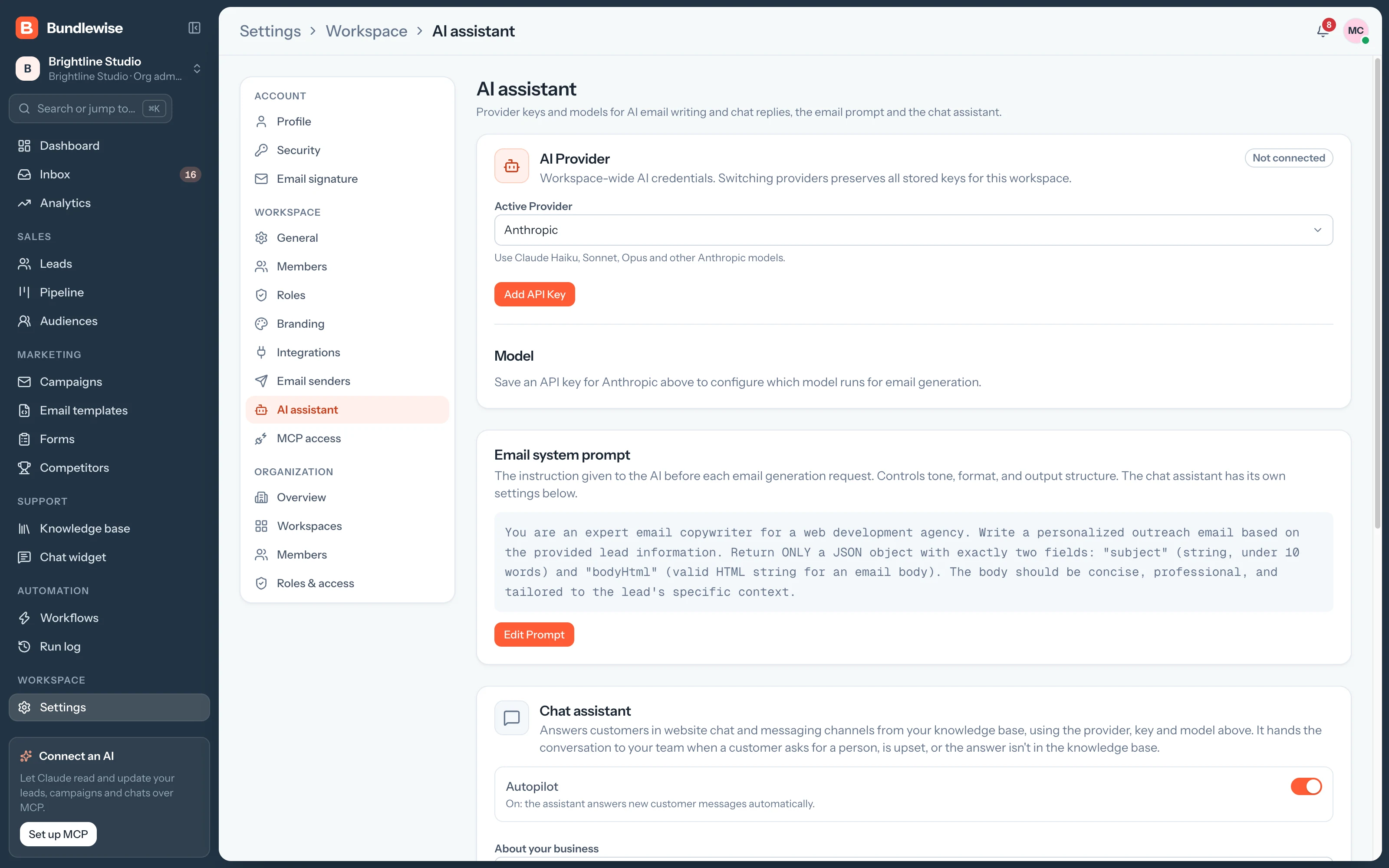
Connect OpenAI, Anthropic, Gemini or OpenRouter for the AI inside Bundlewise: personalized campaign emails and chat answers. Keys stay masked after you save them.
Use OAuth where you can. When a client can't, an admin creates a bearer token for the workspace and can rotate or revoke it from MCP Setup.
One server URL, OAuth sign-in, and agents that only see what your role allows.
Add it to Claude, ChatGPT, Cursor, Codex or Antigravity, then sign in.
Sign-in sets the workspace and your role, so the AI can't do more than you can.
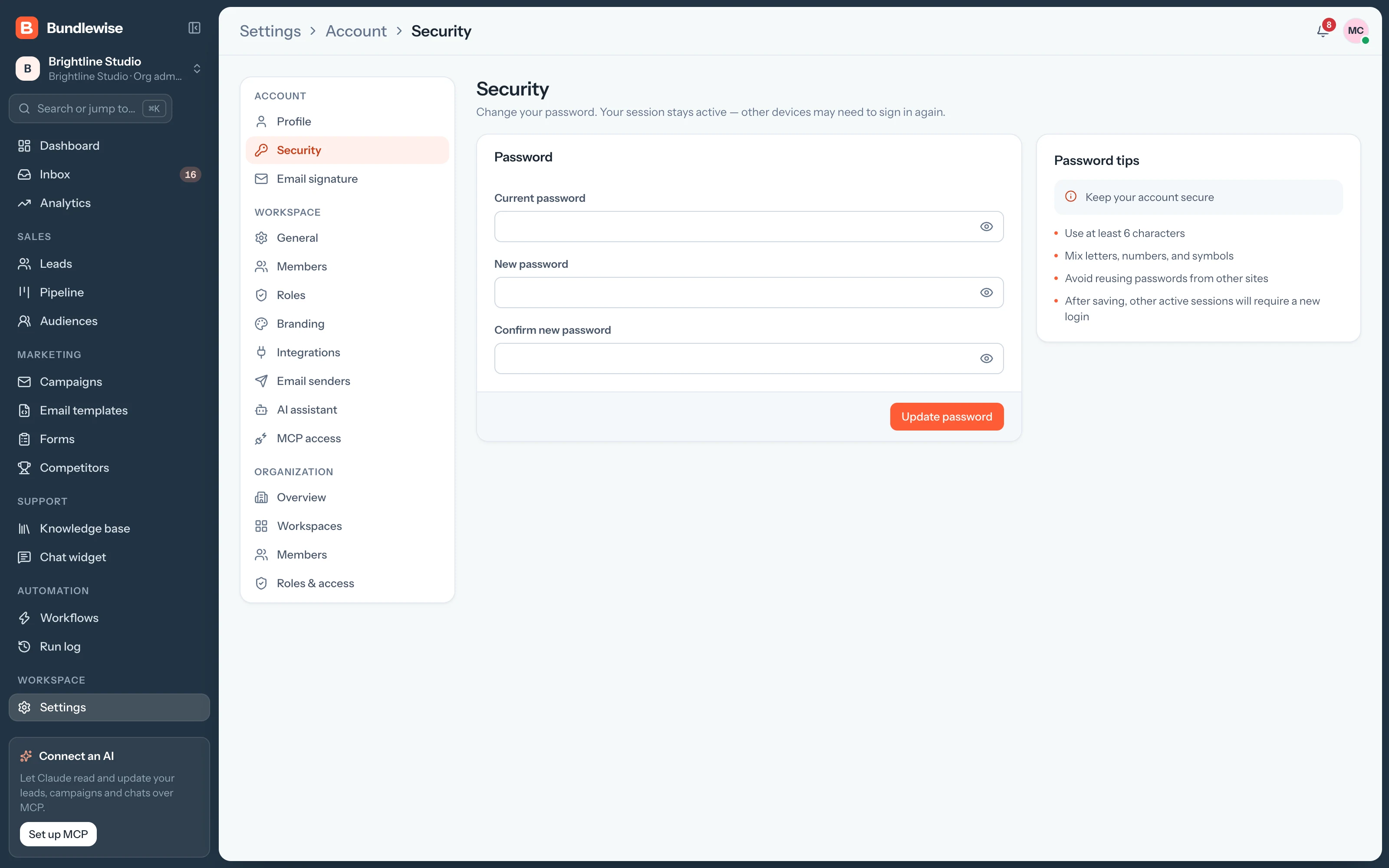
For clients without OAuth, an admin creates a token and can revoke it anytime.
OpenAI, Anthropic, Gemini or OpenRouter for the AI inside Bundlewise.
Pull the lead's history and the rival's battlecard without leaving the chat.
Connect Claude, ChatGPT, Cursor, Claude Code, Codex or Antigravity. Sign in with OAuth, then find hot leads, preview campaigns and build workflows in plain language, on live CRM data.
Copy the server URL, sign in and ask for your hottest leads.