
Countdown Timer
In the app: Countdown Timer. Add a limited-time countdown on product, cart, shop, or site-wide pages.
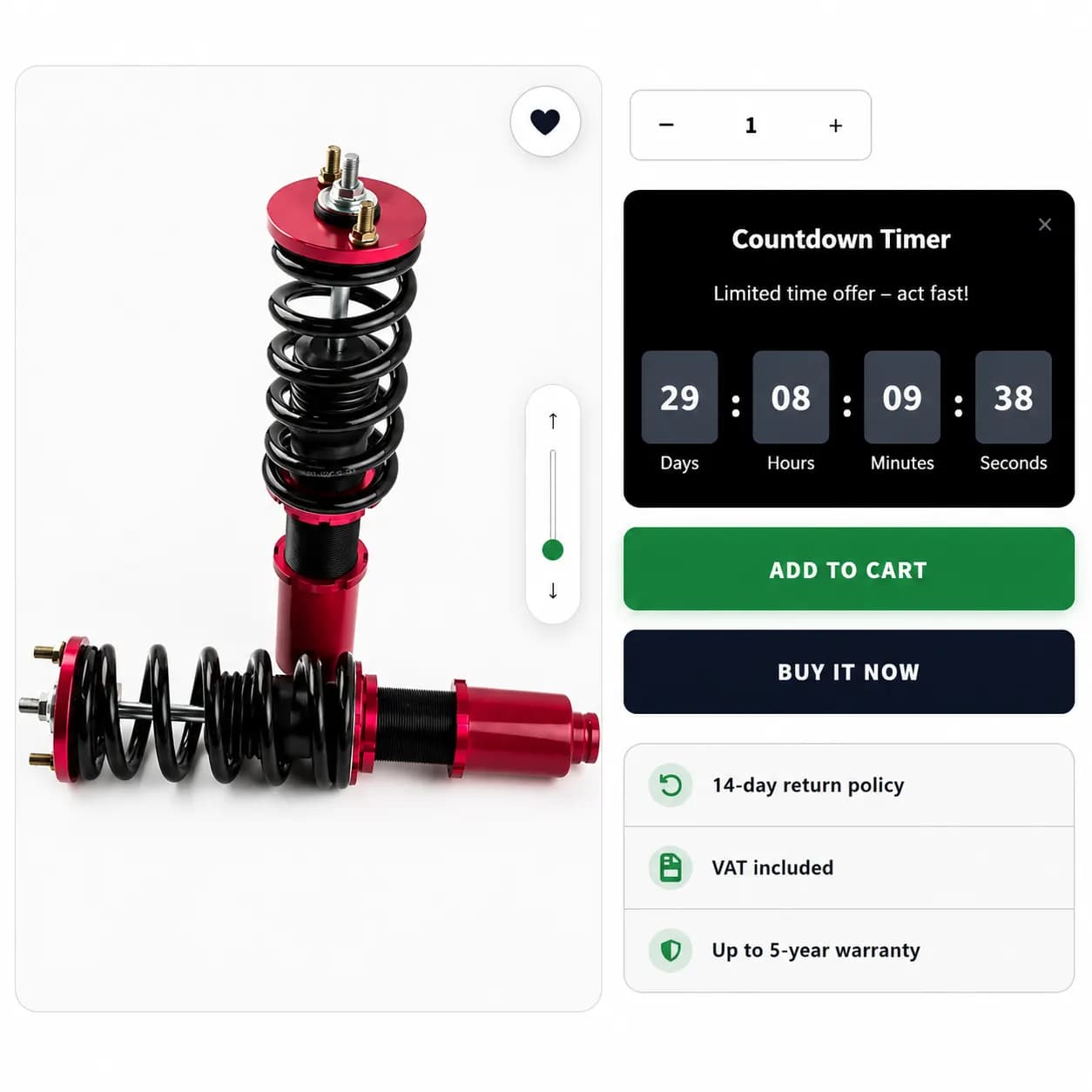
When to use it
- Flash sales with a fixed end time
- Launch windows for new products
- Collection-wide urgency on shop pages
- Recurring daily offers (happy hour style)
Countdown types
In the editor, choose how the timer is calculated:
| Mode | Behavior |
|---|---|
| Static | Countdown to a fixed end date/time (optional start now or schedule later) |
| Evergreen | Per-visitor duration (days / hours / minutes / seconds); can repeat when finished |
| Daily Recurring | Repeats on selected weekdays with time slots |
Countdown Timer is a storefront urgency widget. It does not create a checkout product discount through Shopify Functions (unlike Normal Discount or Bundle Discount).
Setup
- Create Campaign → Countdown Timer
- Choose Static, Evergreen, or Daily Recurring
- Set timer rules and optional campaign Schedule
- Set trigger products or scope for shop-wide display
- Pages & Display, enable Product, Shop, Cart, and/or Entire site
- Choose in-page position per tab (display mode is In Page only for this type)
- Publish
Storefront behavior
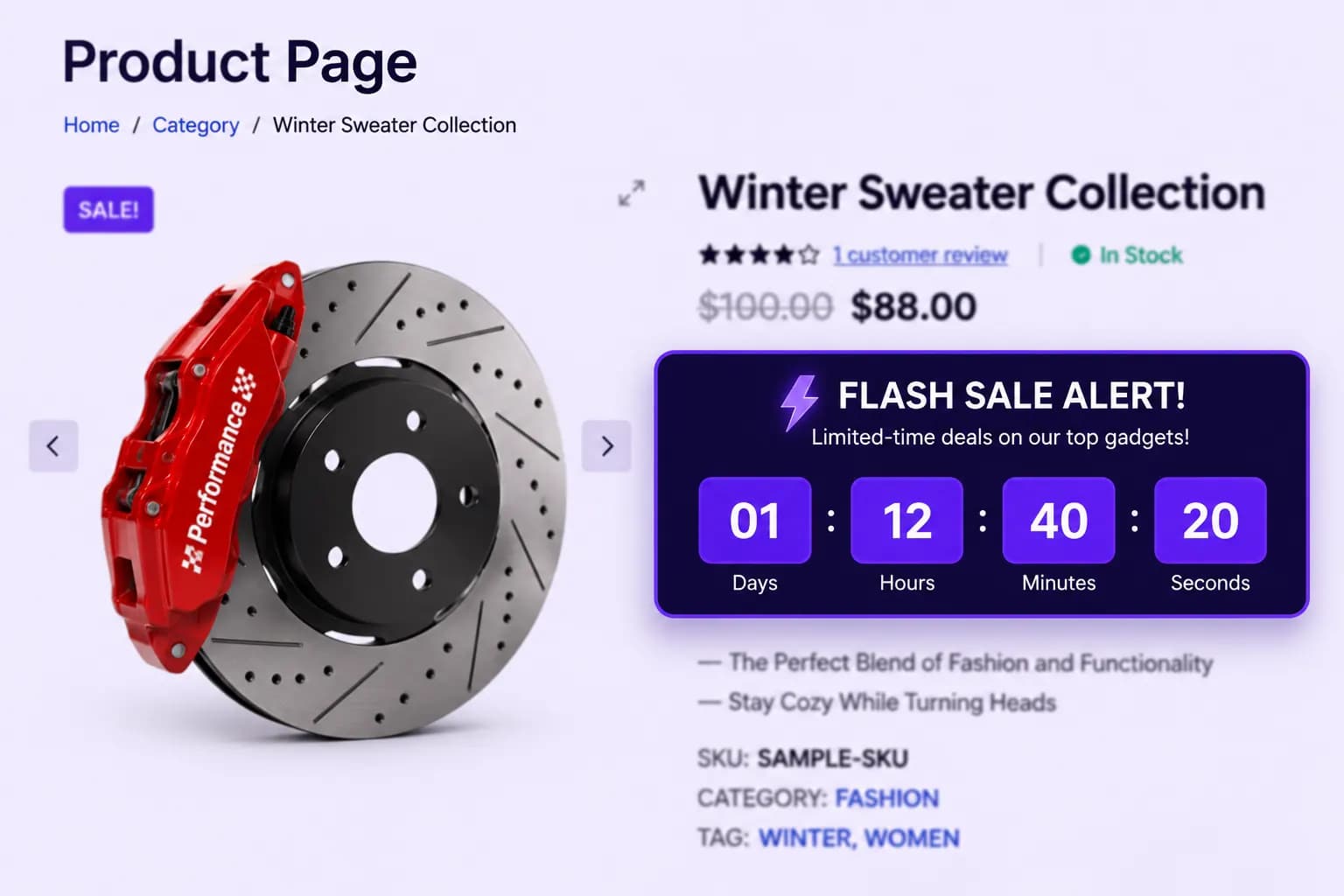
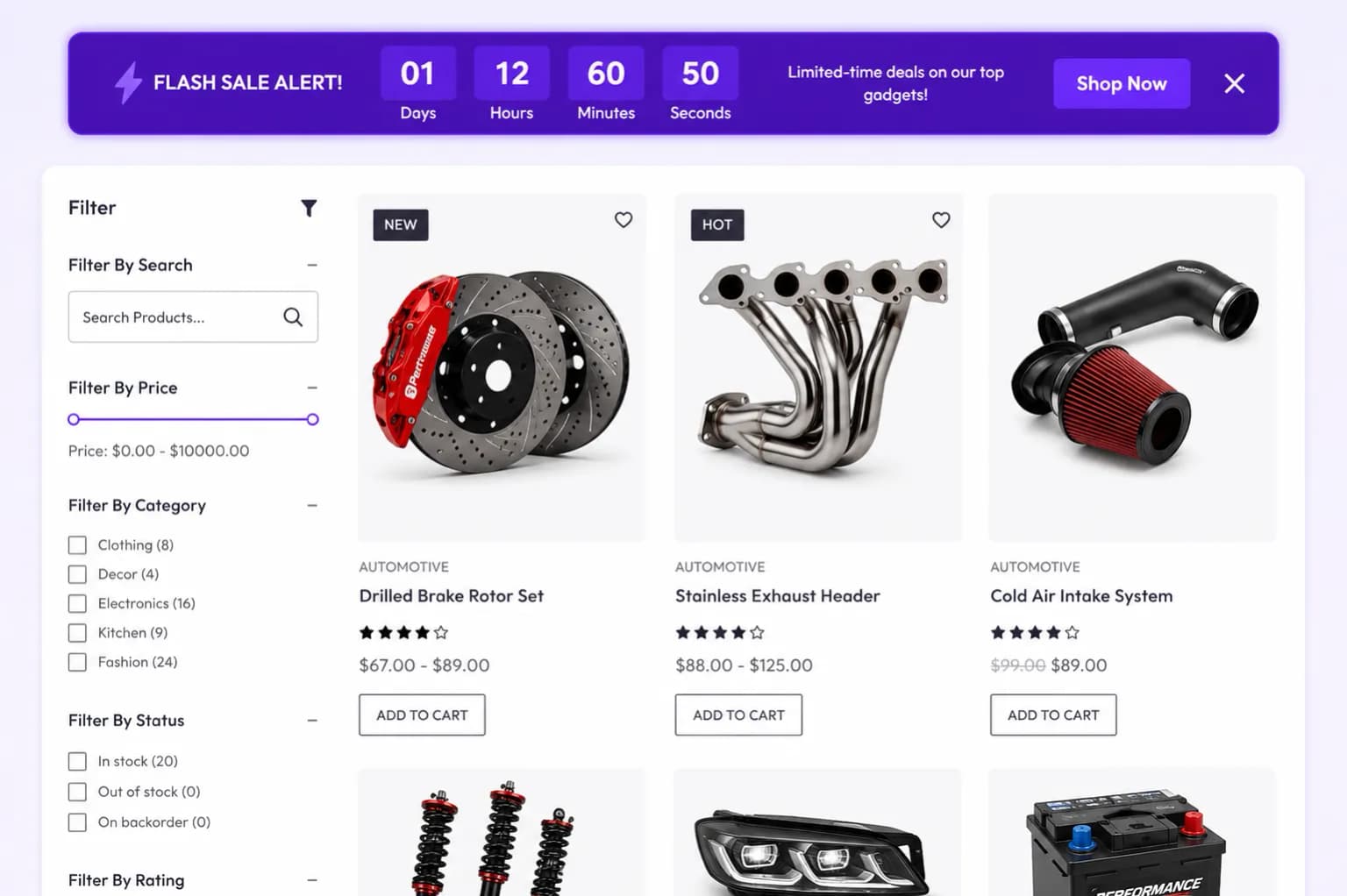
- Timer counts down in real time
- When time expires, behavior follows your countdown and schedule rules
Placements
Product page, Shop page, Cart page, and Entire site, the broadest placement options in BundleWise.
Tips
- Align end time with email or ad campaigns
- Test on mobile, shop grid timers are easy to miss if contrast is low