
Mix and Match
In the app: Mix and Match. Shoppers pick a set number of items from a pool to unlock a discount.
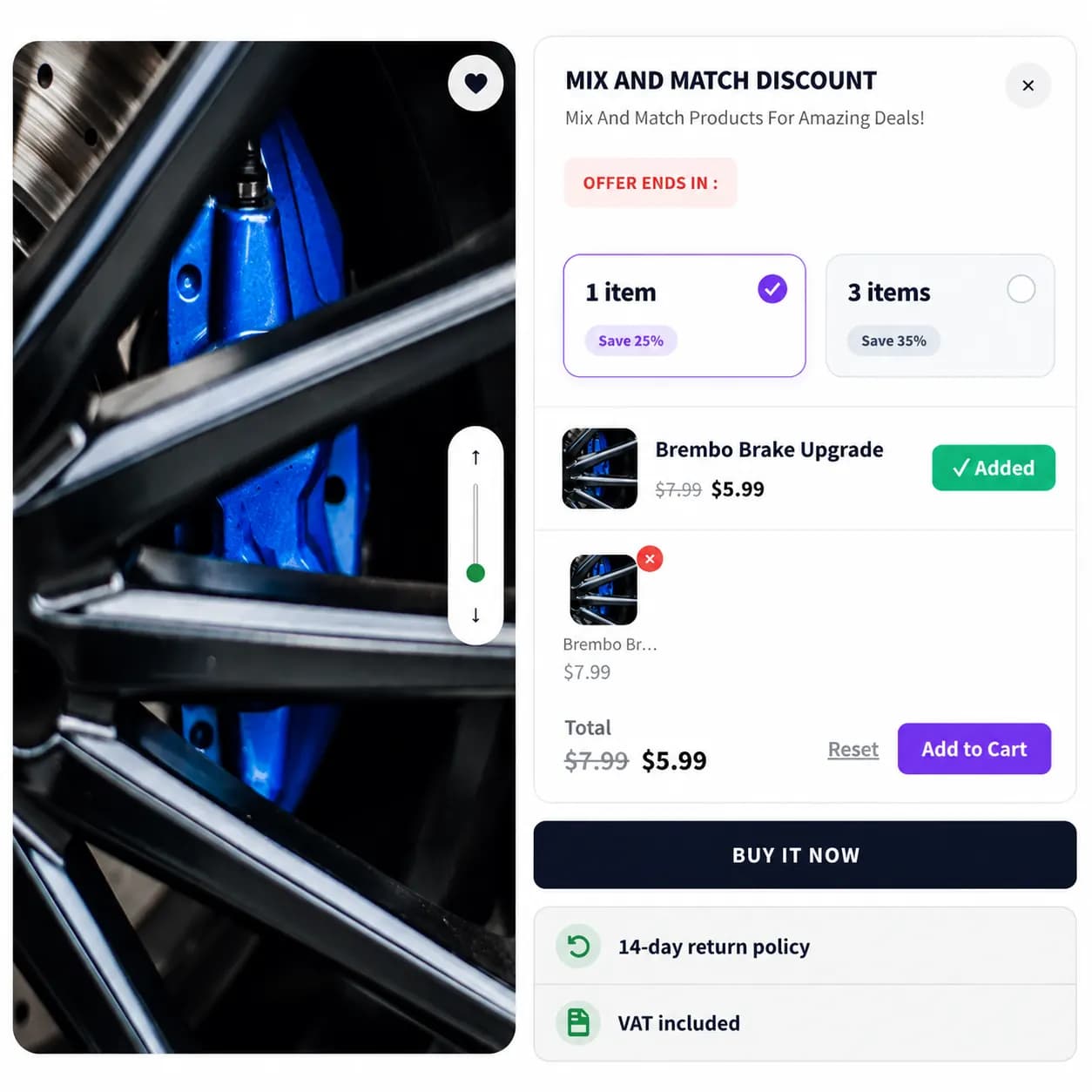
When to use it
- Build-your-own gift boxes
- “Choose any 3 flavors” style deals
- Flexible assortments without a fixed bundle SKU
Setup
- Create Campaign → Mix and Match
- Add offer tiers, groups of selectable products and required quantity
- Set discount (percent or fixed price for the completed set)
- Pages & Display, Product and/or Cart
- Publish
Storefront behavior
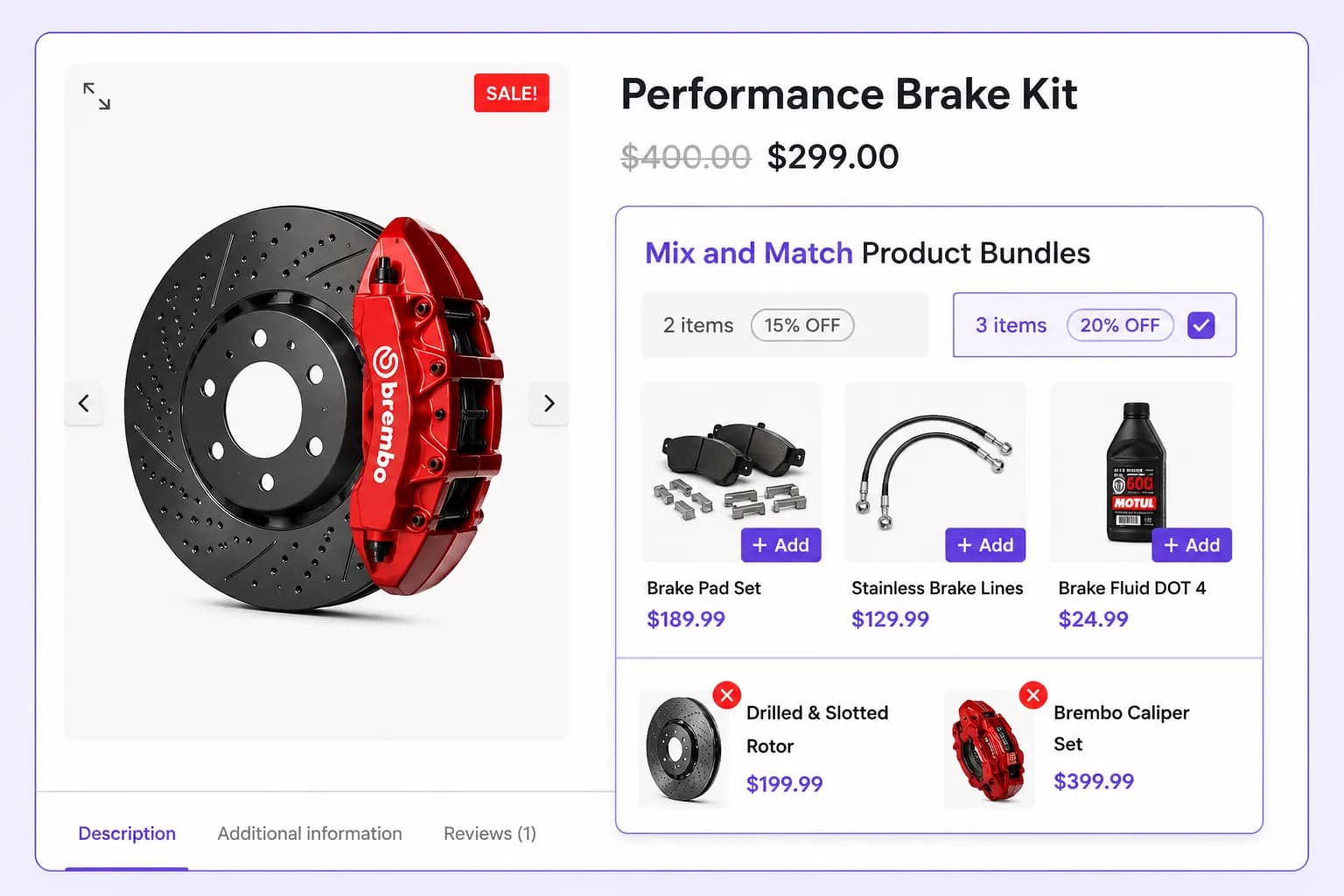
- Shoppers tap products to fill slots; progress shows remaining picks
- Add-to-cart adds selected variants
- Discount applies when mix rules are satisfied
Placements
Product page and Cart page only.
Tips
- Keep pools small (4–8 SKUs) on mobile
- Use clear copy (“Pick 3 scents”) in the campaign title
Related types
- Bundle Discount, fixed product set
- Volume / Quantity Discount, same SKU, higher quantity