
Normal Discount
In the app this type is called Normal Discount. Apply a percentage or fixed amount off selected products when cart rules match.
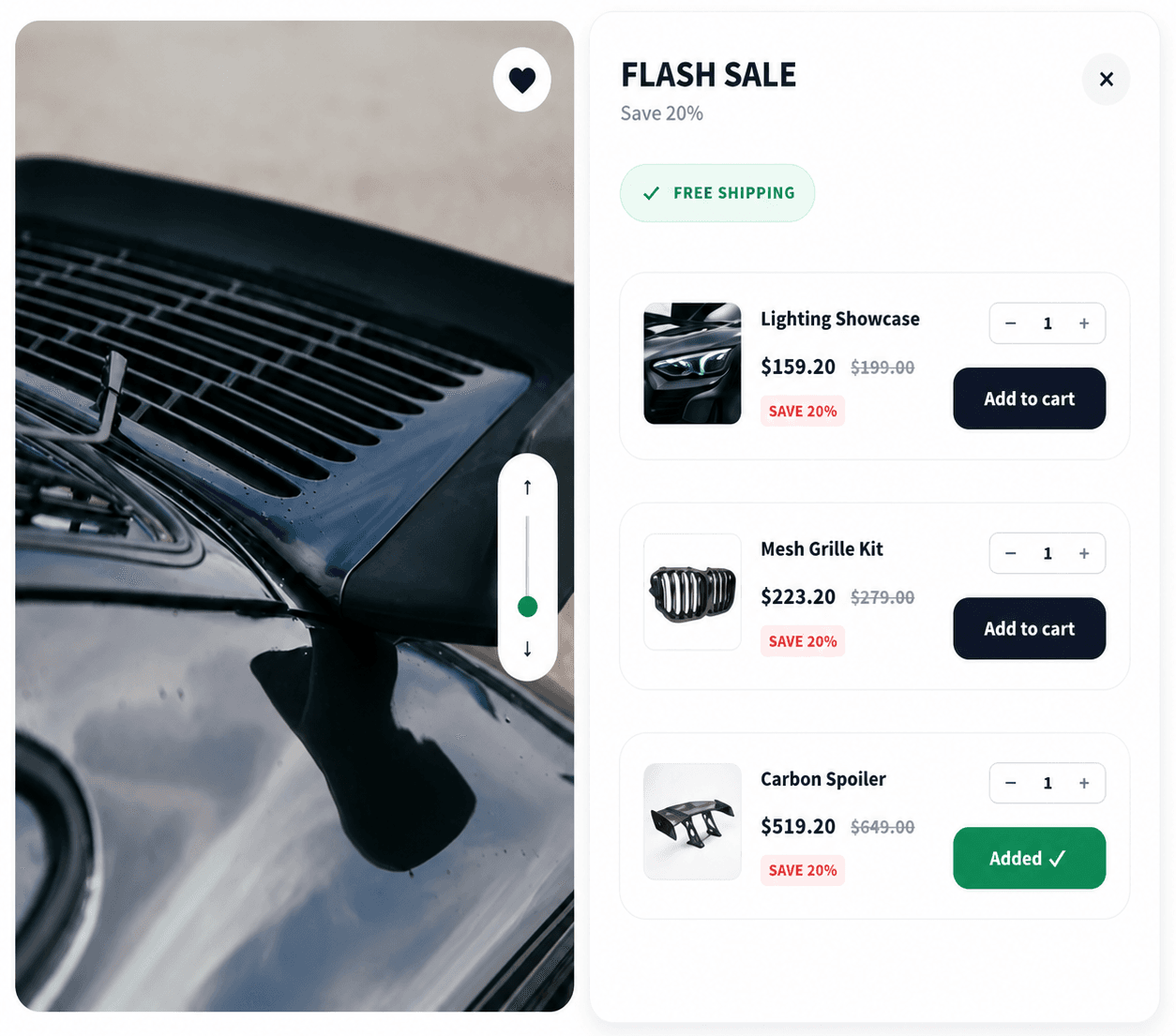
When to use it
- Flash sales on specific SKUs
- Simple markdowns without bundle logic
- Storewide or product-level percentage off
Setup
- Create Campaign → Normal Discount
- Trigger products, all products or a selected set
- Products promotion, define offer tiers (discount type and value per tier)
- Schedule, optional start/end
- Pages & Display, Product page and/or Cart page; choose In Page, Pop-up, or Floating and an in-page position
- Publish
Storefront behavior
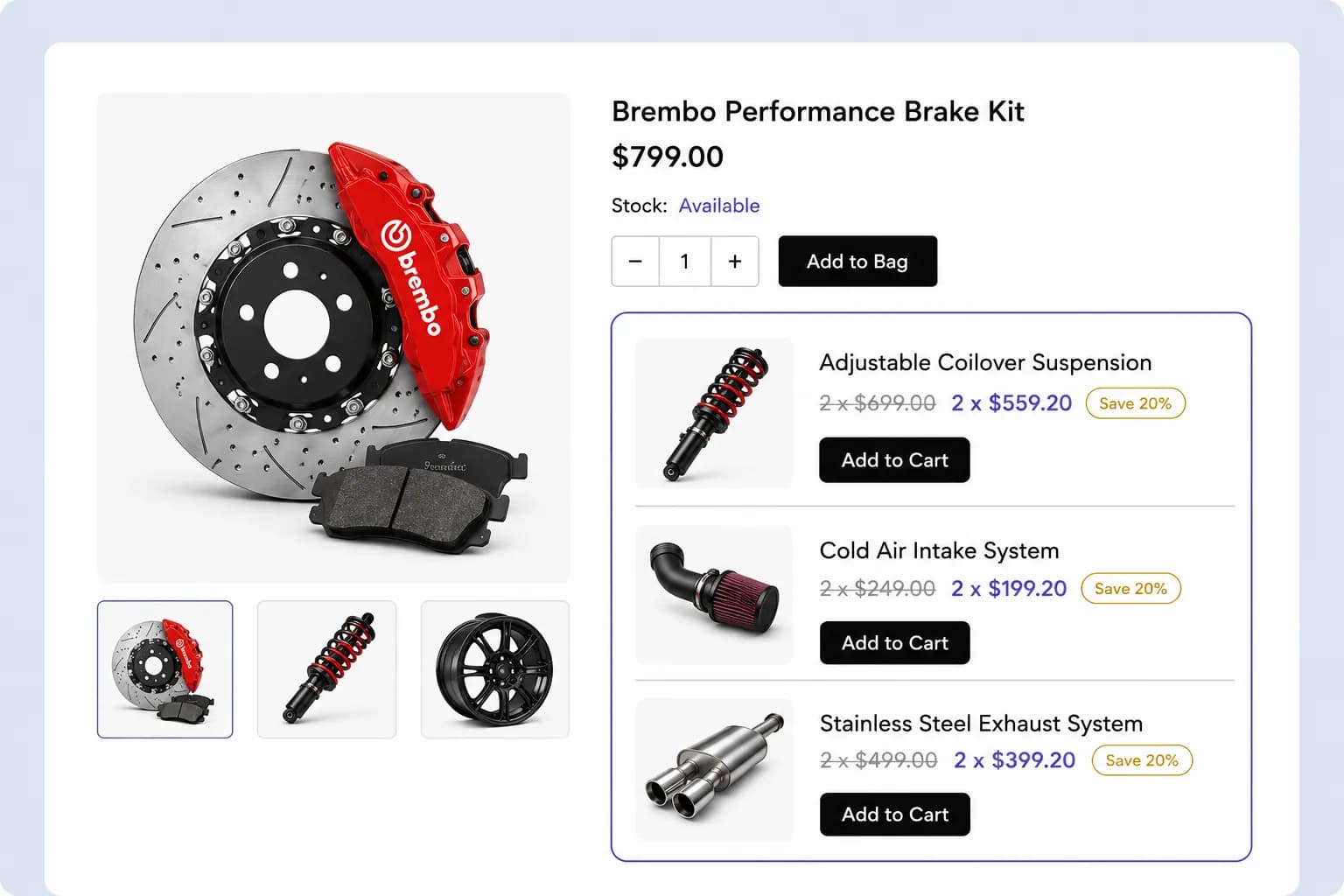
- Widget shows offer details on enabled pages
- Discount applies at checkout via Shopify when cart lines qualify
- Product page price may update when this campaign wins priority
Placements
Product page and Cart page only, no checkout, thank-you, shop, or email tabs for this type.
Related types
- Volume / Quantity Discount, tiered quantity pricing
- Bundle Discount, multi-product bundles