
Volume / Quantity Discount
In the app: Volume / Quantity Discount. Reward customers with better pricing when they buy more units.
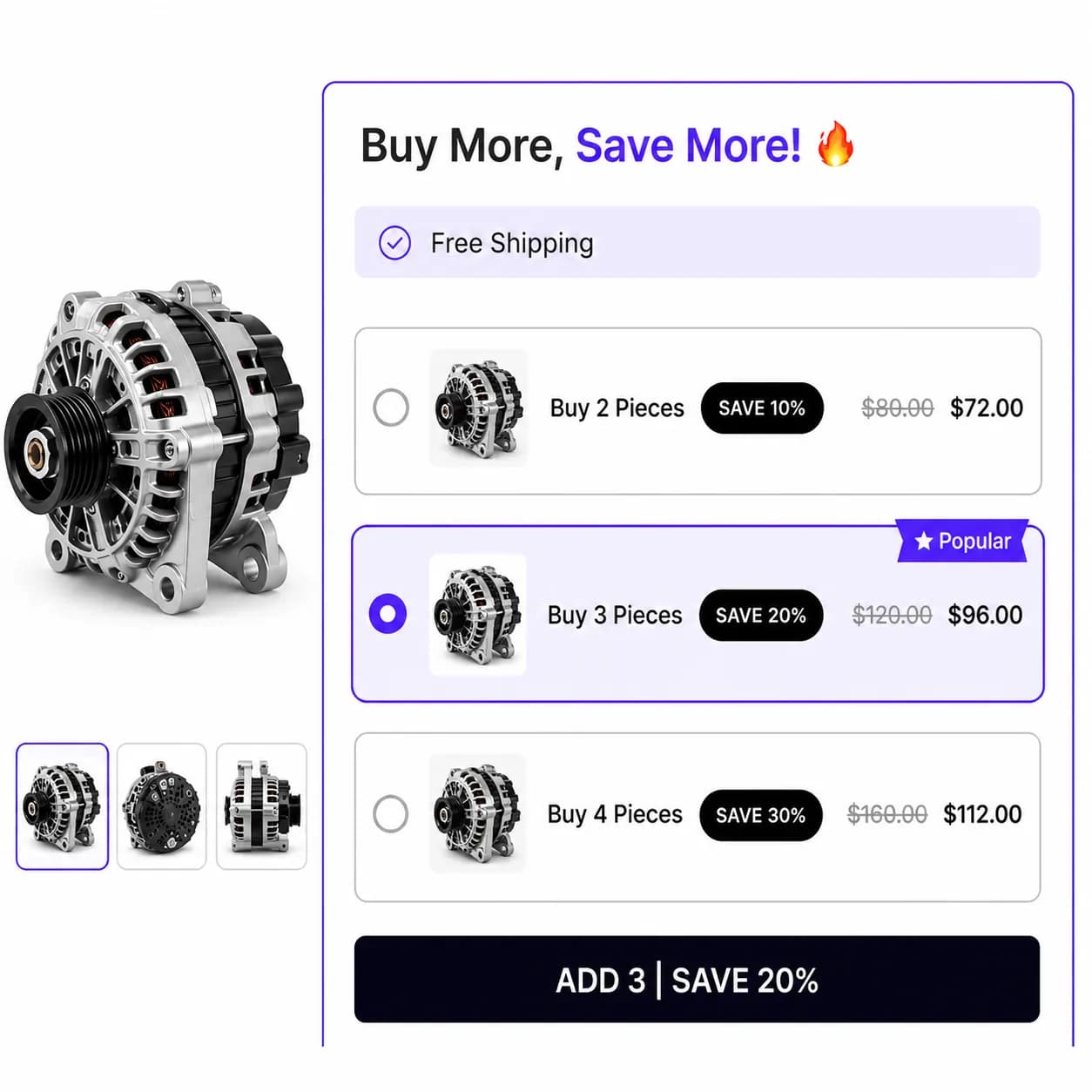
When to use it
- Bulk breaks (buy 3+, buy 10+)
- Consumables and replenishment SKUs
- MOQ incentives without manual discount codes
Setup
- Create Campaign → Volume / Quantity Discount
- Add tiers, minimum quantity and discount for each tier
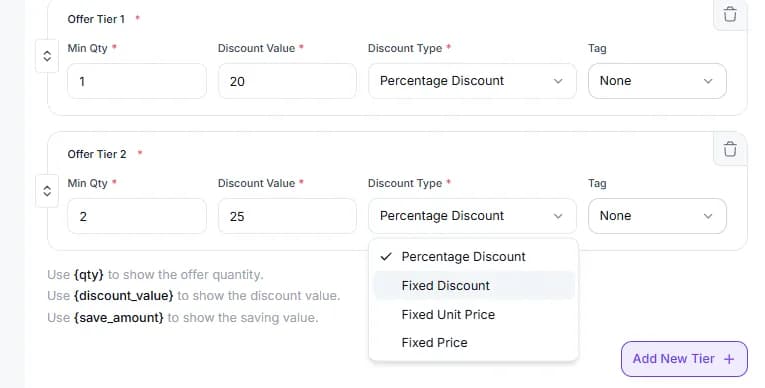
- Set trigger products
- Pages & Display, Product and/or Cart
- Style tier cards in preview
- Publish
Storefront behavior
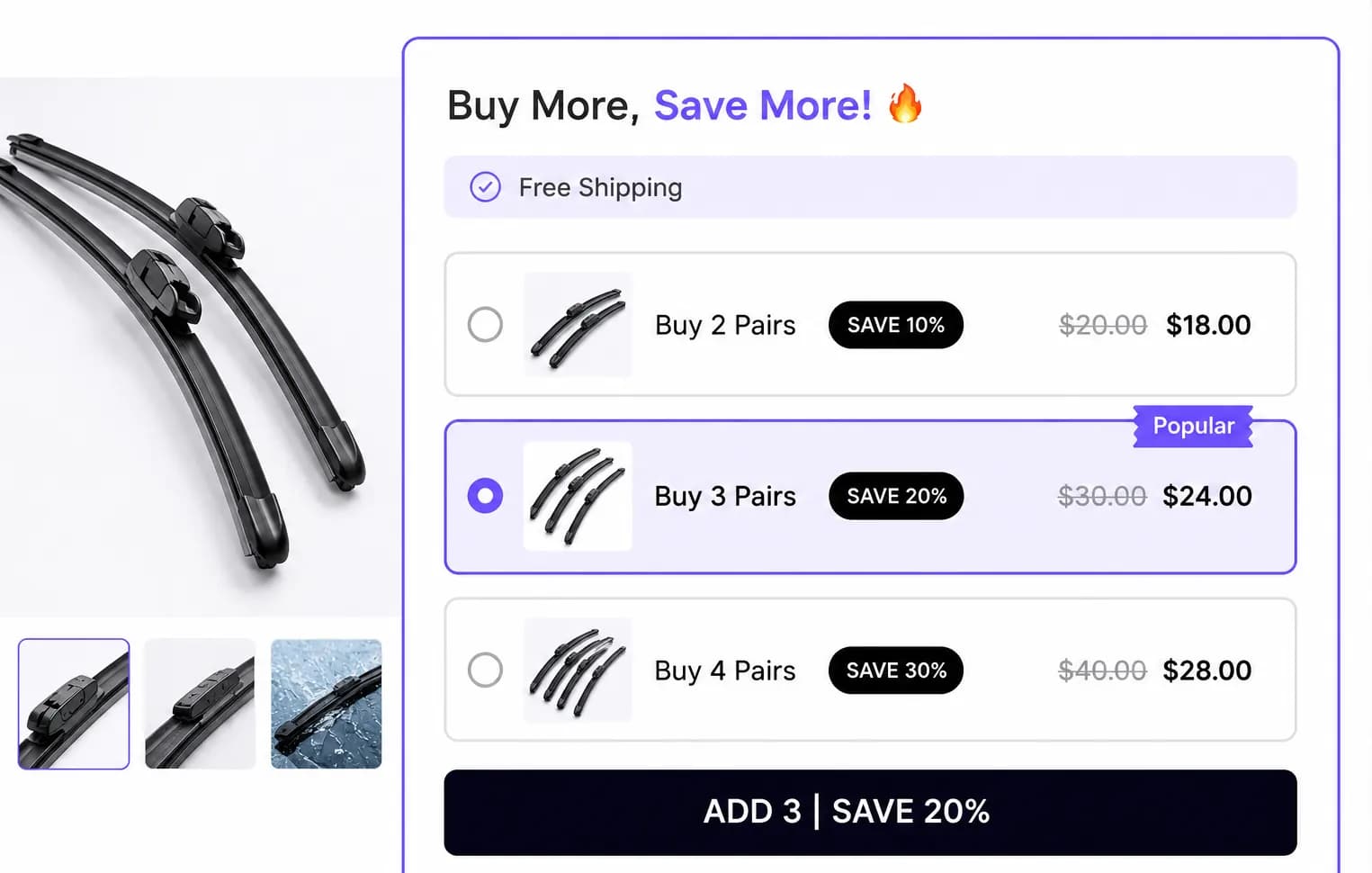
- Shoppers select a tier; quantity updates the active deal
- Checkout discount applies to qualifying line quantities
Placements
Product page and Cart page only.
Tips
- Order tiers from lowest to highest quantity
- Test with your theme’s quantity selector, tiers read live quantity from the add-to-cart form
Related types
- Normal Discount, flat discount without tiers
- Mix and Match, pick N different products from a pool