
Spending Goal
In the app: Spending Goal. Shoppers unlock milestones (discount, gift, or free shipping) as cart value grows.
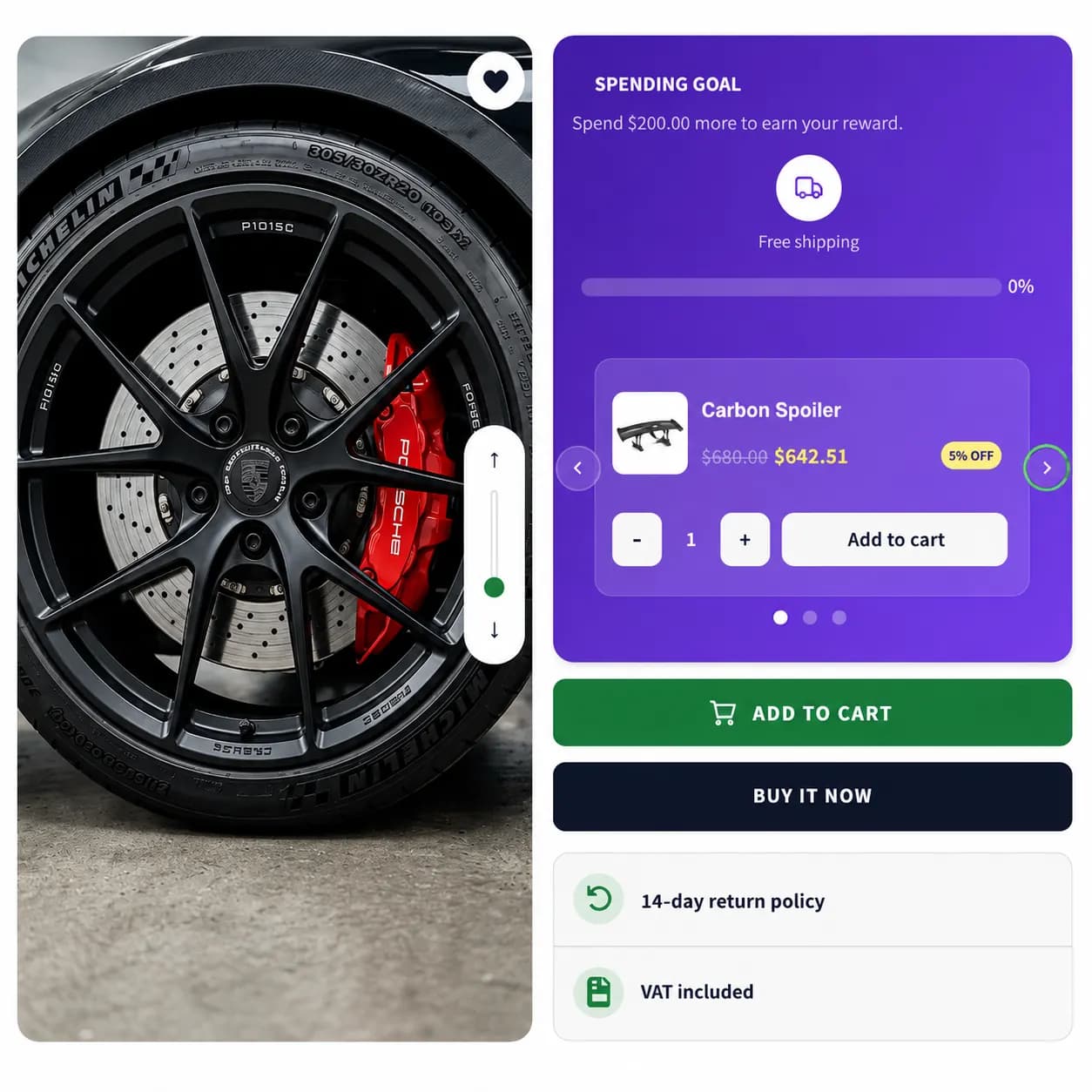
When to use it
- Tiered rewards ($50 → 10% off, $100 → free gift)
- Gamified cart building
- Holiday spend-and-get promos
Setup
- Create Campaign → Spending Goal
- Add goals, cart threshold and reward type (discount %, free shipping, gift product)
- Optional upsell products between milestones
- Pages & Display, Product, Cart, and/or Entire site
- Choose In Page (top/bottom bar on Entire site) or Drawer on any supported tab (Product, Cart, or Entire site)
- Publish
Storefront behavior
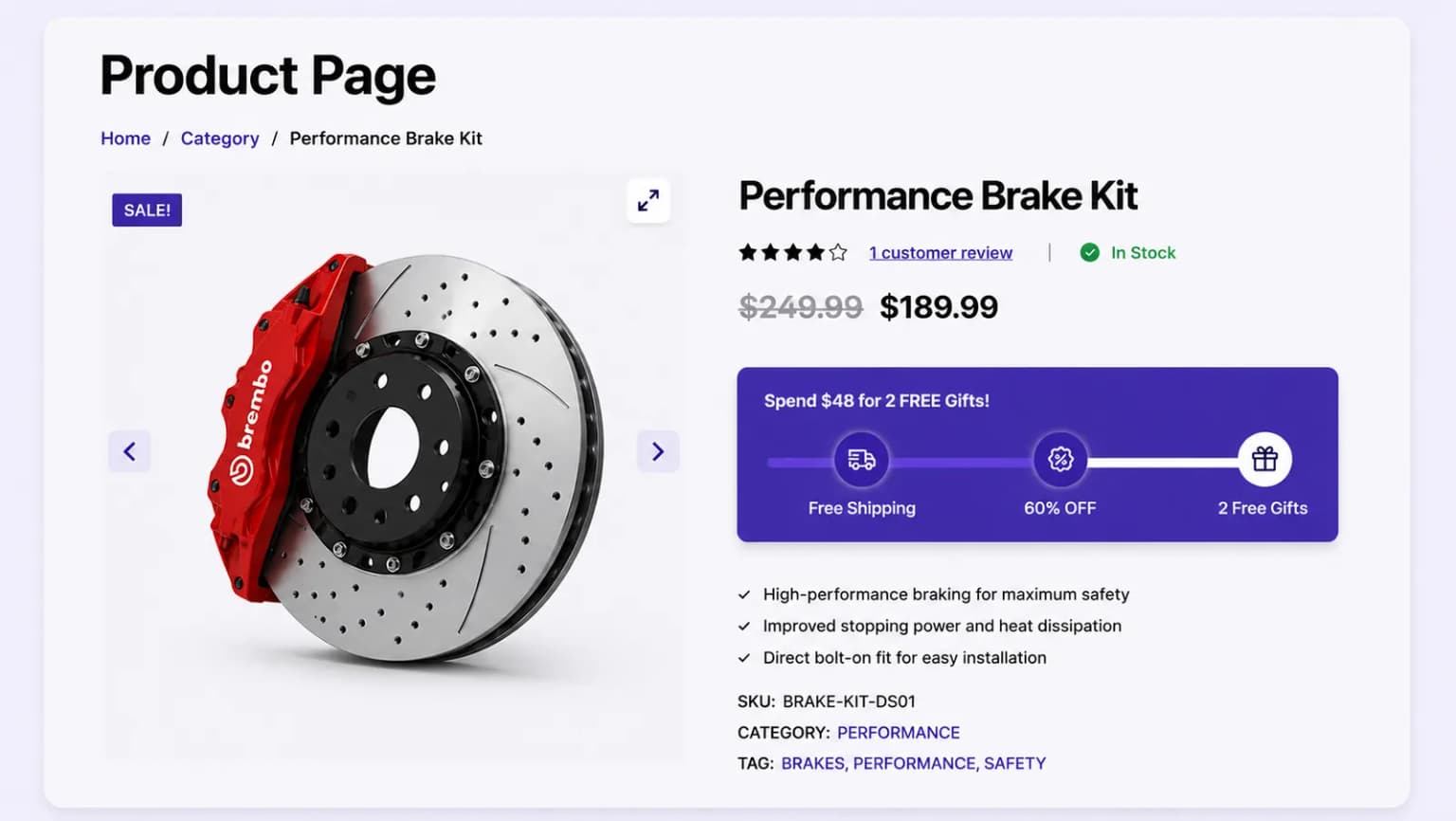
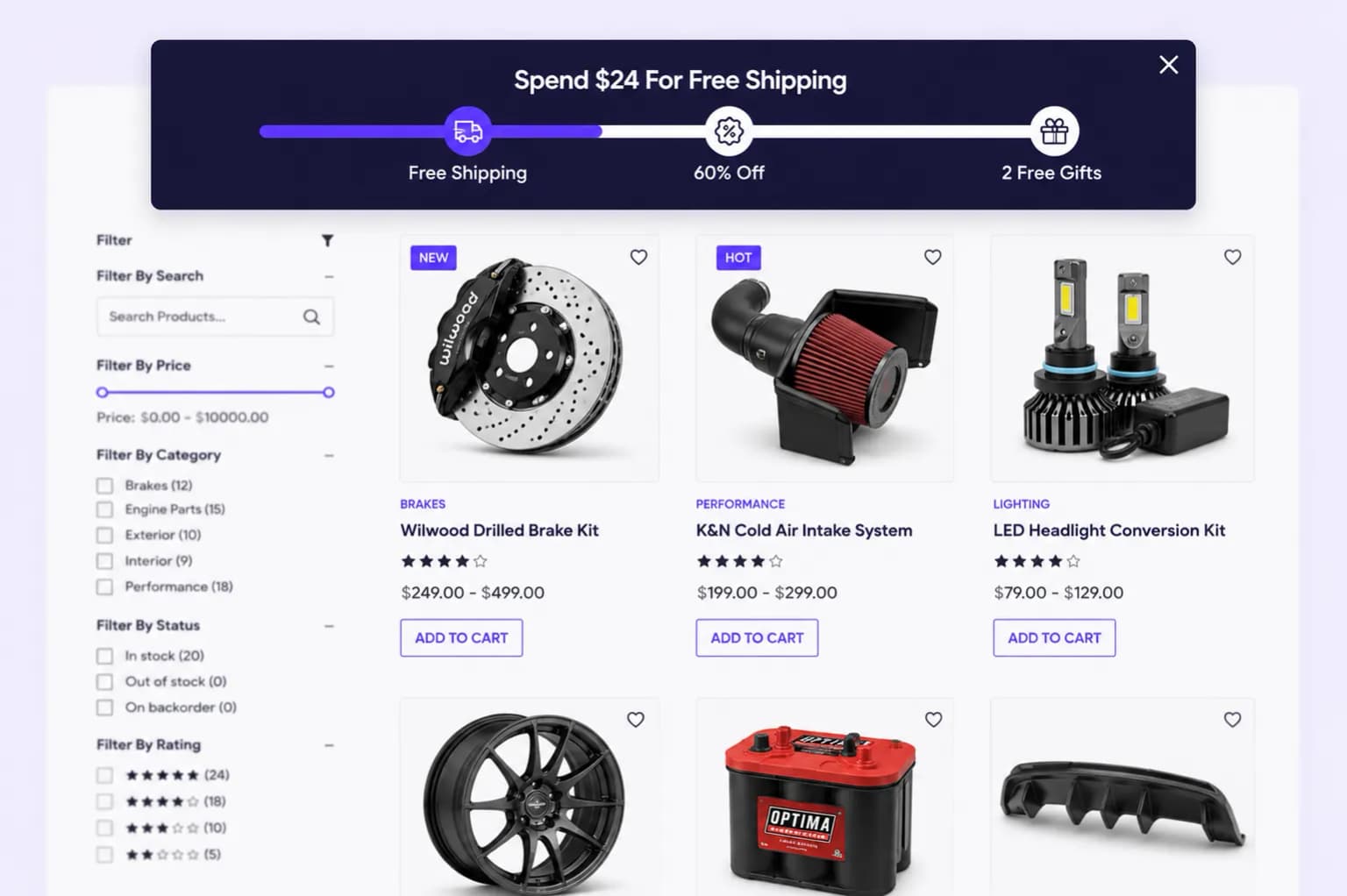
- Progress bar fills toward the next milestone
- Icons update when milestones unlock
Placements
Product page, Cart page, and Entire site.
Reward types
| Reward | Effect |
|---|---|
| Discount | Percent off when threshold met |
| Free shipping | Shipping discount at checkout |
| Gift | Prompt or discount on a gift SKU |
Related types
- Free Shipping, single shipping threshold