
Bundle Discount
In the app: Bundle Discount. Sell a fixed set of products together at a combined discount.
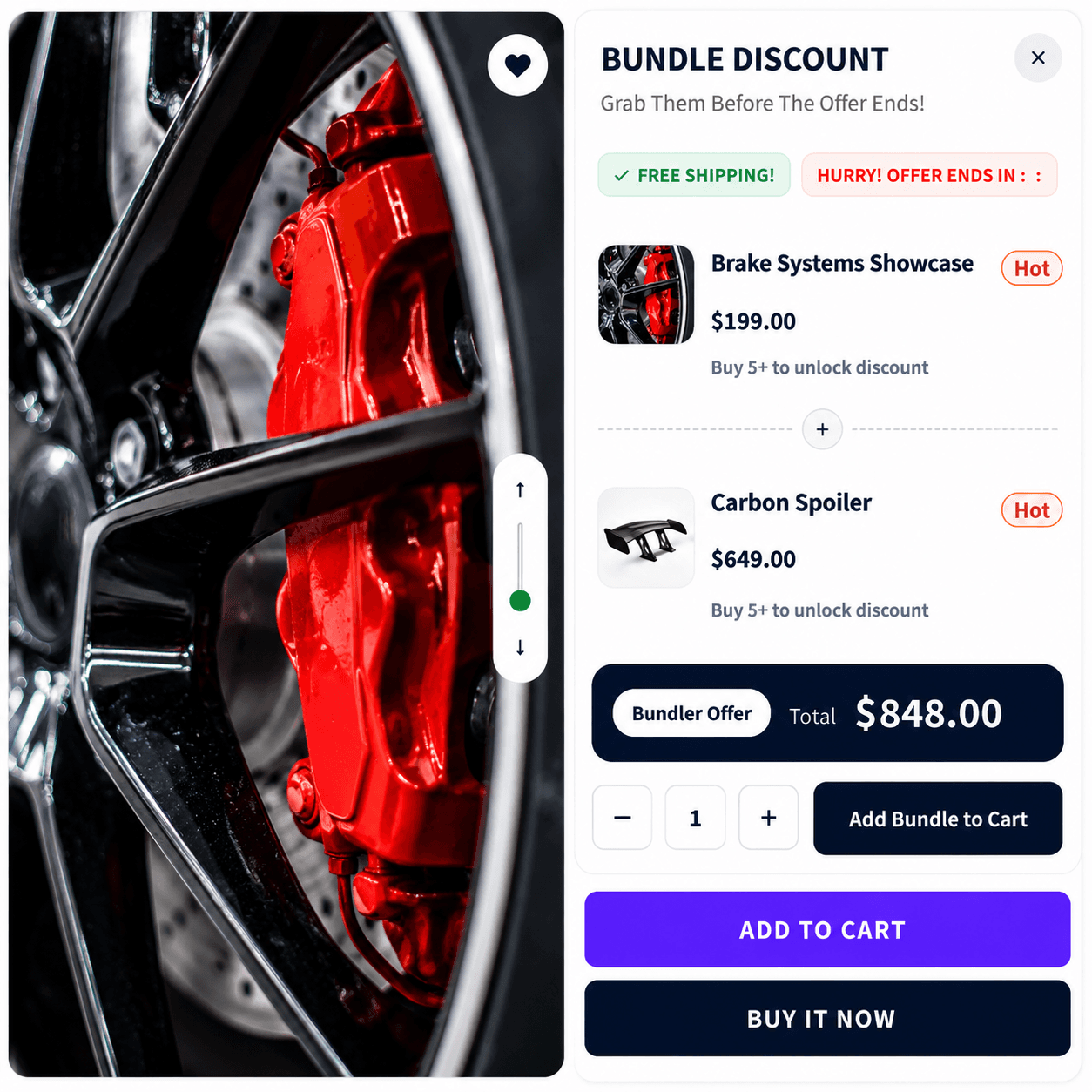
When to use it
- Starter kits and gift sets
- Accessory packs with a main product
- Known SKU groupings at one special price
Setup
- Create Campaign → Bundle Discount
- Add bundle products, each row can have its own percentage or fixed discount
- Set trigger products (often one anchor SKU)
- Pages & Display, Product and/or Cart; In Page, Pop-up, or Floating
- Customize layout in preview (grid or carousel for multiple items)
- Publish
Storefront behavior
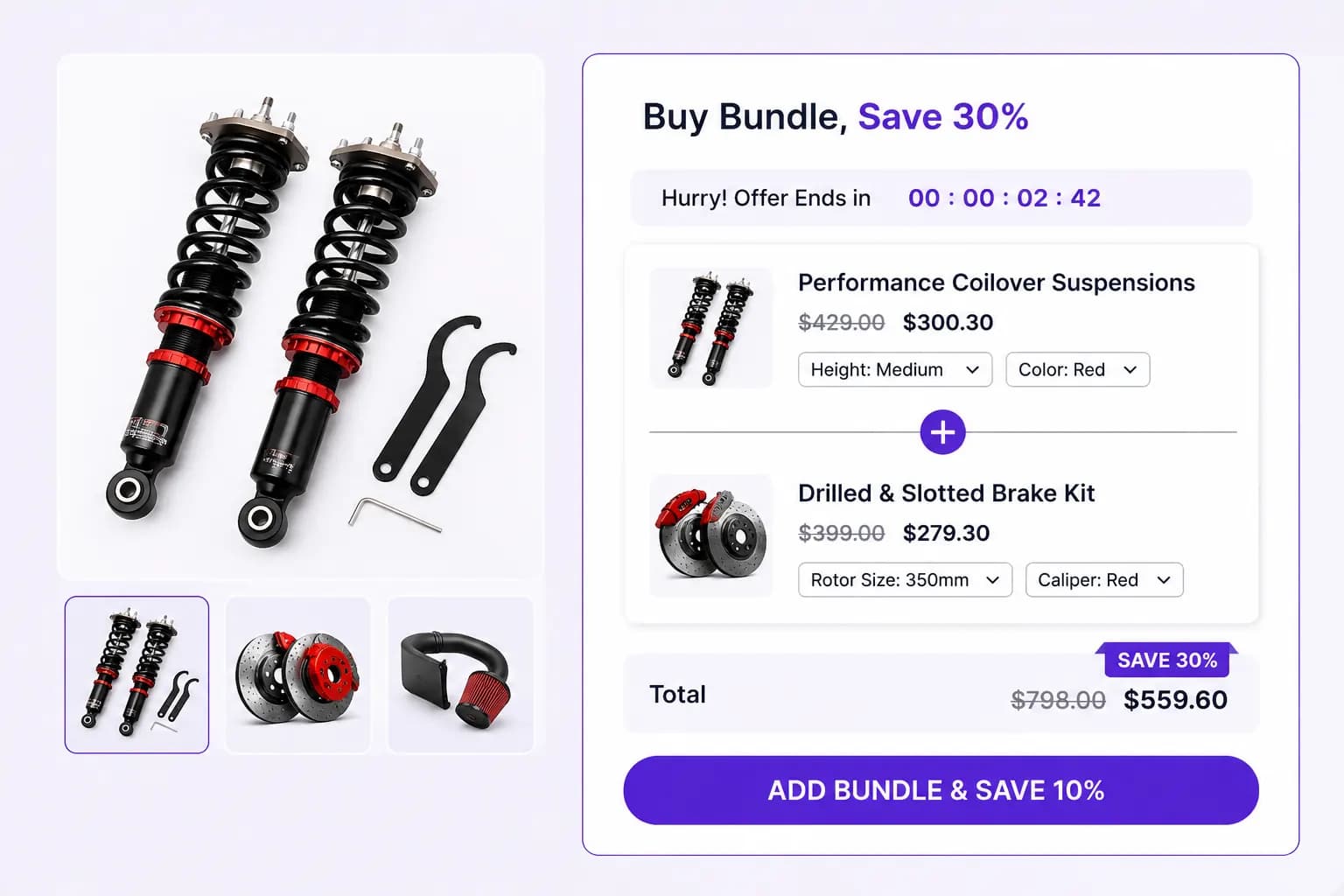
- Shows bundle cards with images and prices
- Shoppers can add all bundle lines from the widget
- Discount applies when required lines are in the cart
Placements
Product page and Cart page only.
Priority
Defaults to priority 100 so it competes strongly with simple product discounts.
Related types
- Buy X Get Y Bundle, flexible buy/get groups
- Frequently Bought Together, optional cross-sell checkboxes