
Next Order Coupon
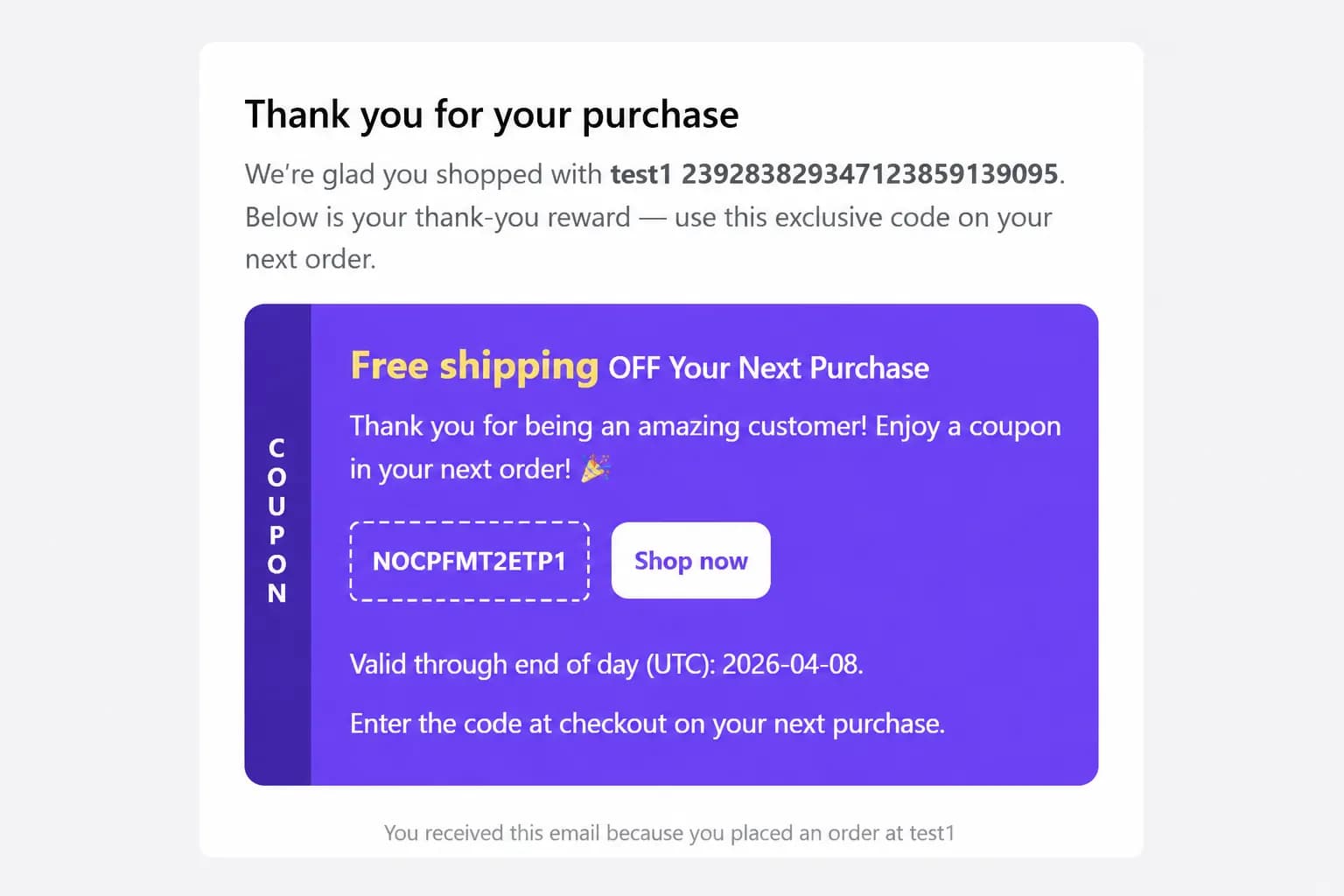
In the app: Next Order Coupon. Email customers a discount code for their next order after a qualifying purchase.
When to use it
- Win repeat purchases within days of an order
- Post-purchase follow-up email with an incentive
- Replace manual follow-up codes
Coupon modes
| Mode | How it works |
|---|---|
| Static coupon | Use an existing Shopify discount code you create in the app, same code for eligible orders |
| Automatic coupon | BundleWise generates a unique code per order with discount type, expiry days, qualifying order rules, and customer limits |
Configure mode at the top of the Next Order Coupon editor.
Setup
- Create Campaign → Next Order Coupon
- Choose Static or Automatic mode and fill in coupon / discount rules
- Customize email subject, body, and how the code appears
- Pages & Display, Email tab only (preview shows the email template)
- Publish
Delivery
- After a paid order webhook, eligible orders trigger code creation (automatic) or use your static code
- Email is sent to the customer address on the order
- There is no storefront widget for this type — placement is email-only
- Optional checkout or thank-you blocks in Shopify apply to Normal Discount and Bundle Discount only, not Next Order Coupon
Requirements
- Valid customer email on the order
- Check spam folders during testing on dev stores
- Automatic mode respects qualifying scope, min spend, and per-customer limits you set in the editor
Tips
- Set code expiry (e.g. 14 days) for urgency
- Test with a Bogus Gateway order on a development store